

Quick answer
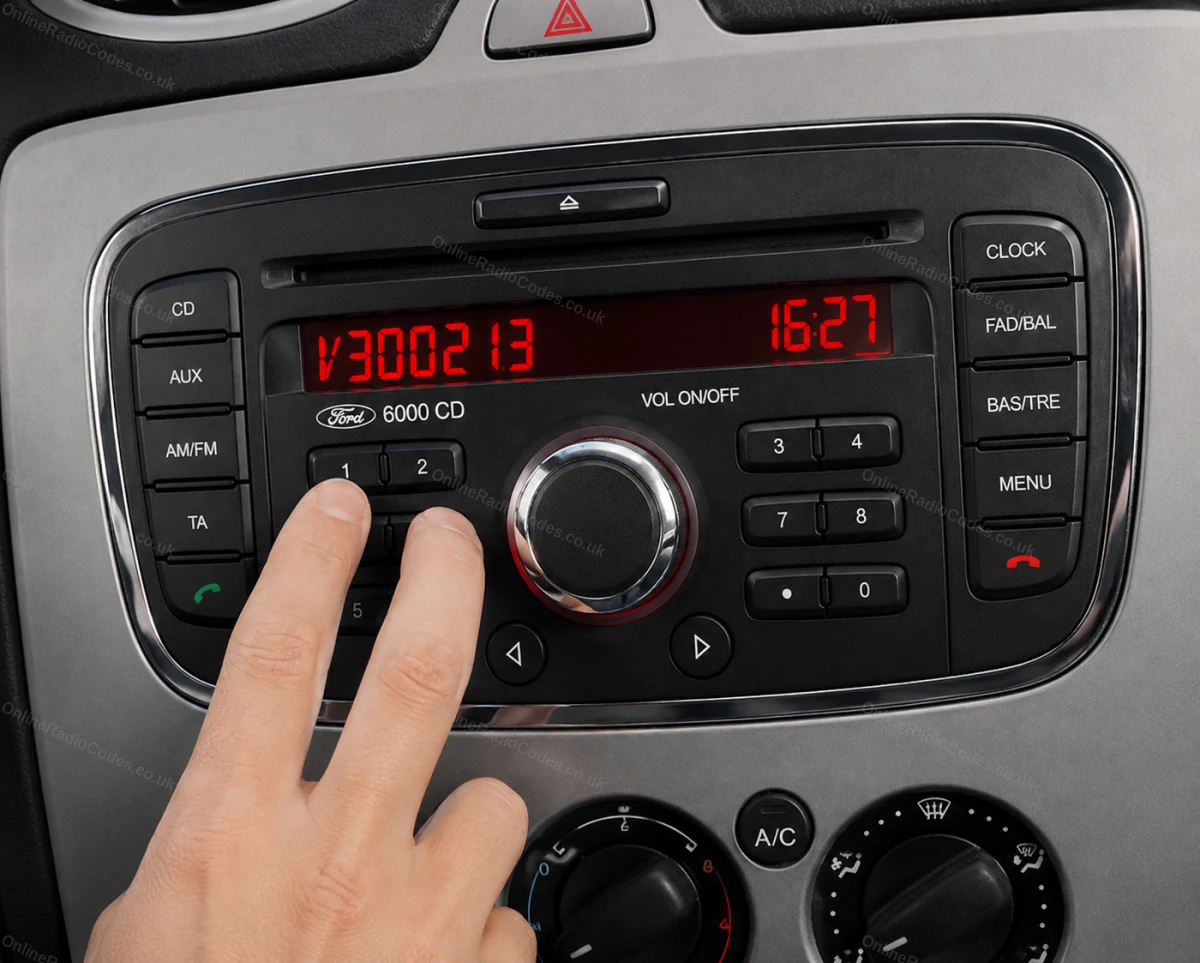
A lock word on the radio means wrong codes have gone in. The radio is not broken. Leave the ignition and the radio switched on, do not disconnect the battery, and on most units the screen goes back to CODE or 1000 within about an hour, or up to two hours on a Nissan. Then enter the right code once, slowly. On a Ford, LOCKED 10 means ten wrong codes have been tried.
On this page
The radio is not broken, it is making you wait
Every radio that asks for a code also counts the wrong ones. After a few misses it stops taking entries for a while and puts a word on the screen instead: SAFE, LOCKED, WAIT, ERR, or a countdown. That is the anti theft lock doing its job. It is there to make guessing slow, and nothing inside the radio has been damaged.
Lock words we see every day. None of them means the radio is broken.
We hear from people in this spot every day on our chat. Usually they have tried a code from an old handbook, or a few guesses, or their own code before the radio was ready for it. The way out is nearly always the same. Leave it switched on, wait, then enter the right code once.
While you wait:
- Keep the ignition and the radio switched on for the whole wait. If the battery is weak, charge it first, because an hour with the ignition on is a long time for a tired battery.
- Do not disconnect the battery. It does not reset the count of wrong codes, and the radio just asks for its code again when the power comes back.
- Leave the buttons alone until the screen changes. On some radios every extra try makes the next wait longer.
What each make shows, and how long it takes
Find your make, then read its section below for the detail.
| Make | The screen says | What clears it |
|---|---|---|
| VW, Audi, SEAT, Skoda | SAFE that stays, or 2 SAFE | About an hour with the radio switched on, until 1000 or CODE shows. |
| Ford | LOCKED 10 | Ten wrong codes. About an hour switched on, then CODE comes back. |
| Ford | LOCKED 13 | The limit. Waiting will not clear it. The radio has to be reset, and your code still works afterwards. |
| Honda | ERR | One wrong code. Turn the radio off and on. After repeated tries, about an hour switched on. |
| Nissan | A locked message or a countdown | 30 minutes to 2 hours switched on, depending on the radio. |
| Vauxhall Connect | A countdown | Leave it on until the countdown ends. Each wrong code makes the next wait longer. |
Seeing anti theft protection on a Mercedes? That is a separate lock from the radio code, and the Mercedes anti theft page covers it.

SAFE and 1000 on VW, Audi, SEAT and Skoda
SAFE means two different things on these makes, and it helps to know which one you are looking at.
Straight after a battery change, SAFE is just the lock. Turn on the ignition and the radio, and the screen shows SAFE and then 1000. The 1000 means the radio is ready for your code. On most of these radios you set each digit with the preset buttons, button 1 for the first digit, button 2 for the second and so on, then confirm. The confirm button differs from unit to unit, and your make's page shows it for yours.
If SAFE stays on the screen and 1000 never comes, or you see 2 SAFE, too many wrong codes have gone in. Leave the ignition and the radio on for about an hour and it will take entries again. Some SEAT radios want that hour before they accept a code at all, even the first time.
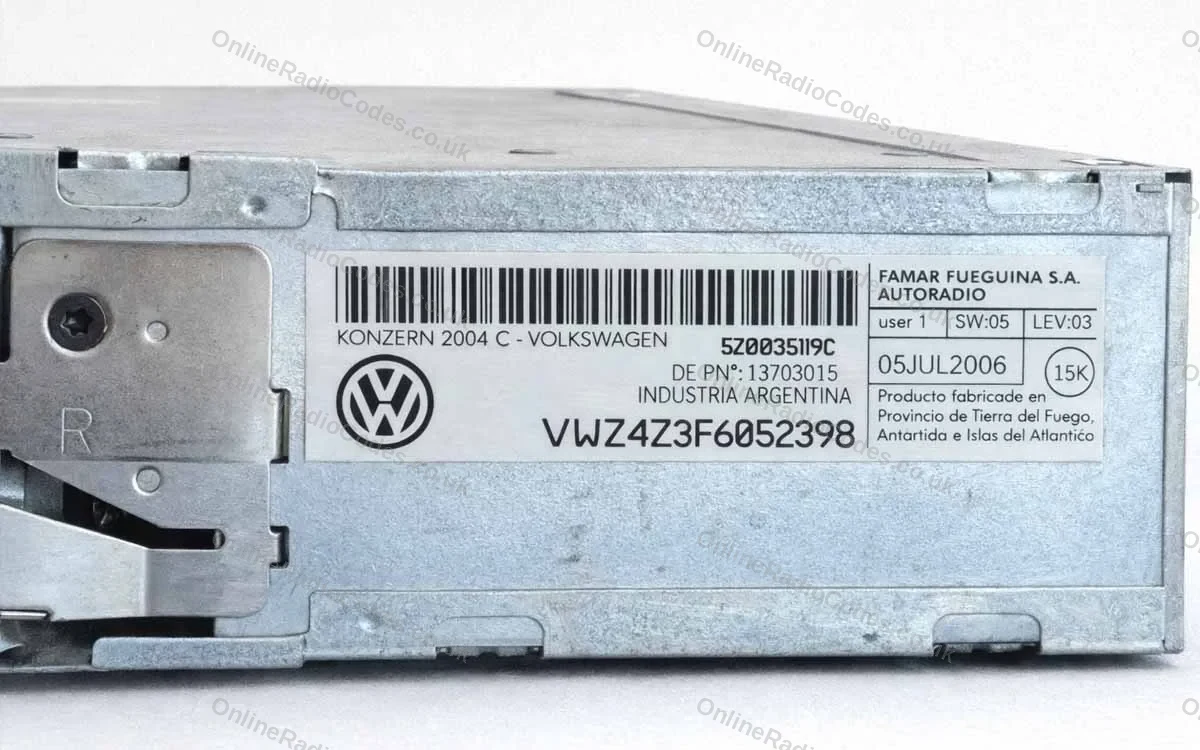
If SAFE is still there after the hour, give it a second hour before you touch the buttons. Then enter the code once. If it is refused, check the serial you ordered with against the label before you try again. A capital I and the number 1 look almost the same on these labels, and one wrong character gives a different code. Still stuck? Send a photo of the screen to our chat.
LOCKED 10 and LOCKED 13 on a Ford
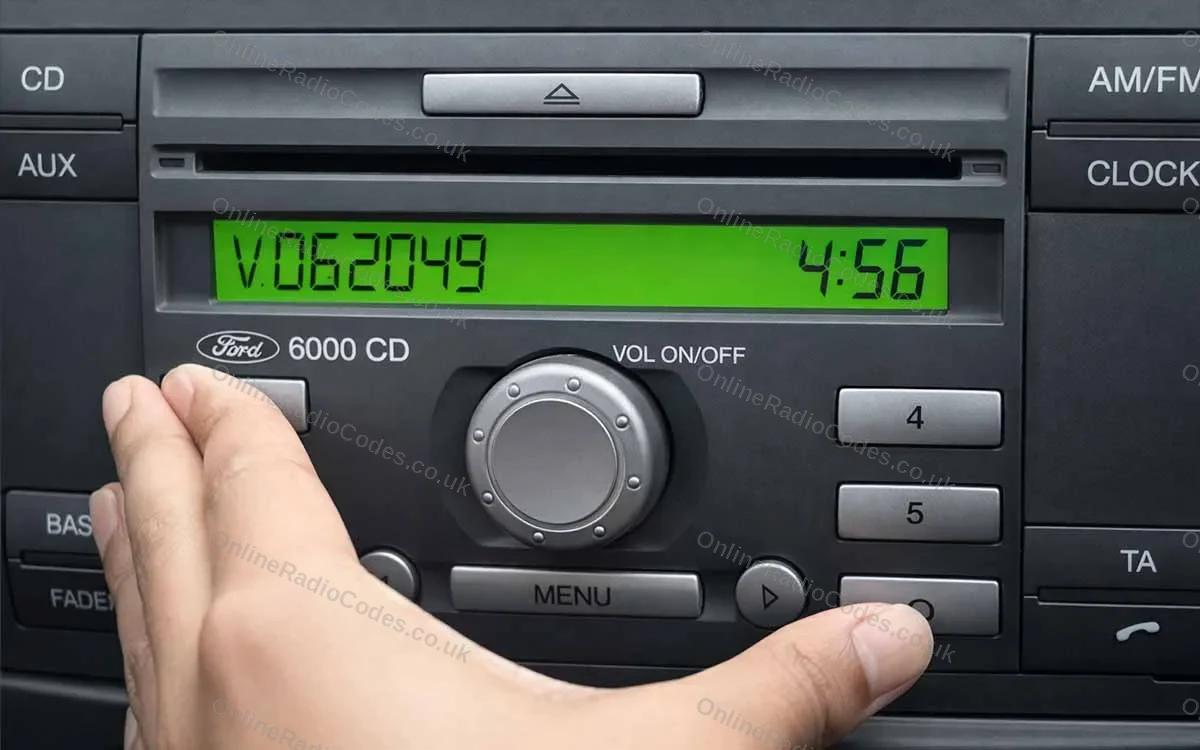
LOCKED 10 means ten wrong codes have been tried, and the radio has stopped taking them for now. The only thing that clears it is time with the power on. Leave the ignition and the radio on for about an hour and the screen goes back to CODE. Disconnecting the battery does not reset the count, so there is no shortcut.
When CODE comes back, enter your code once, carefully. If it is still refused, check the serial you ordered with. Ford serials are a letter and six digits read off the screen, and a letter O on the screen is the number zero.
LOCKED 13 is different. The radio has reached its limit of wrong entries and will not accept a code on its own any more. Waiting will not clear it and neither will the battery. The radio has to be reset by a radio specialist, and once it has been, your original code is still the right one.
ERR on a Honda
ERR means the last code entered was wrong. Turn the radio off and back on and the count of attempts resets, so you can try again.
Go carefully, though. After around ten wrong tries the radio shows an error and stops taking entries altogether. It is a temporary lock, not damage. Leave the ignition and the radio on for about an hour and the count resets, then enter the right code once, slowly.
If your radio showed a U number and an L number when you found the serial, check both were entered exactly as the screen showed them. A code worked out from the wrong pair will be refused every time, however long you wait.
Nissan: the countdown, and the screen that shows your serial
Enter several wrong codes on most Nissan radios and you get a locked message or a countdown. Nothing is damaged. Leave the radio powered on until it clears, which takes 30 minutes to 2 hours depending on the unit, then enter the right code.
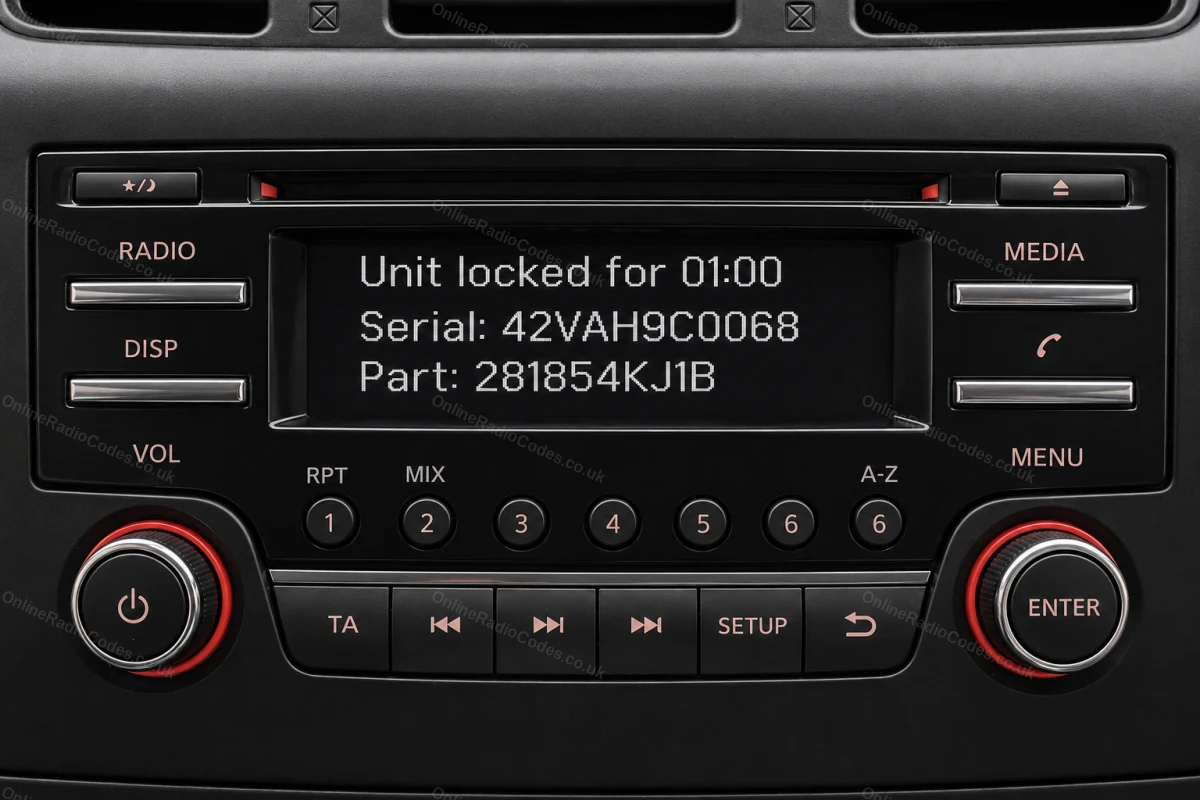
Nissan Connect, Daewoo and Visteon radios do something useful here. Enter any wrong four digit code three times, 0000 for example, and the screen locks and shows the serial, a device or part number and, on most, a date. That is the screen in the photo at the top of this page, and it is exactly what your order needs. Write down everything on it before it clears.
Older Nissan radios with buttons and a CD slot do not do this. Clarion units (serials starting CL, PN or PP) and Blaupunkt units (BP) have the serial on a label on the casing, so the radio has to slide out.
Screens that waiting does not fix
A few lock screens never count down. Instead they tell you to contact your dealer. We see these on Nissan Connect and Bosch units that say the system is locked, on the Vauxhall Vivaro (Radio Locked), and on some Clarion units in Nissans (SECURE). On a Nissan, the one to watch for has no timer and no serial on it, just the message.
We cannot promise that time clears these, and no code will go in until the lock has been lifted. So before you order, send a photo of the screen to our chat and we will tell you straight whether a code will help.
When the screen clears
Once the screen is back to CODE or 1000, you have one clean try. Have the code written down in front of you, enter it slowly and check each digit before you confirm.
If it is refused again, stop there. Check the serial you ordered with against the radio and send us a photo on chat, rather than spending another hour waiting.
Your code never changes. It belongs to the radio, so keep it with the car's documents and the next battery change takes a minute. No code yet? Use the button below to pick your make, and its page shows where to find the serial.
Questions we get asked
My Nissan radio says incorrect PIN entered too many times and the system is now locked. Is there any way to unlock it?
On most Nissan radios the lock clears by itself. Leave the ignition and the radio on, and after 30 minutes to 2 hours it will take a code again. If the screen shows a timer or your serial, wait it out. If it says the system is locked and to contact your dealer, with no timer, that lock does not clear with time, so send us a photo of the screen before you order.
It told me I have to wait 30 minutes before trying again.
That is the radio pausing after a wrong entry, and it does not mean your code is wrong. Leave the ignition and the radio on for the full 30 minutes without pressing anything, then enter the code once, digit by digit.
My radio has gone into SAFE 2.
2 SAFE means too many wrong codes have gone in. Leave the ignition and the radio switched on for about an hour and it will accept entries again. Then enter the code once, slowly, with the button method on your make's page.
The radio says locked, contact dealer.
Some units show this instead of a countdown, including Nissan Connect and Bosch radios and the Vauxhall Vivaro. We cannot promise that waiting clears it, and no code will go in until it has. Send a photo of the screen to our chat and we will tell you whether a code will help.
It is still saying CODE ERROR.
If the radio shows CODE or CODE ERROR as soon as it is switched on, it is asking for its code, not locked out. The code comes from the radio's serial, and your make's page shows where to find it.
I changed my battery and the radio locked again. Do I need a new code?
No. The code belongs to the radio and never changes, so the same code unlocks it after every battery change. Keep it somewhere safe with the car's documents.