





How to enter a VW Beta or Gamma radio code
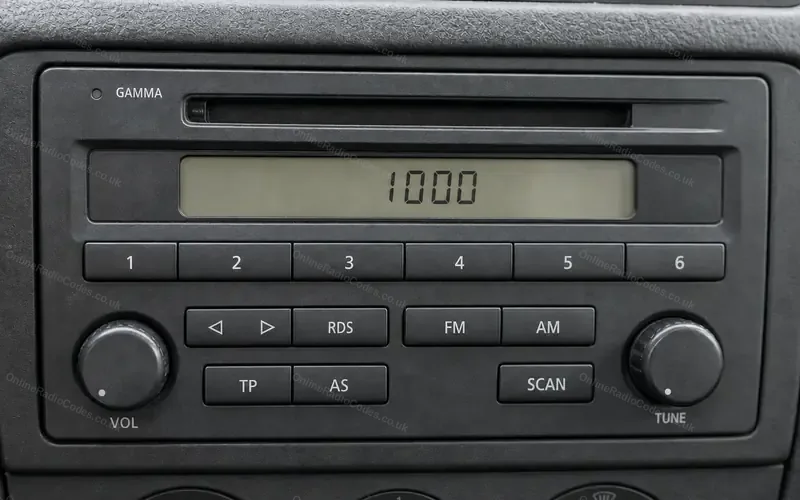
The cassette and CD radios with station buttons 1 to 6, in the Golf Mk4, Bora, Polo, Lupo and Passat from 1998.Illustration.
Type it and every step uses your own digits. It stays on this page.
Switch the radio on. SAFE shows, then 1000 by itself. You do not press anything to get there.
Every step
Checked against VW's workshop manuals for the Golf Mk4 and Polo.
If it locks
VW's instructions for these radios do not say how many tries you get. The VW radios that followed allow two, then lock for about an hour with the radio left switched on. Treat yours the same: check all four digits before you hold the rocker. What each lockout screen means
Which one is the seek rocker?
The button with a left and a right arrow on it. If your radio has two of them, either will do. Press its right hand side.
An Alpha, or a Beta or Gamma from before May 1998?
Those do not bring up 1000 by themselves. Hold TP and TA together until 1000 shows, then let go. Set the digits with station buttons 1 to 4. Then hold TP and TA together again until SAFE shows, and let go. A station comes on shortly after.
An RCD 200?
It confirms with the knob on the right and has its own steps. RCD 200 steps
Not this one? Other Volkswagen radios
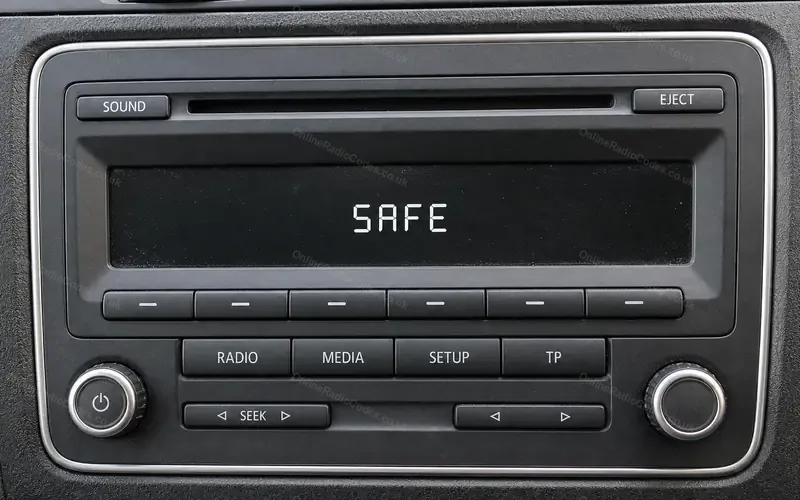 VW RCD 310 and RCD 210Golf, Polo, Jetta, Caddy
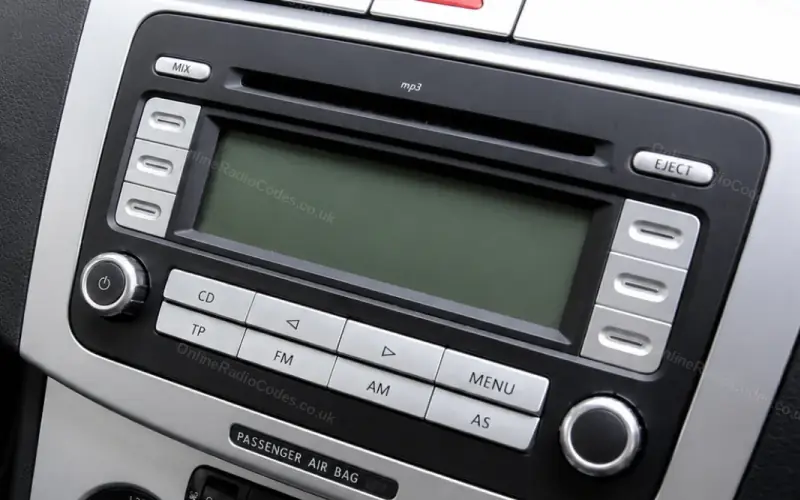 VW RCD 300 and RCD 500Golf Mk5, Jetta, Passat, Touran
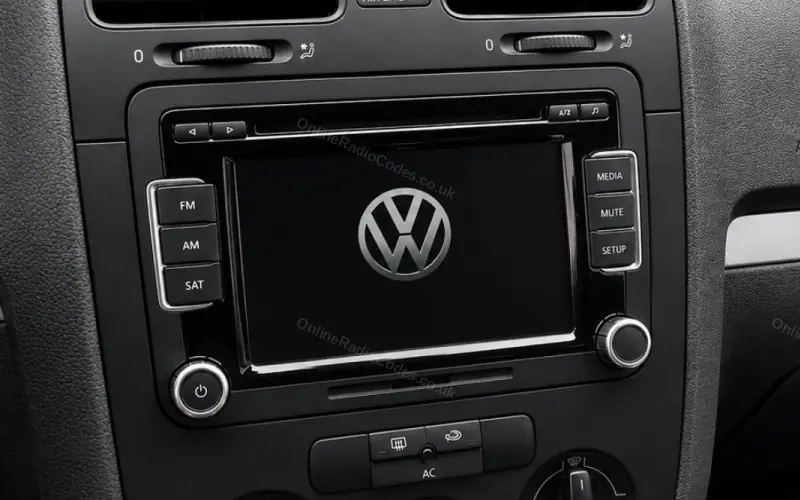 VW touchscreen: RCD 510, RNS 510, RNS 315Golf, Passat, Tiguan, Scirocco
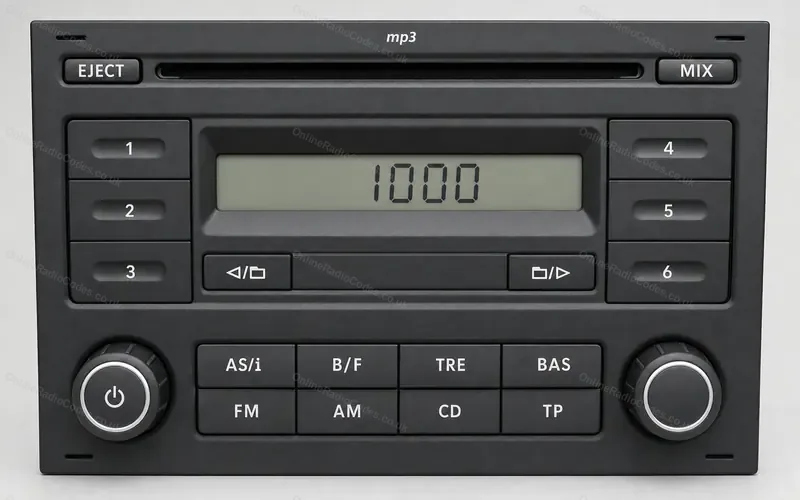 VW RCD 200Polo, Golf Mk4
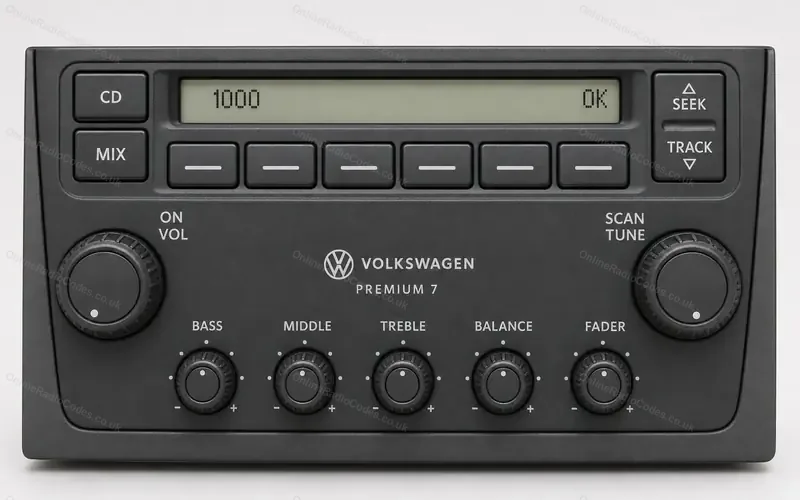 VW Premium radio, USA and CanadaJetta, Golf, Passat in North America
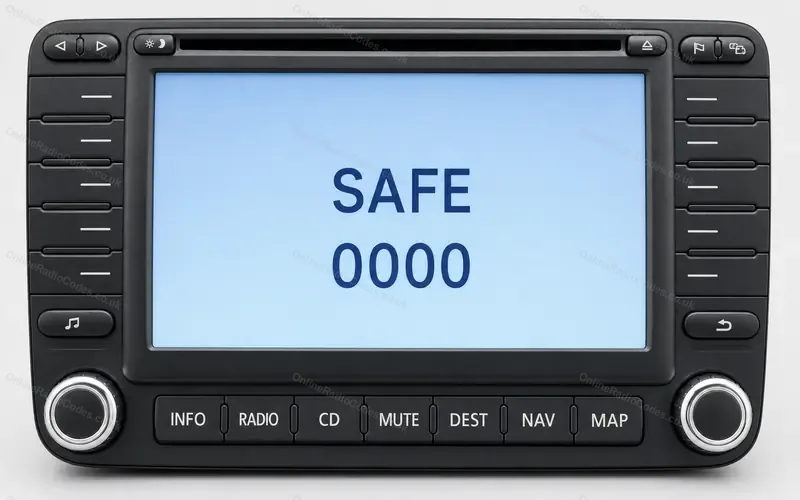 VW navigation: MFD and MFD2Navigation that shows SAFE and 0000