





How to enter a VW MFD2 navigation code
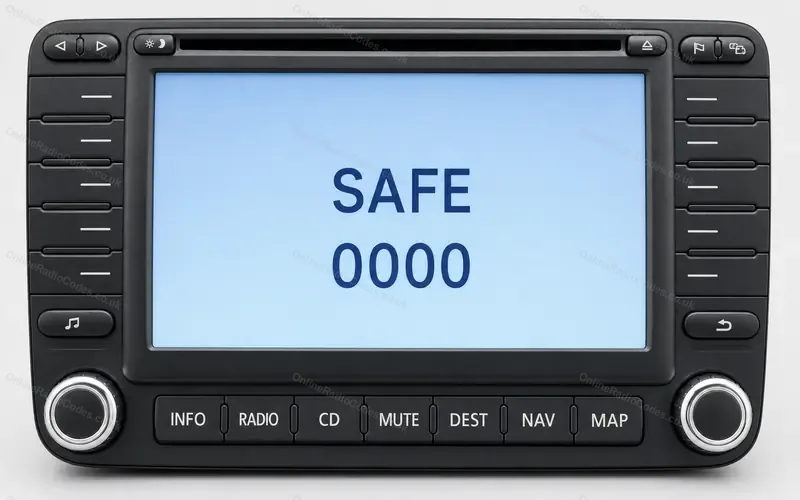
VW navigation radios that show SAFE and 0000 with a box of letters and numbers when they want the code: the MFD2 in the Golf Mk5 and the older navigation radio in the Golf Mk4.The MFD2, drawn from a photo.
Type it and every step uses your own digits. It stays on this page.
Switch the unit on. The screen shows SAFE and 0000, with a box of letters and numbers to pick from.
Every step
Checked against VW's workshop manuals for the Golf Mk4 and Golf Mk5.
If it locks
You get three tries. After the third wrong code the unit locks for one hour. Leave the ignition and the unit switched on, then you can try again. What each lockout screen means
The older navigation radio in the Golf Mk4?
It shows Please enter code above SAFE and 0000. Pick each digit from the box and accept it, then confirm by pressing the right hand knob. A first wrong code makes SAFE flash and then stay on, with one more try. After the second it locks for 60 minutes: leave it switched on with the key in the ignition.
Not this one? Other Volkswagen radios
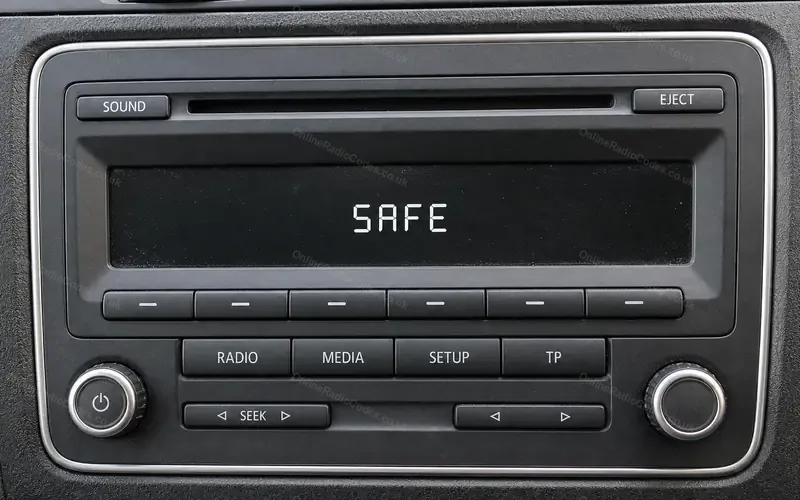 VW RCD 310 and RCD 210Golf, Polo, Jetta, Caddy
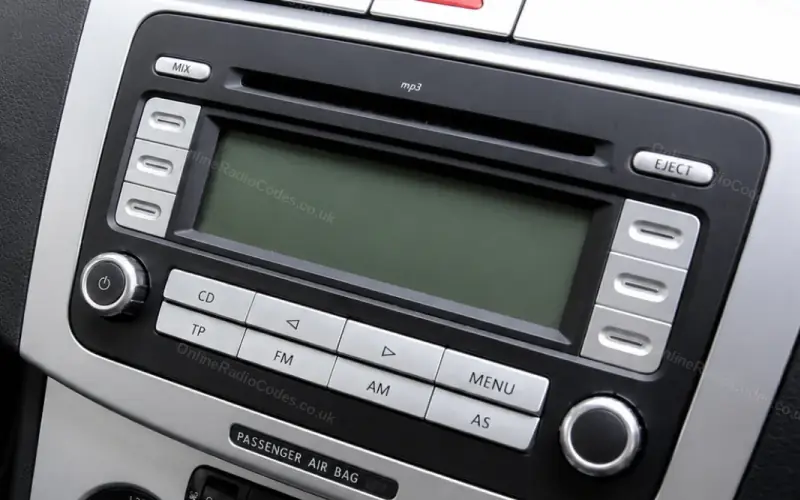 VW RCD 300 and RCD 500Golf Mk5, Jetta, Passat, Touran
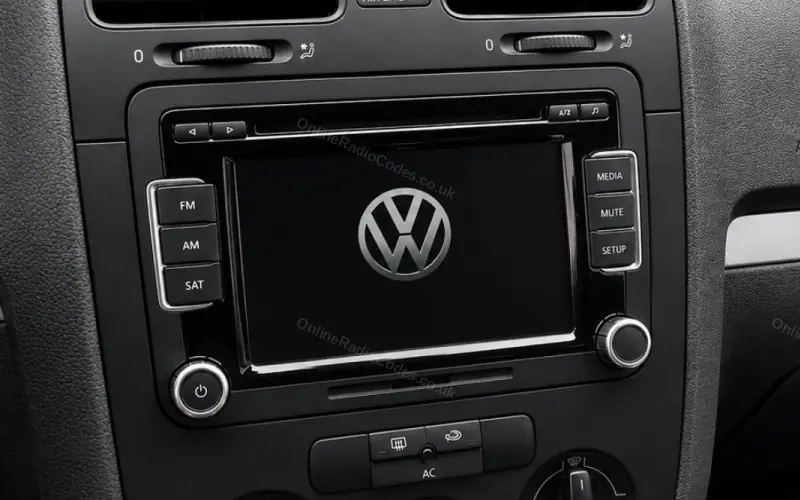 VW touchscreen: RCD 510, RNS 510, RNS 315Golf, Passat, Tiguan, Scirocco
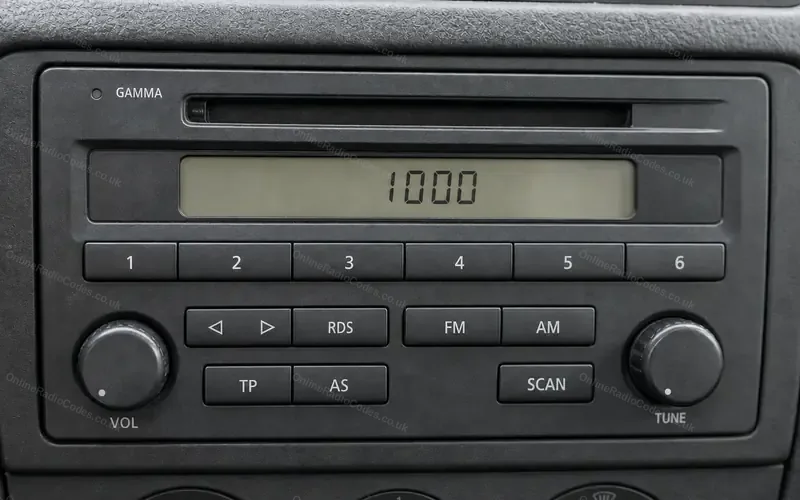 VW Beta and GammaGolf Mk4, Bora, Polo, Lupo
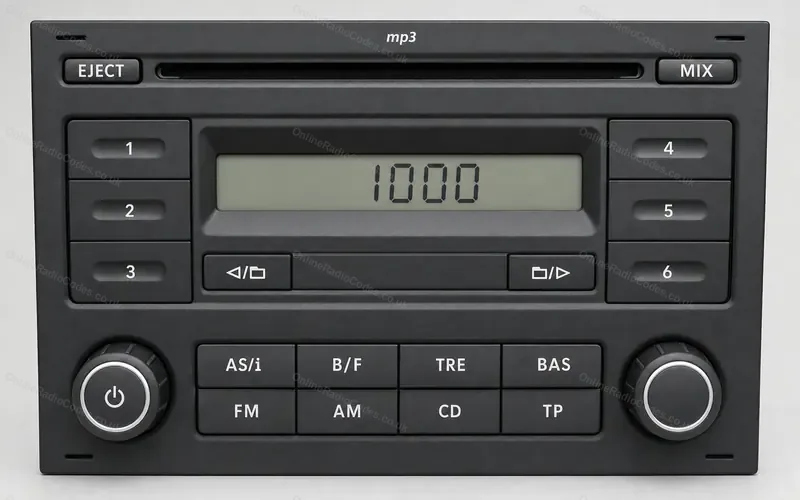 VW RCD 200Polo, Golf Mk4
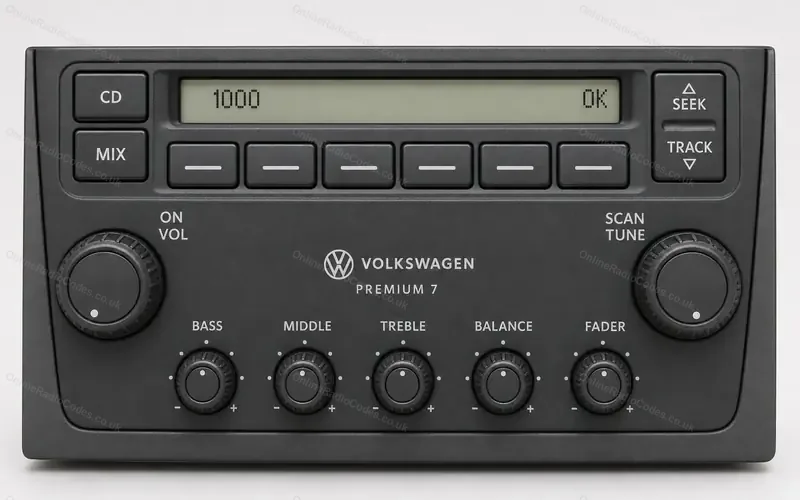 VW Premium radio, USA and CanadaJetta, Golf, Passat in North America