

How to enter a Renault or Dacia Media Nav code
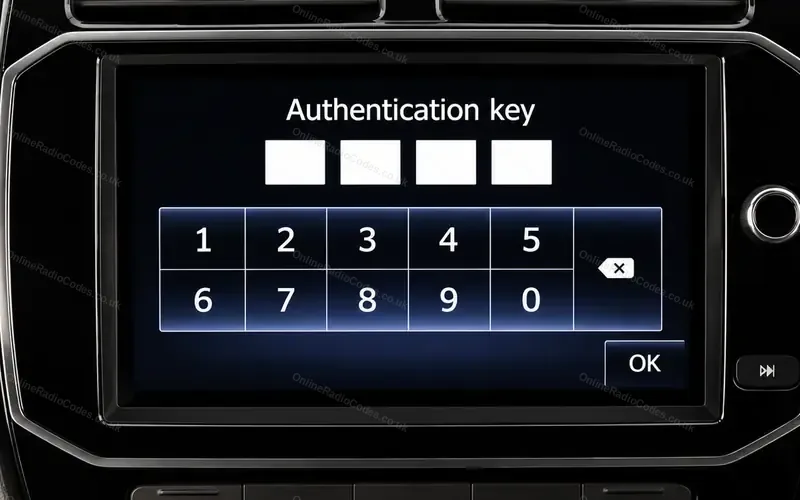
The 7 inch Media Nav touchscreen in the Dacia Duster, Sandero, Logan, Dokker and Lodgy and the Renault Captur, Clio, Kwid and Symbol.
Type it and every step uses your own digits. It stays on this page.
Switch the system on. The screen shows CODE, four empty spaces and a number keypad.
Every step
Checked against Renault's Media Nav Evolution manual. The authentication key screen on earlier units is from ORC's own records.
If it locks
A wrong code shows Incorrect PIN. The system is locked. Wait one minute, then enter the code again. The wait doubles with each wrong code. What each lockout screen means
Screen asks for an authentication key?
Earlier Media Nav screens ask for an authentication key or authentication code. It is the same four digits. Renault's manual does not cover that screen, so go by what it shows: type the digits on its keypad, then press the OK key on the screen.