

How to enter a Renault or Dacia radio code
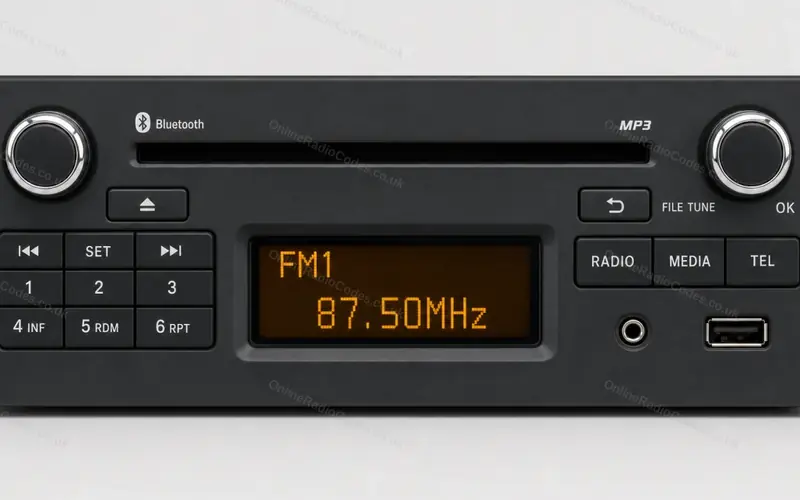
The radio with six preset buttons in the Clio, Captur, Kangoo, Twingo, Trafic and Master, and the Dacia Duster, Sandero, Logan, Dokker and Lodgy, from 2012.
Type it and every step uses your own digits. It stays on this page.
Switch the radio on. The display shows CODE, then 0000.
Every step
Checked against Renault's and Dacia's radio manuals.
If it locks
A wrong code brings up CODE ERROR and WAIT. The first wait is about a minute and it doubles with each wrong code. Keep the ignition on while you wait, because the radio only stays on for ten minutes without it. Then enter the code again. What each lockout screen means
A Dacia with a knob in the middle?
That is the same radio with a different front: a small power button, the presets either side of a centre knob, and the volume on two buttons. The code goes in the same way: presets 1 to 4, then hold preset 6.
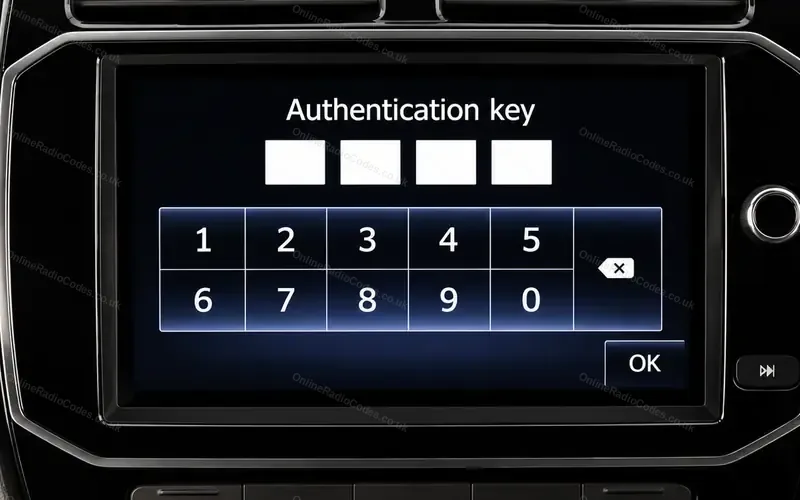
A touchscreen instead of preset buttons?
The Media Nav screen has its own keypad. Media Nav steps
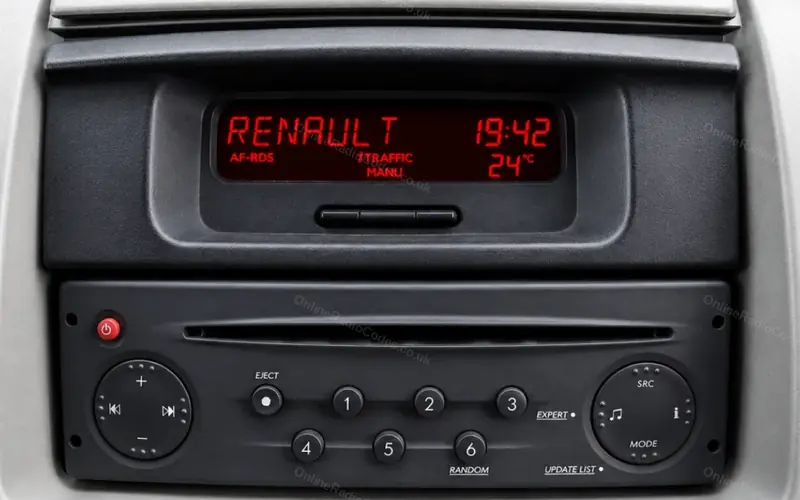
A Renault from before 2012?
The older radios take the code in a different way. Older Renault steps