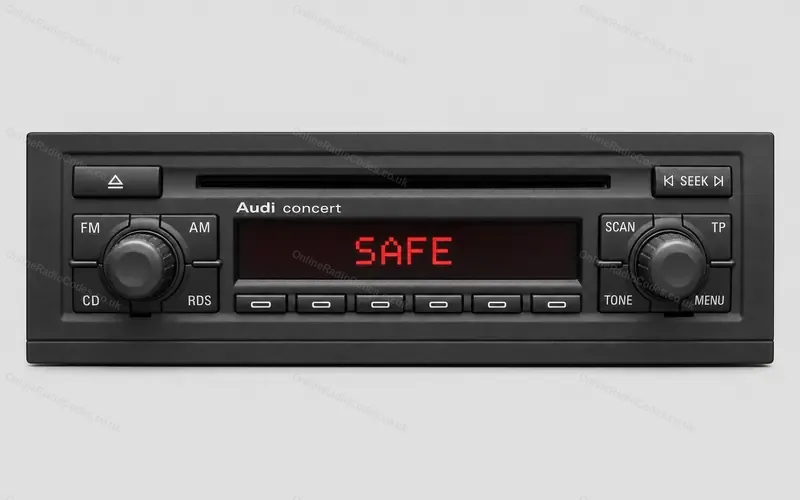


How to enter an Audi RNS-E code
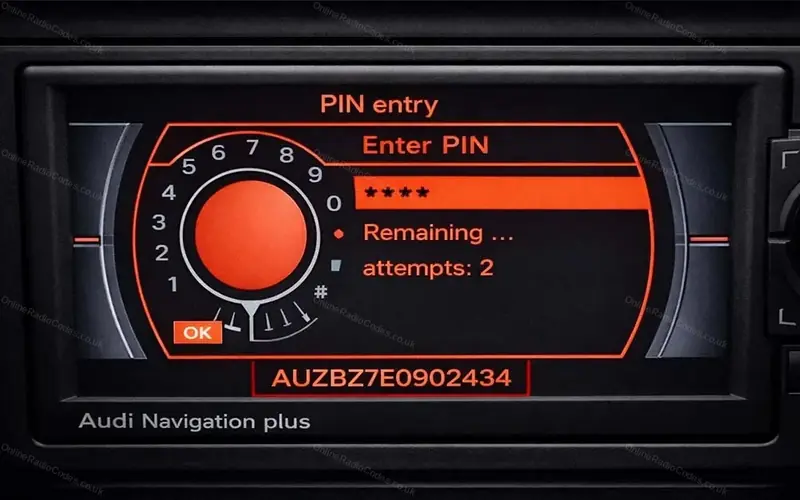
The Navigation plus unit with a colour screen and a large control knob to its right, in the A3, A4 and TT from 2004. The serial starts AUZBZ.
Type it and every step uses your own digits. It stays on this page.
Switch the ignition on. Switch the unit on if it does not come on by itself. The screen reads PIN entry, with the digits 0 to 9 set round a dial and the tries you have left.
Every step
Checked against Audi's operating instructions for the RNS-E.
If it locks
You get two tries and the screen counts them. After two wrong codes it reads System is locked. Leave the unit switched on with the key in the ignition for about 60 minutes, then you get two more. Without the key the unit switches itself off after 30 minutes and the hour starts again. What each lockout screen means
Entered a wrong digit?
Turn to DEL and press the knob. It takes the last digit back.
An older Navigation Plus with no dial of digits on the screen?
That is the earlier unit, the RNS-D. These steps are not for it. Go by the buttons on yours