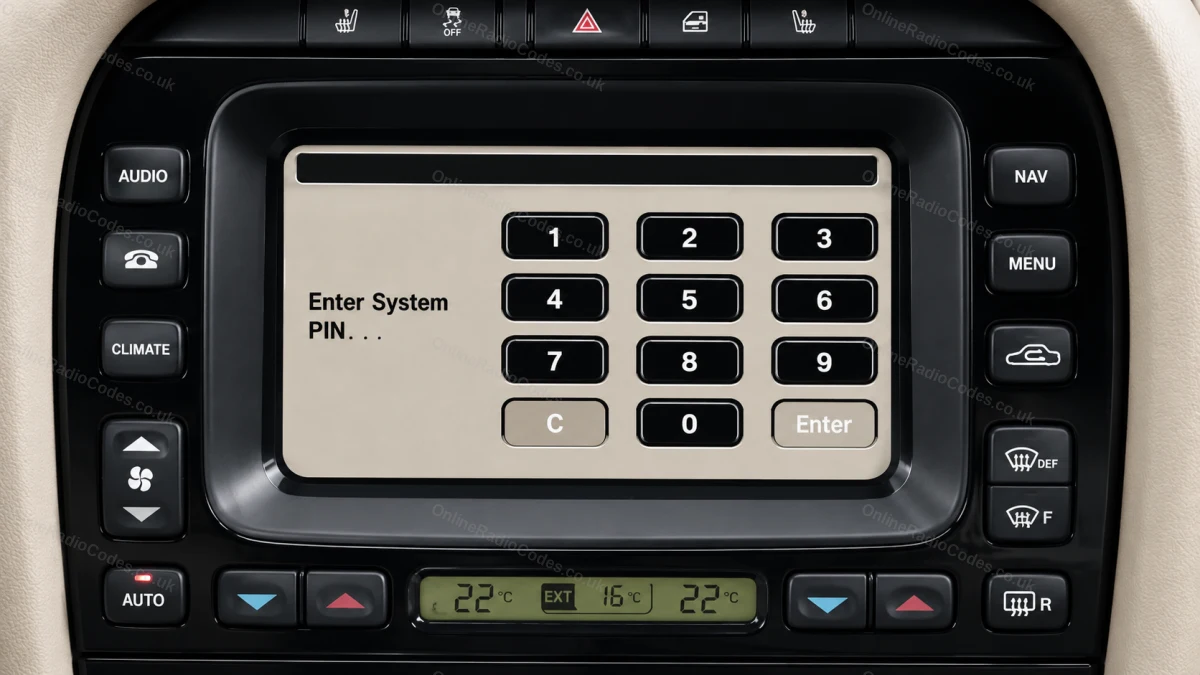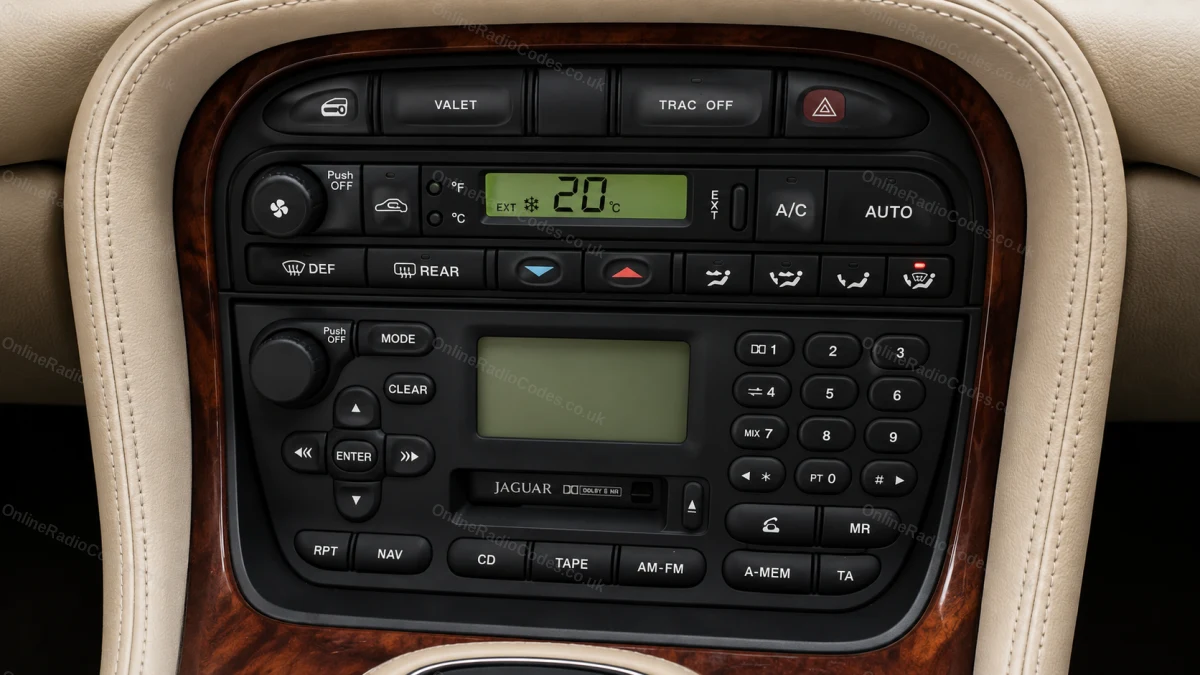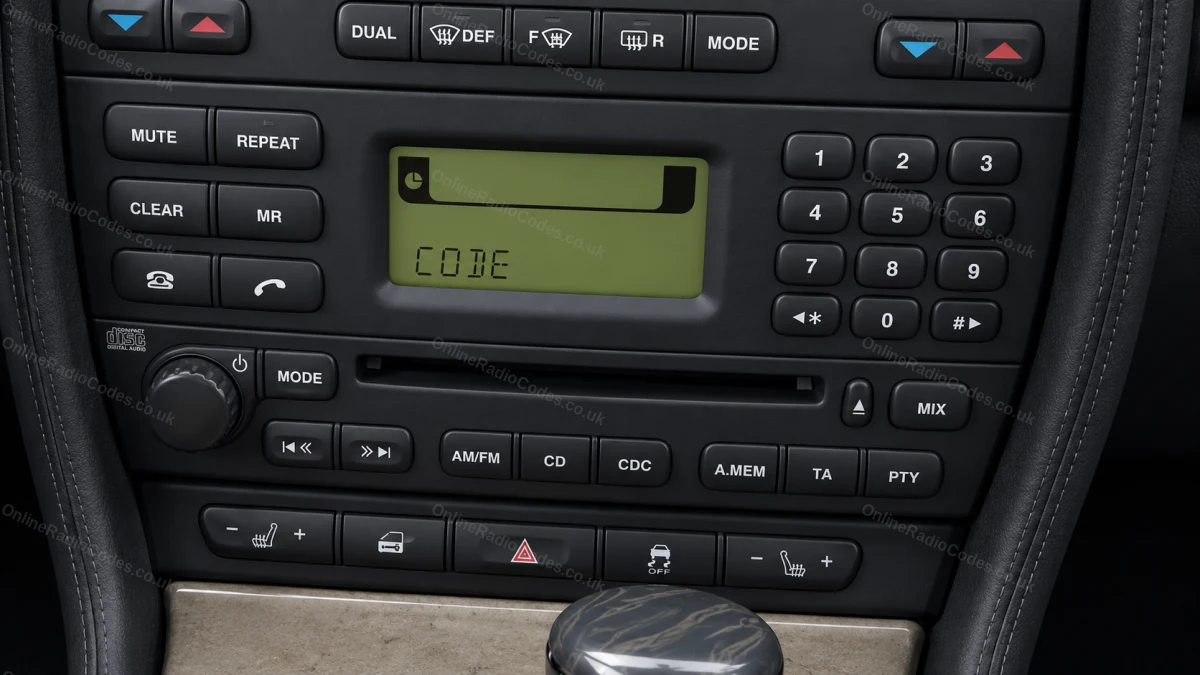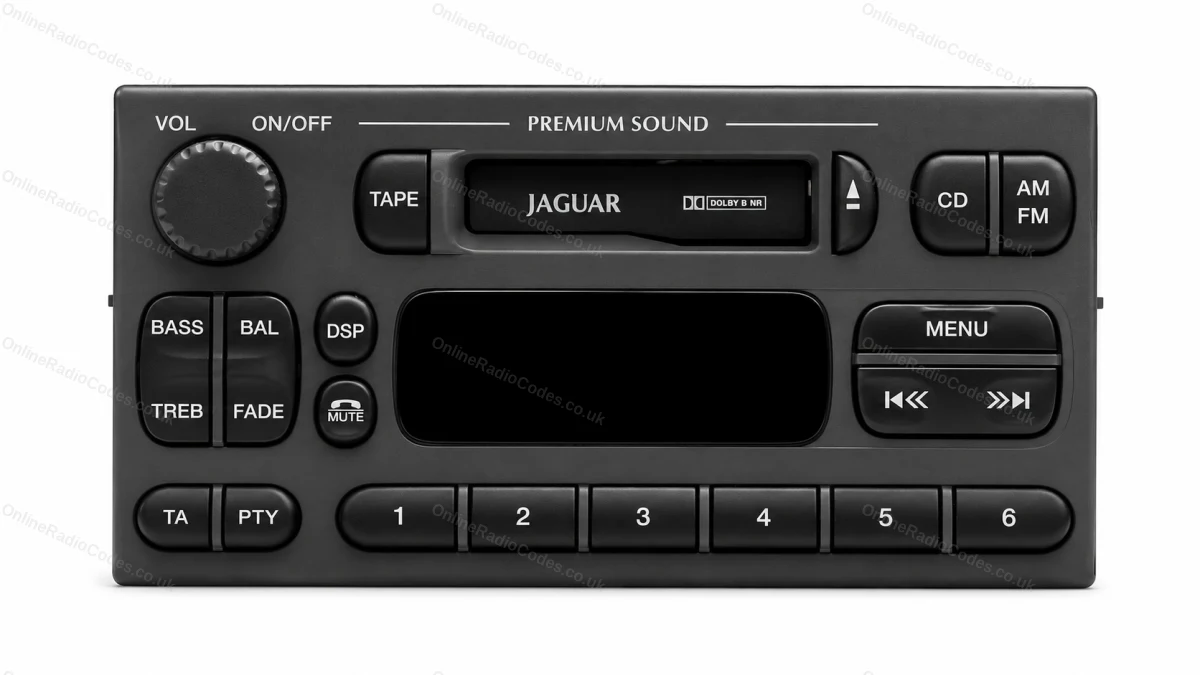









On Screen
Show the serial on the radio display
Some older Jaguar radios can display the serial on screen, so you may not need to remove the unit.
Hold presets 2 and 6 together until the serial appears on the display.
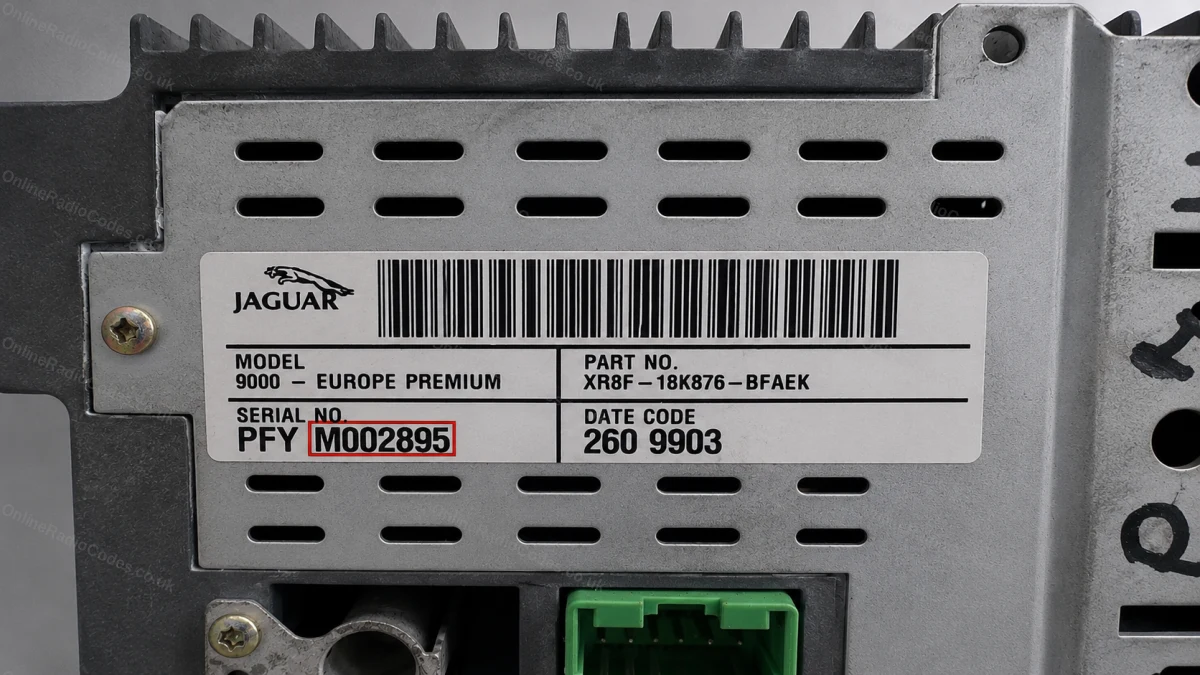
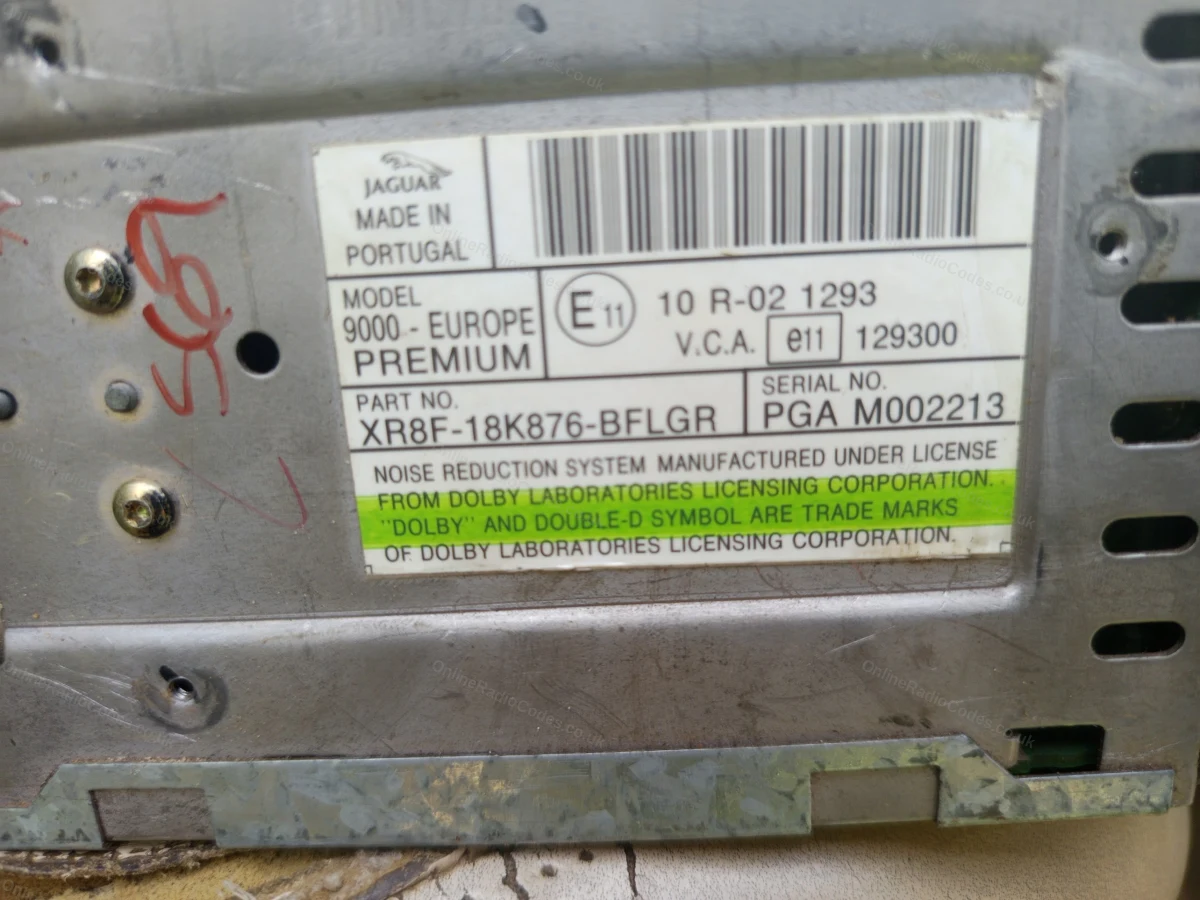
Jaguar serials usually start with JA (for example JACN3570349472). Some X-Type units instead show an M followed by six digits (for example M020099). Enter whichever your screen shows.
Remove the Radio
Remove the radio to reach the serial
If the serial will not show on screen, remove the unit. Insert radio release keys into the holes at each corner of the fascia, push gently outward, and slide the unit forward. No wires need to be disconnected to read the serial.
Serial Label
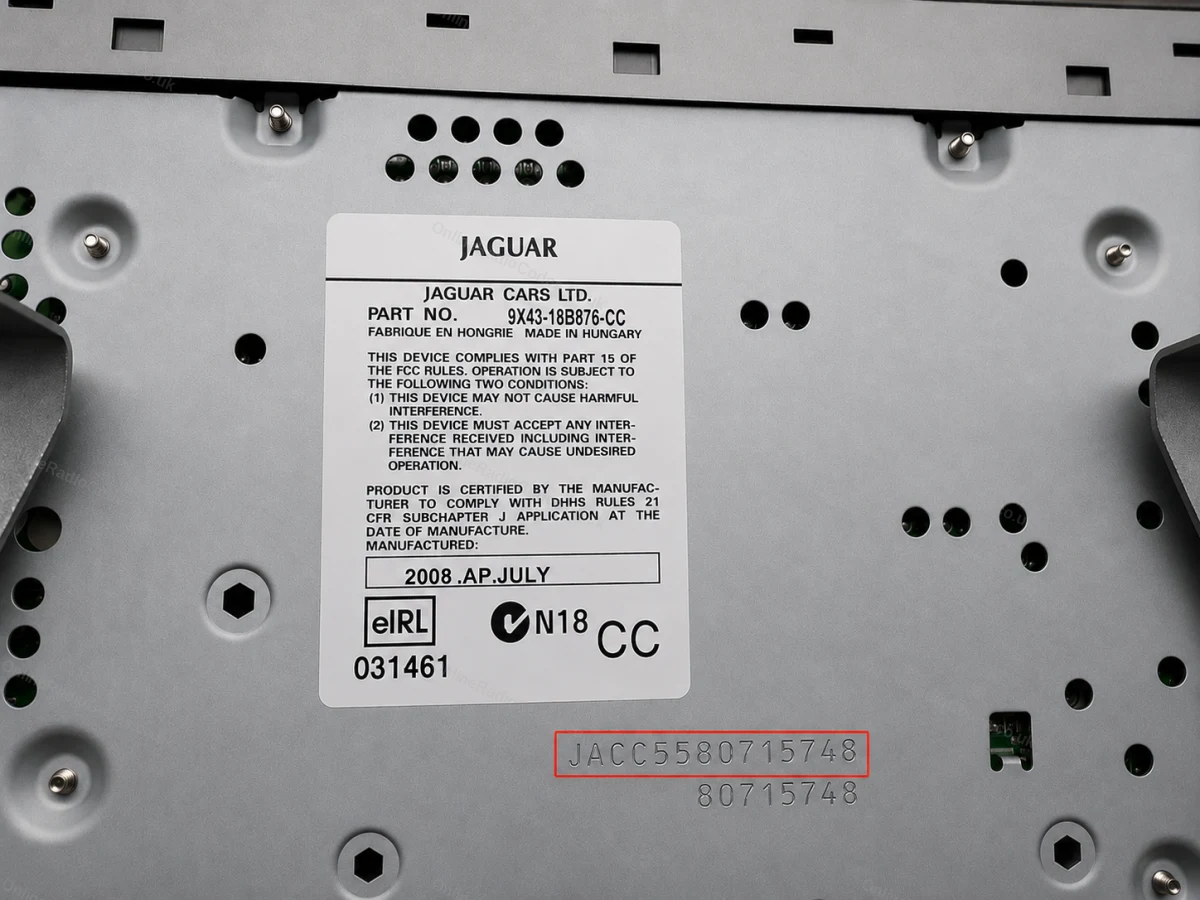
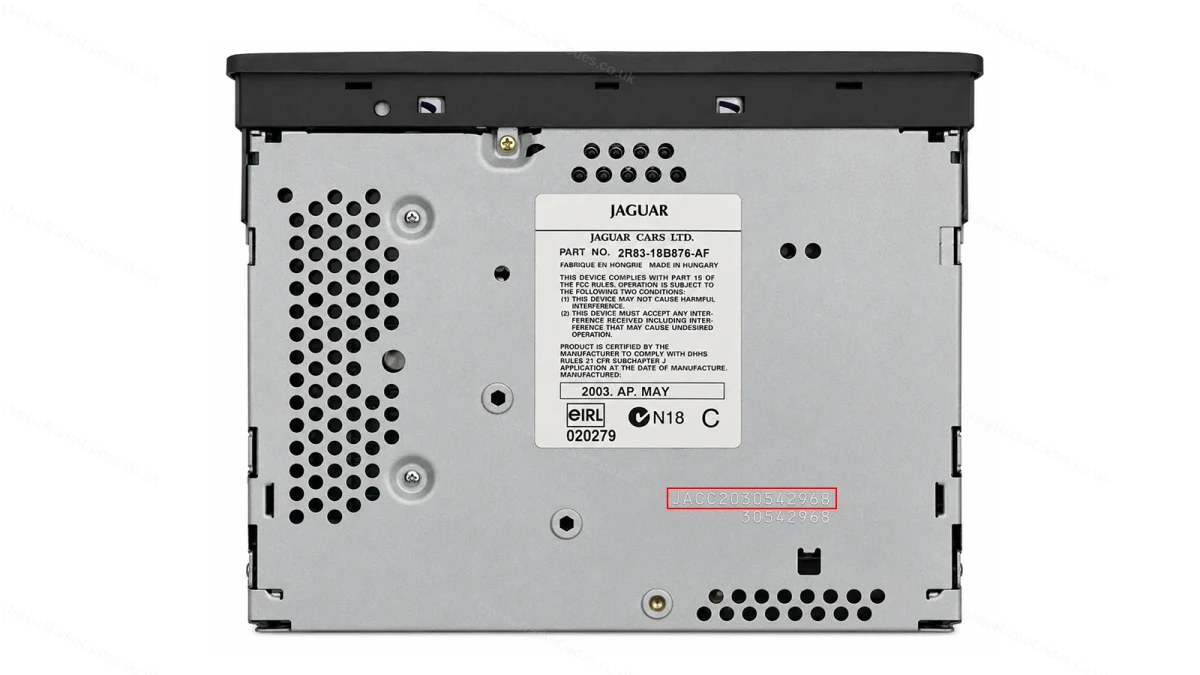
Read the serial from the label, and the engraving beneath it
The serial is on the top or side of the unit.
Common trap: the printed sticker often shows only a part number. The real radio serial starting JA is frequently engraved into the metal casing underneath or beside the label. If the sticker does not start JA, look for the engraved JA code.
X-Type: some X-Type radios are Ford-based and use an M-series serial (M followed by six digits) instead of a JA code. Enter whichever your unit shows.