

All radios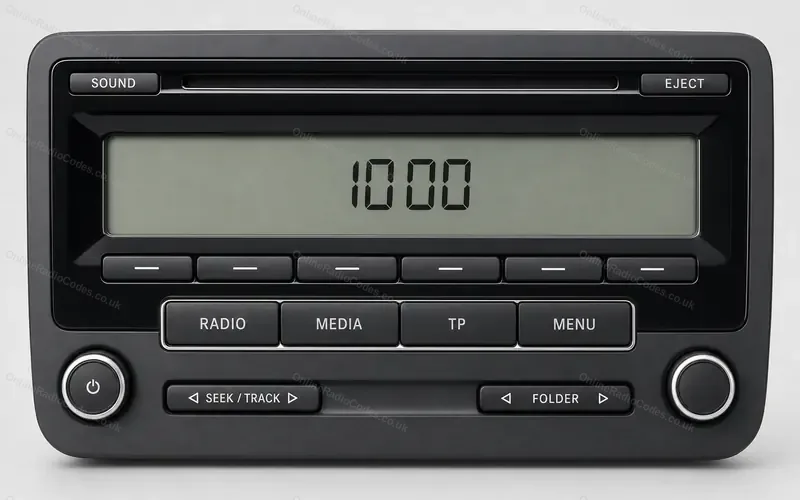
How to enter a SEAT Sound System radio code
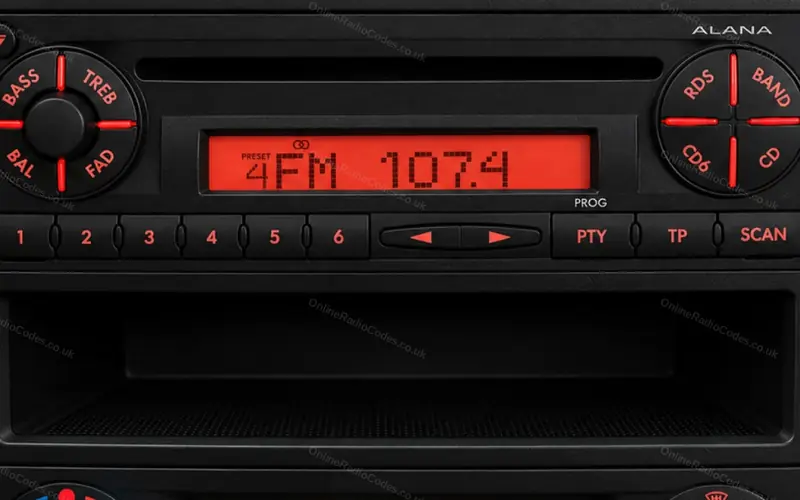
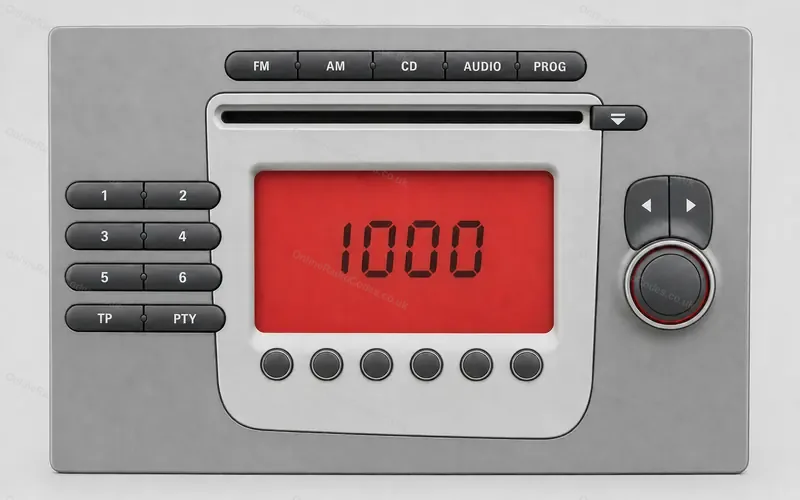
SEAT Sound System radios with a row of unmarked keys under the display, as fitted to the Leon. The touchscreen Sound System 3.0 has its own steps.The Sound System 2.0, drawn from SEAT's manual.
Type it and every step uses your own digits. It stays on this page.
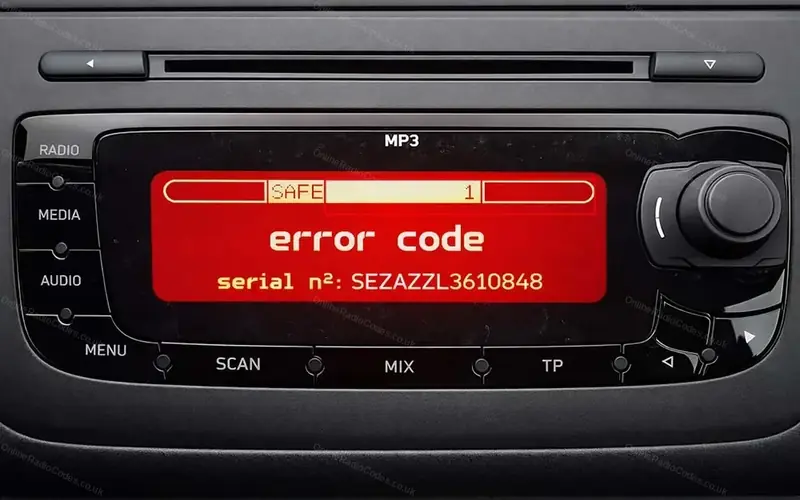
Switch the radio on. SAFE shows for about ten seconds, then 1000. You do not press anything to get there. The display marks the key that sets each digit.
1 of 6
Every step
Checked against SEAT's workshop manual for the Leon.
If it locks
SAFE
You get two tries. After the second wrong code SAFE stays on the display. Leave the ignition and the radio switched on for about an hour, then you get two more. What each lockout screen means
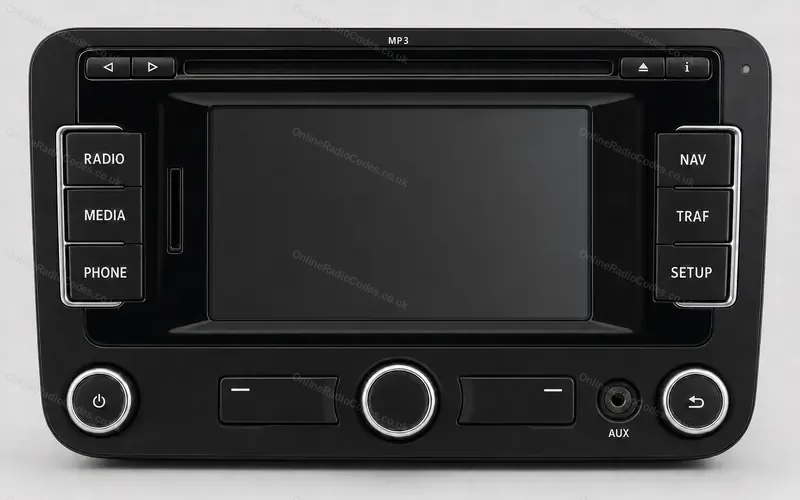
A touchscreen Sound System 3.0?
It shows a keypad on the screen. SEAT touchscreen steps