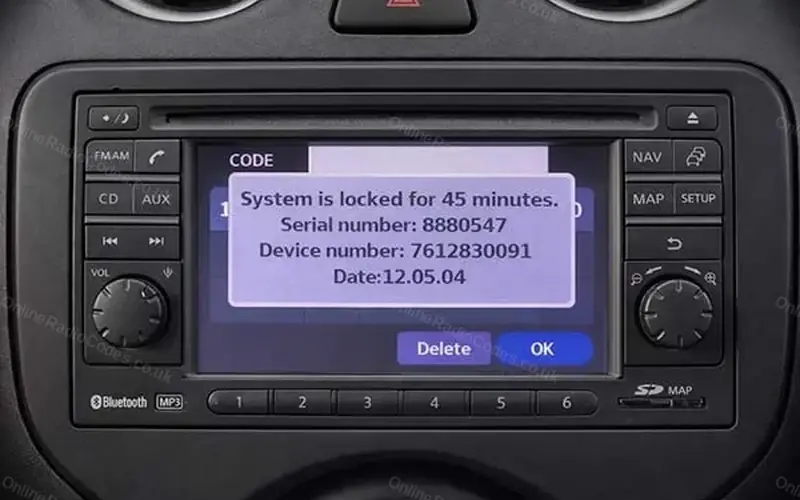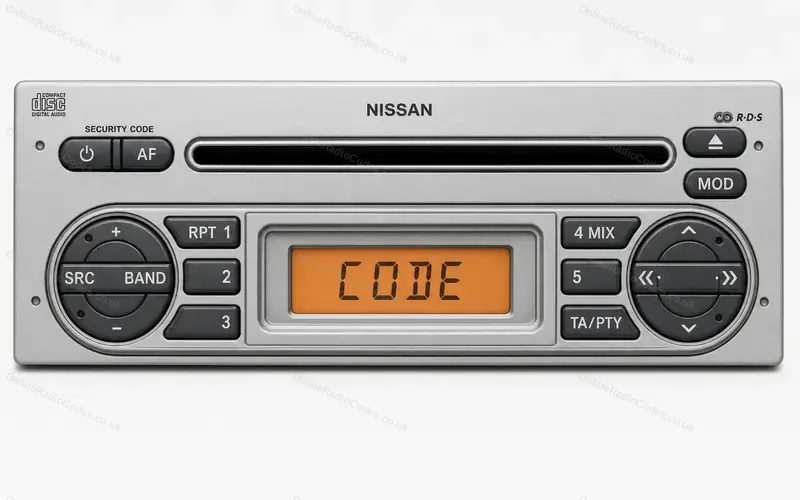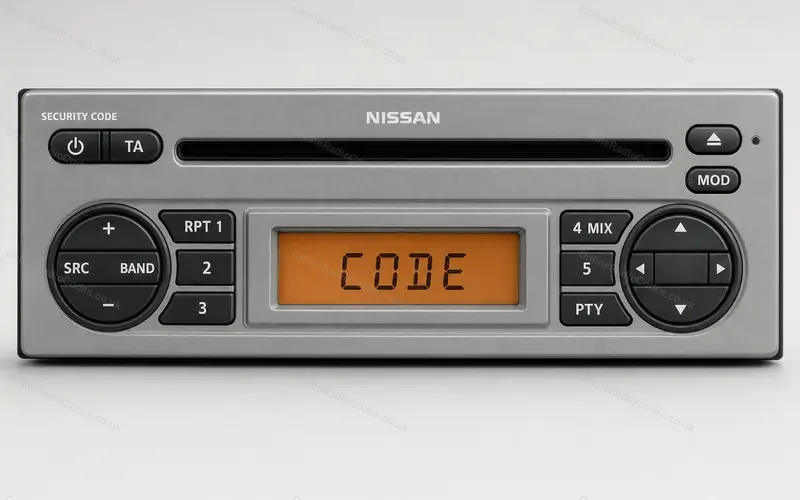


How to enter a Nissan CD radio code
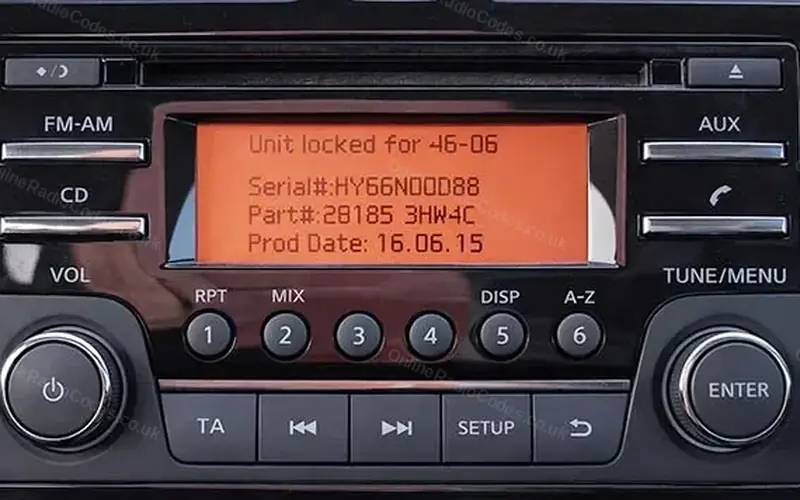
The CD radio in the Qashqai, Micra, Note, Juke and NV200: presets 1 to 6 under an orange display, and a TUNE MENU knob marked ENTER. The serial starts DW, DS, HP, HY or HG.
Type it and every step uses your own digits. It stays on this page.
Turn the ignition to ACC or ON. The display shows Radio Code and 0000.
Every step
Checked against Nissan's Qashqai and Leaf owner's manuals.
If it locks
A wrong code shows INCORRECT PIN and the tries you have left. The third wrong code starts a 60 minute countdown. After eight rounds of three wrong codes the radio locks for good, so do not guess. What each lockout screen means
Pressed ENTER to confirm?
The ENTER knob does not confirm the code. It only takes you back to the entry screen after a wrong code. The confirm is a long press on preset 6.
Entered 0000 three times to see the serial?
That uses one of your eight rounds and starts the 60 minute countdown. Wait for it to finish before you enter your code.
RADIO, DISPLAY and MEDIA buttons instead?
Nissan's manual gives the same steps for that radio: presets 1 to 4 from 0000, then a long press on preset 6.