Get your Honda Pilot radio code fast. Follow our guide to retrieve your serial from the radio display without removing the unit, then enter it below for an instant code. Works for all standard, navigation, and DVD audio systems across all Pilot generations.
Money back guarantee
Lifetime free retrieval
Enter your serial number
Over 1 million codes delivered worldwide.
Instantly displayed
Money back guarantee
Secure checkout
The guide below will show you exactly where to find your Honda radio serial number.
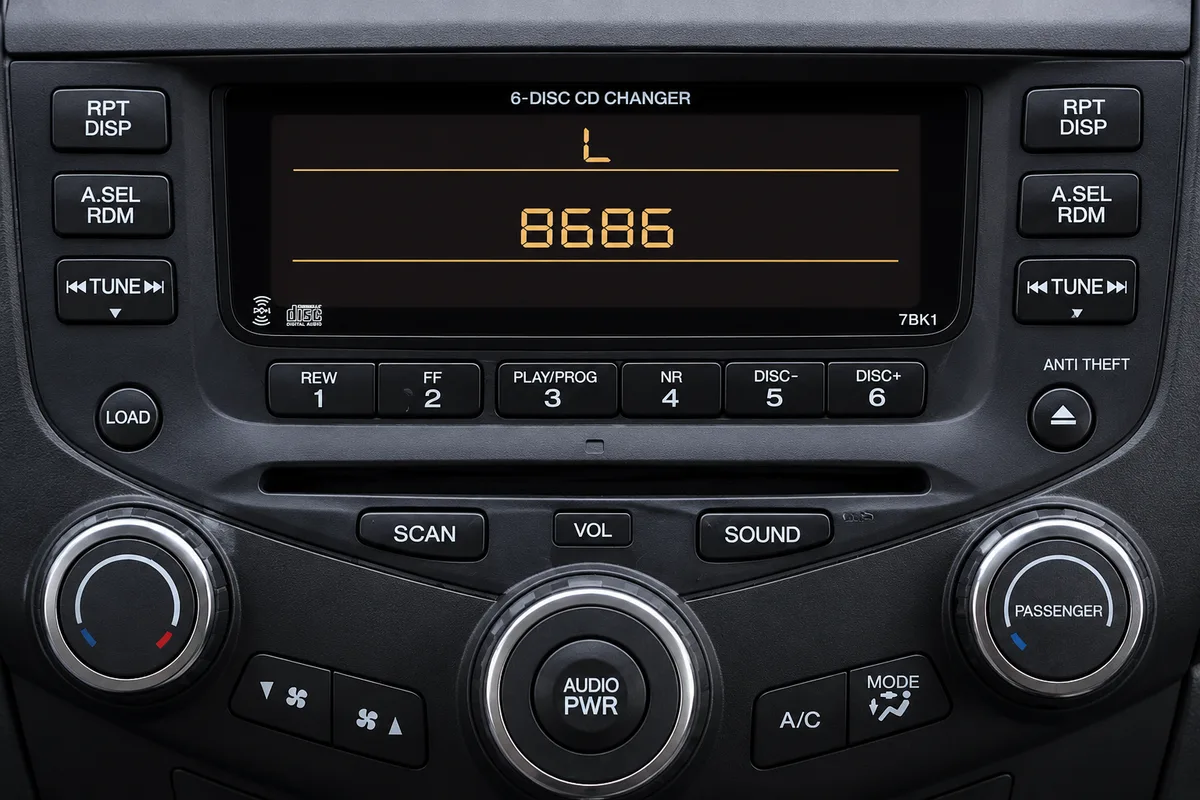
Honda Standard Radio
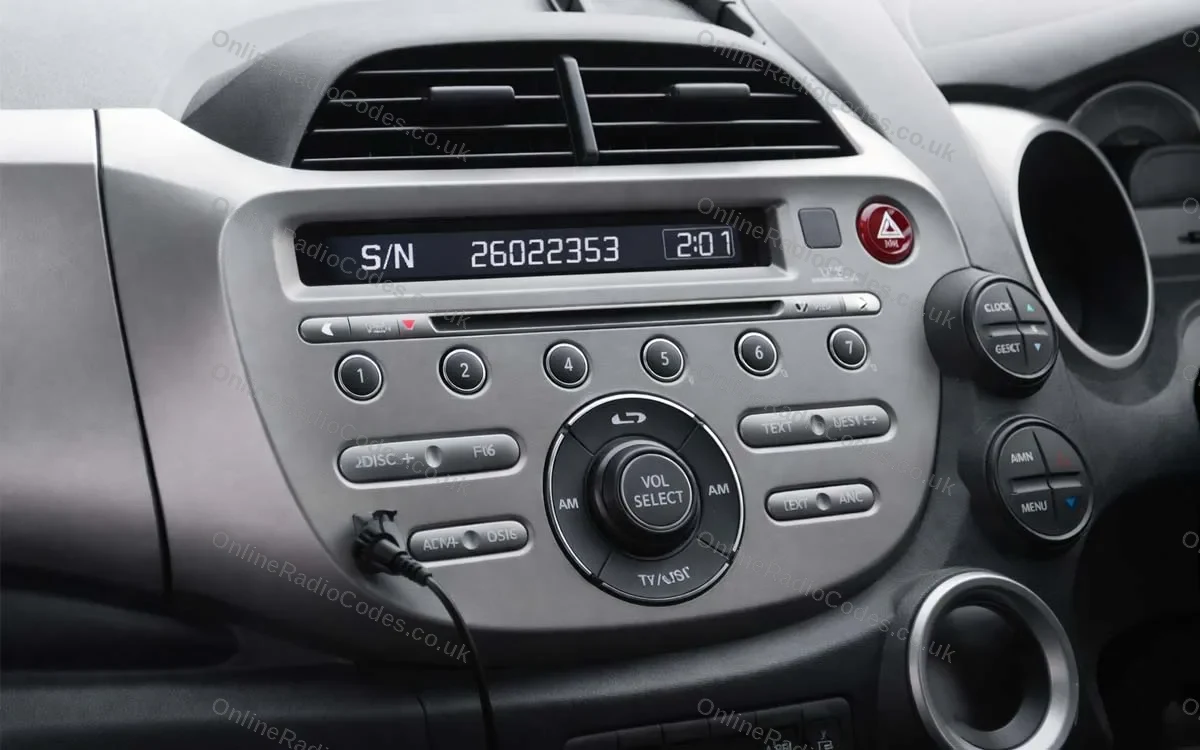
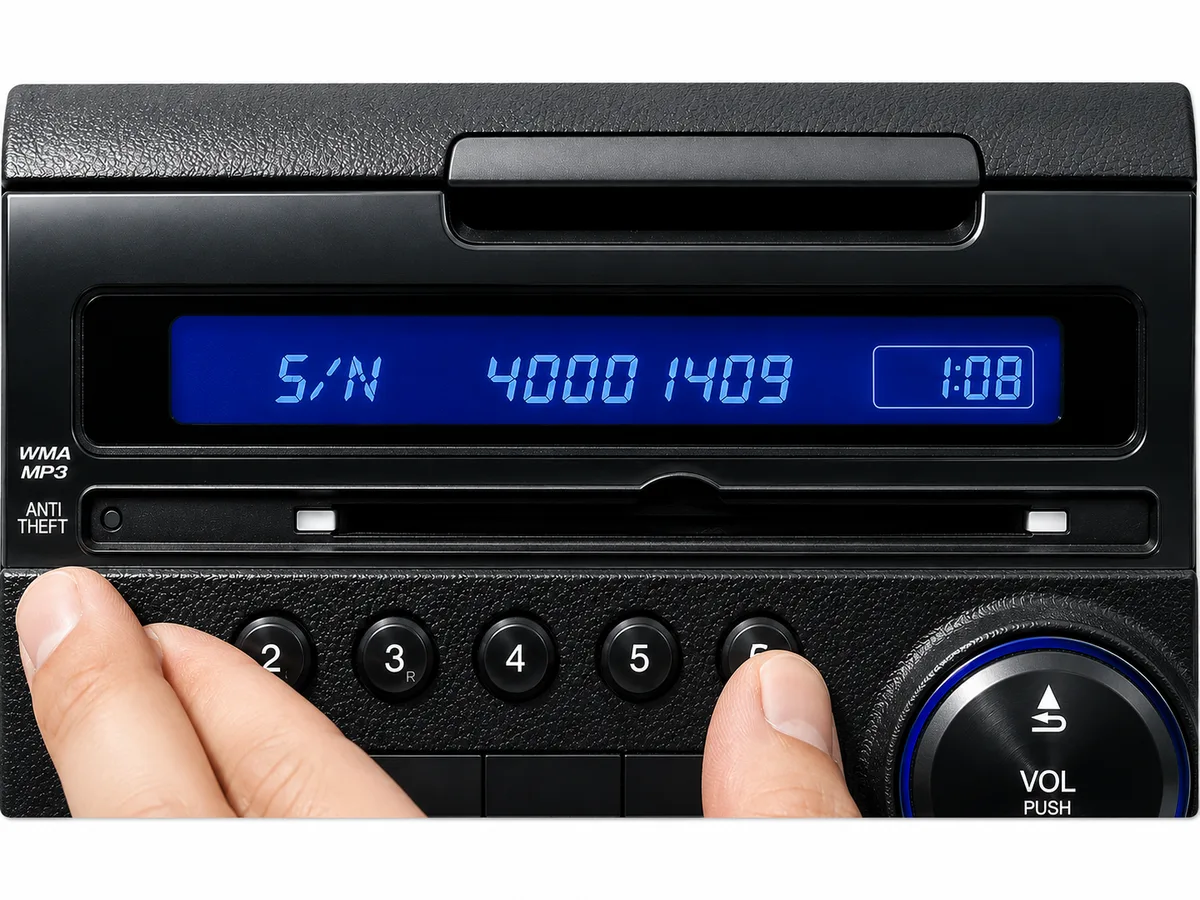
Get your serial from the screen
Turn on the ignition and radio. Press and hold preset buttons 1 and 6 simultaneously for about two seconds until the display changes. The serial will either appear as two parts, a U number and an L number (e.g. U1234 L5678), or as a single S/N code. Write down both parts in order.
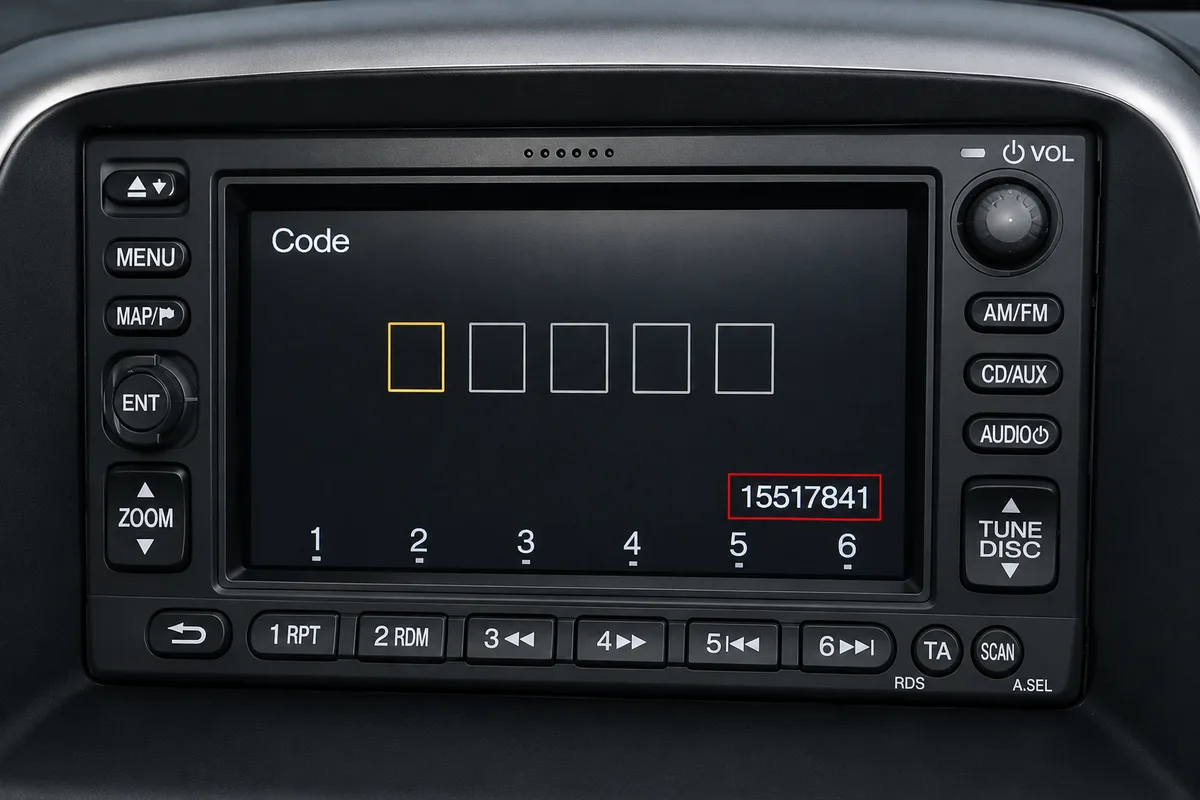
Honda Navigation (2003+)
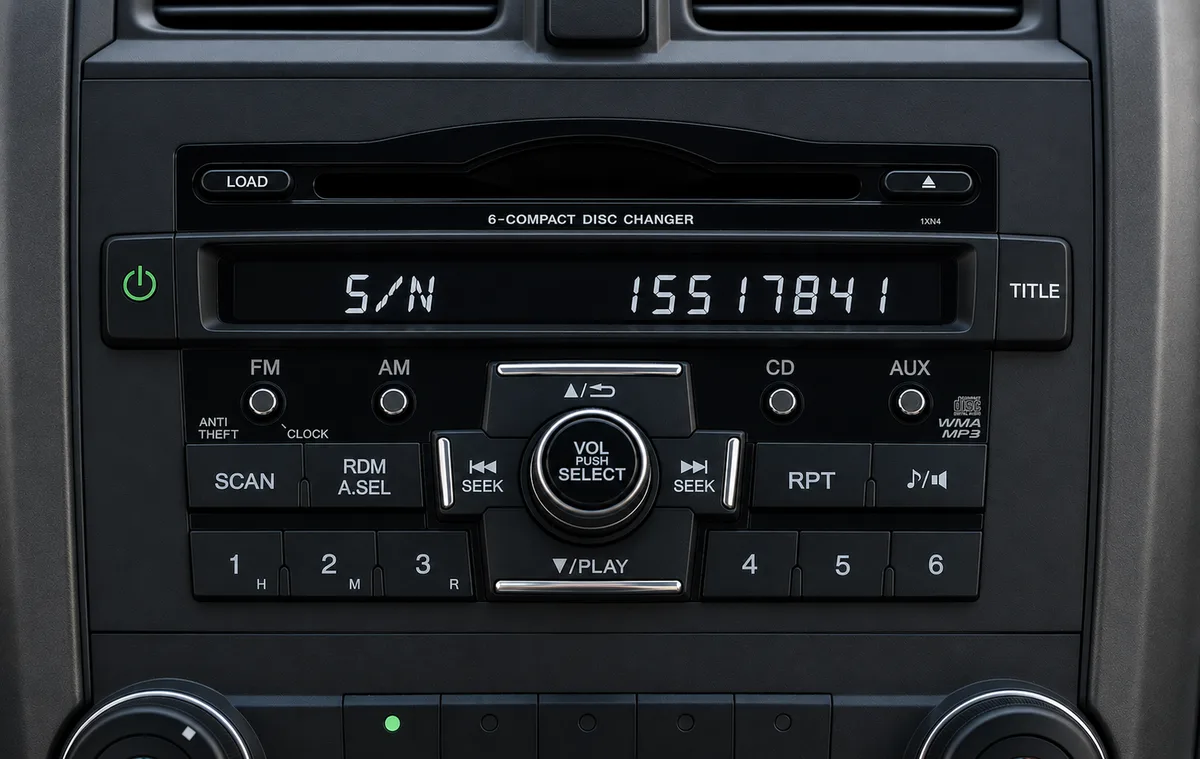
Get your serial from the screen
With the radio on, press and hold SEEK or SKIP together with CH or DISC simultaneously, then press PWR/VOL. The serial will appear on screen as two lines. Combine both lines for the full serial number.
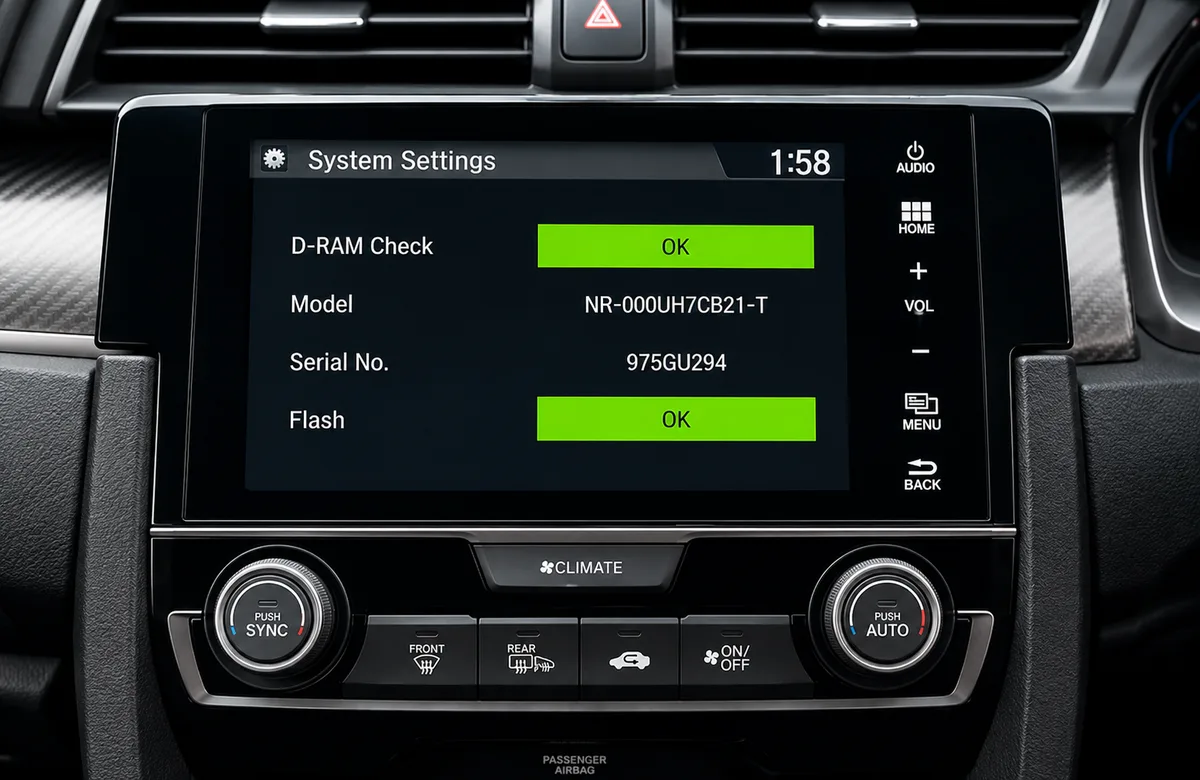
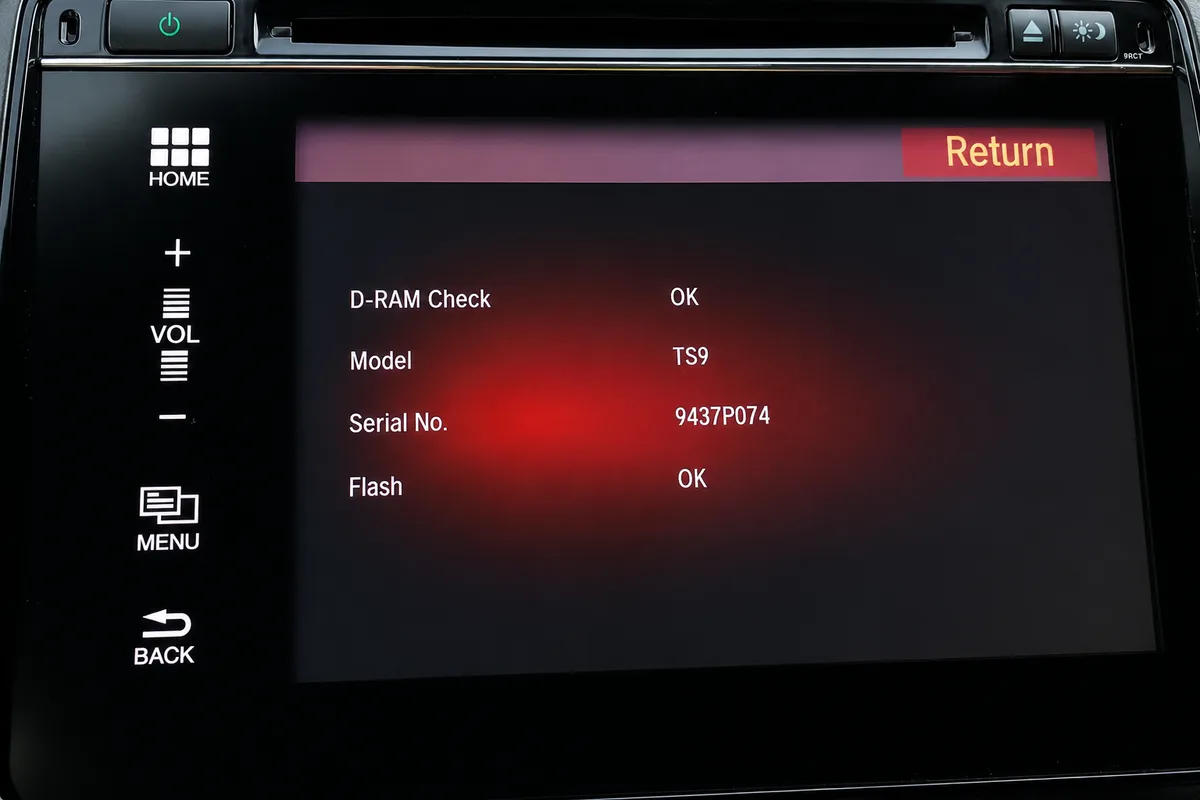
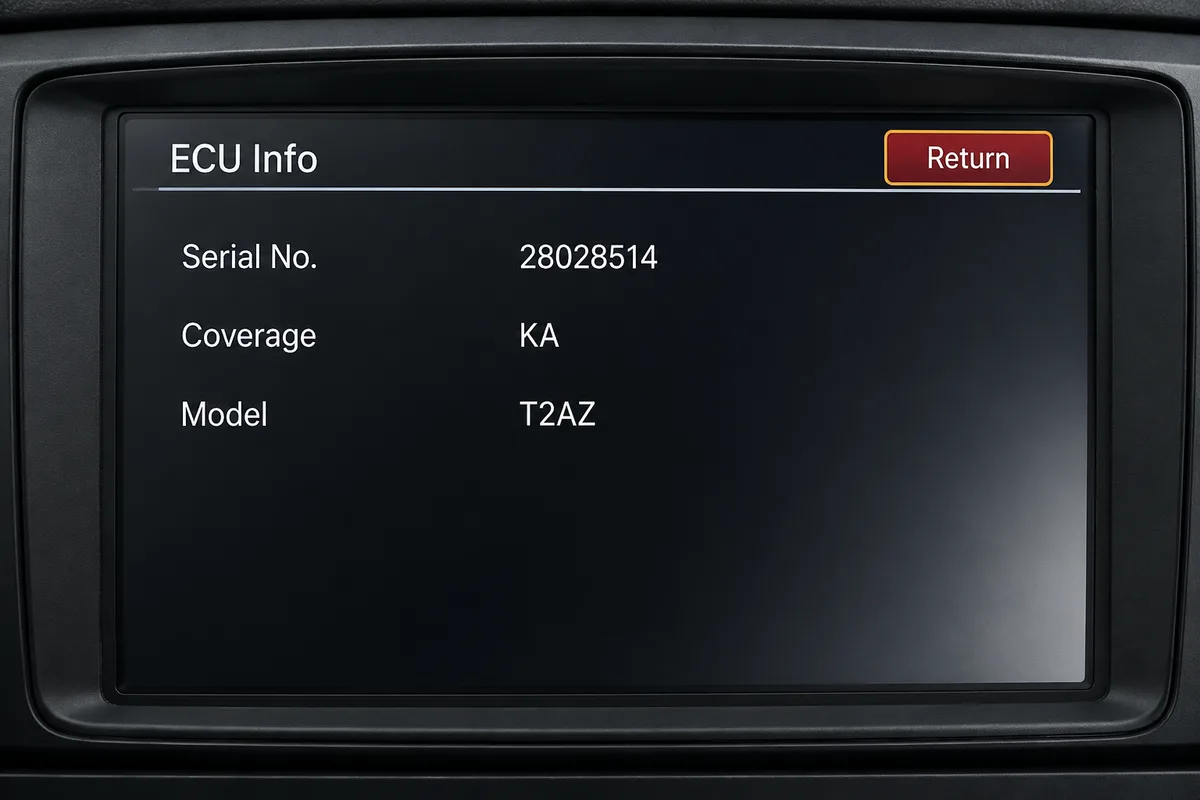
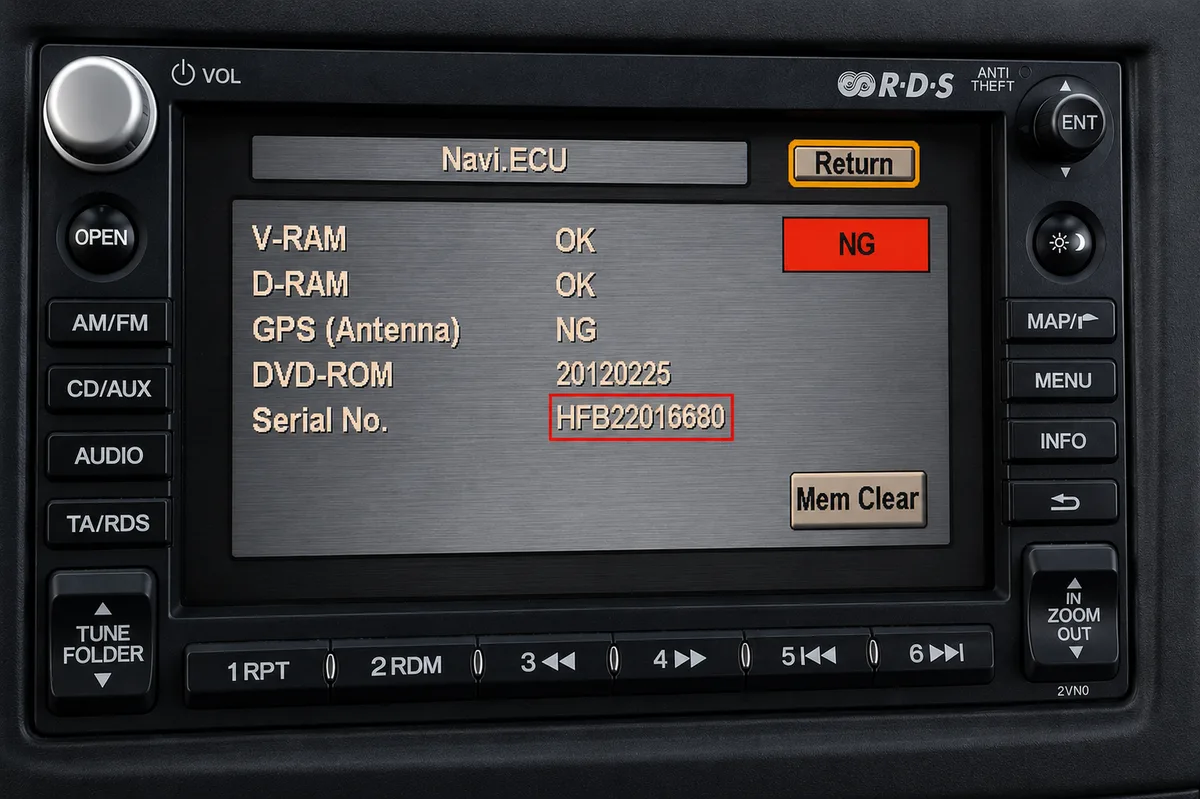
Honda DVD Navigation
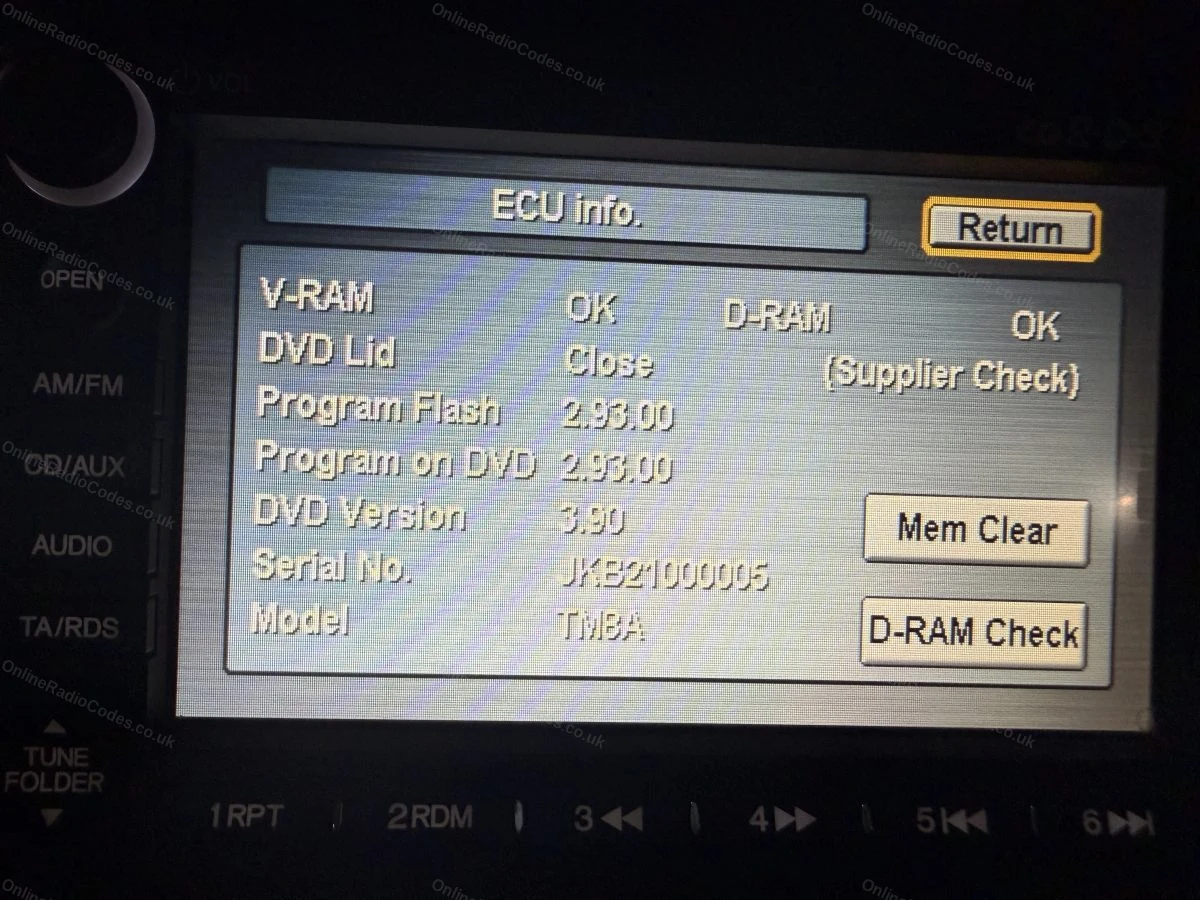
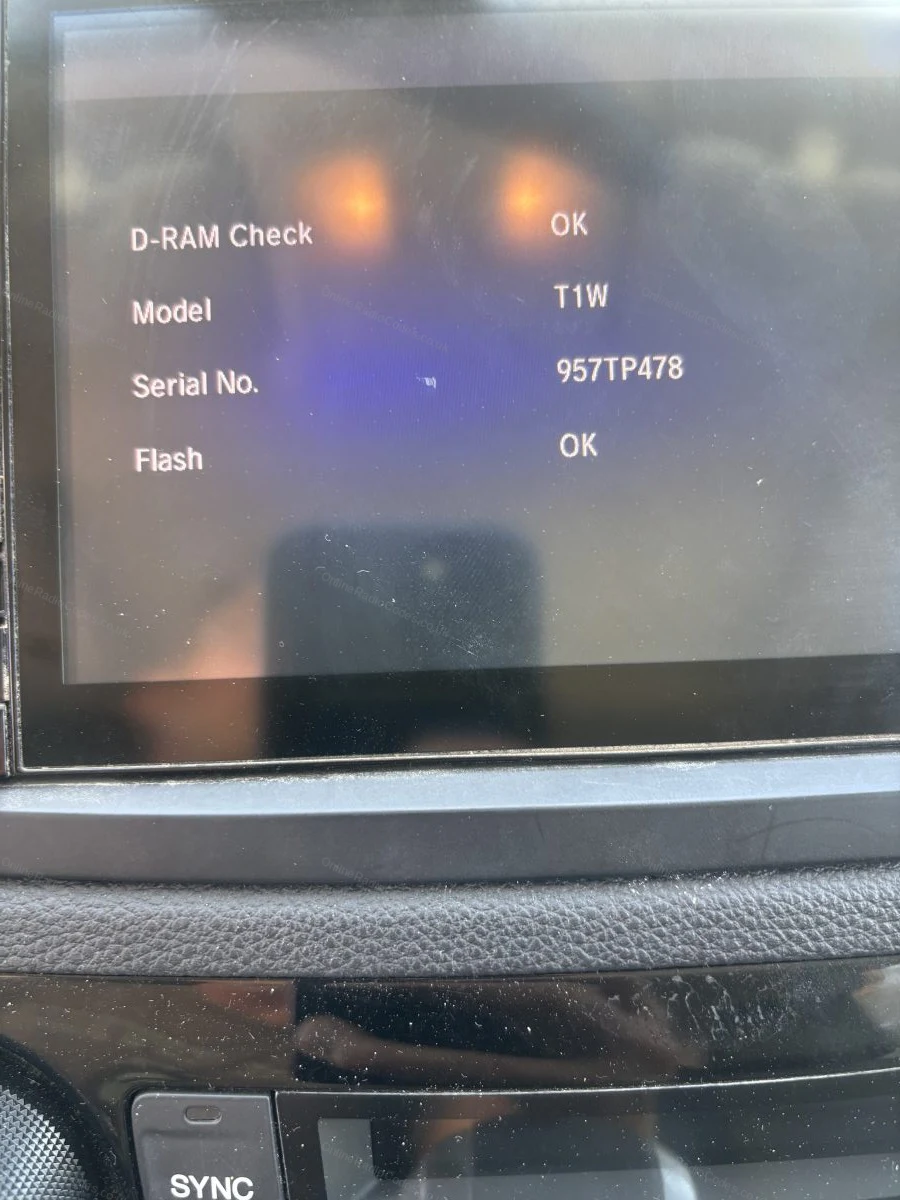
Find your serial via the diagnostics menu
Fitted to some models pre-2012. With the ignition on, press and hold Map (or Guide), Menu and Cancel simultaneously until the diagnostics screen appears. The serial number is listed on this screen.
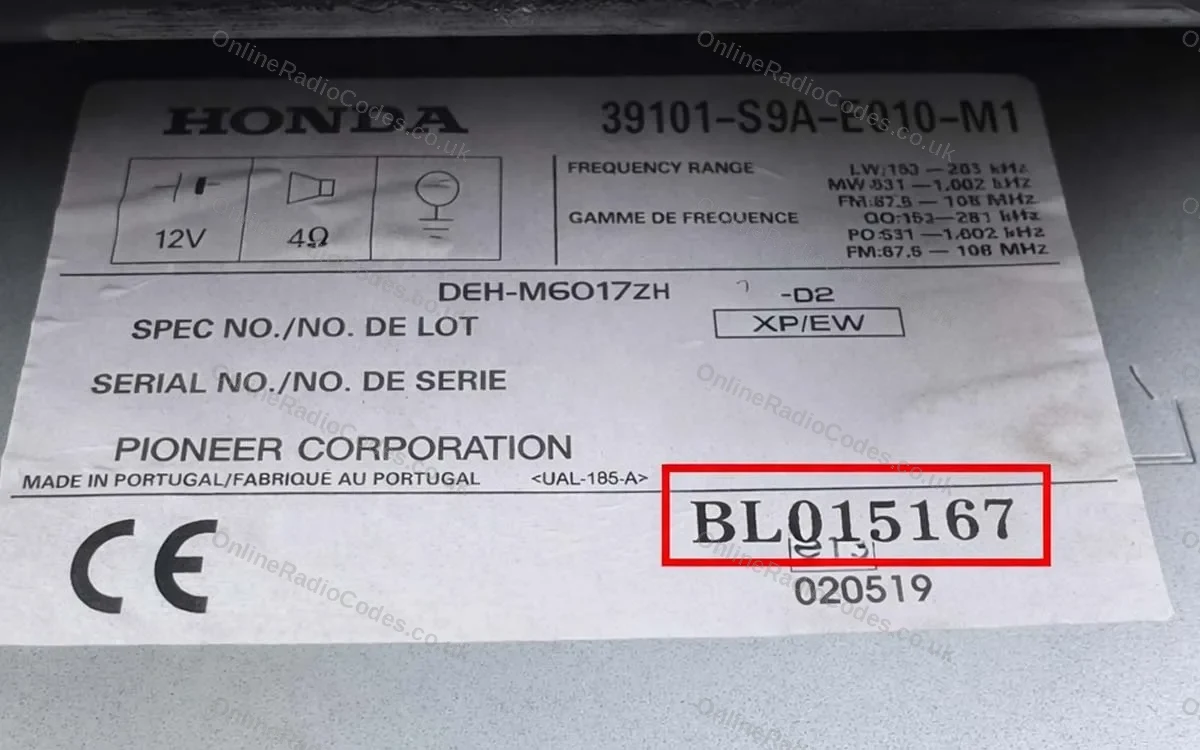
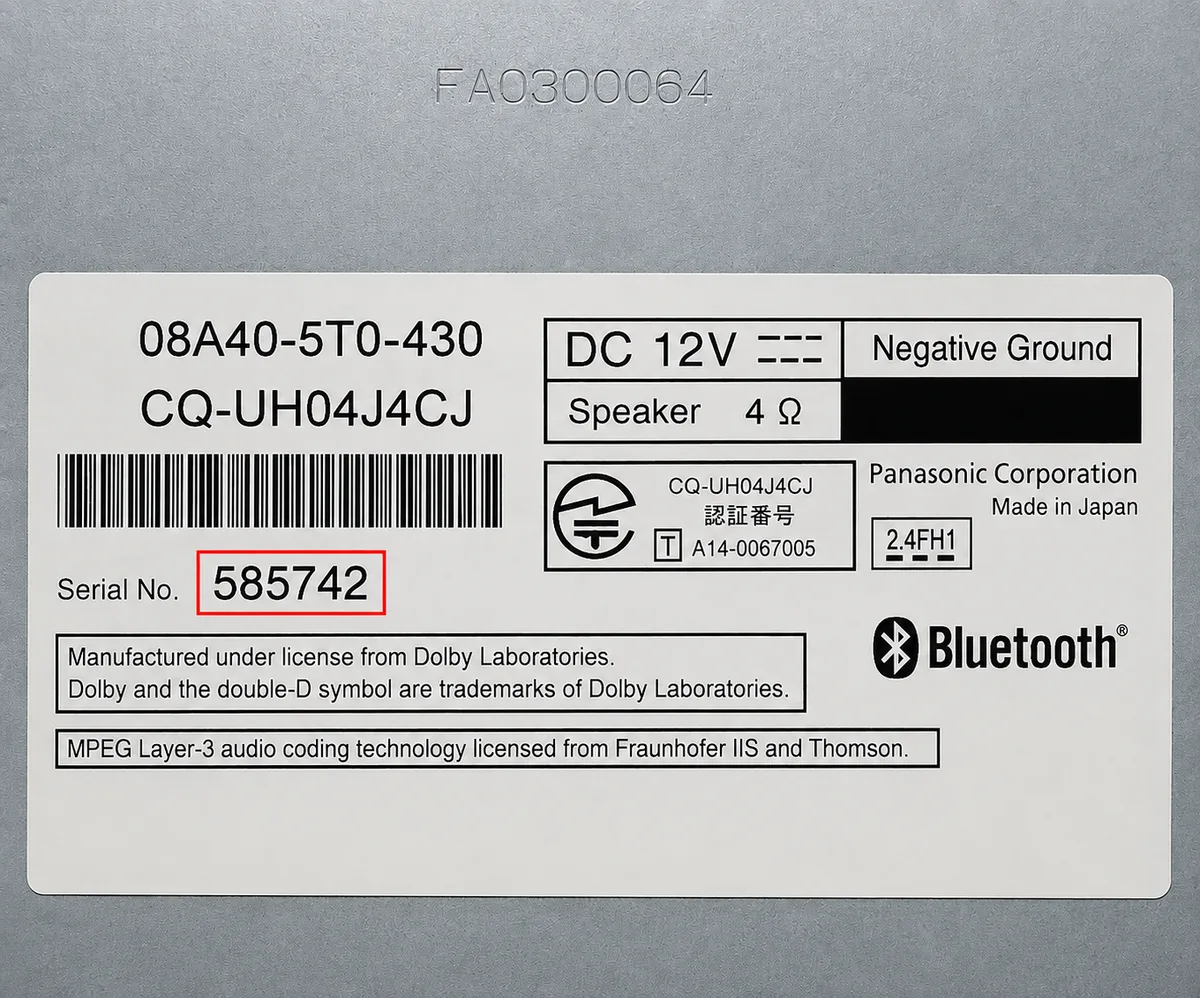
Honda (label on unit)
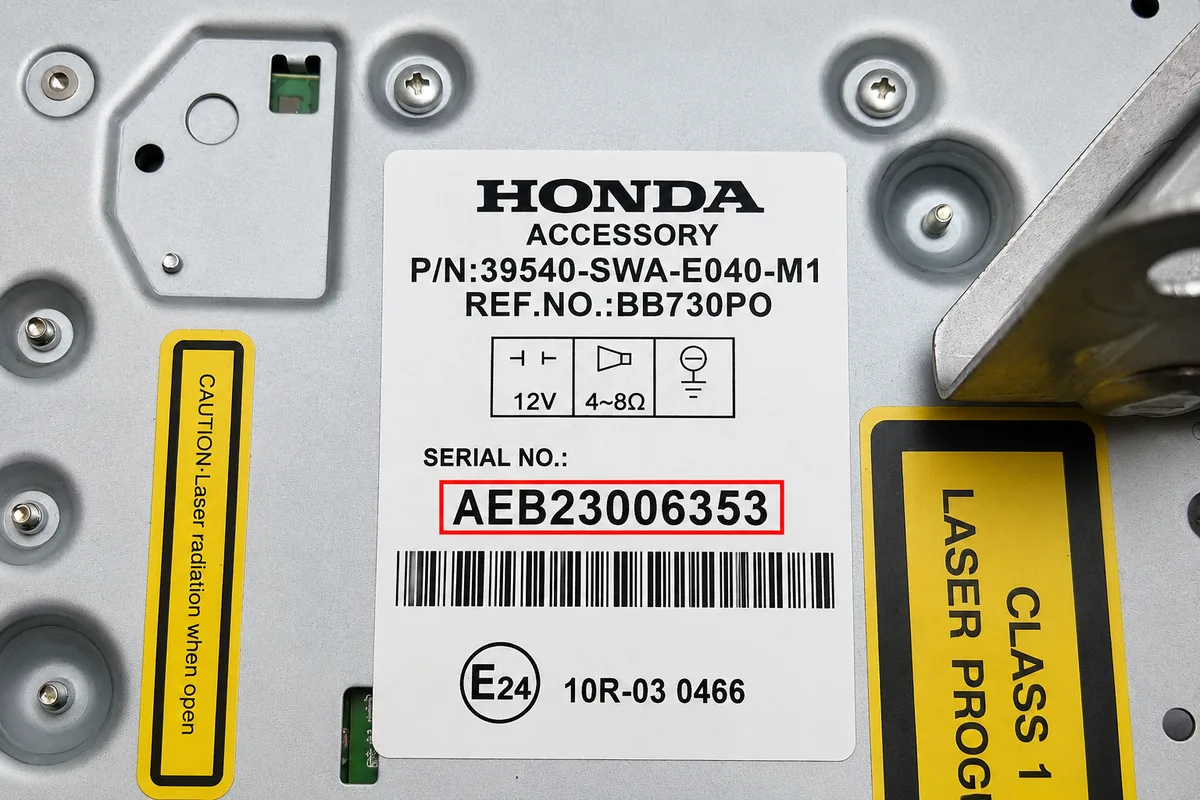
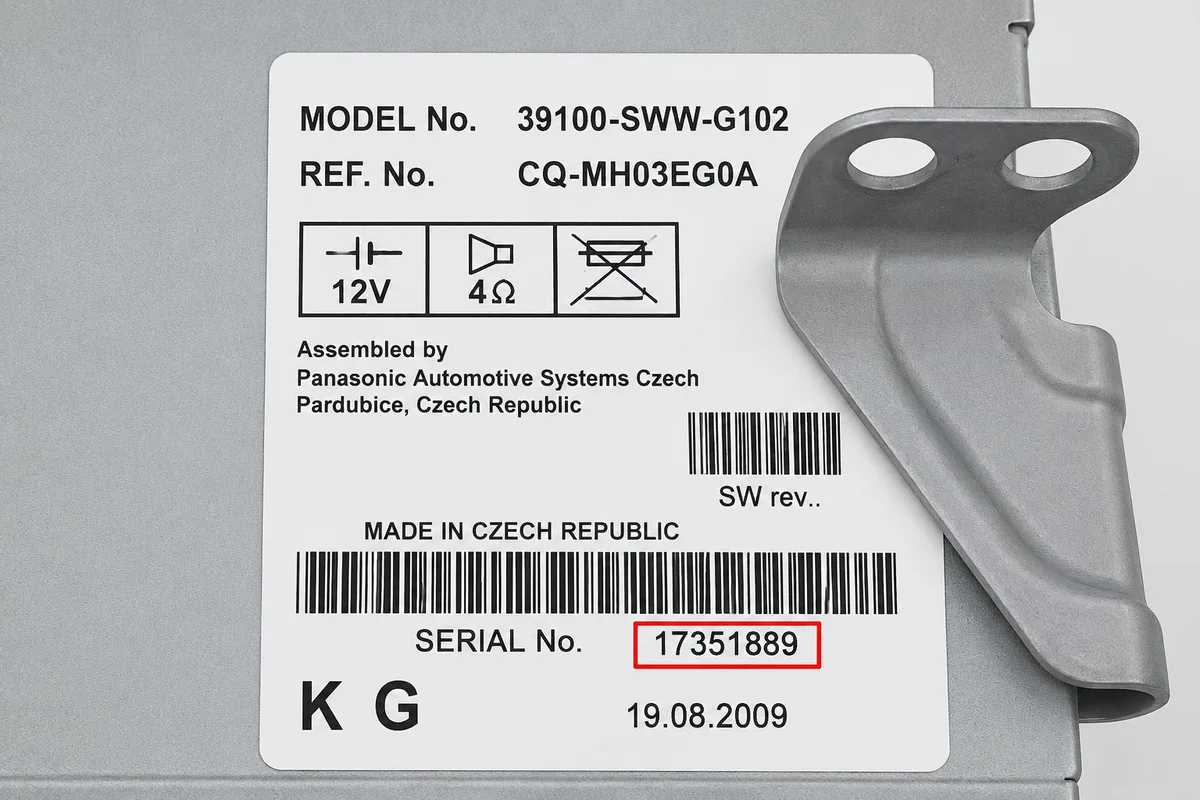
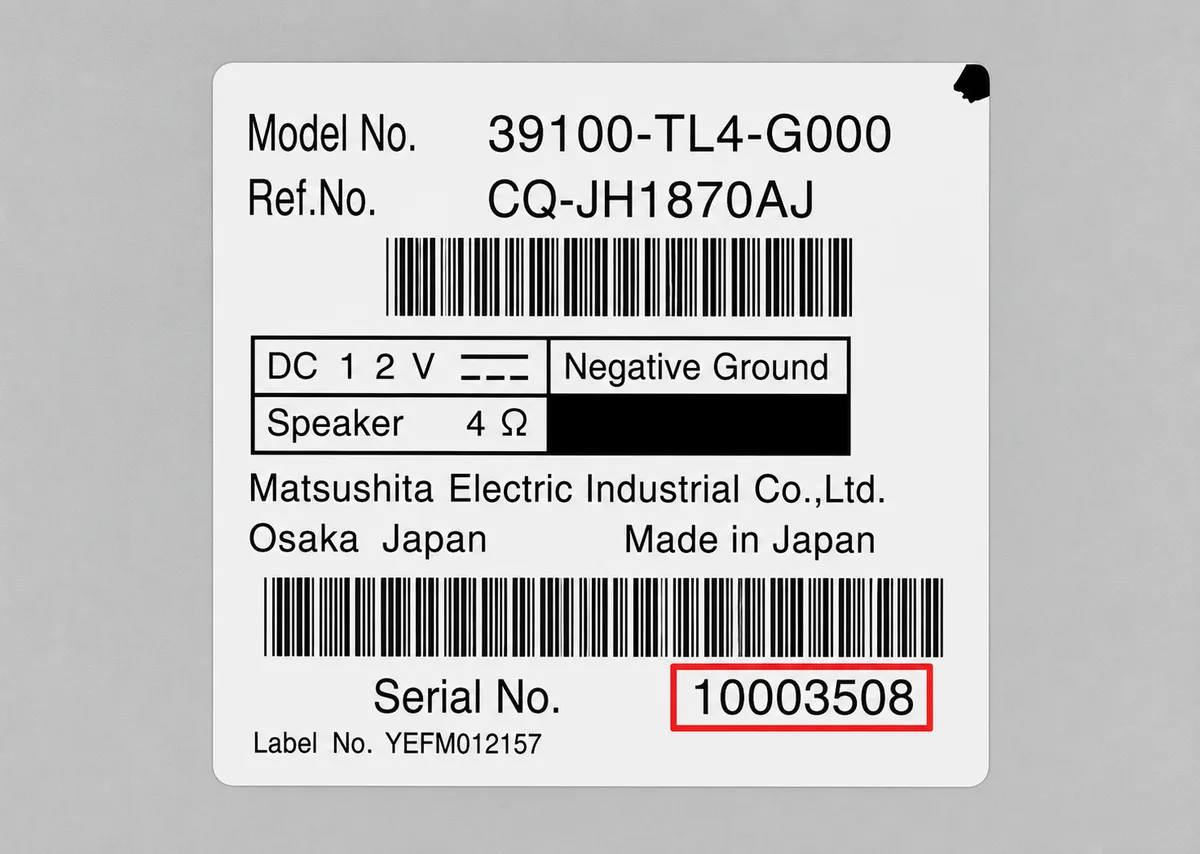
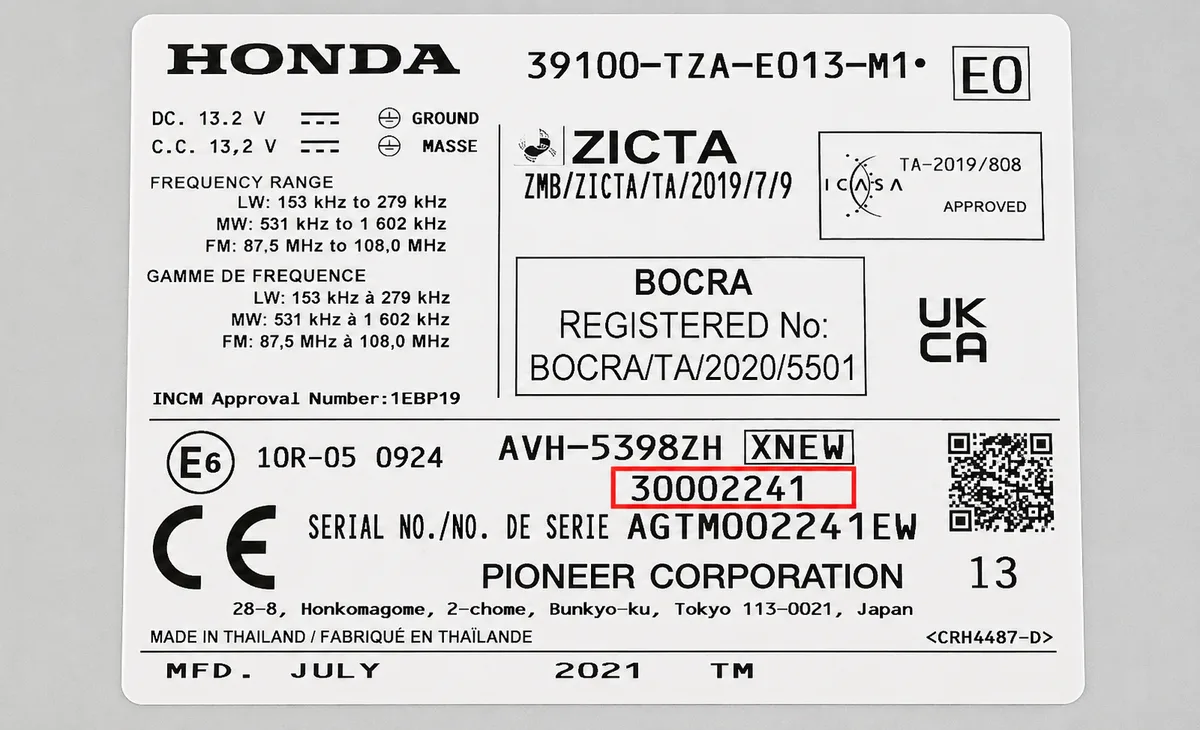
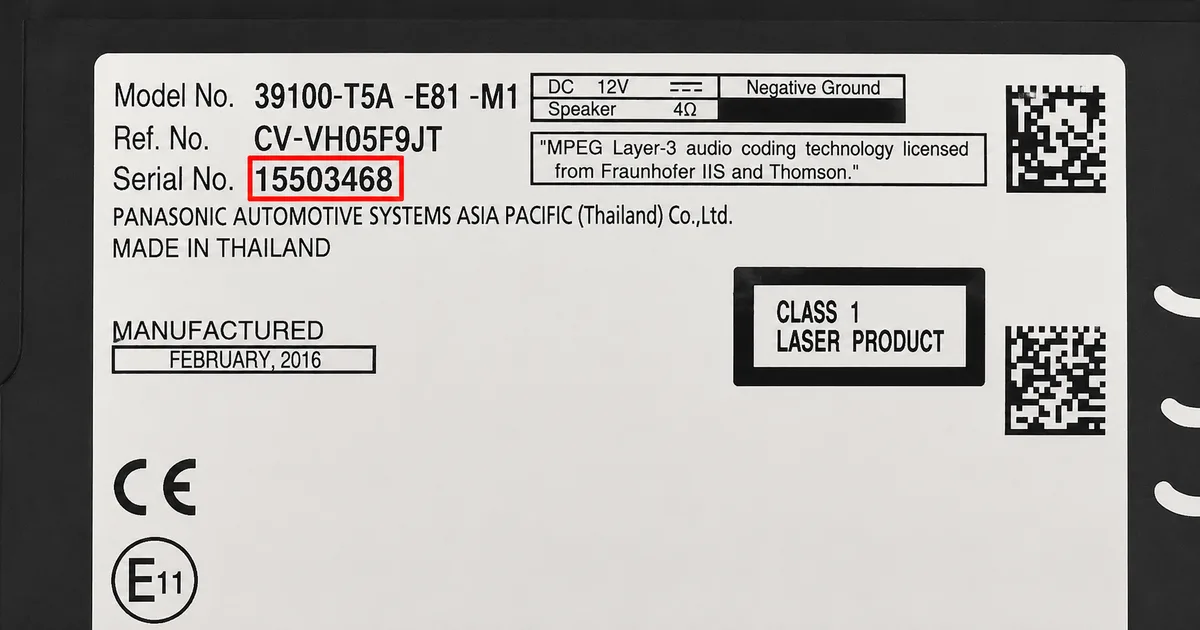
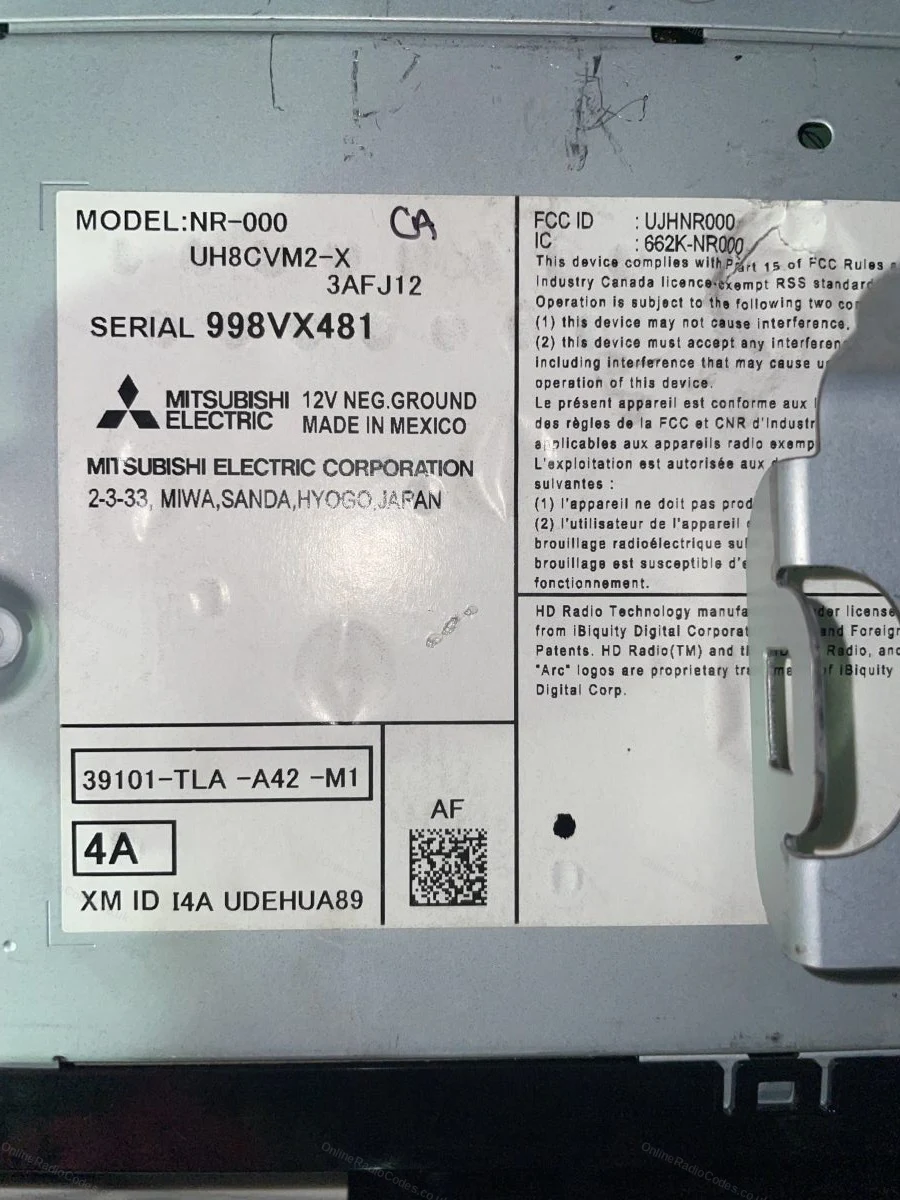
Remove the radio to find your serial
If no serial appears on screen, the radio must be removed. Use DIN release keys or a flat-head screwdriver to carefully remove the surrounding trim panels and slide the unit forward.
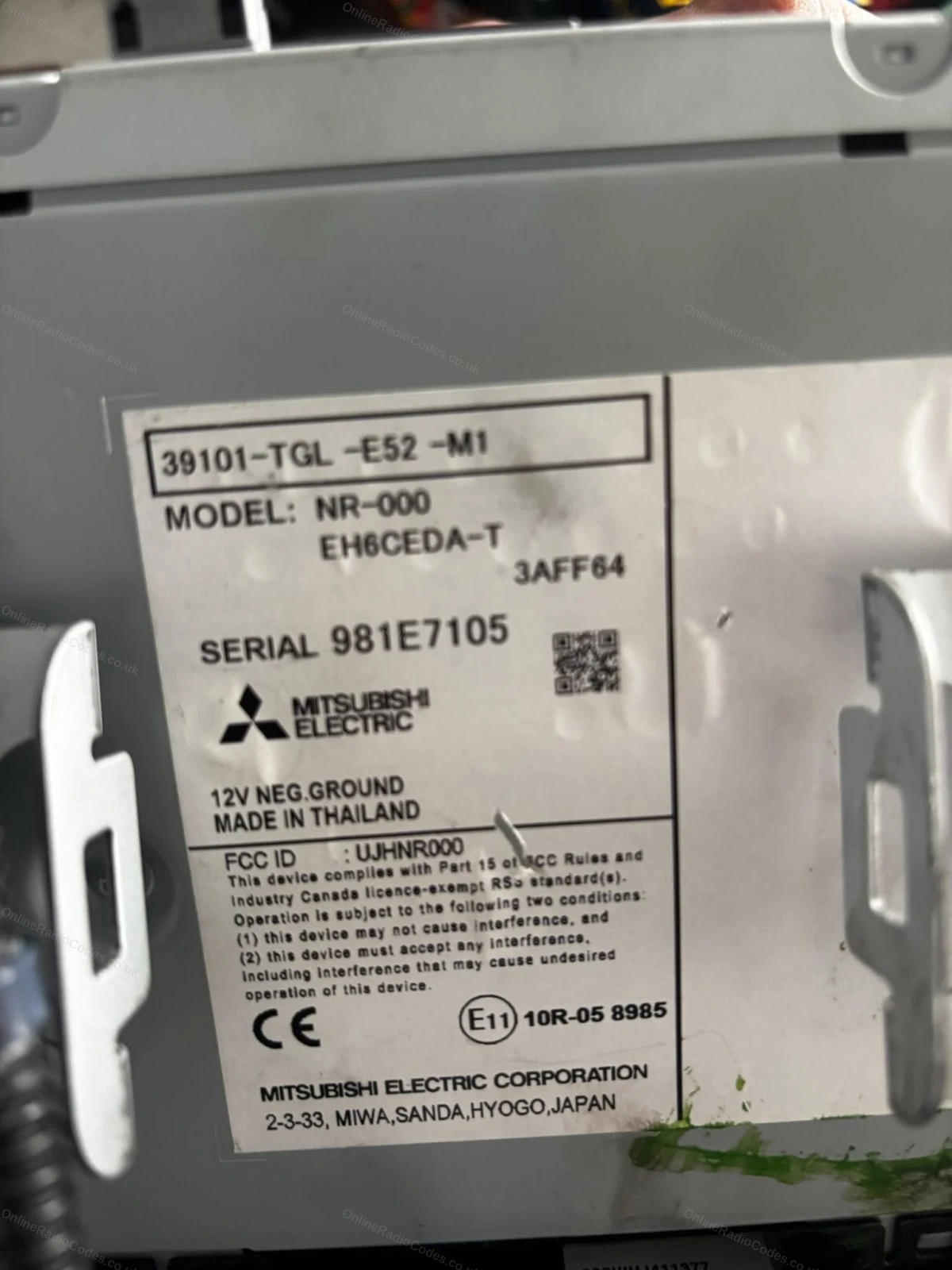
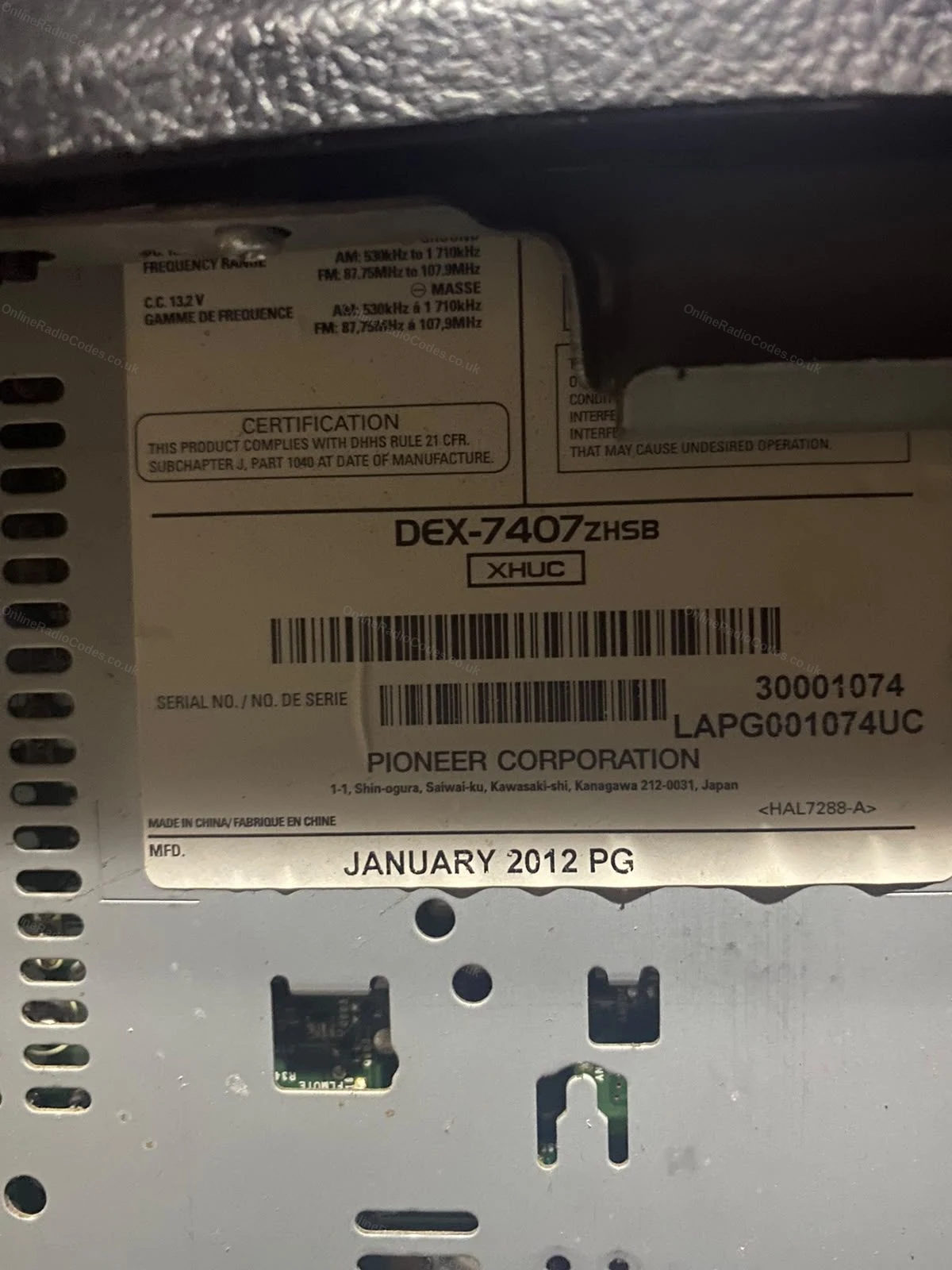
The serial number is printed on a sticker on the top, side or rear of the casing. Serials on Honda and Mitsubishi-built units are typically 6 to 14 characters and may look like 954LR052, FGZ24253655JC, or SN500074. Enter the serial exactly as printed.
What your Honda serial looks like
StandardU2154 L2135
SN-SeriesSN500074
Mitsubishi954LR052
Accessory UnitFGZ24253655JC
GNB-SeriesGNB 22003871
JBE-SeriesJBE22003456
Numeric22081908
Can't find it? Contact us. We'll help you locate your serial before you pay a penny.
Why choose us
The World's Leading Honda Radio Code Service
World's No.1
OnlineRadioCodes.co.uk is the world's leading supplier of car radio codes, with over 1 million codes delivered. Our radio experts are on hand to help you every day.
Instant delivery
Most codes appear on screen the moment payment clears. For brands that require manual lookup, our team typically delivers within the hour during business hours.
Money back guarantee
If your code does not work, we refund you in full. No questions, no hassle. We are one of very few radio code companies to back every order with a complete money back guarantee.
Lifetime retrieval
Misplace your code weeks or even years from now? Just get in touch and we will resend it free of charge, every time. One purchase gives you access for life.
FAQ
Frequently asked questions
How Do I Find the Serial Number on My Honda Pilot Radio?
Turn on the ignition and radio. Press and hold preset buttons 1 and 6 at the same time for two seconds. The serial will display as a U number and an L number (e.g. U3456 L7890). Write both parts down. Navigation and DVD systems use different methods, covered in the guide above.
My Honda Pilot Has a DVD Navigation System. How Do I Get the Serial?
For earlier Pilot models with DVD navigation, press and hold Map (or Guide), Menu, and Cancel simultaneously until a diagnostics screen appears. Your serial number is listed on this screen. Note this down and enter it when ordering.
How Do I Enter the Code on My Honda Pilot?
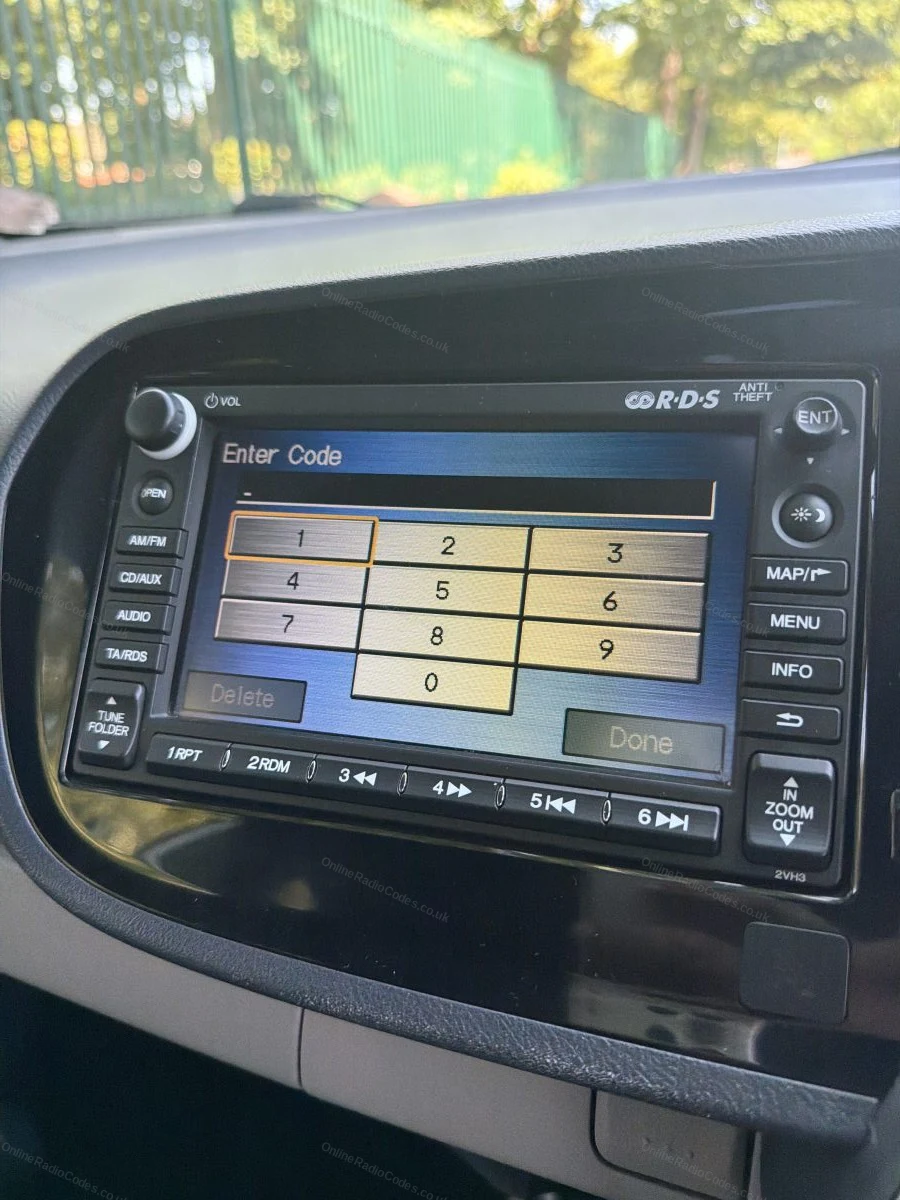
With the radio showing a code entry prompt, use preset buttons 1 through 6 to input each digit of your code in order. Press the power button to confirm. The radio will unlock straight away.
Which Honda Pilot Generations Are Supported?
We support all four Honda Pilot generations sold in the USA: the first generation (2003-2008), second generation (2009-2015), third generation (2016-2022), and fourth generation (2023+). Both standard audio and factory navigation systems are covered.
What If My Honda Pilot Radio Keeps Showing Err After I Enter the Code?
An Err message after code entry usually means the code was entered incorrectly or the radio has entered a lockout state. Switch the ignition off, wait a few minutes, then leave it on for one hour to reset the counter. Re-enter the code carefully, one digit at a time.
Will the Code Work If My Pilot Radio Came From a Different Vehicle?
Yes. The code is tied to the radio serial number, not the vehicle VIN. If you have fitted a second-hand radio, retrieve the serial from that specific unit and order the code for it.
Verified · Trustpilot
Don't just take our word for it
19 hours ago
Top marks
It was great. I called up gave my car information five minutes later my radio was back up and running thank you
After contacting a few local dealerships and being given inaccurate information, I contacted these guys! I had my code by the end of the day and my radio is …
Online Radio Codes is an independent radio code service and is not affiliated with, authorised by, or connected to Honda Motor Co., Ltd or any of its subsidiaries or affiliated companies. All manufacturer names, model names and trademarks are the property of their respective owners and are used solely for identification and reference purposes.