Ford S-Max radio code by serial number, delivered instantly. Works with V, M, Z and C7 serials, covering all 6000 CD, Sony and navigation variants from 2006 onwards.
The guide below will show you exactly where to find your Ford radio serial number.
V-Series · Press 1 + 6
Get your serial from the screen
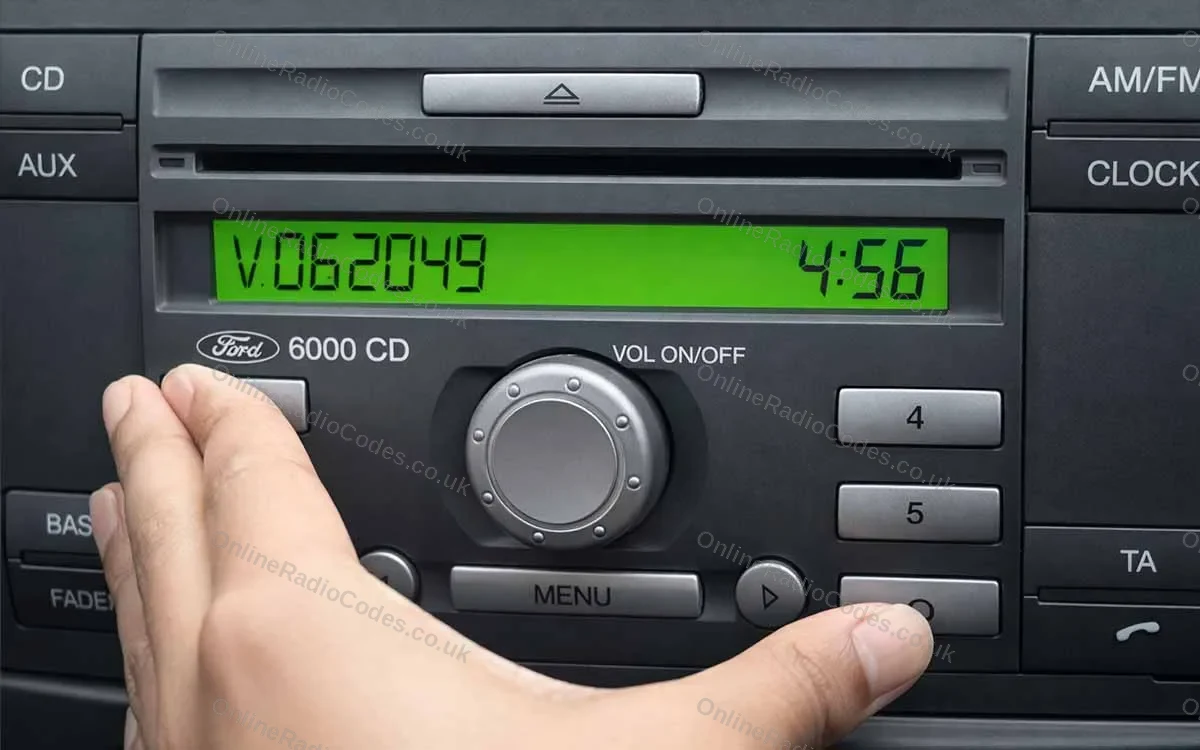
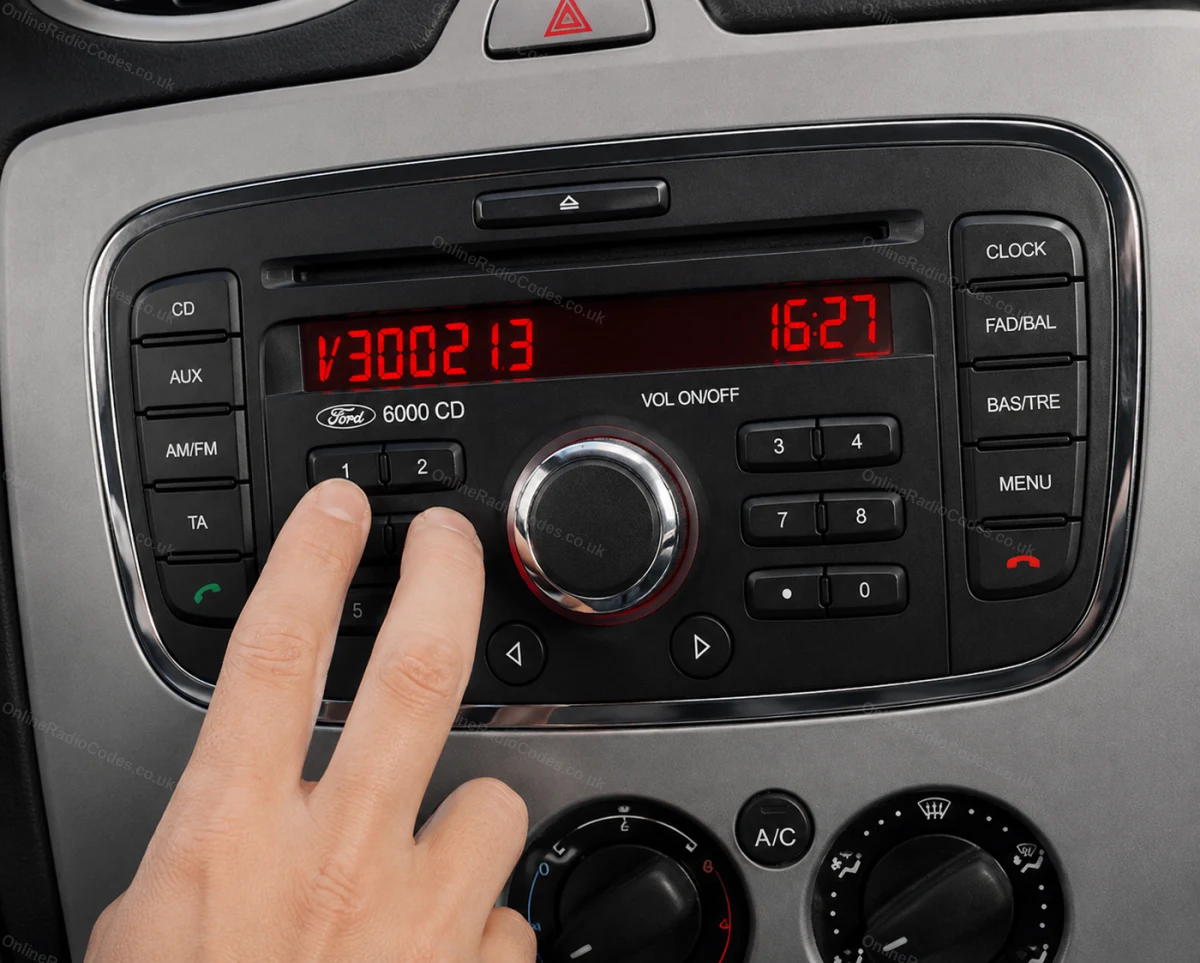
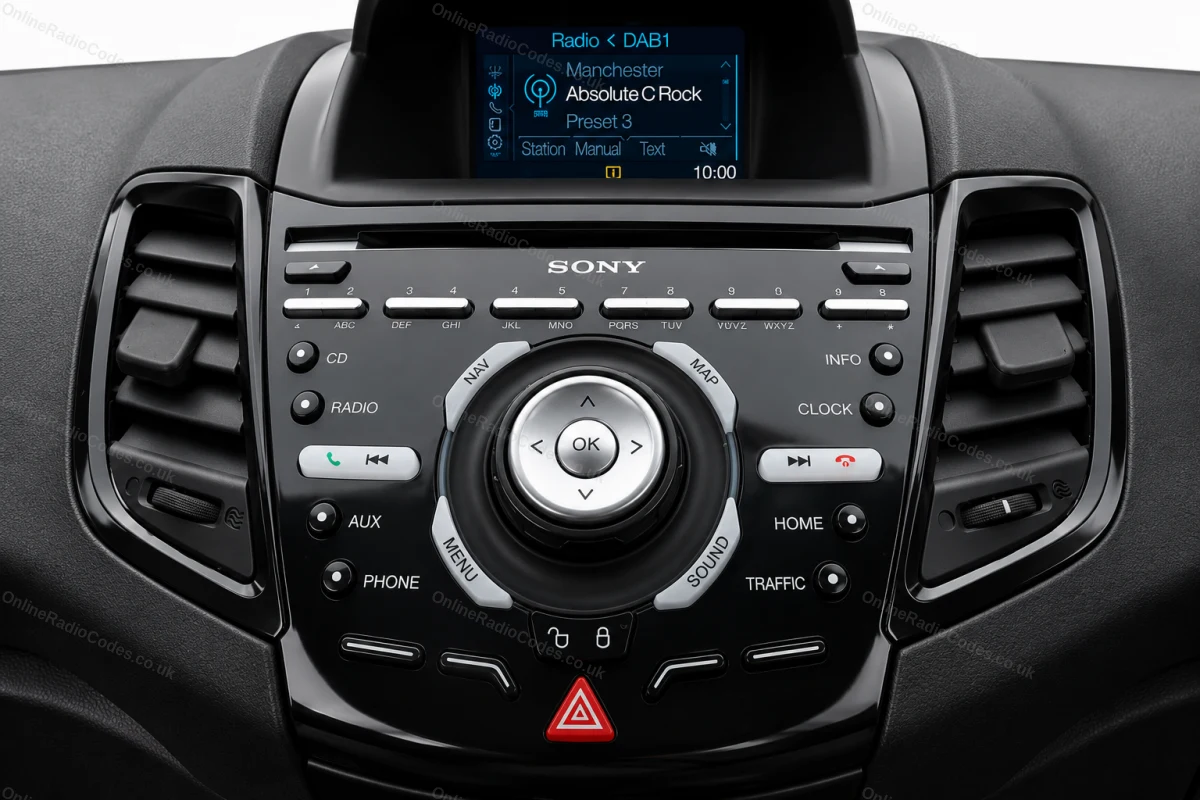
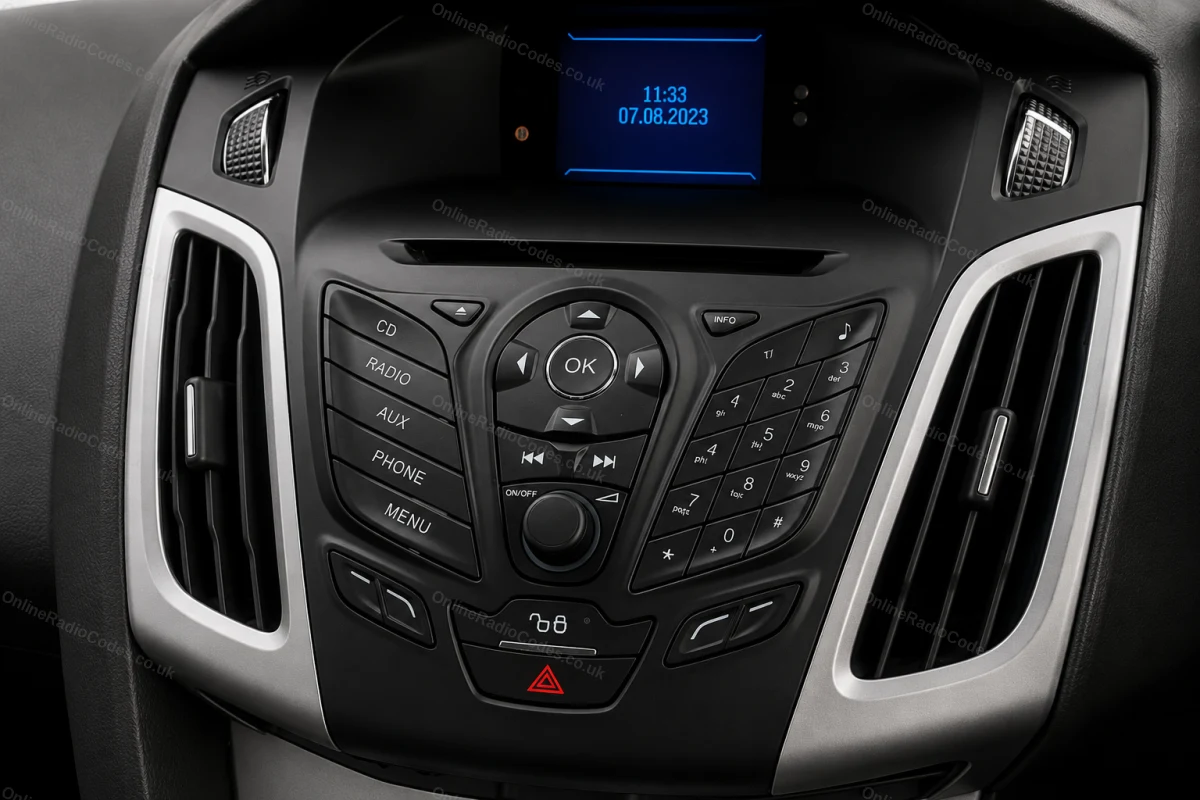
Turn on the ignition and radio. Hold buttons 1 and 6 simultaneously for about two seconds until a serial appears on screen. It starts with V followed by 6 digits (e.g. V062049). Write it down exactly. If nothing appears after two attempts, try buttons 2 and 6 instead.
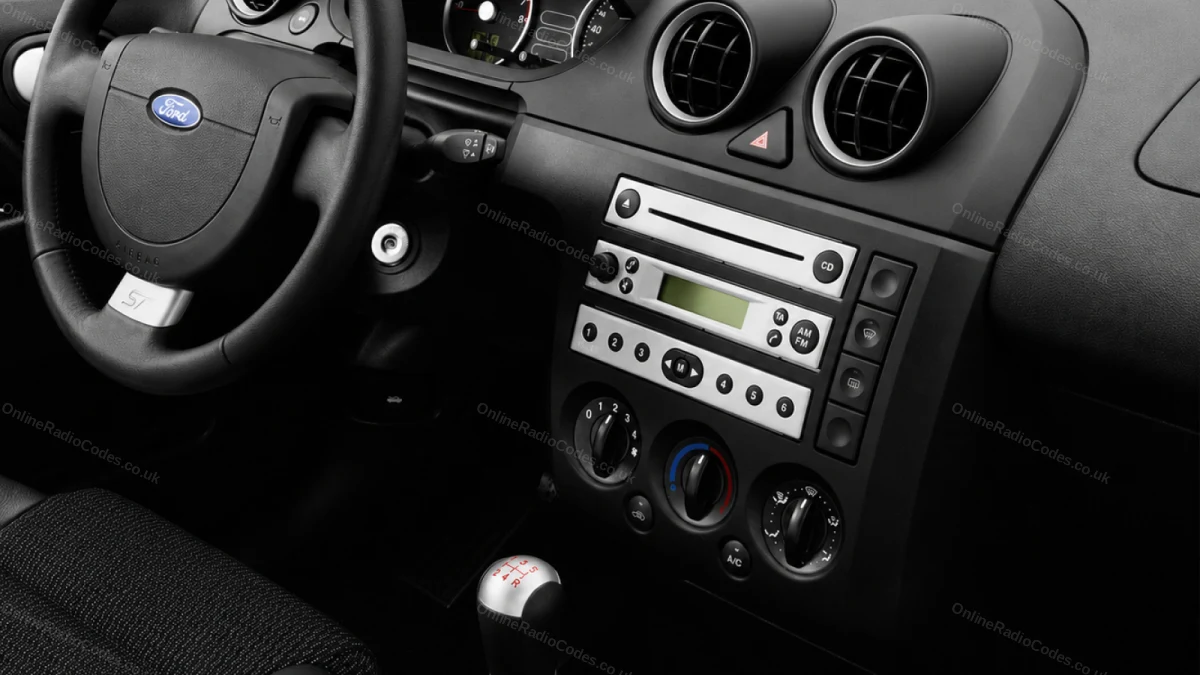
Fitted to Fiesta, Focus, Mondeo, Transit, Galaxy and most Ford models up to 2008.
M-Series · Press 2 + 6
Get your serial from the screen
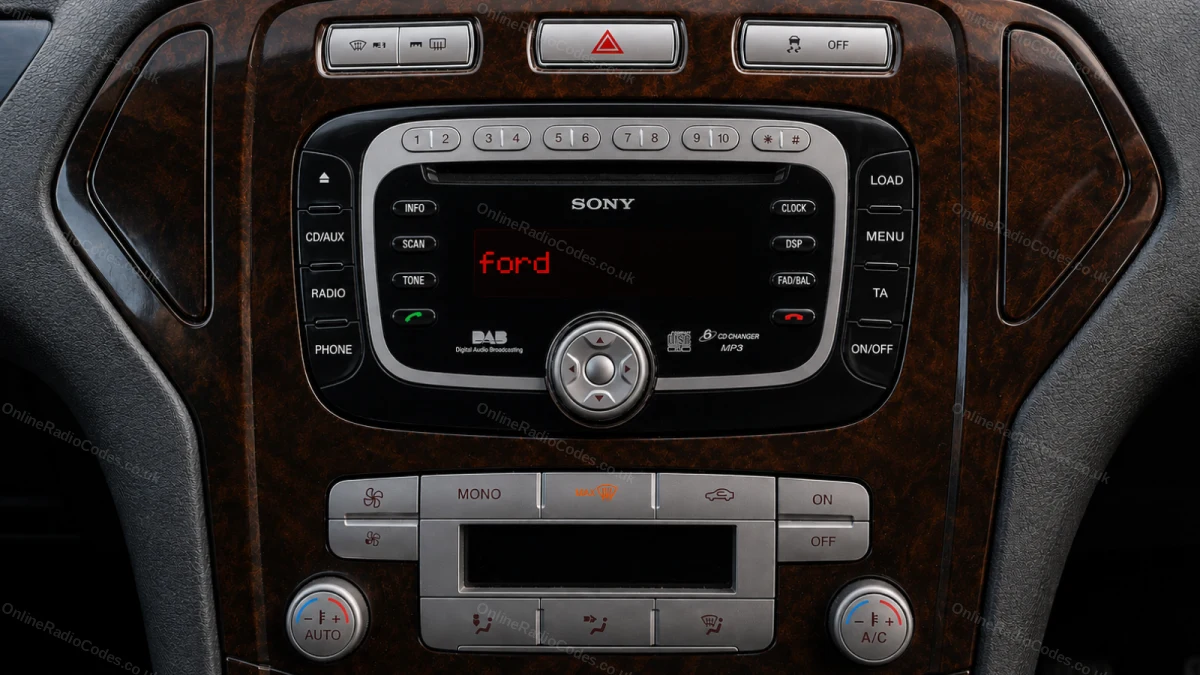
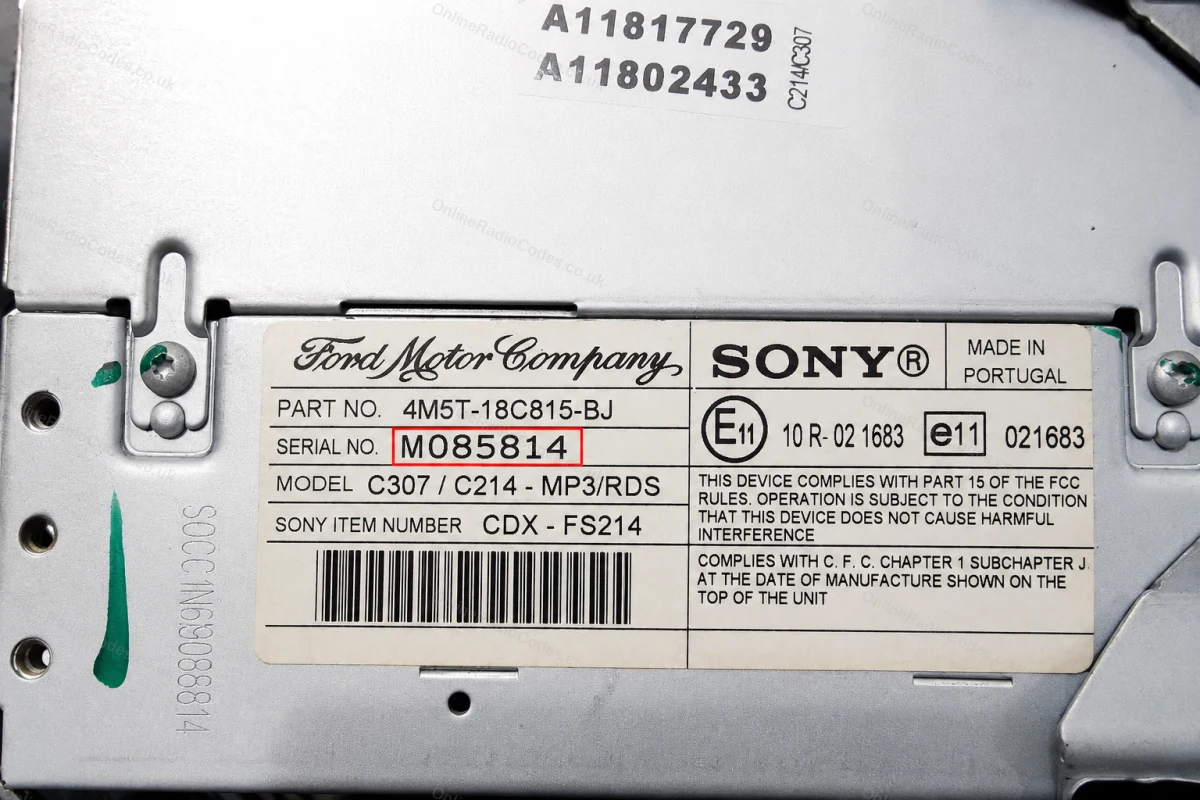
On some Sony MP3 and RDS models hold buttons 2 and 6 simultaneously for about two seconds. The serial starts with M followed by 6 digits (e.g. M085814). If the serial appears in two halves on screen combine them into one string without a space.
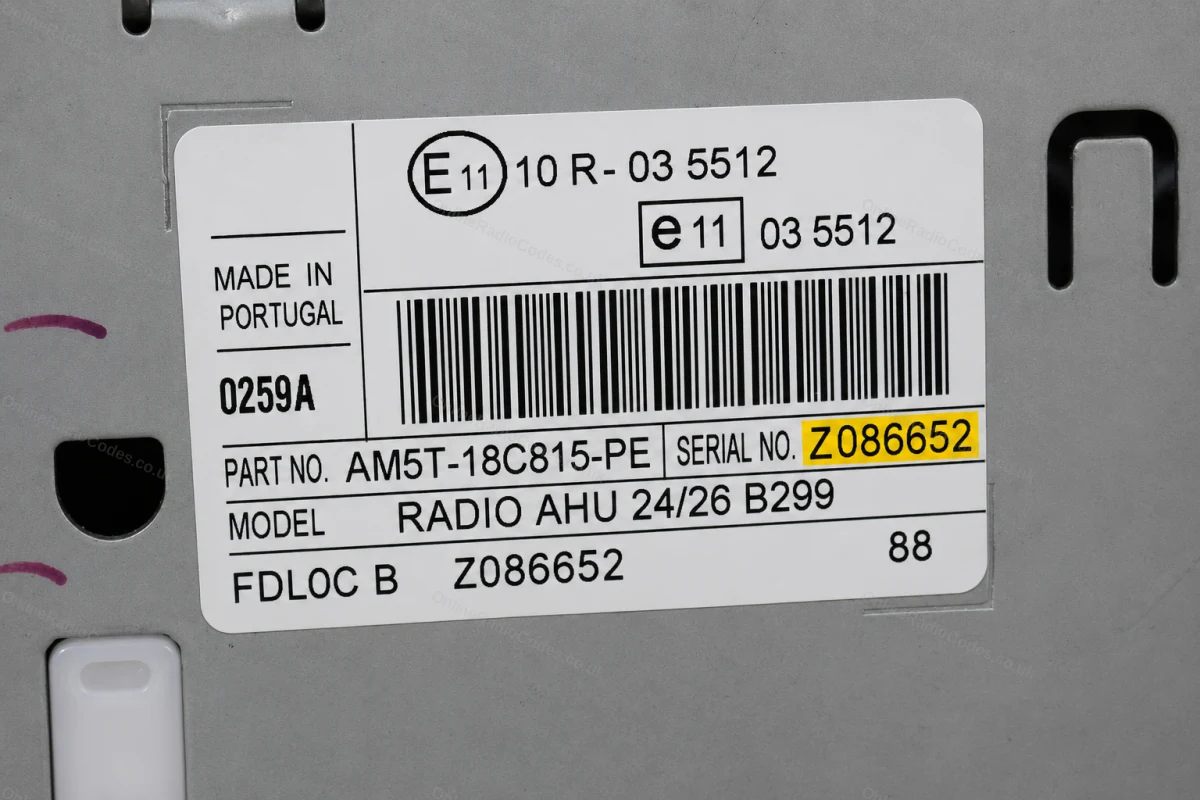
The M serial is also printed on the label on the back of the unit if you need to remove it.
Remove the Radio
Remove the radio to find your serial
Insert DIN release keys into the four corner holes of the fascia and apply gentle outward pressure. The unit slides forward, no wires need disconnecting.
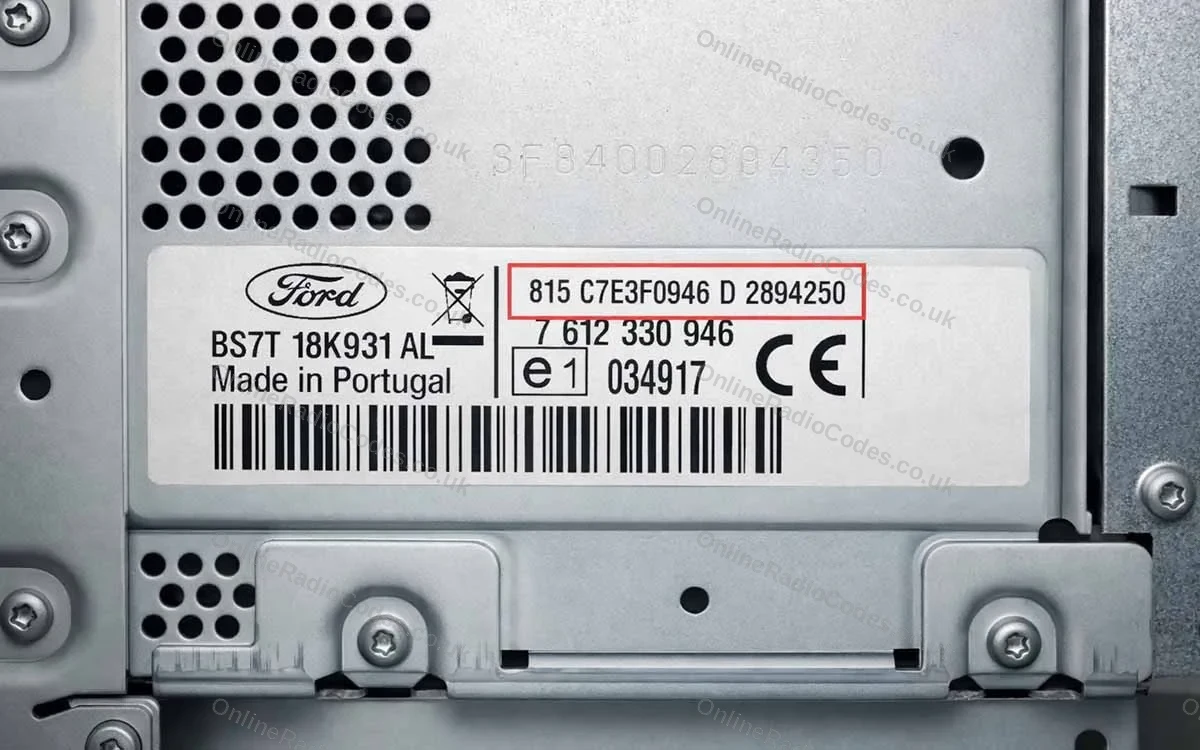
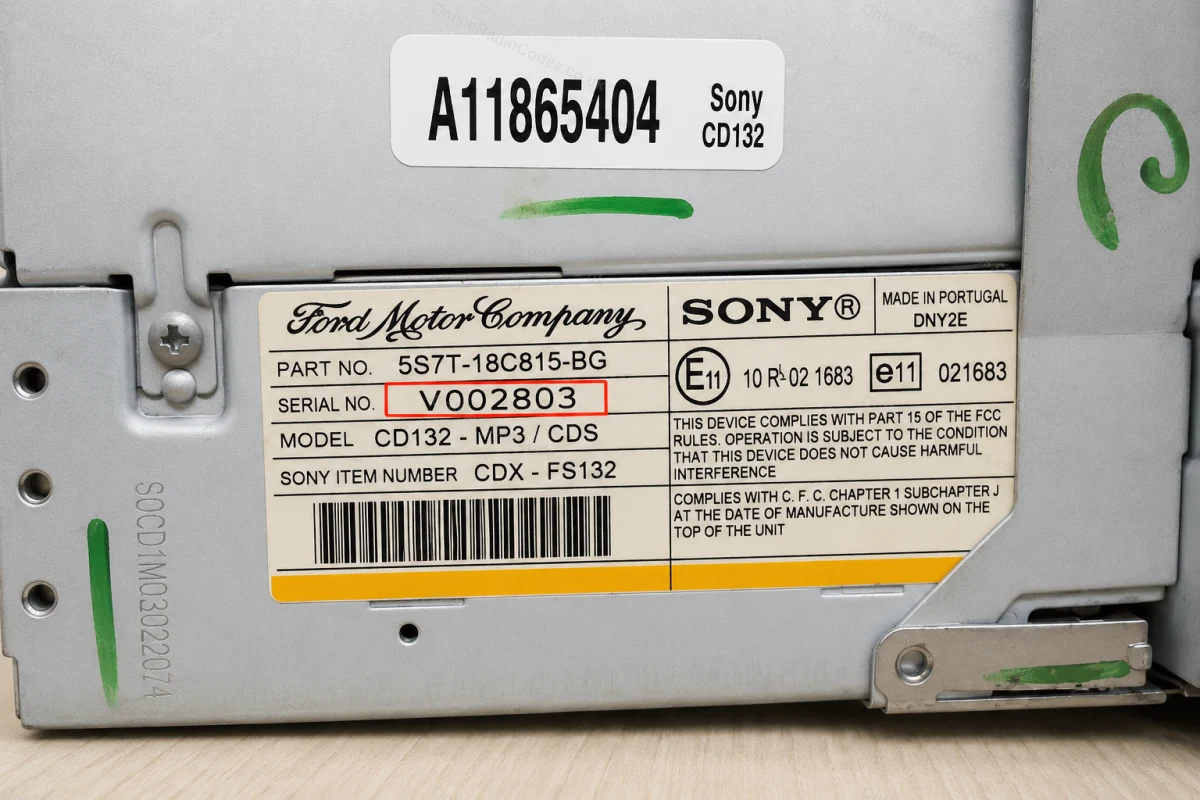
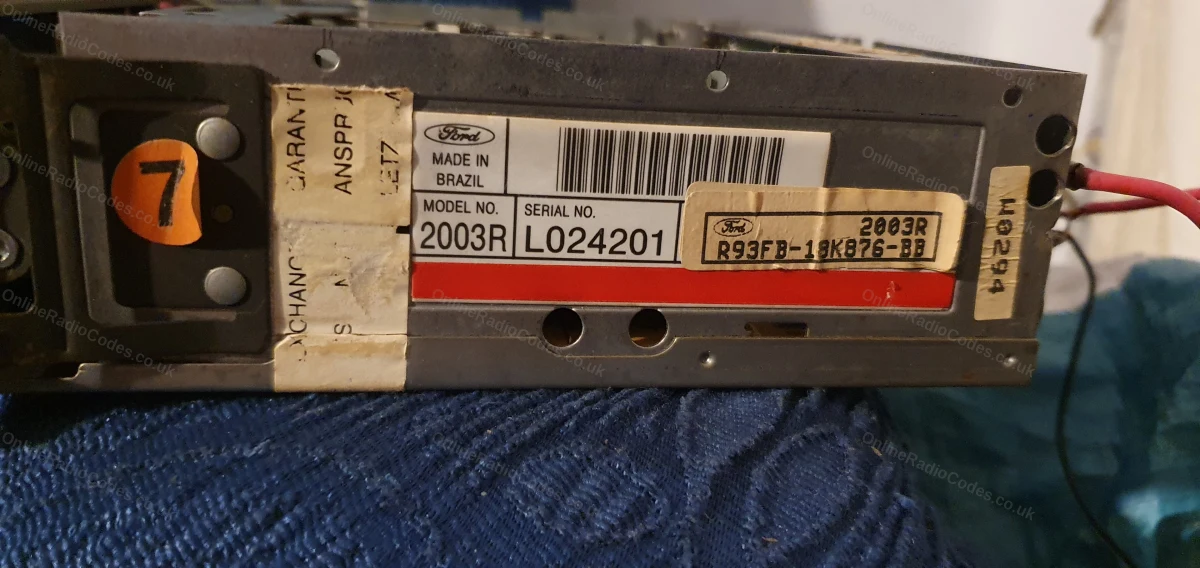
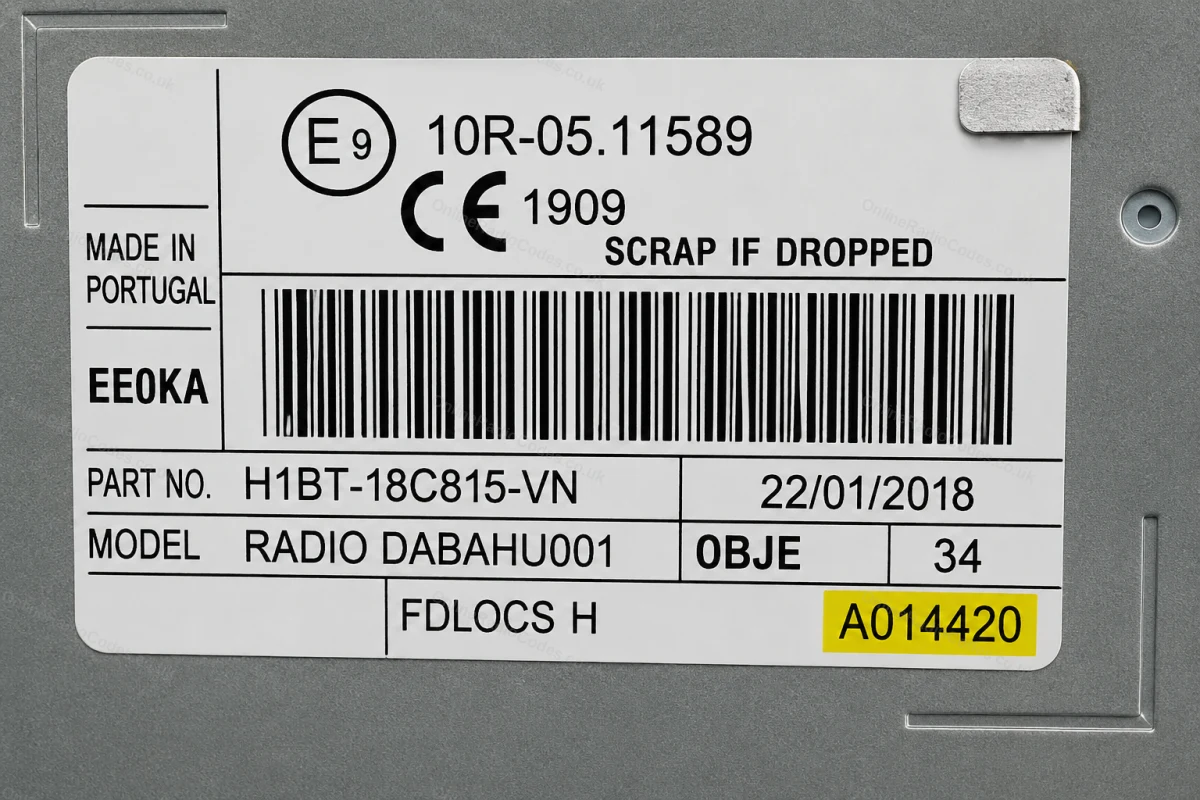
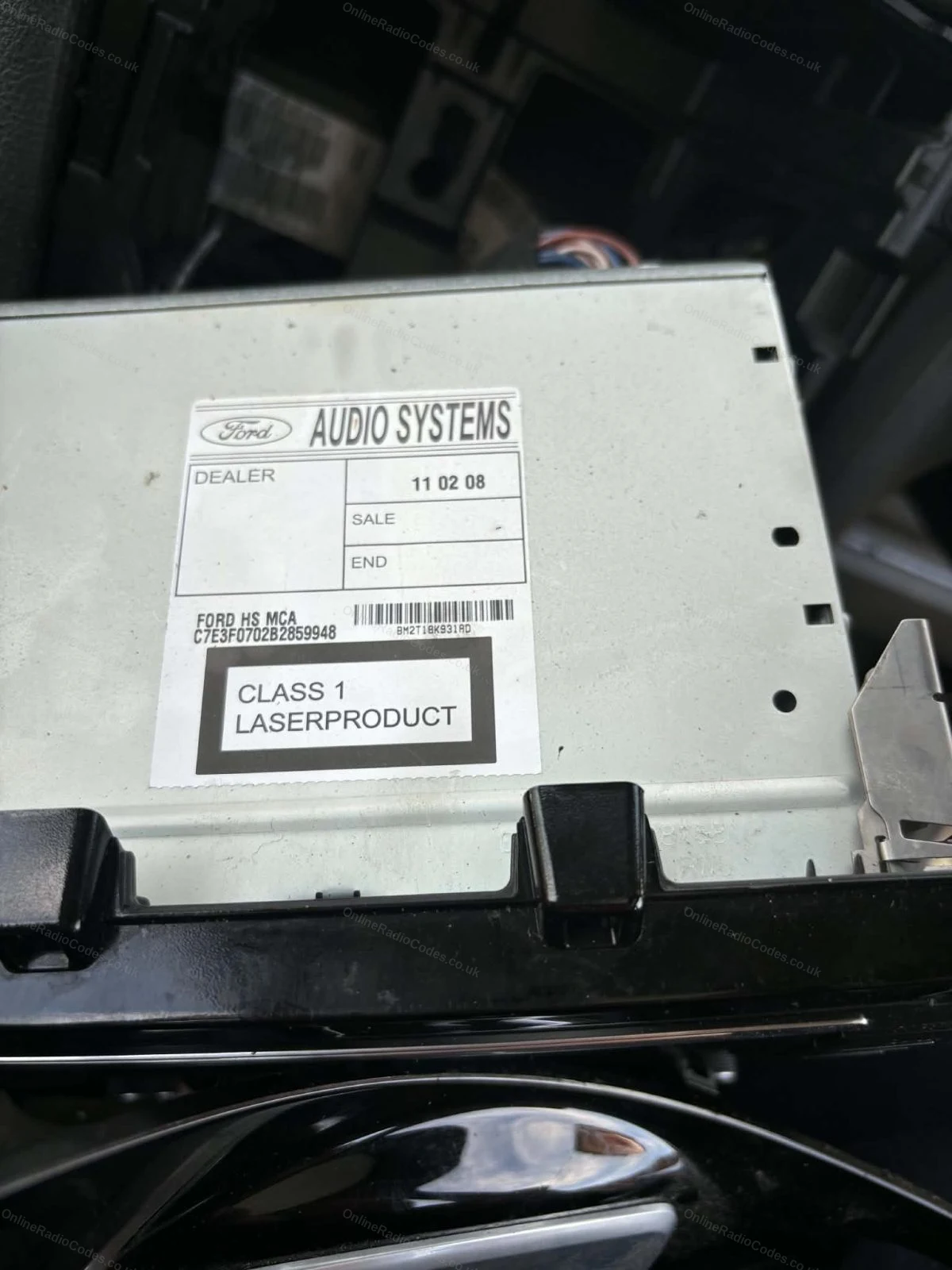
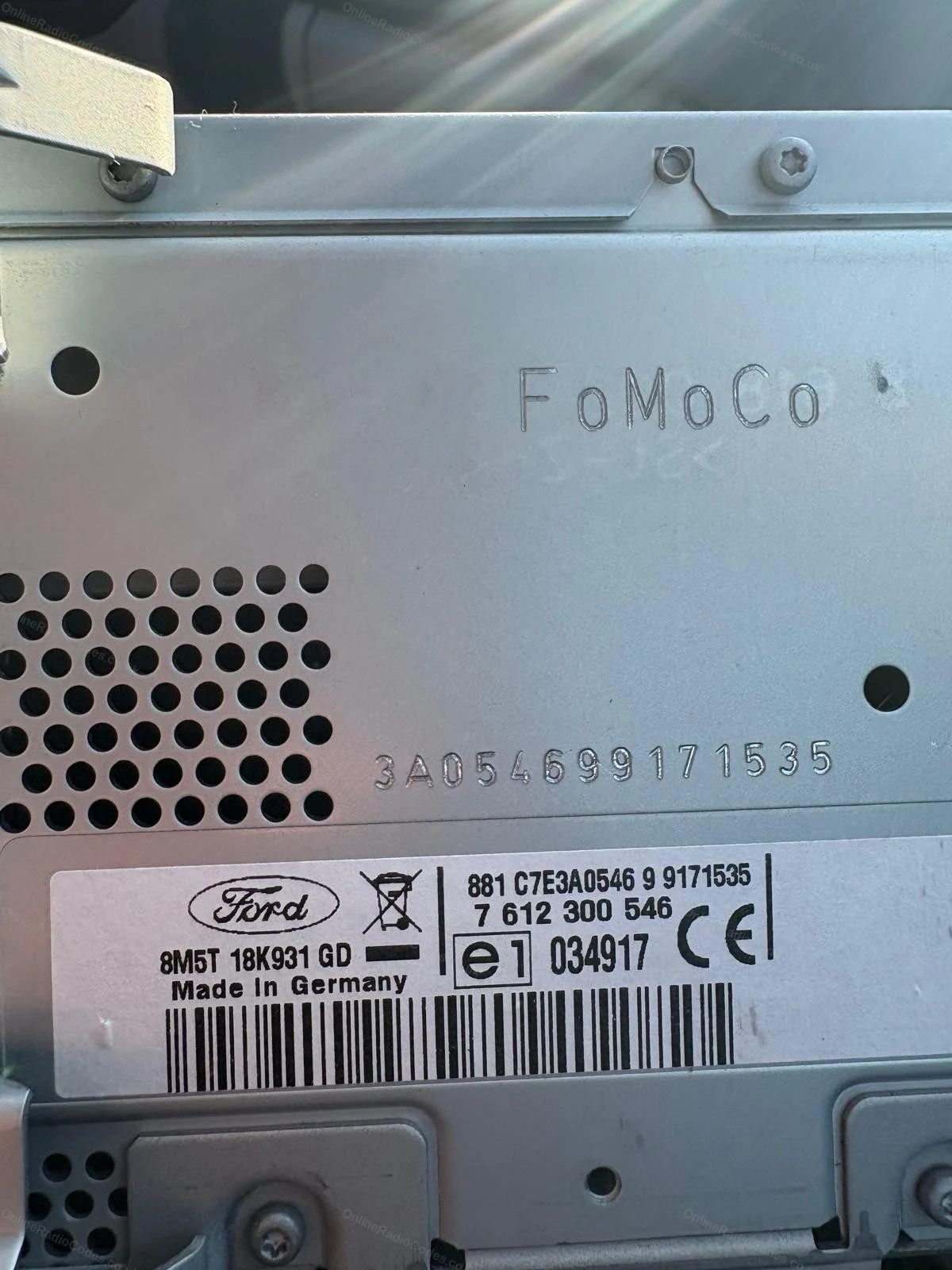
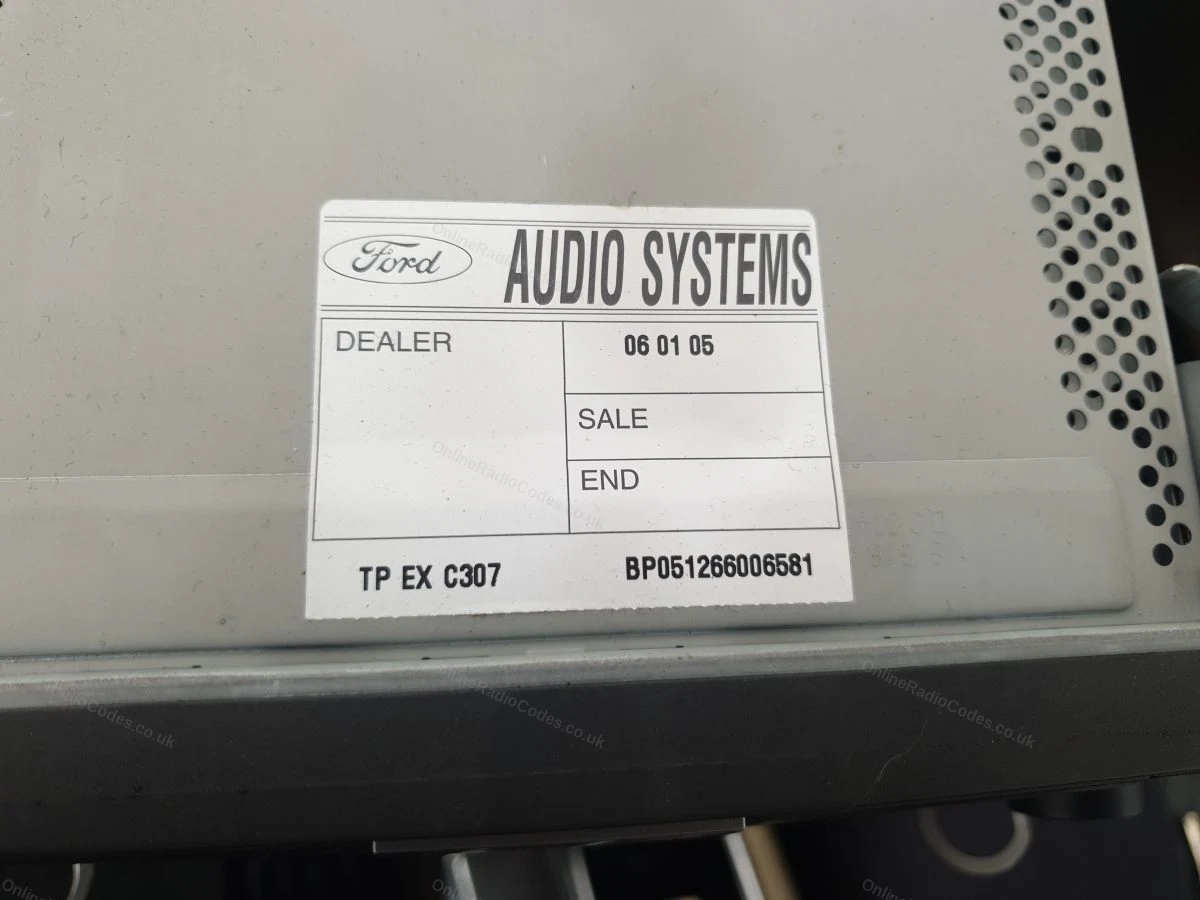
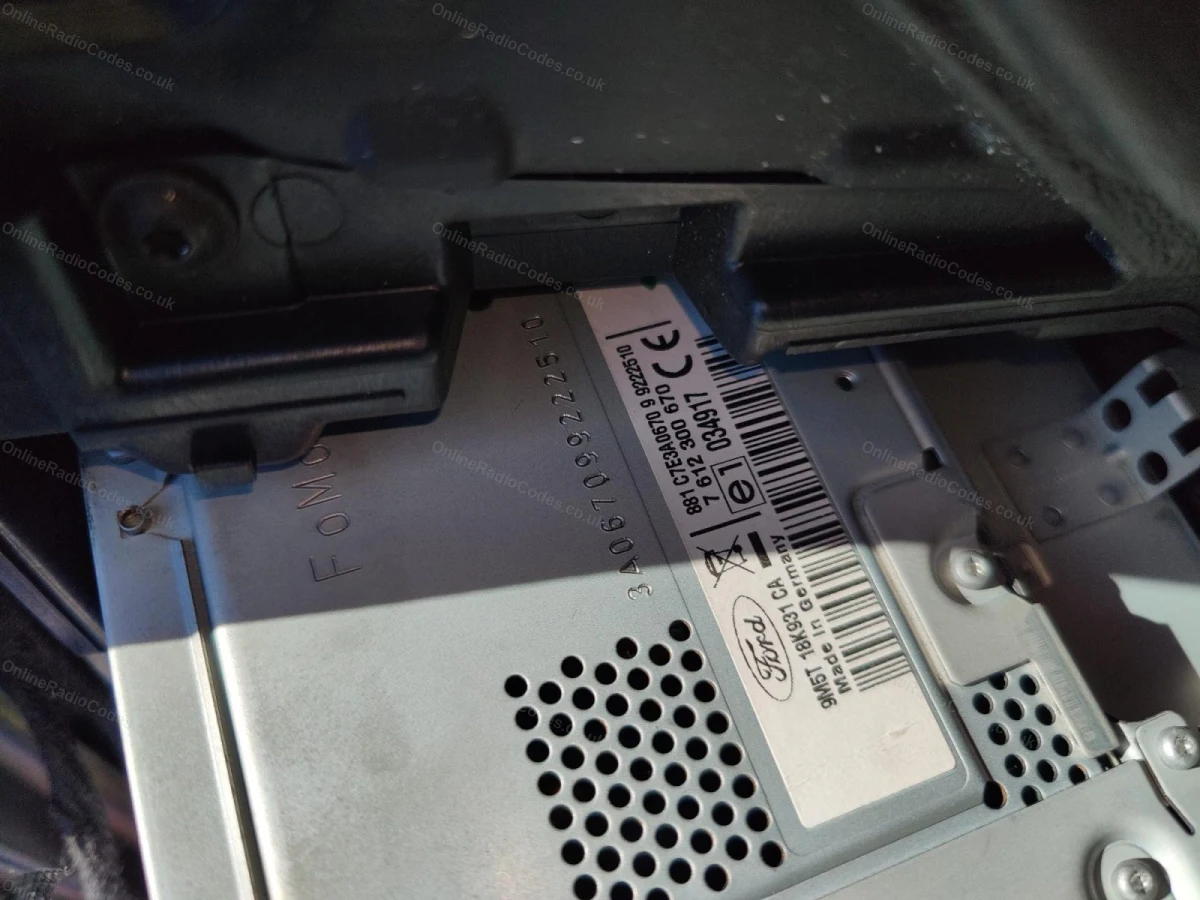
The serial is on a sticker on the back or side of the unit. It may start with V, M, L, C7 or BP depending on the manufacturer, enter it exactly as shown on the label including the prefix letter.
MK7 / MK8 · Z / A Prefix
Get your serial from the screen
Press buttons 1 and 6 as above. From 2008 the serial starts with Z (2008–2017) or A (2018 to present) followed by 6 digits. Enter all 7 characters including the letter prefix. Z and A serials are decoded using the same method.
Fitted to Fiesta MK7+, Focus MK3+, Mondeo MK4+ and most Ford models from 2008 onwards.
Ford TravelPilot
Remove the unit to find your serial
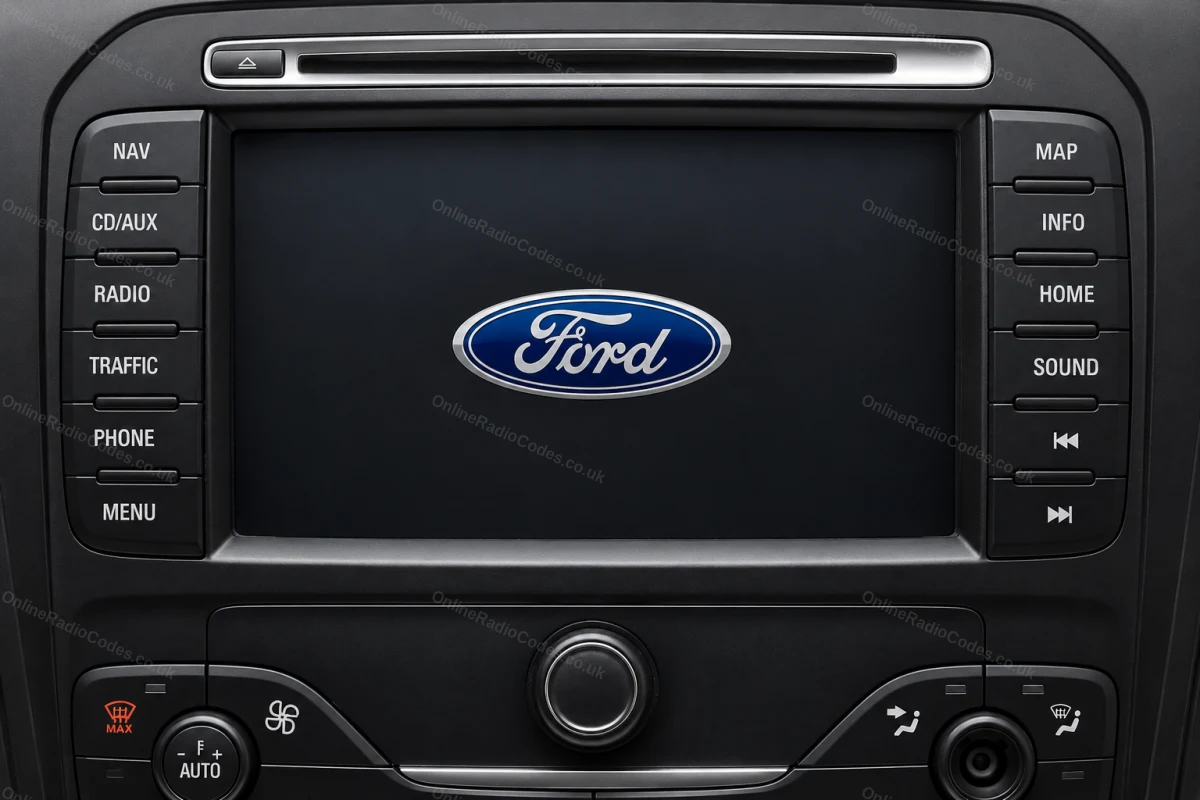
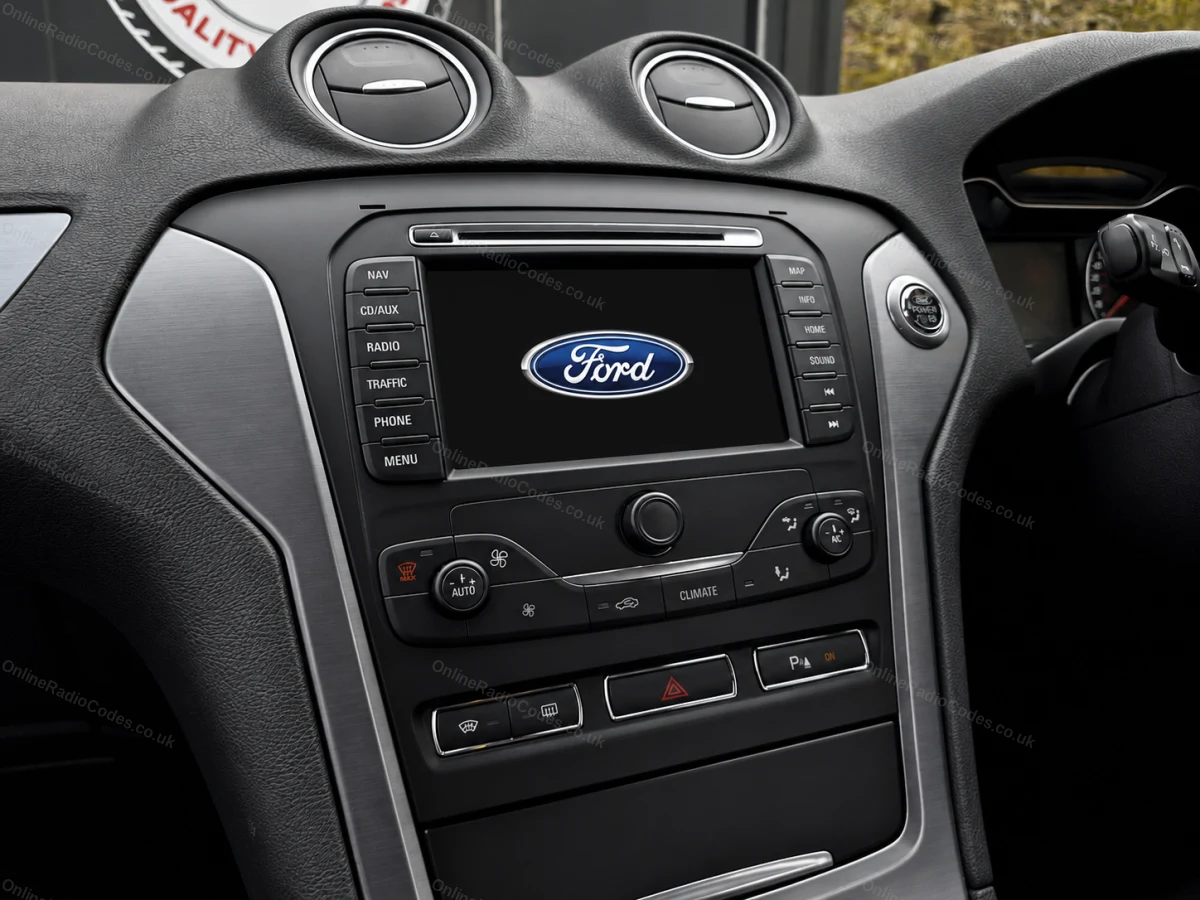
The Ford TravelPilot is a built-in touchscreen navigation unit. You will need to remove the unit to find the serial, insert release keys into the four corner holes and slide it forward.
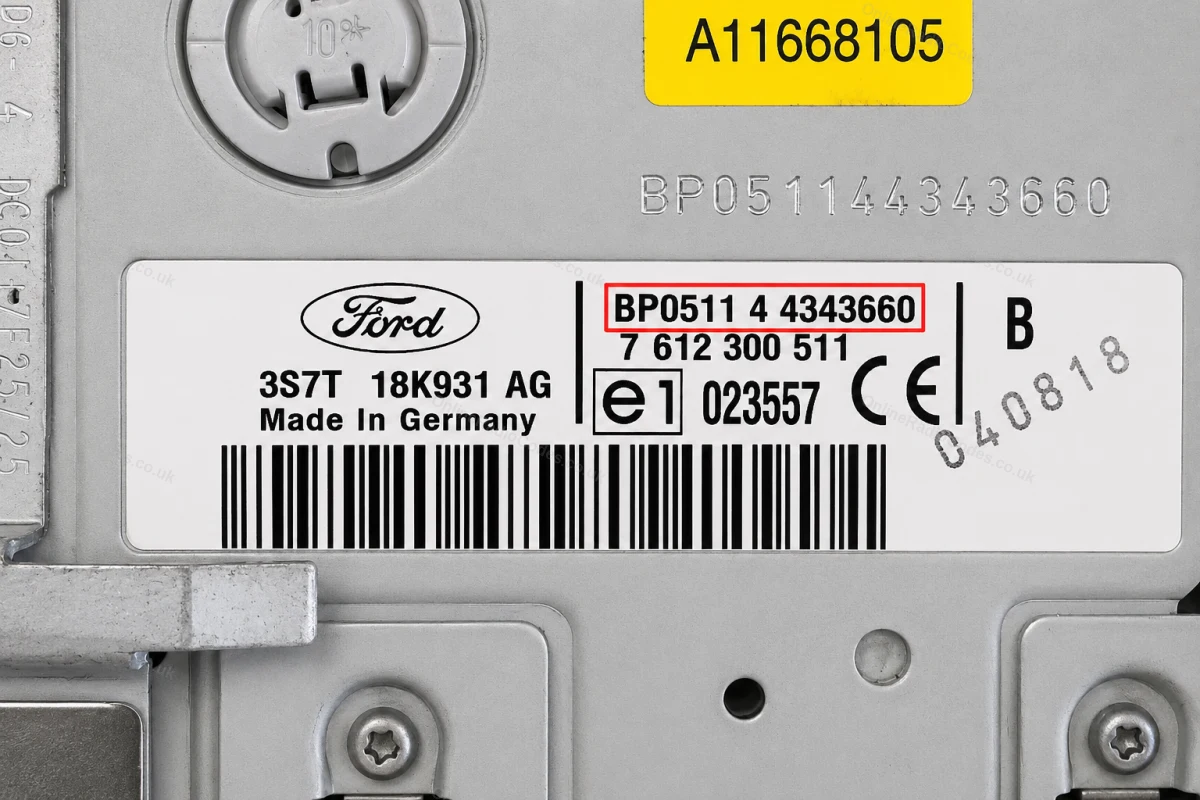
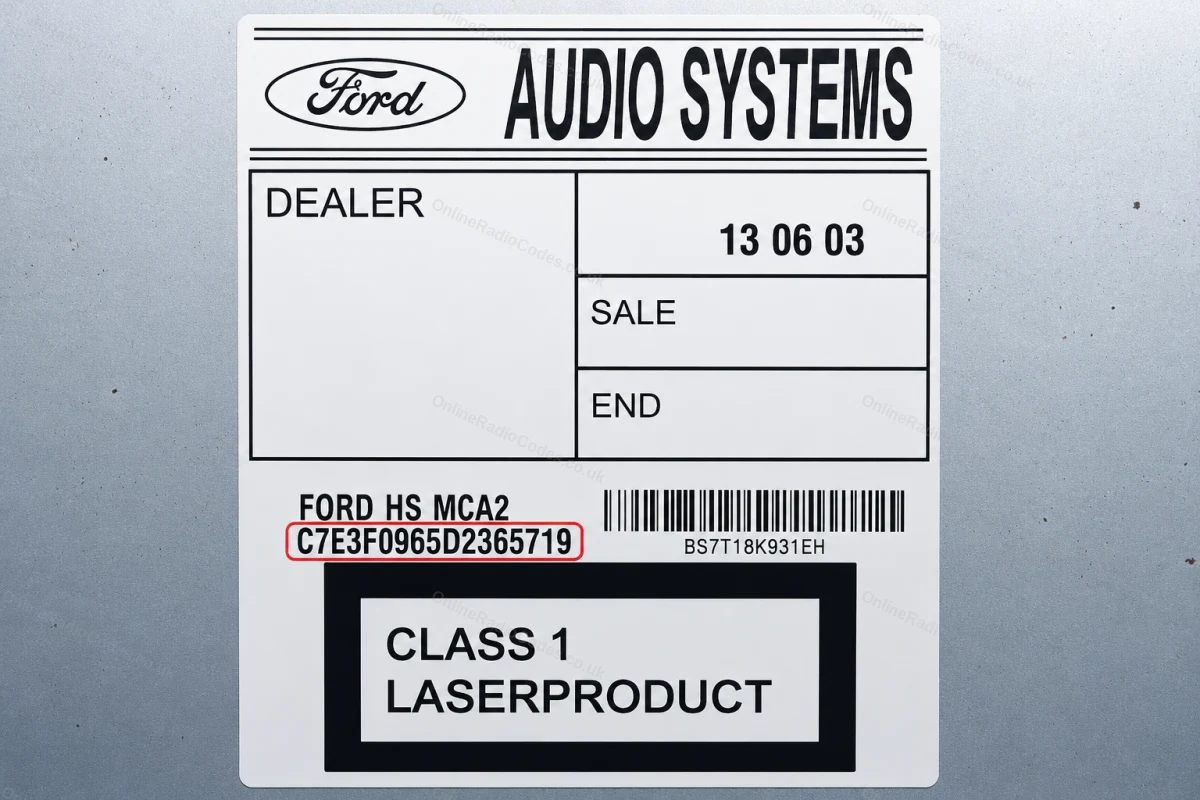
The serial is on a sticker on the back of the unit. It starts with BP (2001–2007, e.g. BP0511 4 4343660) or C7 (later models, e.g. C7E3F0965D2365719). Enter the full string exactly as shown including the prefix.
What your Ford serial looks like
V-SeriesV123456
M-SeriesM987456
Z-SeriesZ435692
C7-SeriesC73F0961C0536857
BP-SeriesBP62034596031
Sony (SN/SOCD)SN SOCD6X7V011473
L-SeriesL033843
C-SeriesC123456
Figo / VisteonVC0AKZ13211068
Figo / Visteon (FIB)FIB123456
Can't find it? Contact us. We'll help you locate your serial before you pay a penny.
Radio & label examples
Audio Systems label on top of the radio
Serial engraved on the casing above the radio label
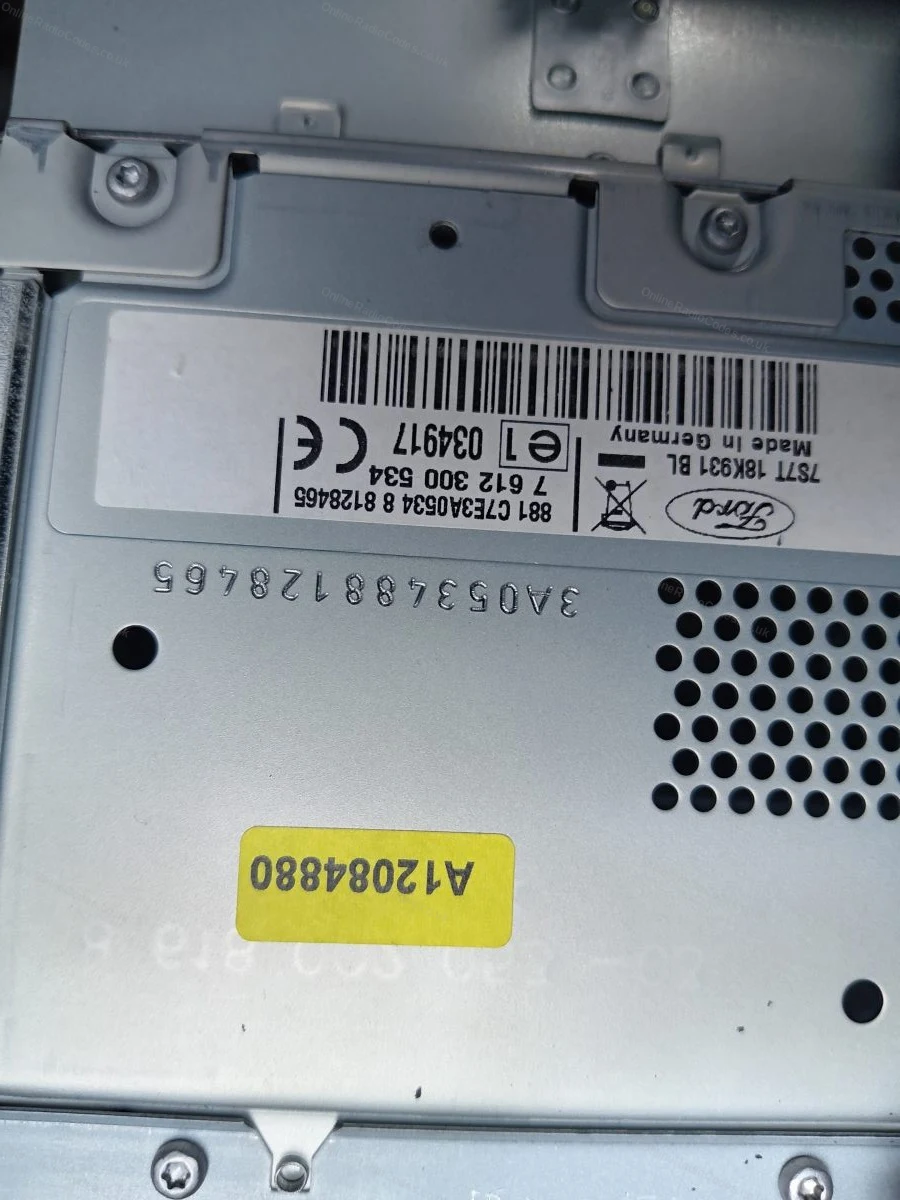
Serial label on the removed radio
Engraved serial and label on the radio casing
Part and serial label on the side of the unit
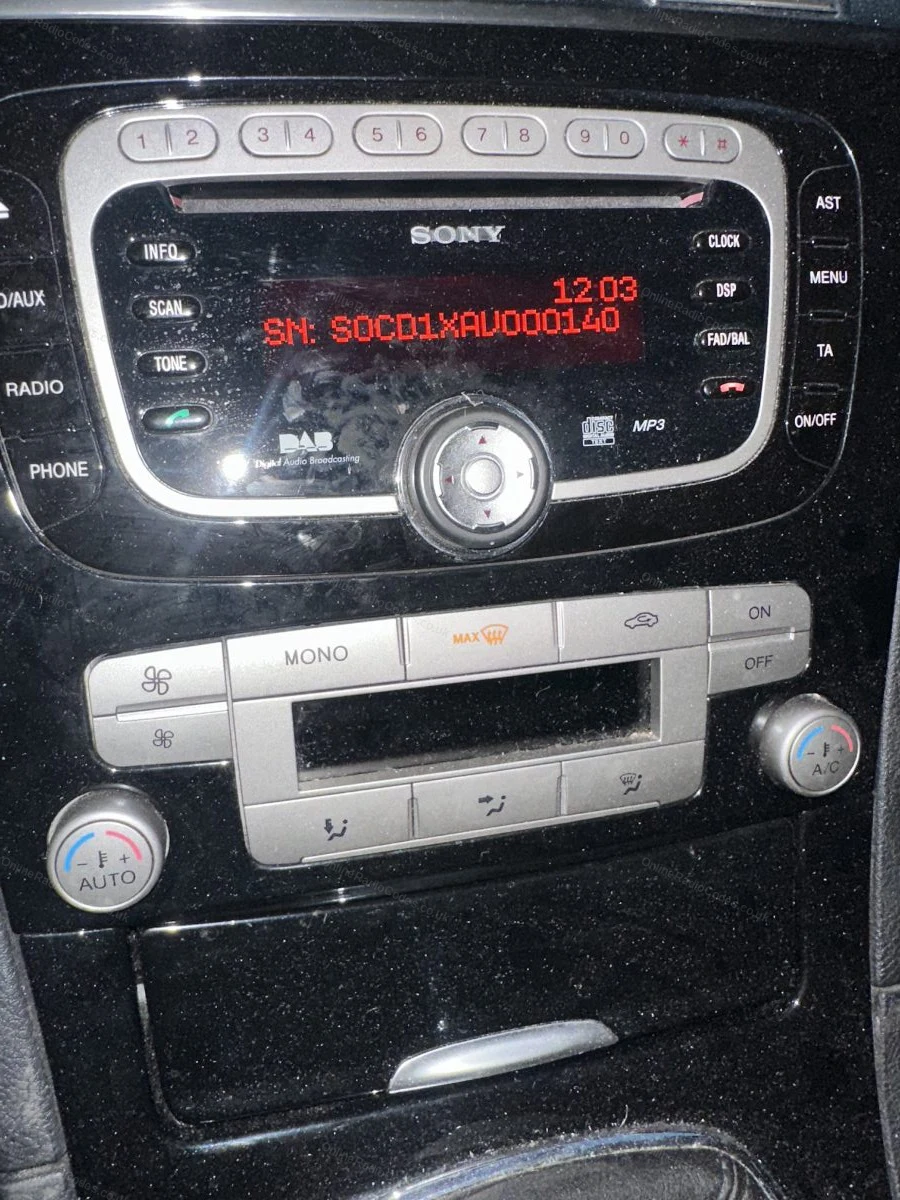
Serial number shown on the radio display
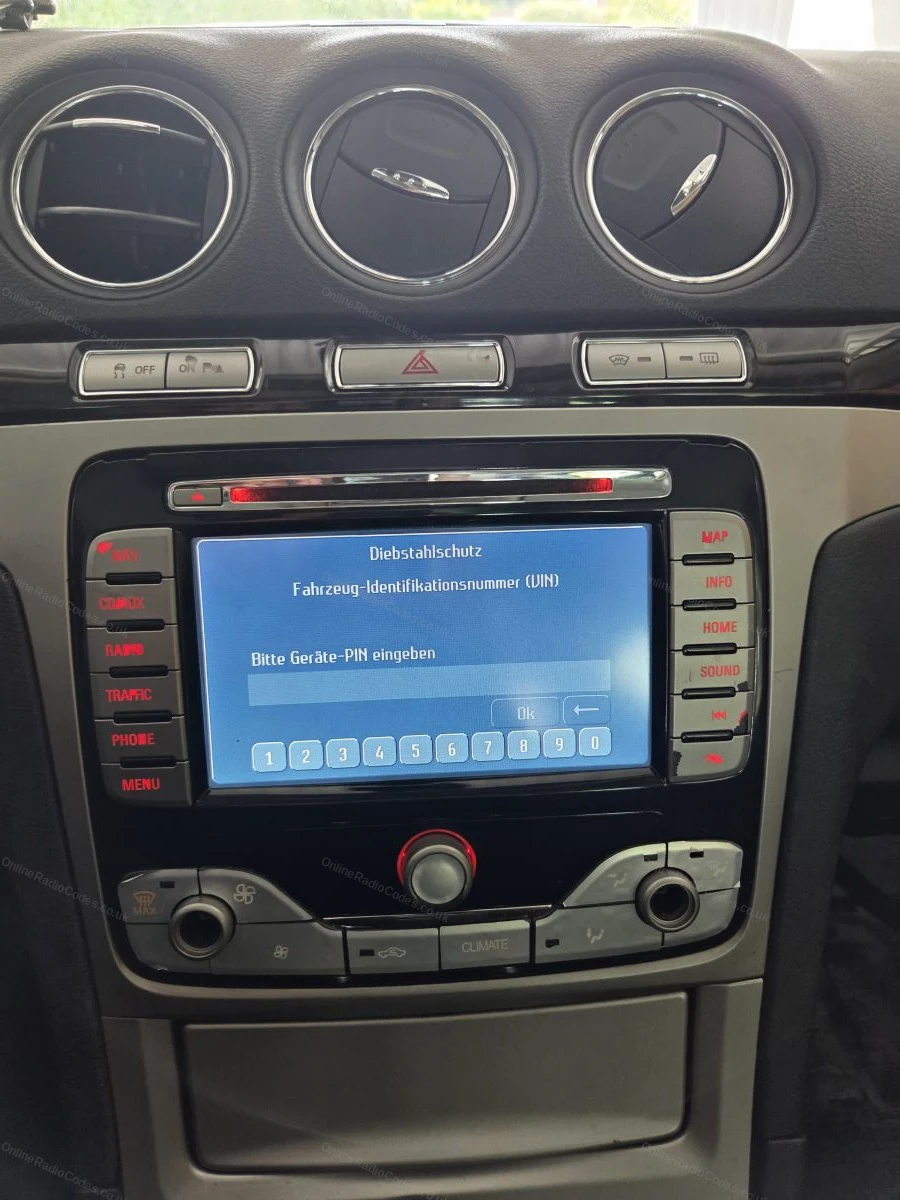
Navigation unit asking for the anti-theft PIN
Since 2015 · 1 million decodes
The World’s Leading Ford Radio Code Service
A Decade of Decoding
Retrieving car radio codes since 2015, with more than a million codes delivered. Registered UK company No. 09736186. Read our story
Your Code, Fast
Most codes appear on screen the moment payment clears. The rest are handled by our team, usually within the hour in business hours.
Works, or Your Money Back
If your code does not work, we refund you in full. One of the very few radio code services that backs every single order.
Your Code, Kept for Life
Lose your code in five years? We keep it on file and will resend it free of charge, as many times as you need.
Real people, worldwide, around the clock
Meet our radio experts
A small team who have decoded radios for a decade, with Nova, our AI assistant, covering around the clock. Wherever you are in the world, we're here to help.
Live chat and email 24/7. Phones Monday to Friday, UK hours.
Gavin
Emma
Lucy
Mika
Liz
Nova24/7
FAQ
Frequently asked questions
Why is my S-Max radio asking for a code?
Power was cut to the unit, usually a battery change or repair work, and the anti-theft lock kicked in. Enter the correct code once and it stays unlocked.
How do I get the serial on an S-Max?
Hold buttons 1 and 6 with the radio on and most units display the serial, a letter plus six digits like V536284. Units that do not show it carry the serial on the casing label instead.
Which radios does the S-Max have?
Mostly the 6000 CD and Sony units depending on year and trim. Both use the same V and M serial system and both are covered, the entry method is the same too. Have another Ford as well? The Ford radio code page covers the rest of the range.
How do I enter the code?
With CODE on the display, presets 1 to 4 set each digit in turn, press each repeatedly until the right number shows, then press 5 to confirm.
The screen says LOCKED. Have I broken it?
No. It pauses after too many wrong attempts. Leave the radio switched on for around an hour and it comes back to CODE. Battery disconnects do not speed this up.
This is the second time I have used this company to get a radio Code both times it is come within a very short time and worked perfectly thank you very much …
My radio hadn’t worked for a long time after I replaced my car battery. Within just a few minutes, I was able to use it again—all I had to do was enter my VI…
Great service. Quick and easy. Well done. Many thanks
This is the second time I’ve used their service—quick, flawless, and trouble-free. This time, I bought a used radio on eBay from a dishonest seller; it was s…
Had my Audi radio in safe mode , dealership wanted to book a service appointment for me at $250 just to get me the code. I decided to get the code from this …
usata per la prima volta, forte del fatto che c'è la possibilità di pagare con PayPal e quindi una piccola sicurezza sui pagamenti, dando il nr di codice rad…
Online Radio Codes is an independent radio code service and is not affiliated with, authorised by, or connected to Ford Motor Company Limited or any of its subsidiaries or affiliated companies. All manufacturer names, model names and trademarks are the property of their respective owners and are used solely for identification and reference purposes.


















 Ford · Radio Codes
 22,803 reviews on