

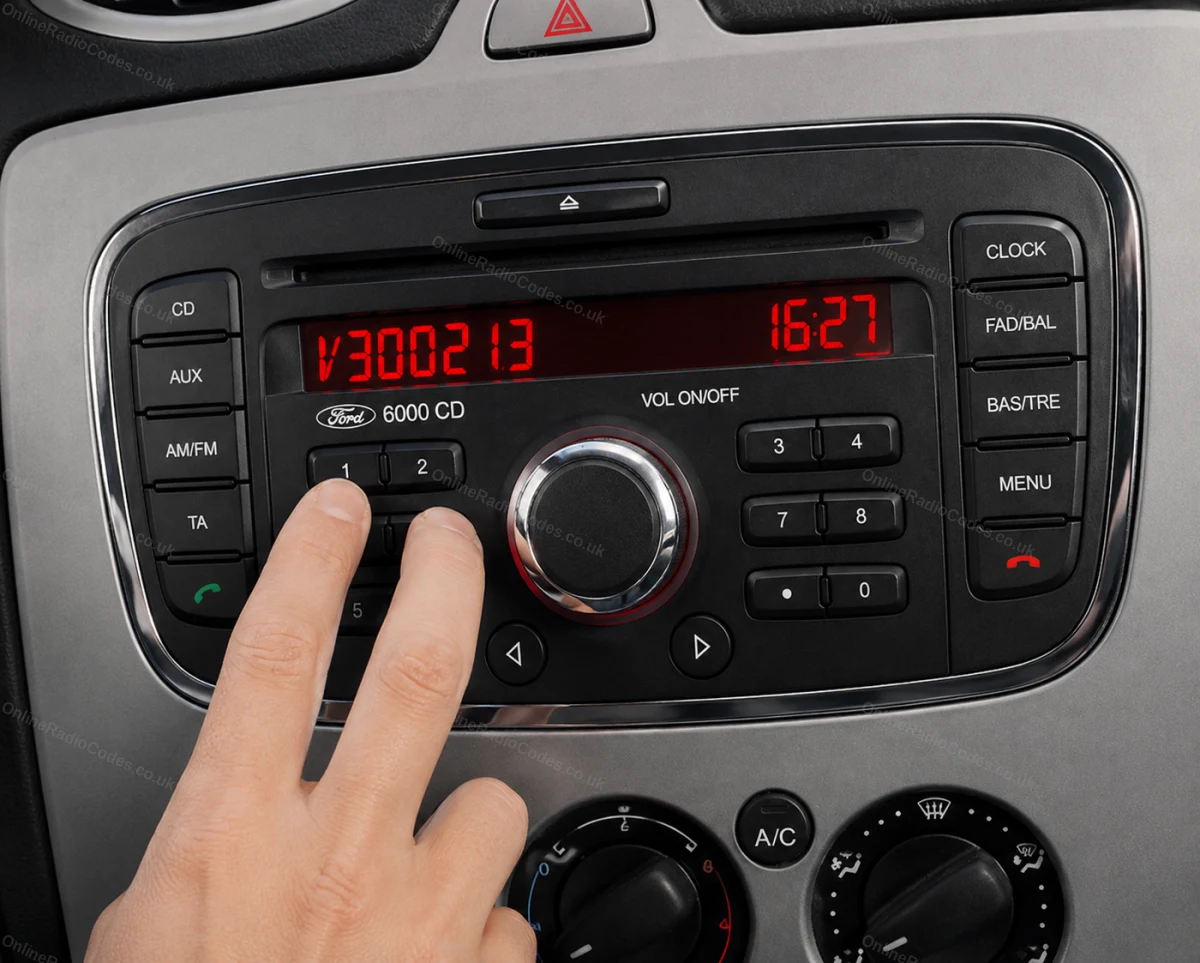
Szybka odpowiedź
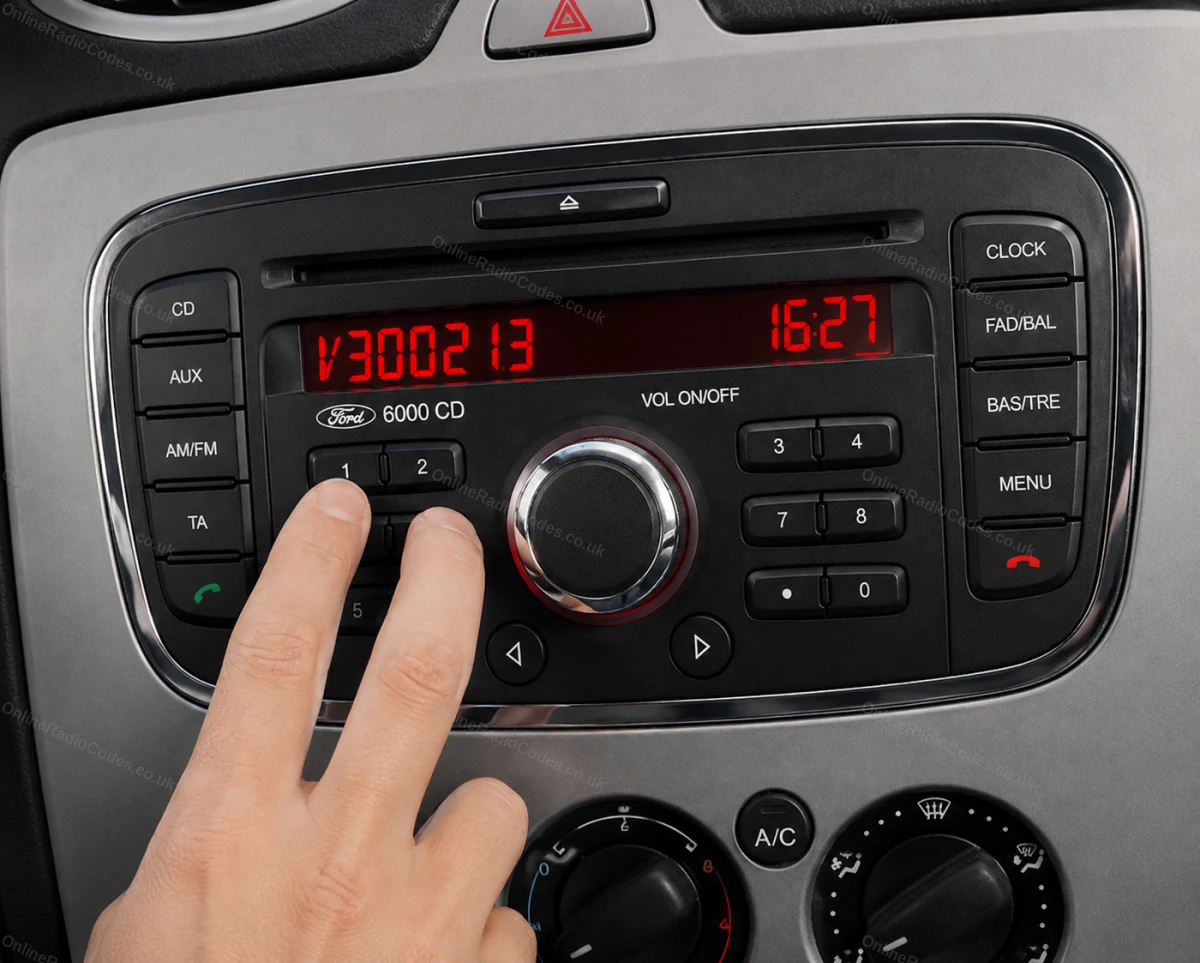
On a Ford 6000 CD from 2004 on, switch the radio on so it shows CODE, then hold presets 1 and 6 for about three seconds. A few lines scroll past, which can take 20 to 30 seconds, and the serial comes last: a V or an M and six digits. If it never shows after two tries, the same serial is on the label on the radio's casing, next to SERIAL NO. Nearly 3,000 Ford V and M serials were ordered from us in the last six months, and every one got its code.
Na tej stronie
Before you hold any buttons
Turn the ignition on and switch the radio on. The screen should show CODE, or KEYCODE on some radios. Everything below starts from that screen.
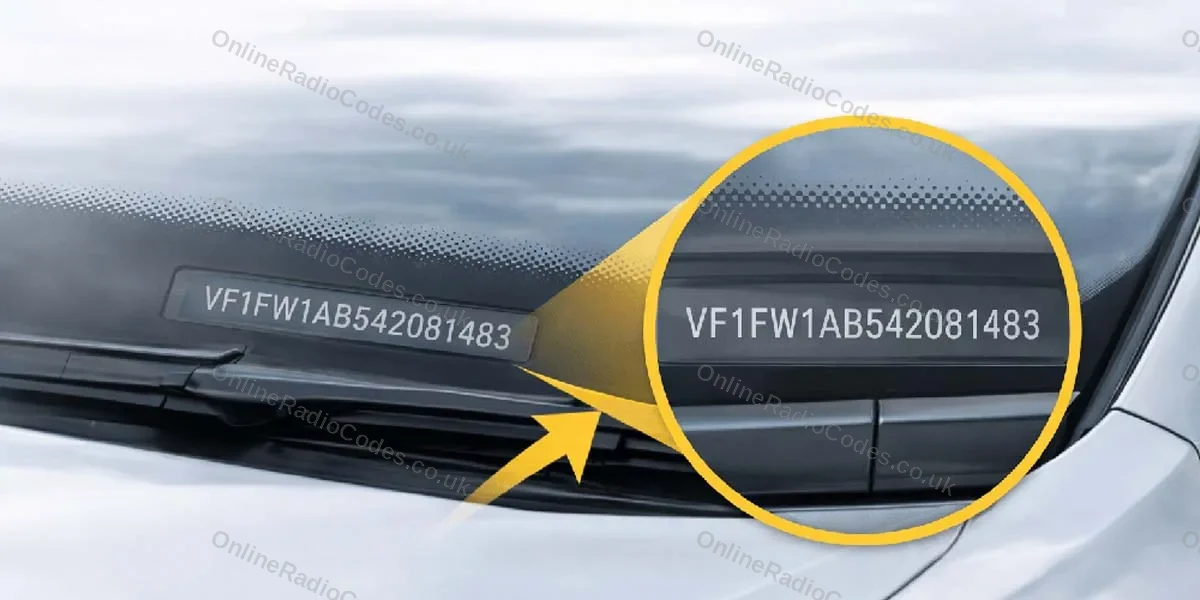
The code is worked out from the radio's own serial number. The VIN, the registration number and the log book cannot be used for a Ford radio, because none of them says anything about the radio itself. Our Ford pages turn a typed VIN away for that reason, several times a day.
So what you are looking for is one thing: a V or an M followed by six digits.
Hold 1 and 6, then wait
With CODE on the screen, hold presets 1 and 6 together for about three seconds.
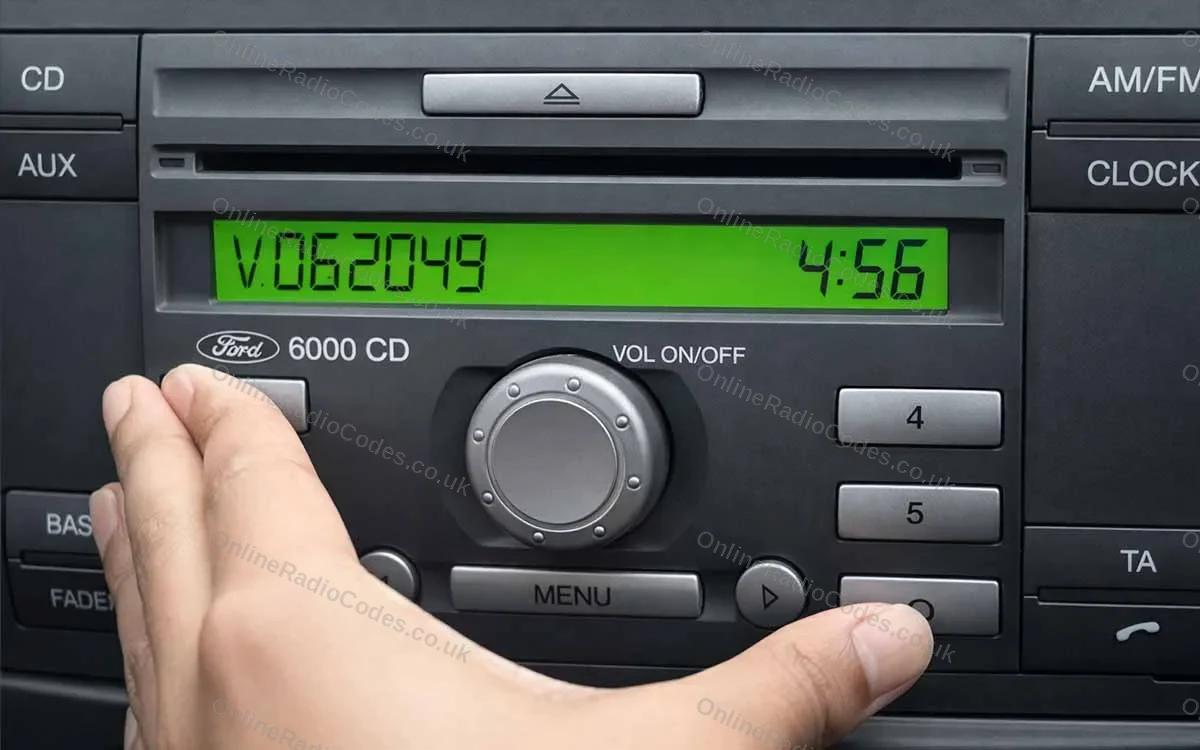
A few lines then scroll across the screen. This can take 20 to 30 seconds, and the serial comes last, so keep watching until it has finished. On most 6000 CD radios it is a V and six digits, such as V062049.
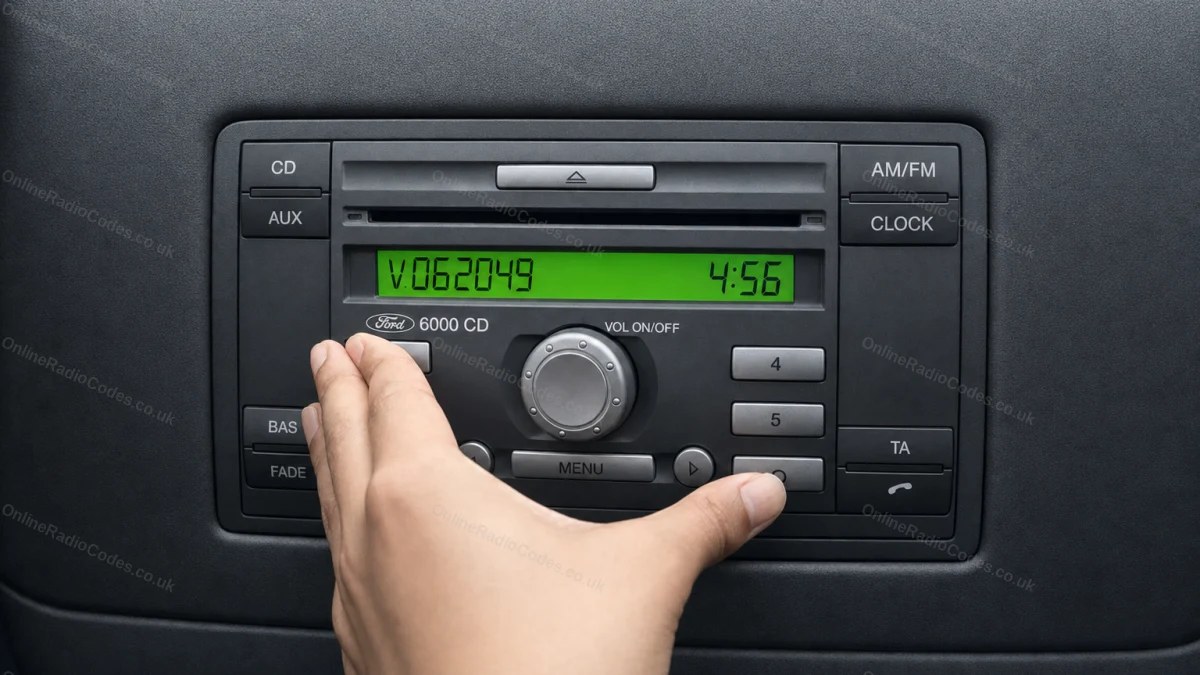
What you might see on the way:
- The serial in two halves. Enter it as one, with no space.
- An M instead of a V. Some radios from 2004 to 2007 show M and six digits. That is the serial.
- A long line such as FDD2006M078787. The serial is the M and the six digits at the end, so M078787.
- A line such as 07-00-19. That is a date, not the serial. Keep watching for a letter and six digits.
- Something that looks like a letter O. Read it as a zero.
When the serial does not come up
Three things cause most of these:
- The radio is not on CODE. Switch it on with the ignition on and start again from the CODE screen.
- The buttons were let go too soon. Hold both for a full three seconds, then give it the full 20 to 30 seconds.
- It is a different radio. A Ford 4500 RDS looks similar, but on that radio you hold presets 2 and 6, and its serial starts with M. The 6000 CD RDS EON and other Ford radios from before 2004 never show the serial on the screen at all.
Two tries is enough. If nothing has come up by then, the same serial is printed on the label on the radio. Our guide to where the serial is on other radios covers the other Ford units.
Reading the label on the radio
For this the radio has to come out of the dashboard. Push a pair of radio removal tools into the holes on both sides of the radio and slide it out towards you. If you would rather not do it yourself, a car audio fitter can take it out for you.
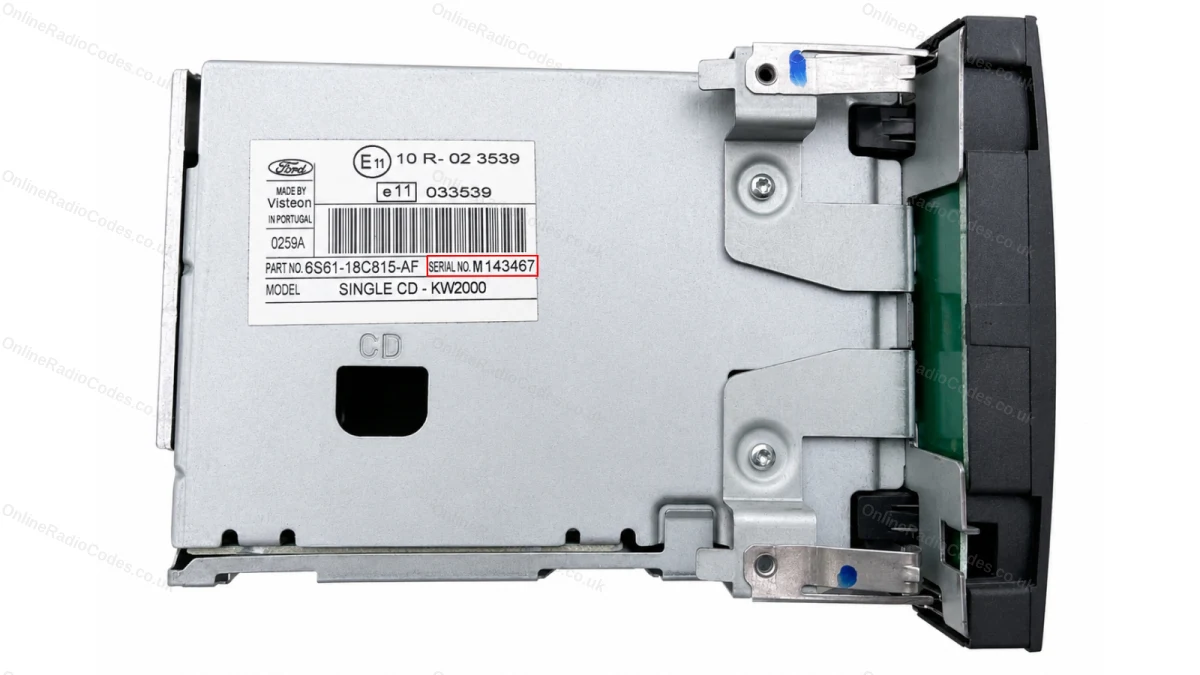
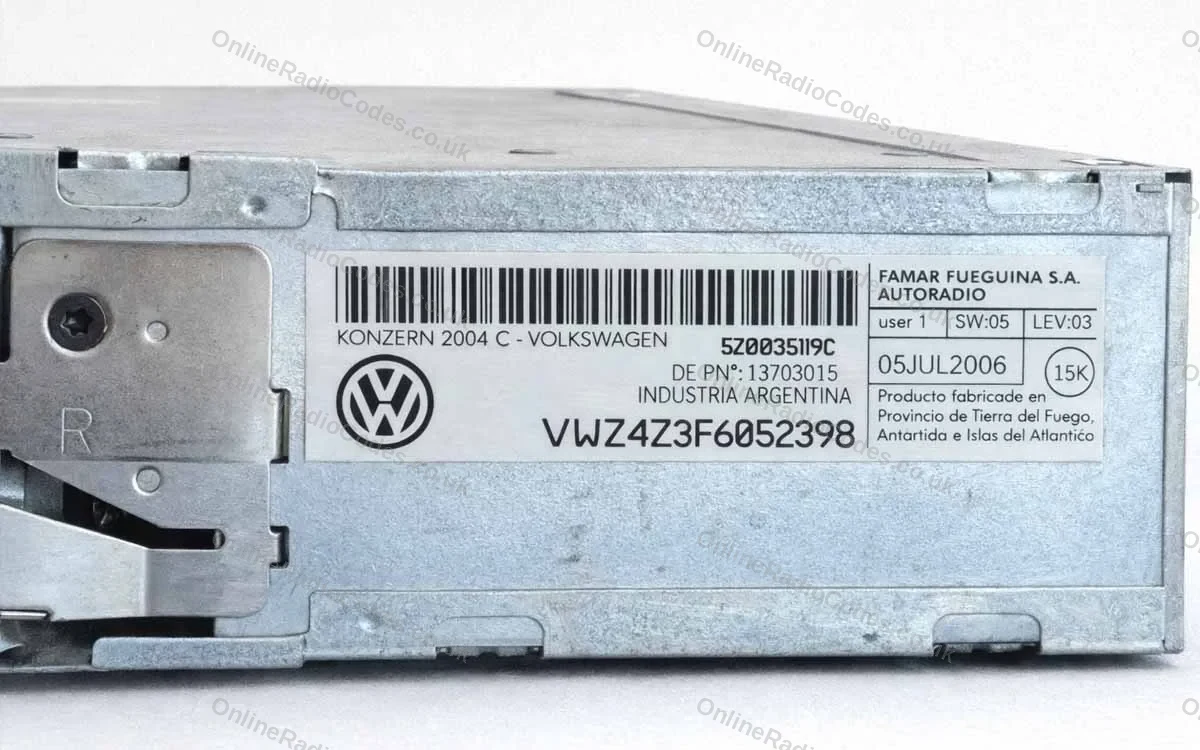
Look for SERIAL NO. on the label. Next to it is a V or an M and six digits, and that is the number we need.
The same label carries a part number, such as 6S61-18C815-AF. It is longer, it has dashes in it and it is not the serial, so a code cannot be worked out from it. We see Ford part numbers typed in by mistake every week. There is more on part numbers and serials in our guide to codes that do not work.
Type the serial on our Ford 6000 CD page. A Ford code usually arrives within kilka minut, and our guide to how long a radio code takes has the times for every make.
Entering the code
Switch the radio on. The screen shows CODE with four dashes, or 0000.
A radio with six preset buttons:
- Press preset 1 until the first digit of your code shows.
- Do the same with preset 2 for the second digit, preset 3 for the third and preset 4 for the fourth.
- Press preset 5 once to confirm.
A radio with number buttons 0 to 9: this is the later 6000 CD, in the Kuga, Mondeo, S-Max and Galaxy from about 2007. Type the four digits with the number buttons, then press the star button to confirm. Pressing 5 will not confirm on this one, because 5 is a digit there.
Both versions step by step, with your own digits on the screen: the 6000 CD with preset buttons and the 6000 CD with number buttons.
If the code is refused
After a wrong code the screen shows how many tries have been used. Before you try again, check the serial you ordered with against the screen or the label. A letter O is a zero, and the letter in front, V or M, has to match.
If the screen shows WAIT 30, the radio is counting down 30 minutes. Leave it switched on until CODE comes back, then enter the code once, carefully.
If it shows LOCKED, stop entering codes. Send a photo of the screen to our chat and we will tell you what that radio needs. Our guide to locked radio screens explains the Ford ones, and why a radio code does not work covers the other mistakes we see.
Najczęściej zadawane pytania
I have tried 1 and 6. It scrolls through a load of numbers, but nothing comes up with a code starting with the letter V.
Keep watching until the scrolling stops, because the serial is the last line. Some 6000 CD radios show an M and six digits instead of a V. If no letter and six digits come up after two tries, read the serial from the label on the radio casing, next to SERIAL NO.
When I pressed 1 and 6 together, it popped up this number: 07-00-19.
That is a date, not the serial. Keep watching the screen until a letter and six digits show, such as V062049. If they never do, the serial is on the label on the radio.
I can't see it coming up when I press 1 and 6.
Check the radio is switched on and showing CODE first. Then hold 1 and 6 together for about three seconds and give it up to 30 seconds. If nothing shows after two tries, your radio may be one that does not show its serial, and the label on the casing has it.
Not sure how to remove the radio to get to the casing and find the number that way.
Radio removal tools push into the holes on both sides of the radio, and it then slides out towards you. If you would rather not do it yourself, a car audio fitter can take it out and read the label for you.
Is there any other way, with the log book serial number?
No. The log book holds the car's VIN and registration, and neither says anything about the radio. A Ford code comes only from the radio's own serial, the V or M and six digits on its screen or label.
I bought the code for my Ford 6000 CD, then changed the battery and the radio locked again. Why buy a new code?
You do not need one. The code belongs to the radio and stays the same, so the code you bought works every time the battery is changed or goes flat. Keep the code email somewhere safe.