Séria V · Stlačte 1 + 6
Sériové číslo si prečítajte z obrazovky
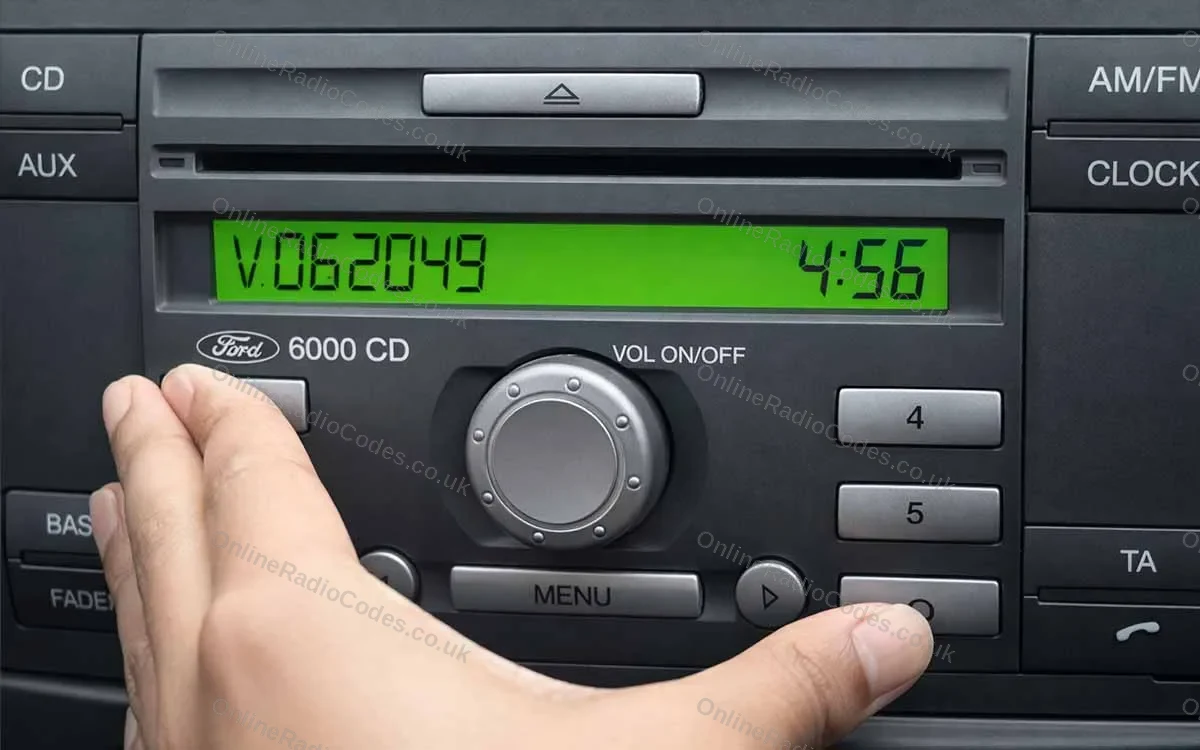
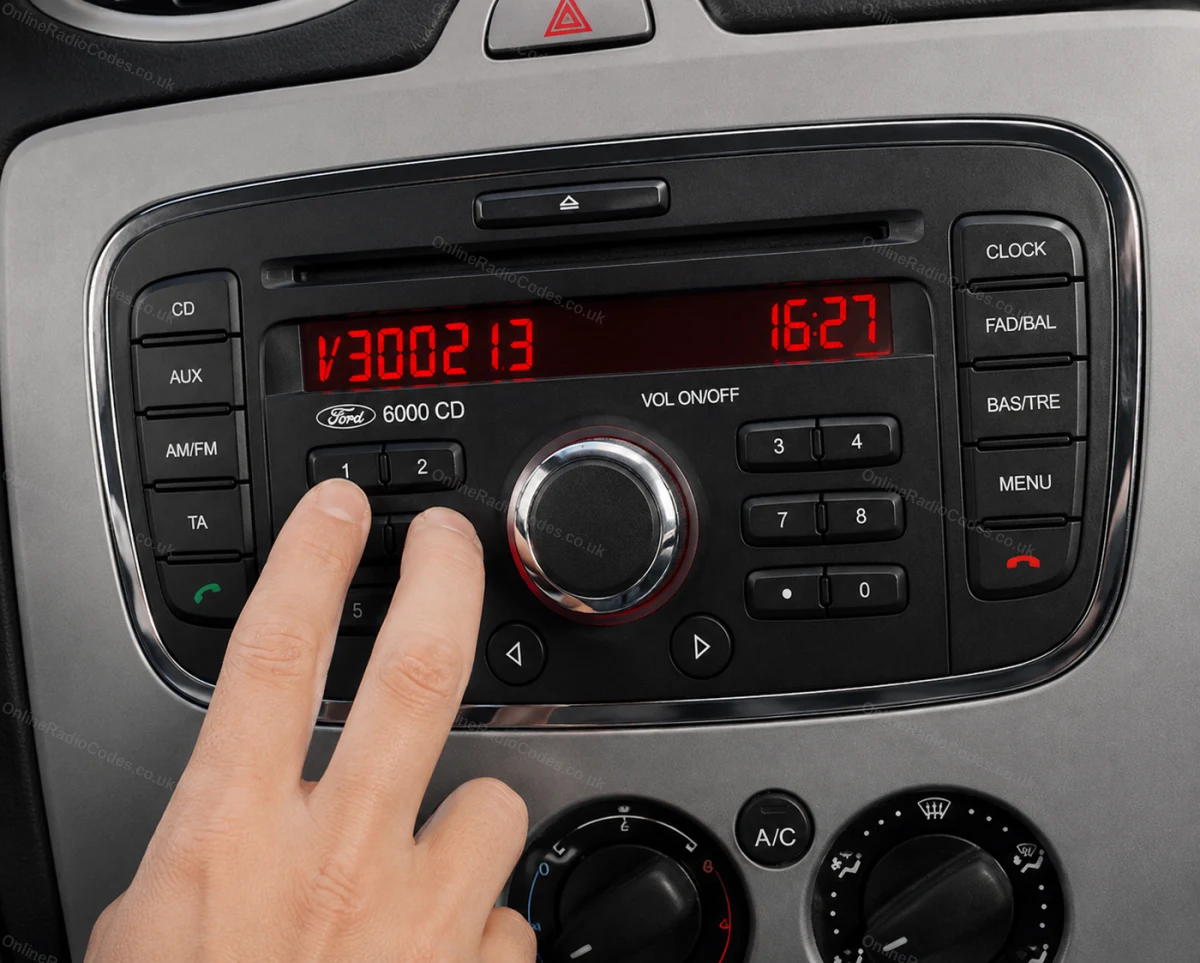
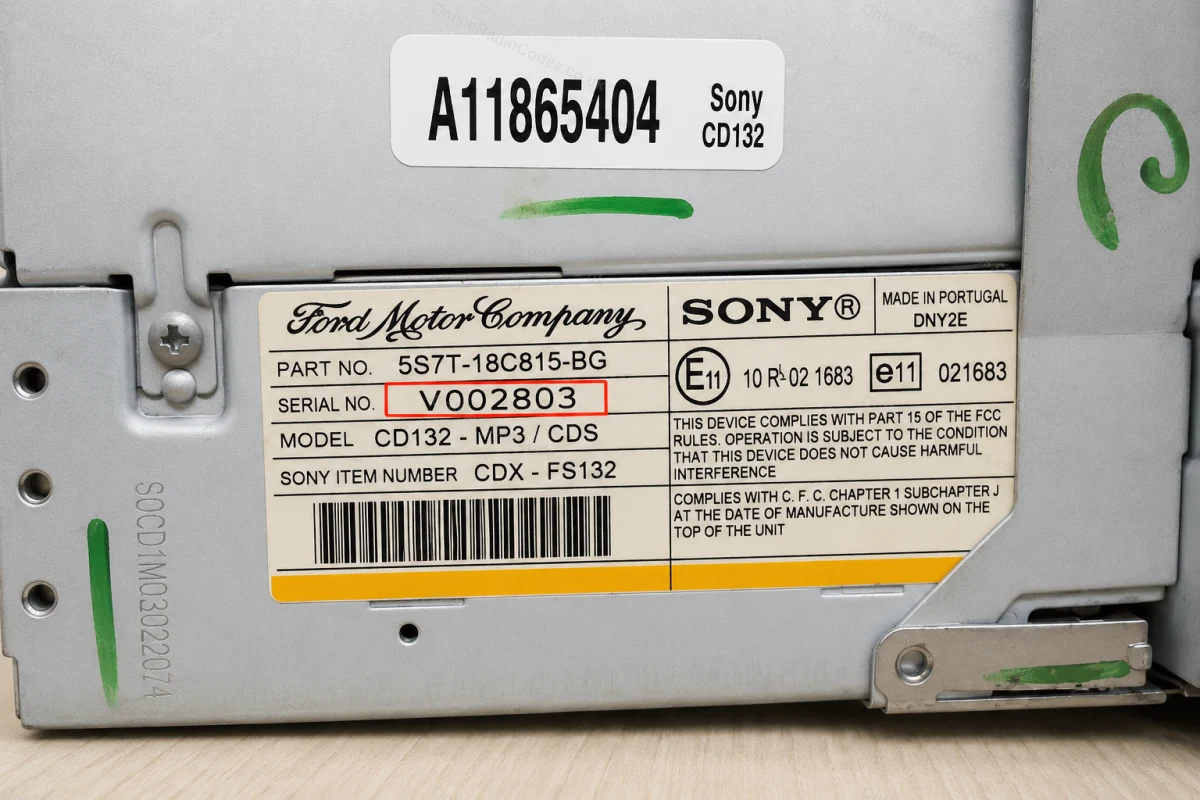
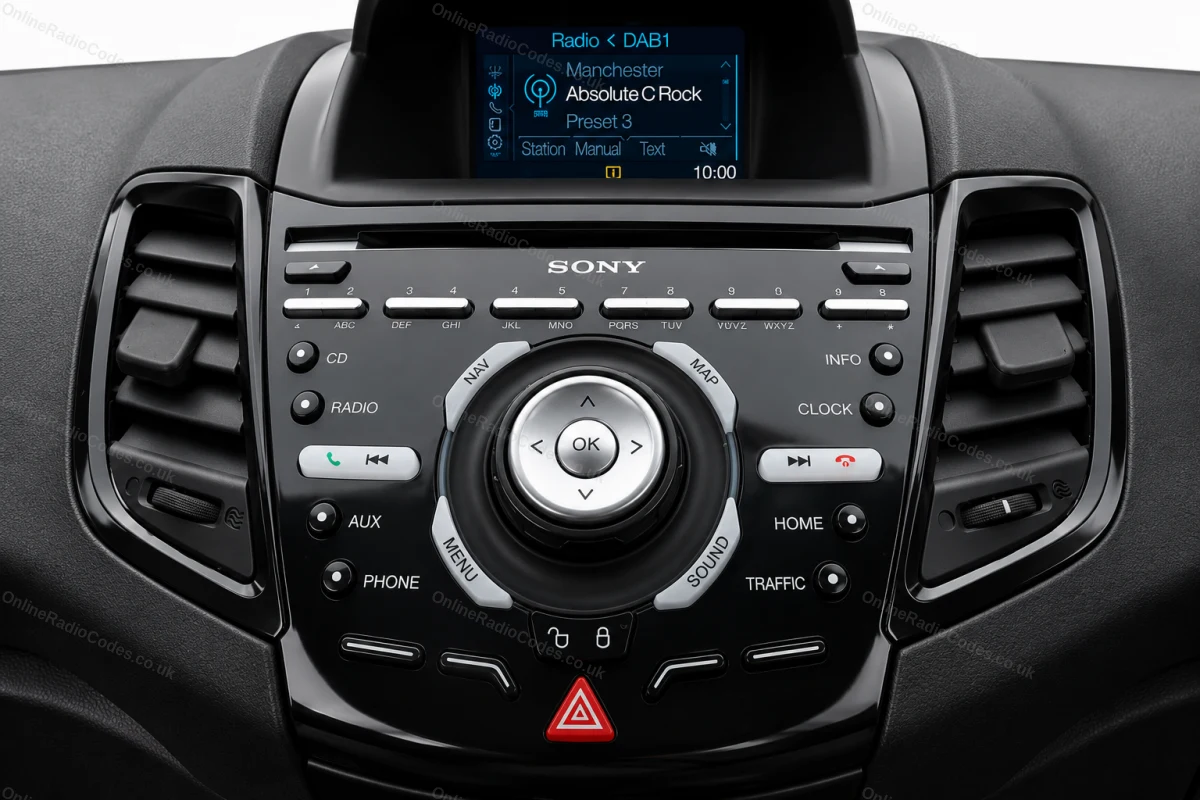
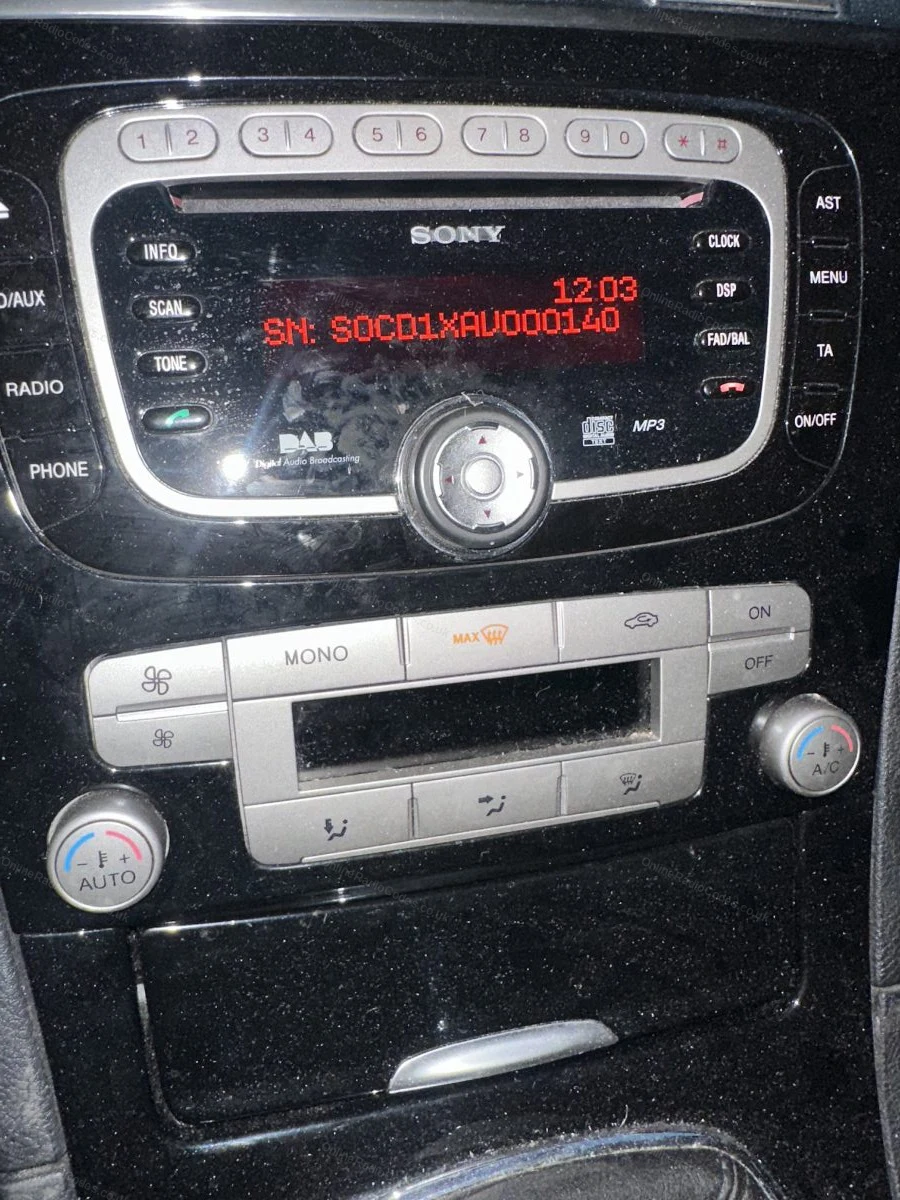
Zapnite zapaľovanie a rádio. Stlačte a podržte tlačidlá 1 a 6 súčasne približne dve sekundy, kým sa na displeji nezobrazí sériové číslo. Začína sa písmenom V, za ktorým nasleduje 6 číslic (napr. V062049). Presne si ho zapíšte. Ak sa po dvoch pokusoch nič nezobrazí, skúste namiesto toho stlačiť tlačidlá 2 a 6.
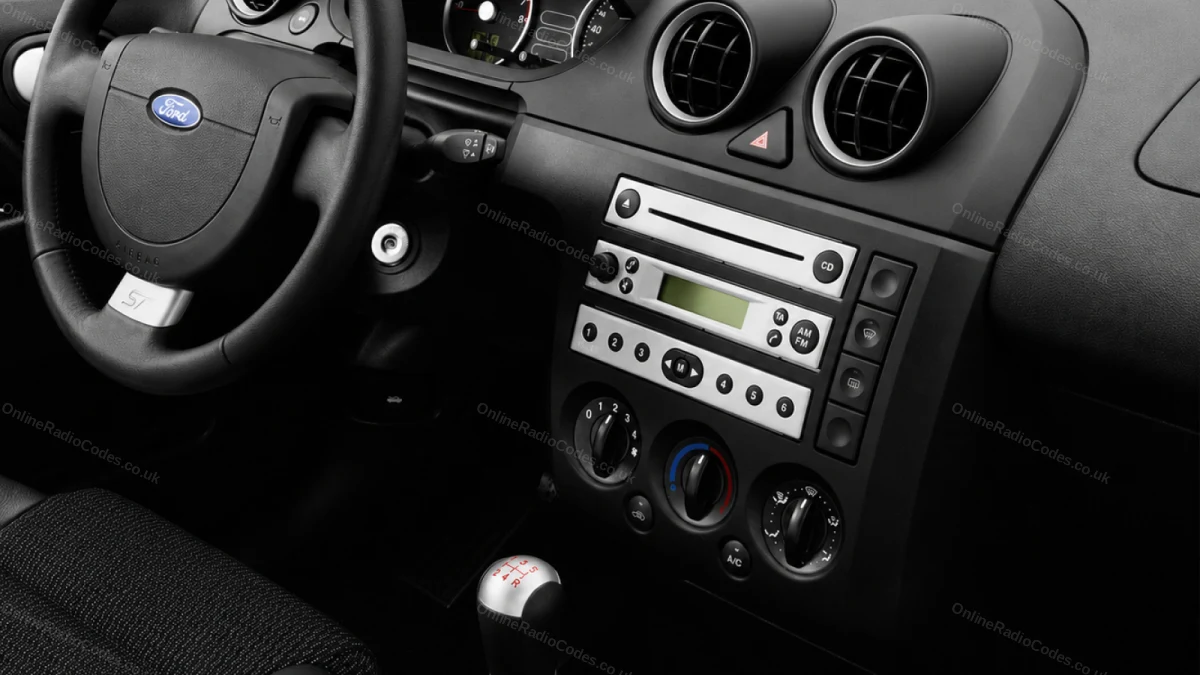
Inštalované v modeloch Fiesta, Focus, Mondeo, Transit, Galaxy a vo väčšine modelov Ford do roku 2008.
Séria M · Stlačte 2 + 6
Sériové číslo si prečítajte z obrazovky
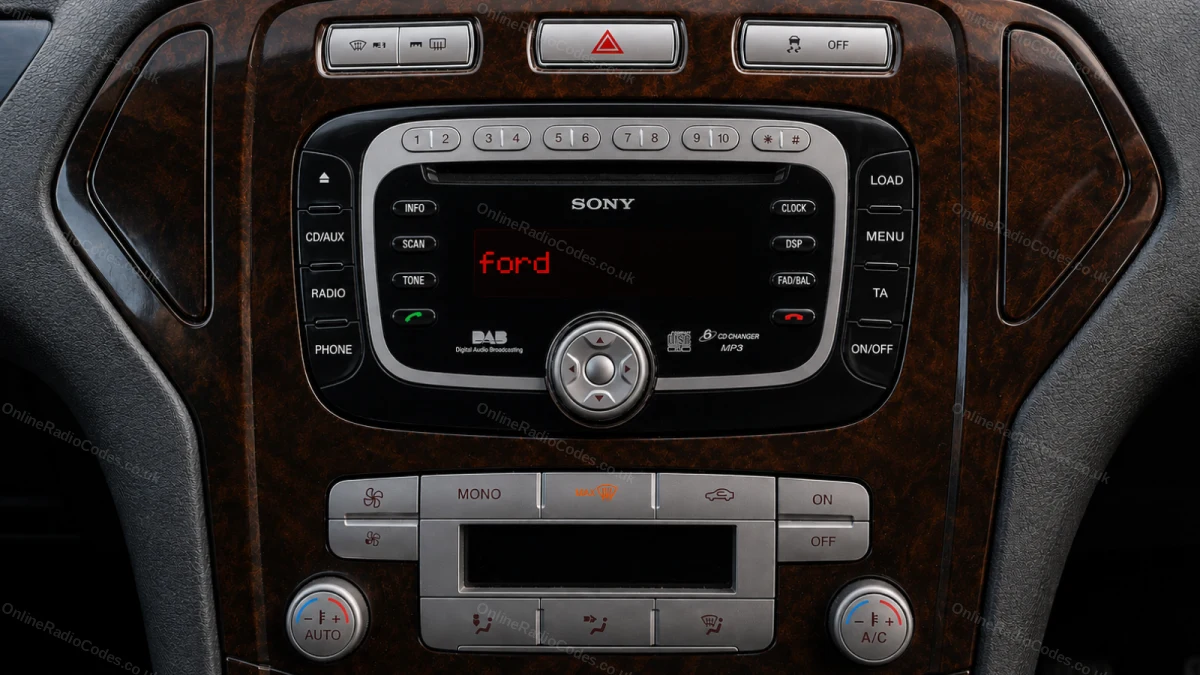
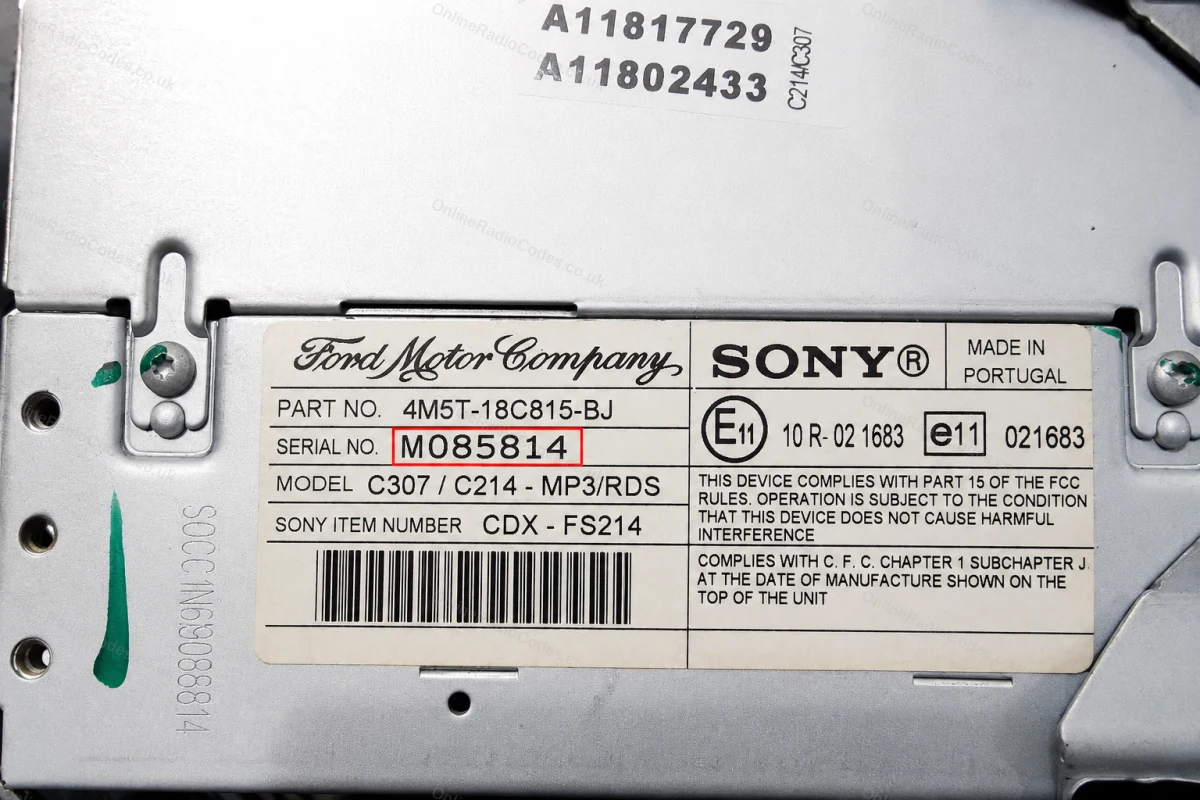
Pri niektorých modeloch prehrávačov MP3 a RDS od spoločnosti Sony podržte tlačidlá 2 a 6 súčasne približne dve sekundy. Sériové číslo začína písmenom M, za ktorým nasleduje 6 číslic (napr. M085814). Ak sa sériové číslo na obrazovke zobrazuje rozdelené na dve časti, spojte ich do jedného reťazca bez medzery.
Sériové číslo začínajúce na M je tiež vytlačené na štítku na zadnej strane zariadenia, ak by ste ho potrebovali zistiť.
Vyberte rádio
Vyberte rádio a nájdite sériové číslo
Vložte uvoľňovacie kľúče DIN do štyroch rohových otvorov čelného panelu a jemne zatlačte smerom von. Jednotka sa posunie dopredu, nie je potrebné odpojiť žiadne káble.
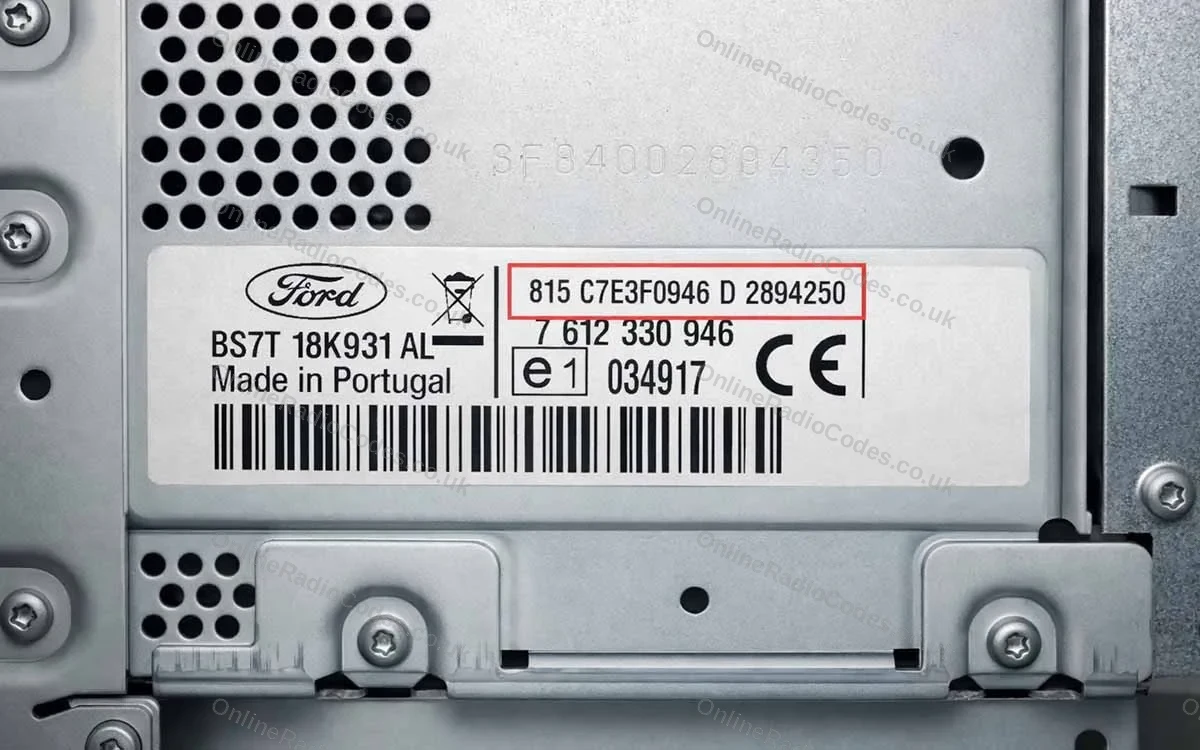
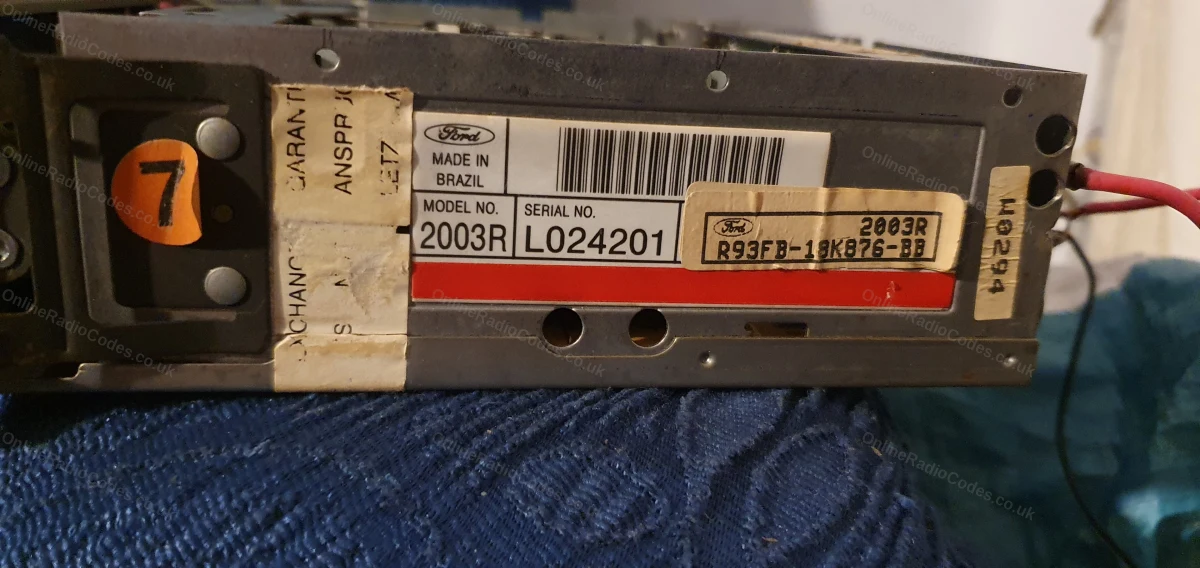
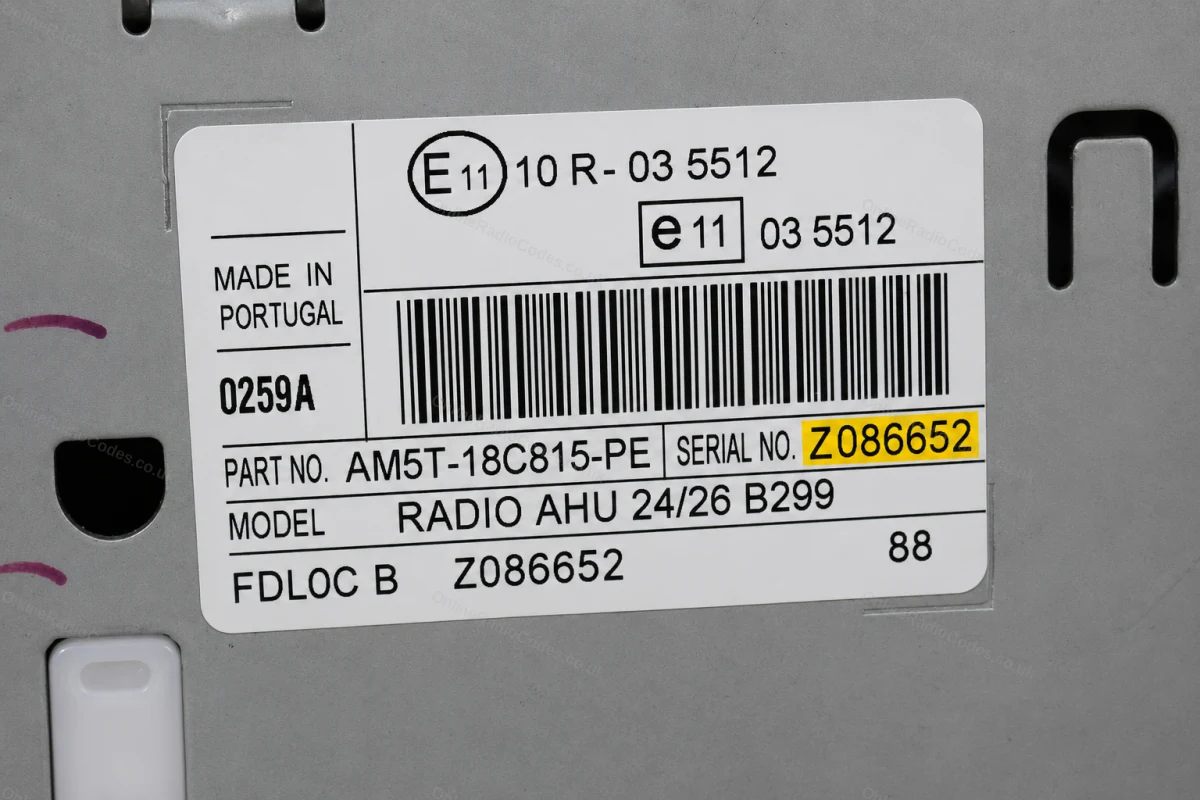
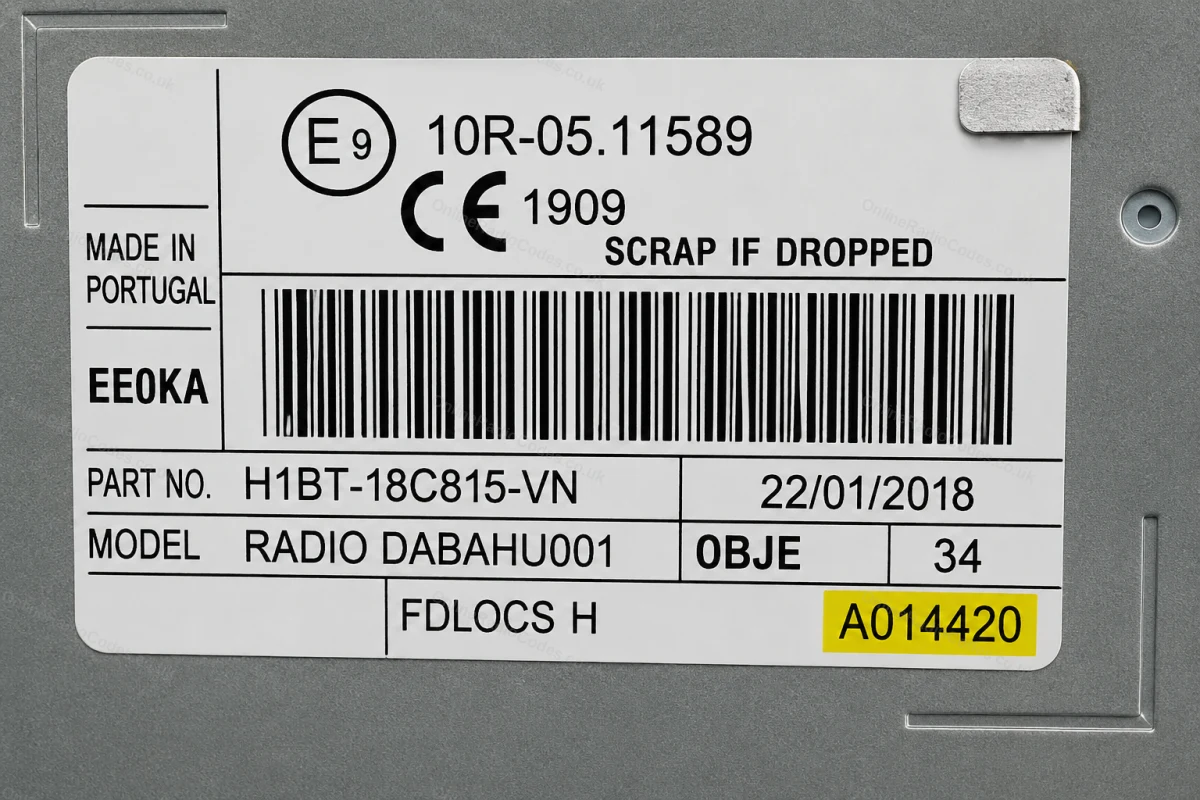
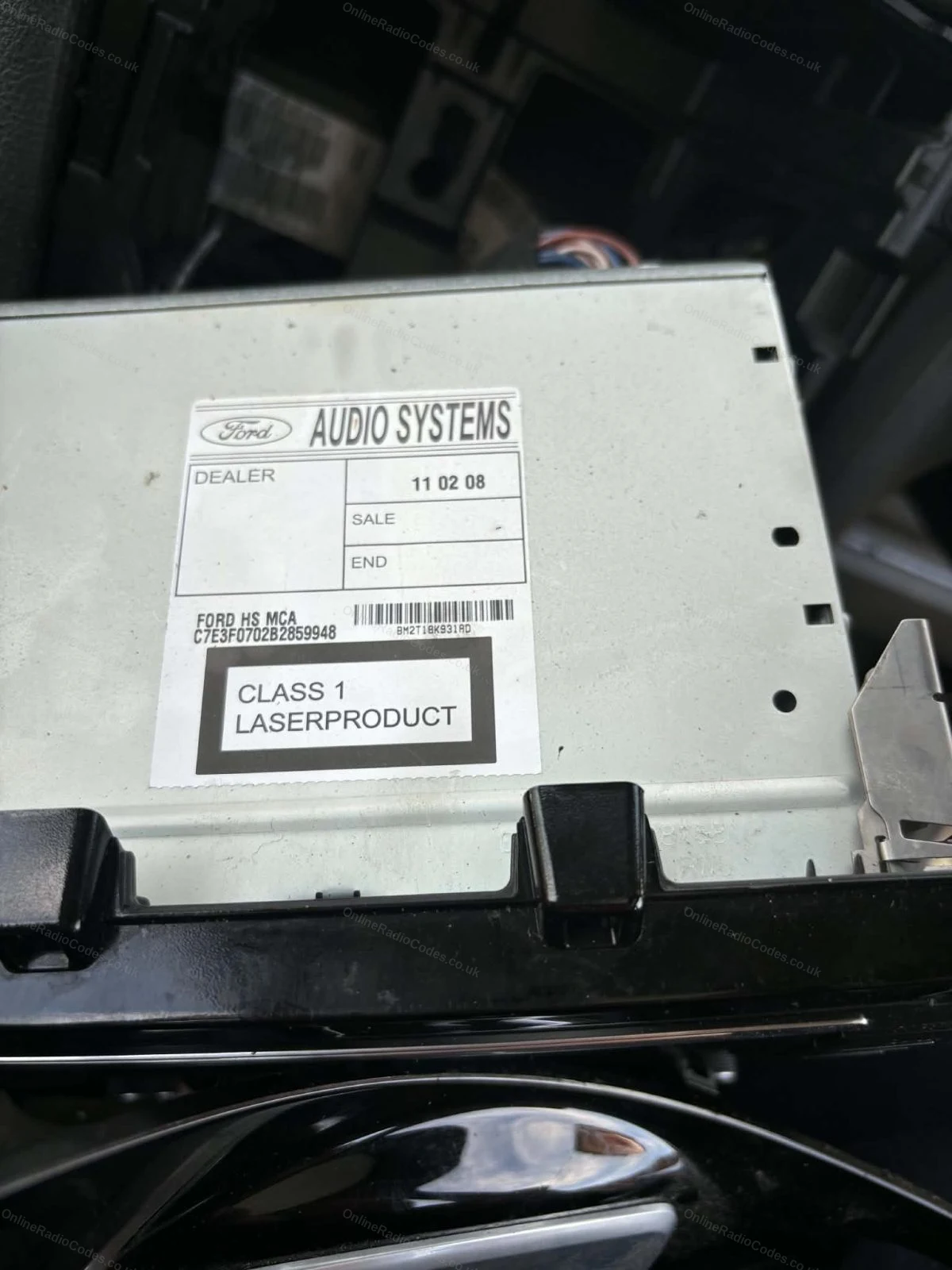
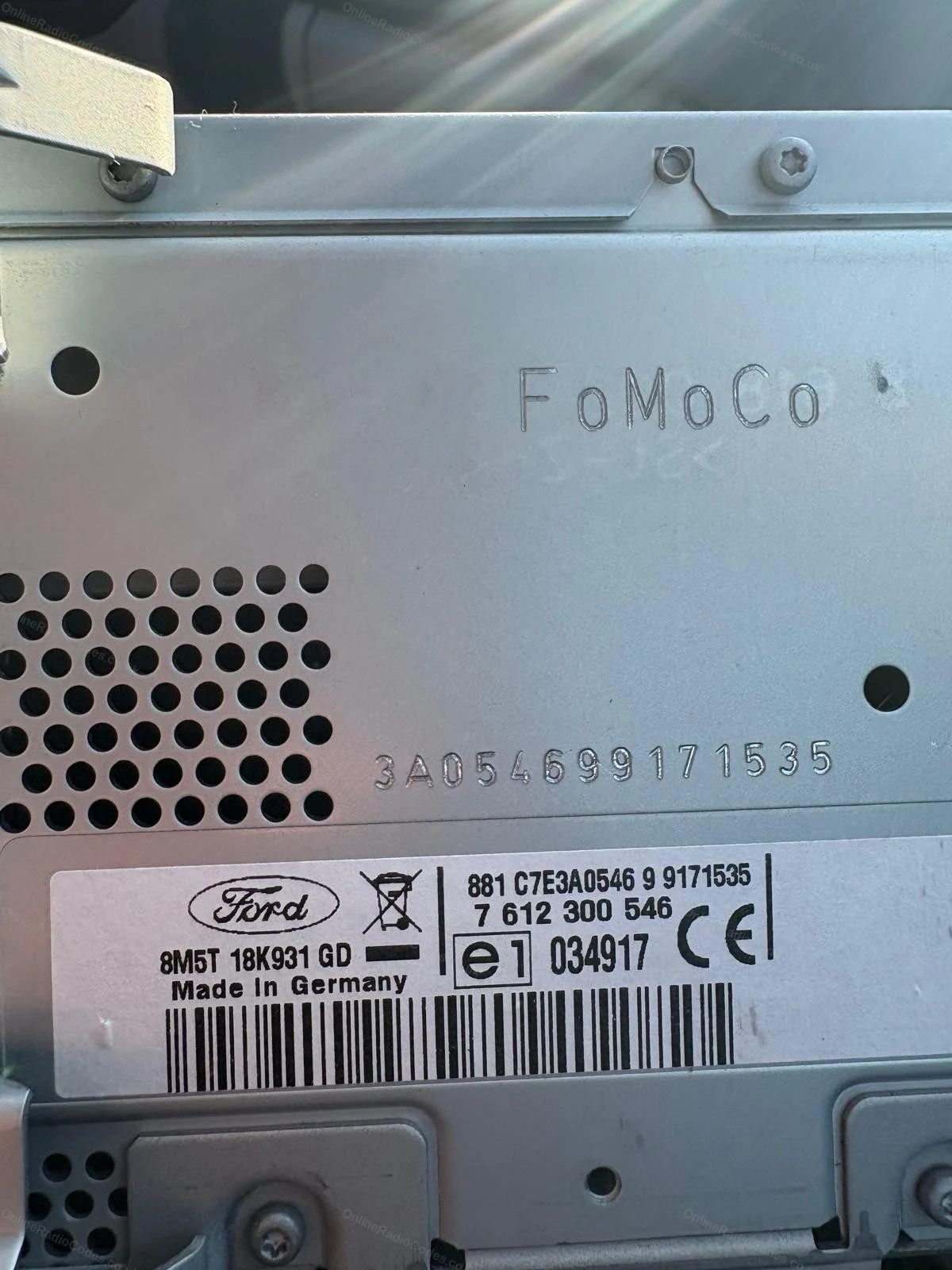
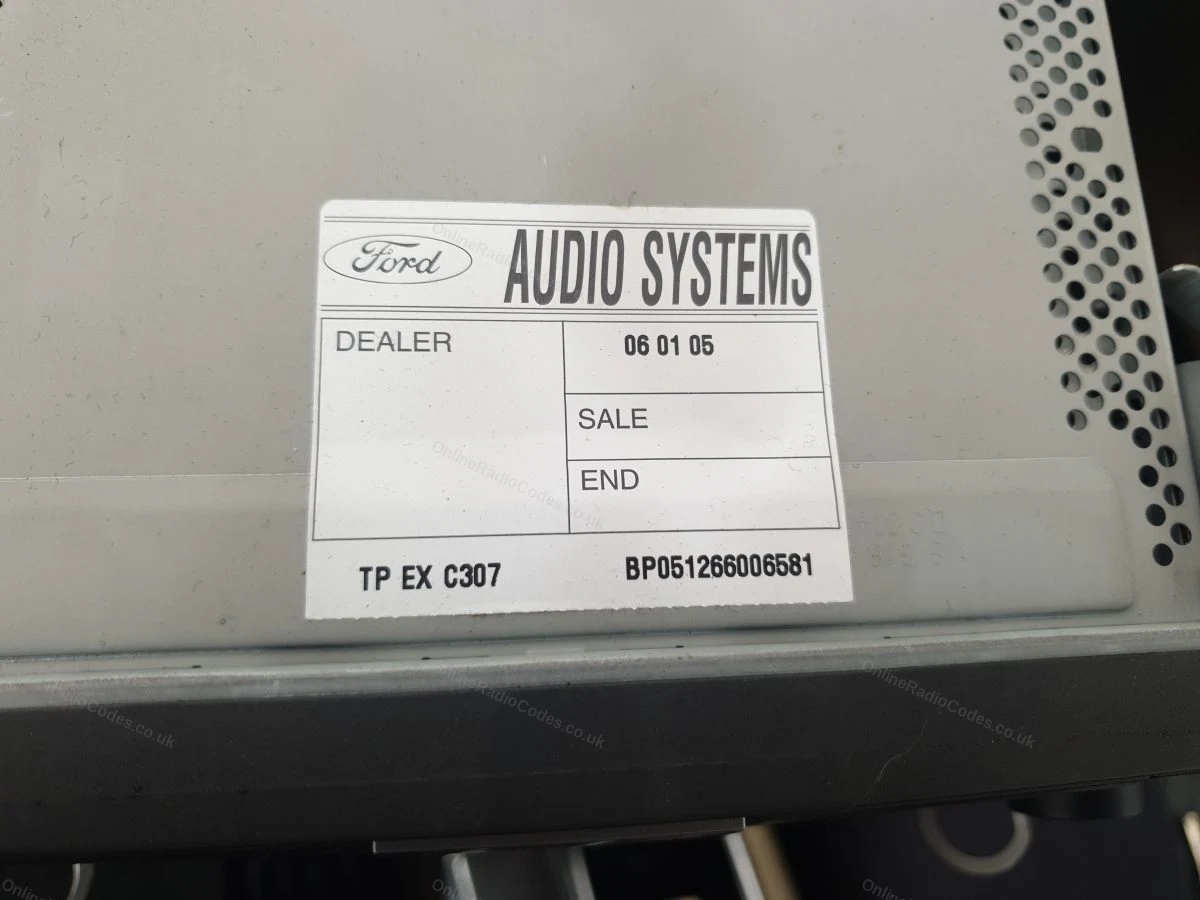
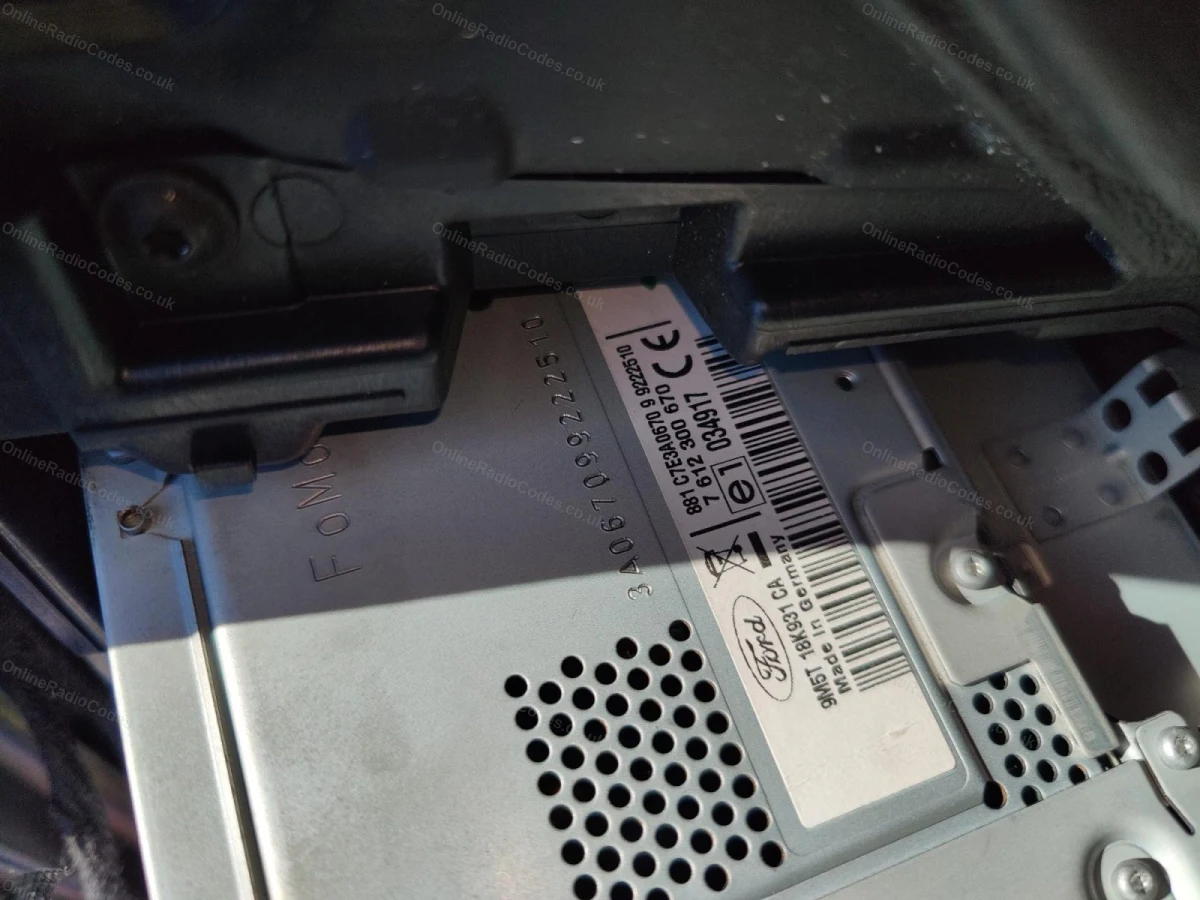
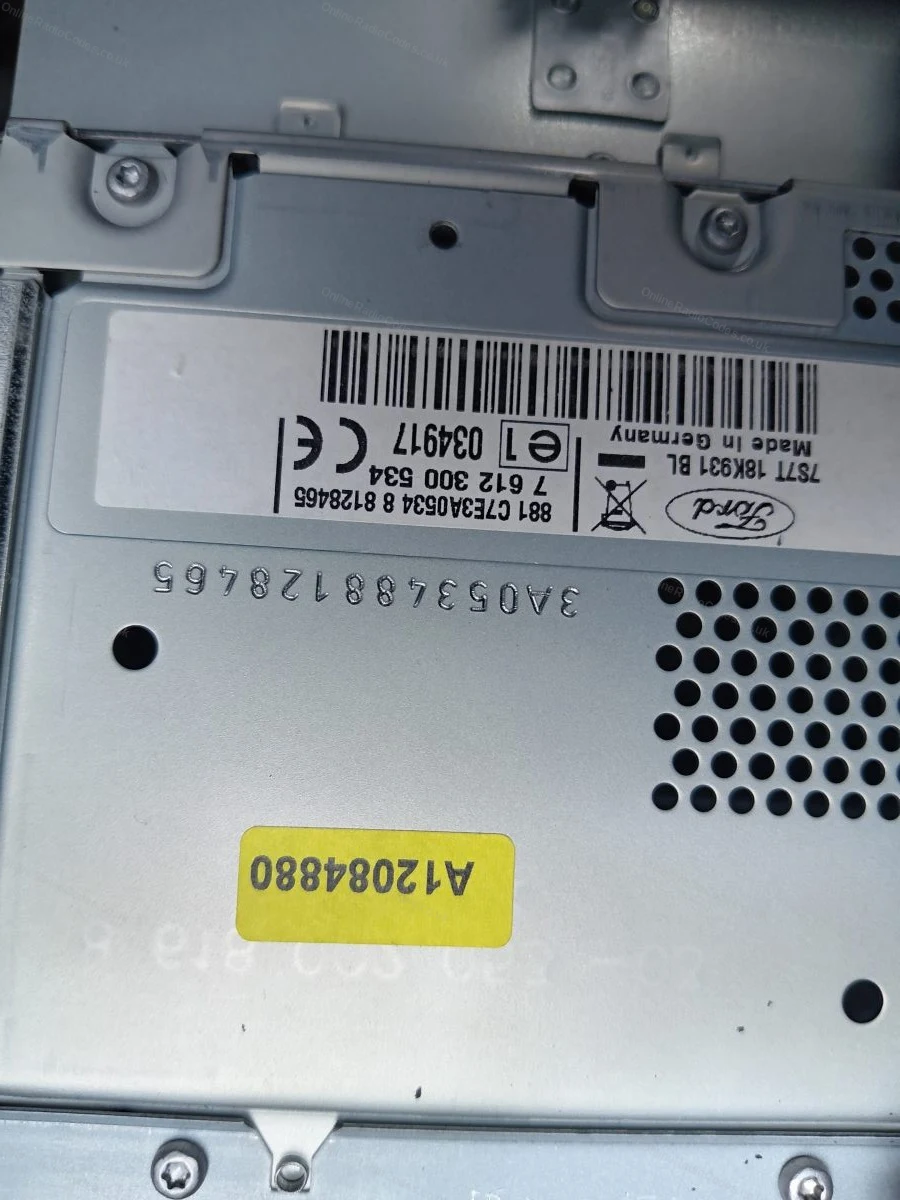
Sériové číslo sa nachádza na nálepke na zadnej alebo bočnej strane zariadenia. V závislosti od výrobcu môže začínať písmenami V, M, L, C7 alebo BP. Zadajte ho presne tak, ako je uvedené na štítku, vrátane predpony.
MK7 / MK8 · Predpona Z / A
Sériové číslo si prečítajte z obrazovky
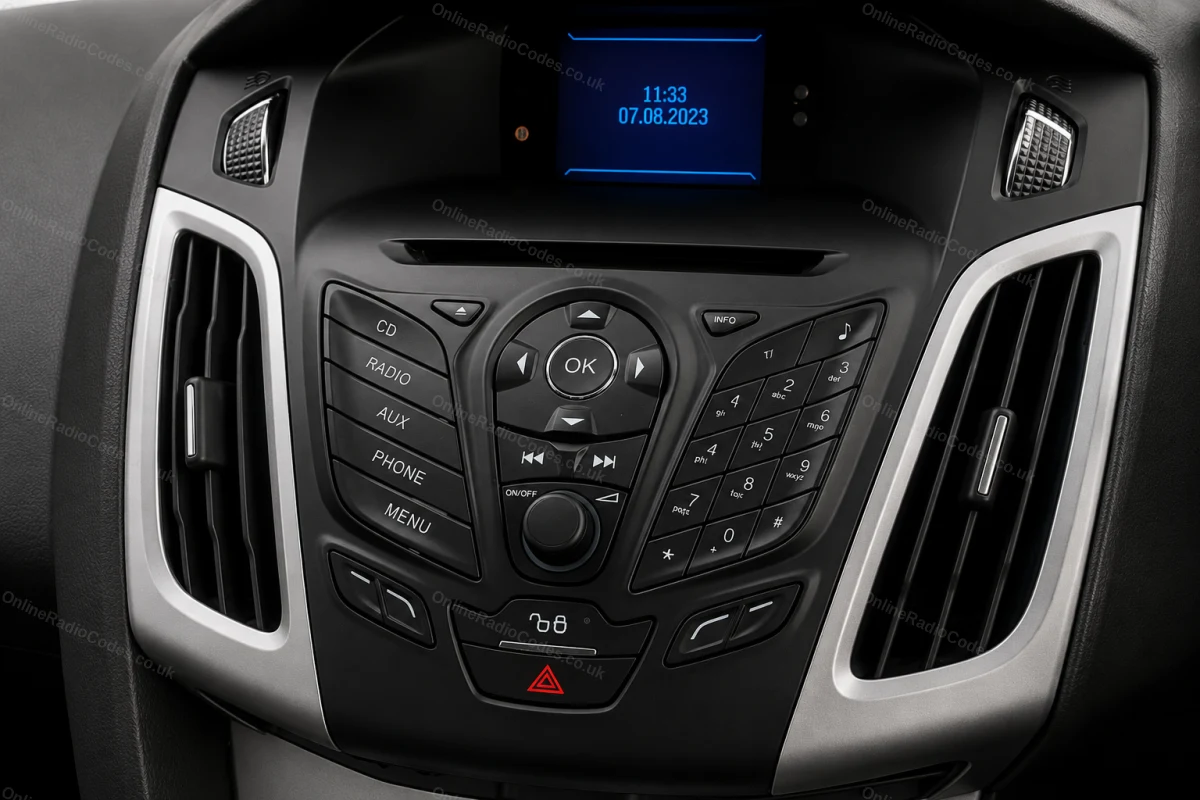
Stlačte tlačidlá 1 a 6 podľa vyššie uvedeného postupu. Od roku 2008 začína sériové číslo písmenom Z (2008–2017) alebo A (od roku 2018 dodnes), za ktorým nasleduje 6 číslic. Zadajte všetkých 7 znakov vrátane predpony. Sériové čísla začínajúce na Z a A sa dekódujú rovnakým spôsobom.
Montované do modelov Fiesta MK7+, Focus MK3+, Mondeo MK4+ a väčšiny modelov Ford od roku 2008.
Ford TravelPilot
Vyberte zariadenie a nájdite sériové číslo
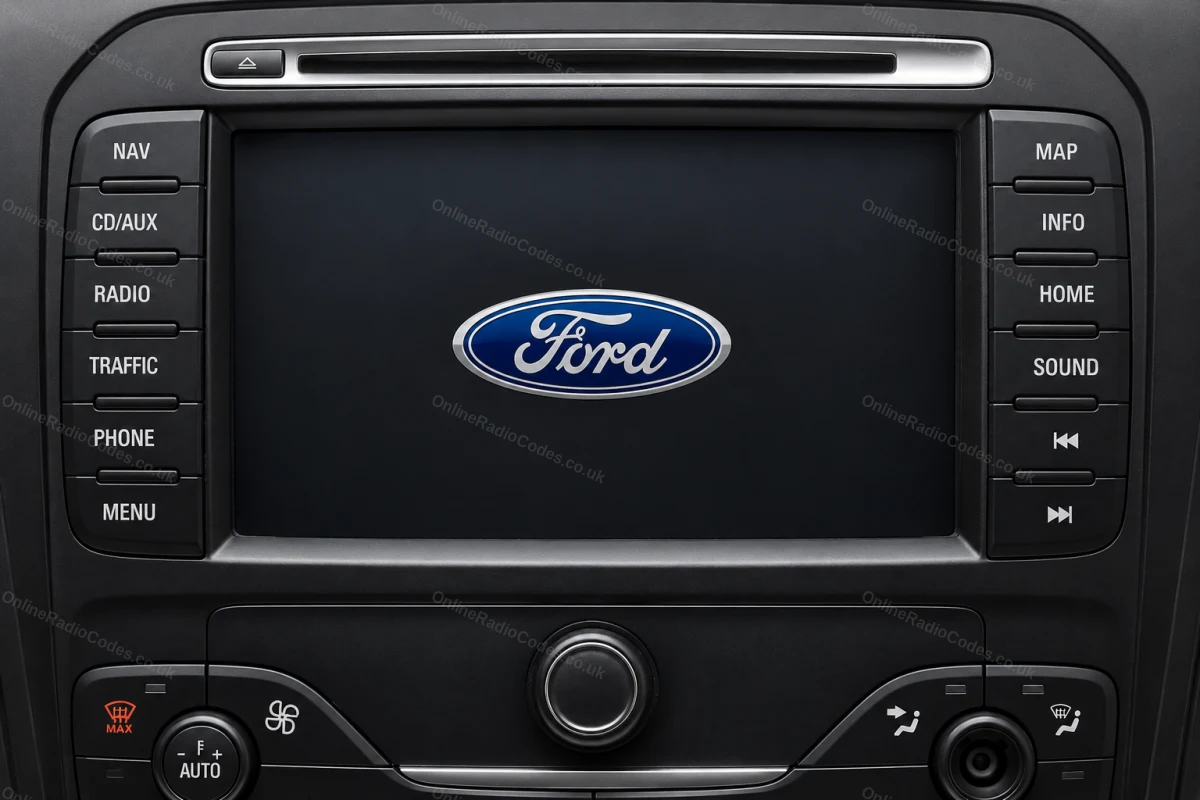
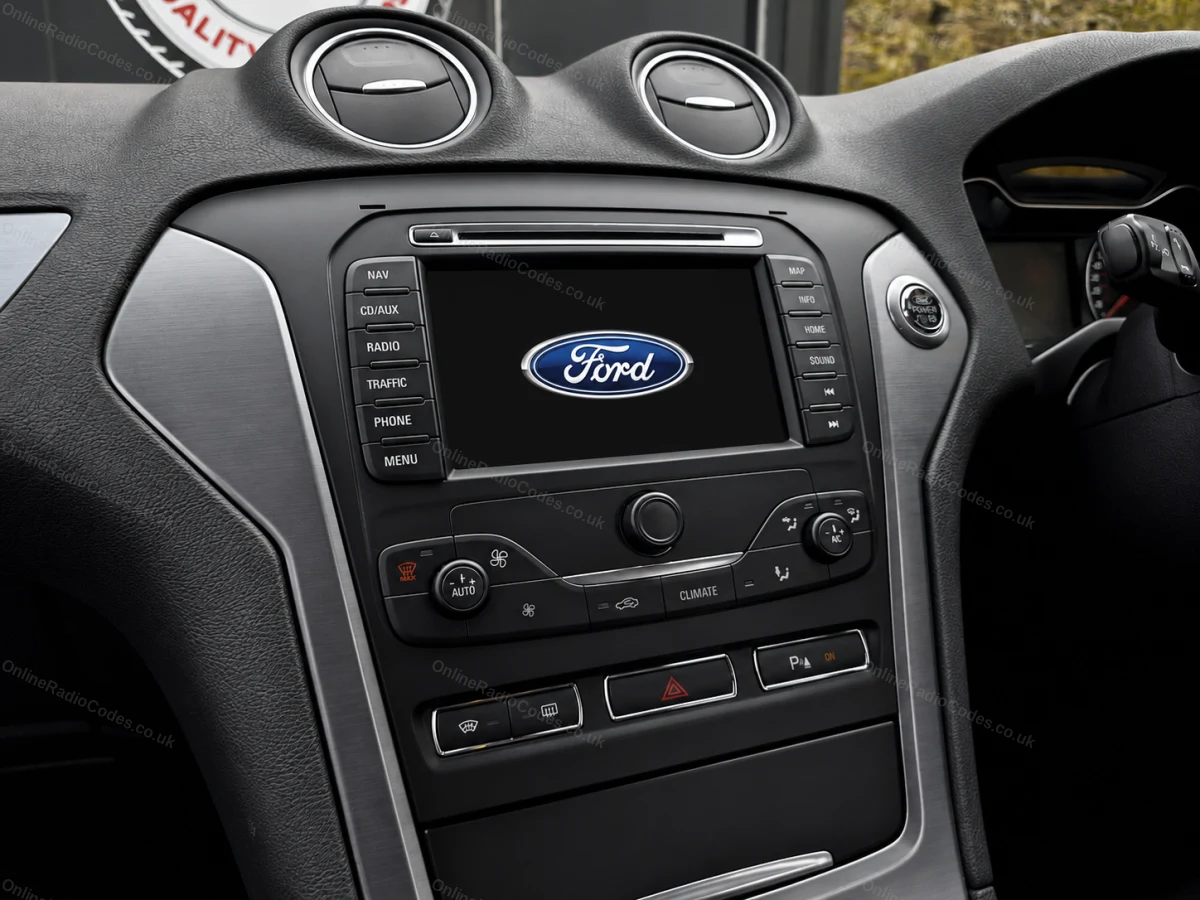
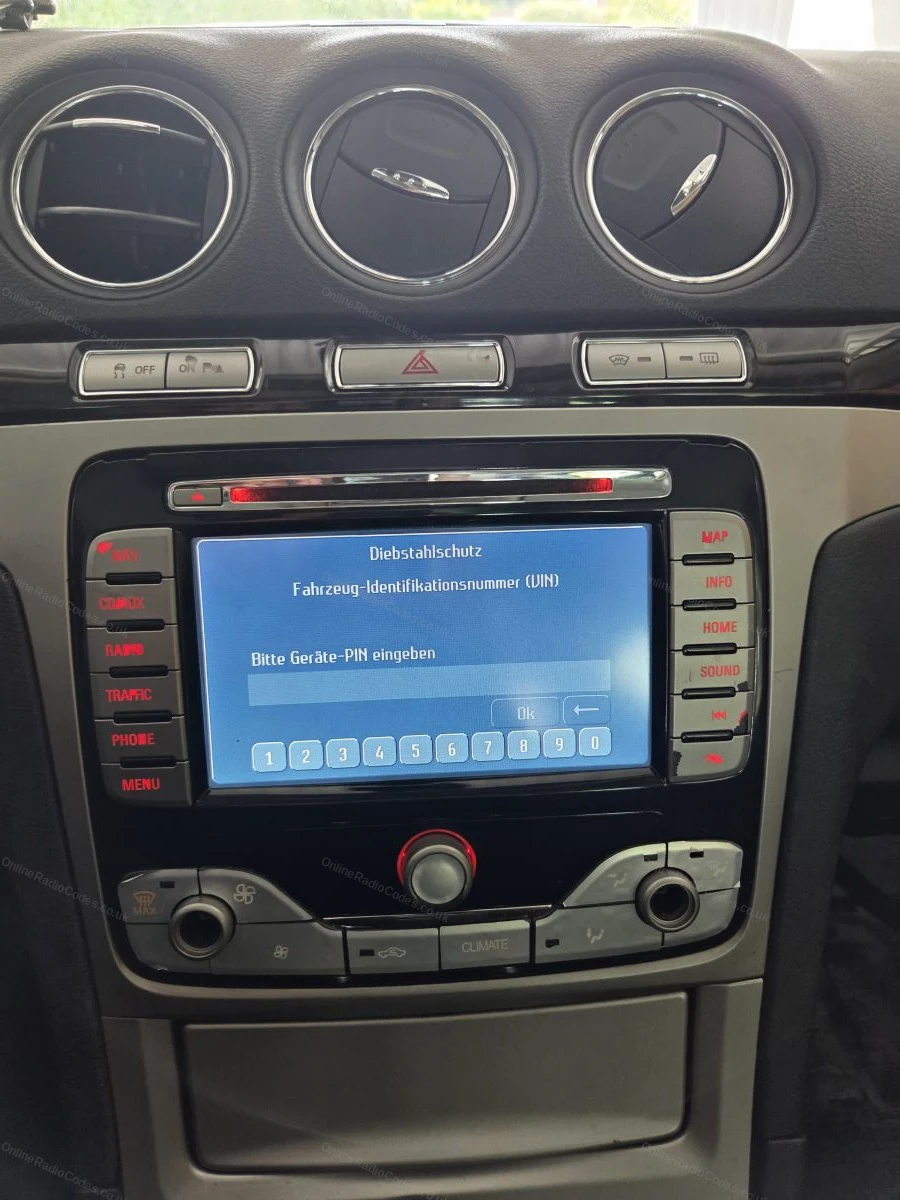
Ford TravelPilot je vstavaná navigačná jednotka s dotykovým displejom. Ak chcete zistiť sériové číslo, musíte jednotku vybrať – do otvorov v štyroch rohoch vložte uvoľňovacie kolíky a jednotku posuňte dopredu.
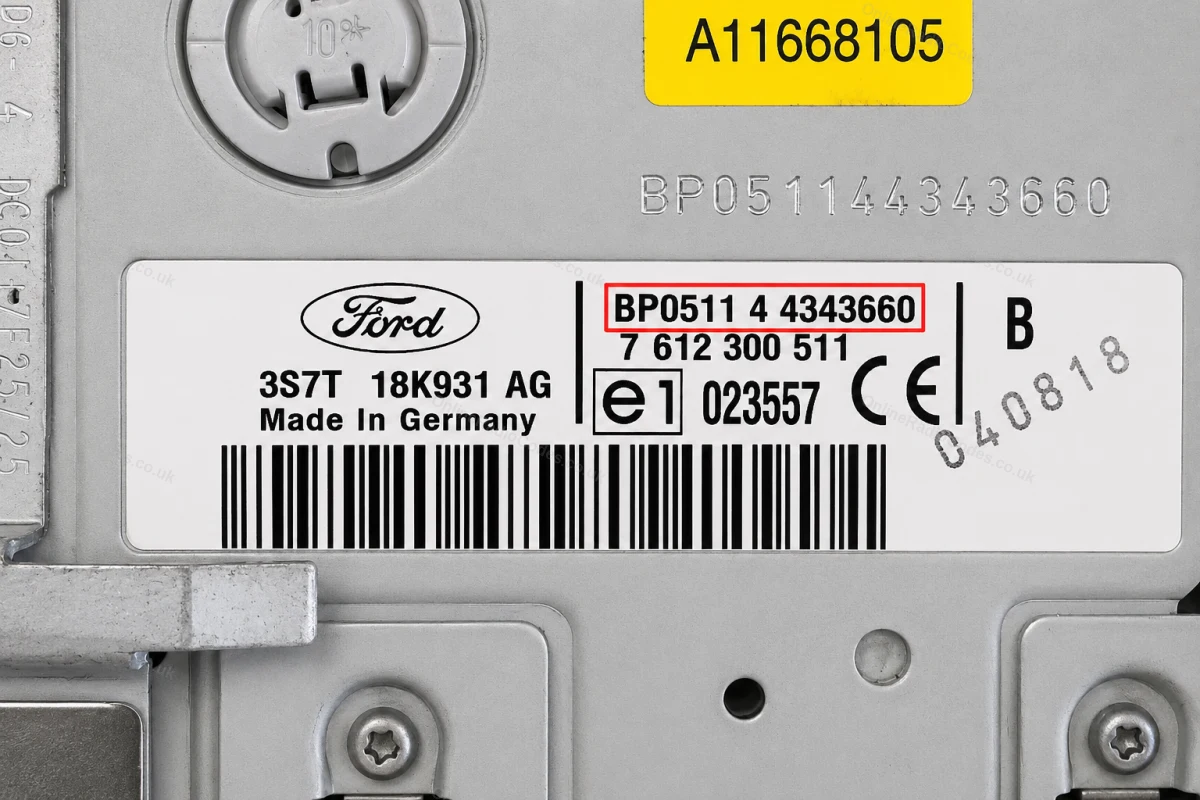
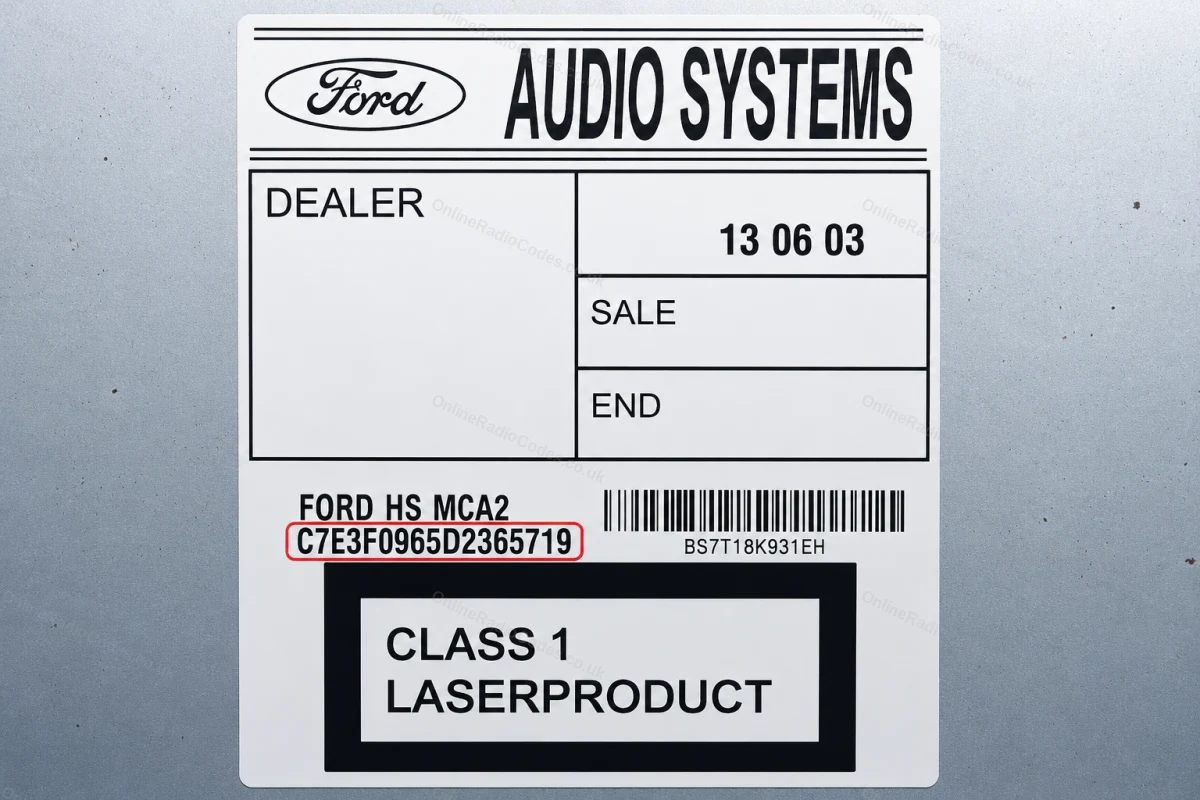
Sériové číslo sa nachádza na nálepke na zadnej strane jednotky. Začína sa BP (2001–2007, napr. BP0511 4 4343660) alebo C7 (novšie modely, napr. C7E3F0965D2365719). Zadajte celý reťazec presne tak, ako je zobrazený, vrátane predpony.
Ako vyzerá váš sériový kód pre službu „Ford“
V-Series
V123456
M-Series
M987456
Z-Series
Z435692
C7-Series
C73F0961C0536857
BP-Series
BP62034596031
Sony (SN/SOCD)
SN SOCD6X7V011473
L-Series
L033843
C-Series
C123456
Figo / Visteon
VC0AKZ13211068
Figo / Visteon (FIB)
FIB123456



















 Ford · Rádiové kódy
 22,632 recenzie na