

Кратък отговор
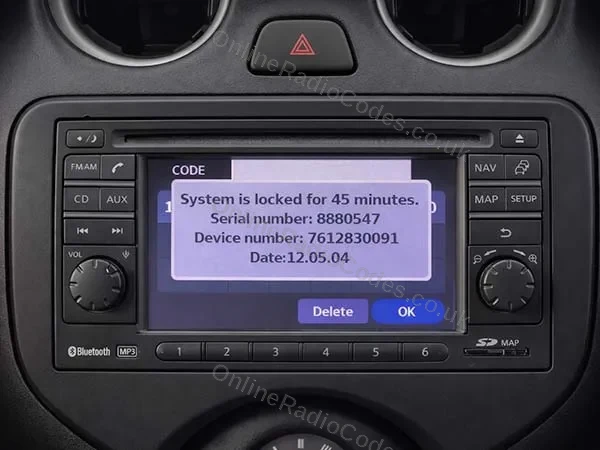
A Nissan Connect that asks for a PIN shows everything the code is made from on its own screen: a 7 digit serial number, a 10 digit device number and a date. On most units they appear after three wrong PIN entries, when the screen locks for a while. Type all three exactly as shown and your 4 digit code comes by email. 9 in 10 device numbers on these radios start 7612830, and the date reads year first, so 13.07.26 is 26 July 2013.
На тази страница
Three numbers from the screen, nothing from the label
The Nissan Connect screen fitted to many Qashqai, Juke, Note, Micra and NV200 models asks for a PIN after it loses power. A flat battery or a battery change is the usual cause, and nothing is broken.
Your code is worked out from three numbers the radio shows on its own screen. You need all three, typed exactly as the screen shows them.
| On the screen | What it looks like | How to type it |
|---|---|---|
| Serial number | 7 digits, for example 8880547 | All 7 digits, zeros at the start included. |
| Device number | 10 digits, for example 7612830091. 9 in 10 start 7612830. | All 10 digits. Spaces do not matter. |
| Date | Six digits, year first, for example 12.05.04 | Exactly as shown, with or without the dots. |
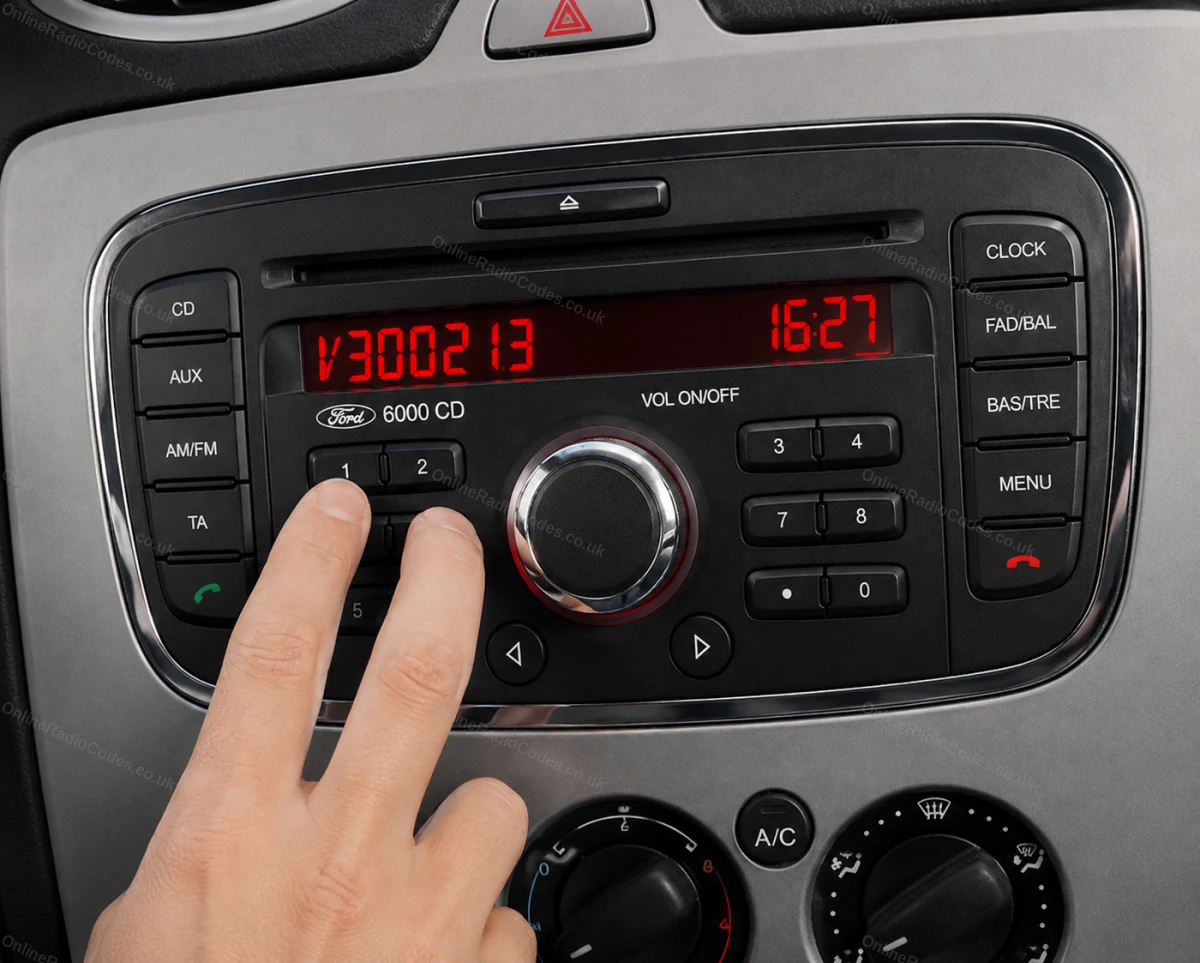
The photo at the top of this page is that screen: serial 8880547, device number 7612830091 and the date 12.05.04.
How to bring up the serial, device number and date
Look first. Some units already show all three lines on the PIN screen as soon as they switch on. If yours does, write them down and enter nothing.
If the screen only asks for a code:
- Turn the ignition to ACC and switch the radio on.
- Enter any wrong four digit code, 0000 for example, three times.
- The screen locks and shows Serial Number, Device Number and Date. Write all three down or take a photo of the screen.
Do this once, then stop entering codes. The radio has to switch on to show these numbers, because they only come from the screen.
Other Nissan radios work differently. Daewoo and Visteon units, and older radios with buttons and a CD slot, are covered in the Nissan part of our lock screens guide.
The date reads year first
The date on a Nissan Connect screen puts the year first, then the month, then the day. 13.07.26 is 26 July 2013, and 12.05.04 on the screen in our photo is 4 May 2012.
Type it exactly as the screen shows it. Dots or no dots both work. Do not turn it round into the day first order you would write by hand, and do not swap in a date from anywhere else.
A production week, or a month and year printed on a label, is not this date. Only the date on the screen goes with your serial and device number.
Why the label on the casing will not do
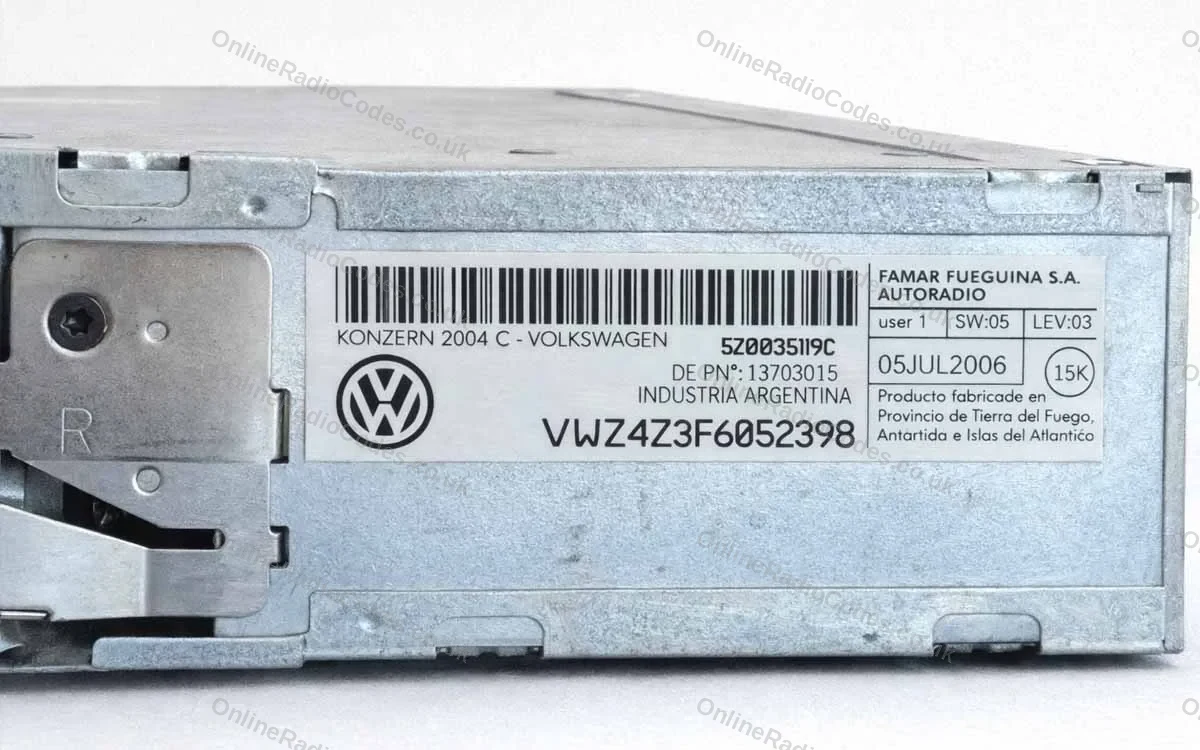
The sticker on the back of a Nissan Connect carries part numbers and other codes. None of them is the serial, device number or date your code is made from, and a code worked out from label numbers will not unlock the radio.
The device number is not the Nissan part number on the casing either. If the number you have came off a sticker, go back to the screen.
So there is no need to take the radio out of the dashboard. Everything we need is on the screen.
The wait after wrong entries, and entering your code
After wrong entries the unit pauses for a while, typically 30 minutes to 2 hours. Leave the radio switched on so the wait can count down. You can order while it counts.
Nissan Connect codes usually take up to 2 часа when ordered during the UK day, and a late evening order usually arrives the next morning. Our guide to how long a radio code takes has the detail.
When the radio asks again, enter the 4 digit code once, on the screen, and confirm. The same code works every time the radio loses power, so keep a note of it somewhere safe.
If the code goes in but the radio will not take it, stop and read why a radio code does not work before you try again.
The locked screen a code will not clear
One Nissan Connect screen looks similar but is not the same. It says the PIN was entered incorrectly too many times and the system is now locked, and it shows no serial, device number or date.
That is not the screen with the numbers, and a code will not clear it. Before you order, send a photo of the screen to our chat and we will tell you straight whether a code will help. Our guide to screens that waiting does not fix explains more.
Често задавани въпроси
I have put the PIN in my Nissan radio 4 times and have the serial number, device number and date. What do I do now?
Those three are everything your order needs. Type each one in its own box exactly as the screen shows it, then stop entering codes. Leave the radio switched on so any wait can count down, and enter your 4 digit code once when it asks again.
You're also asking me for a date code, though I can't work out what that is.
It is shown on the same screen as the serial number and device number. It reads year first, so 13.07.26 means 26 July 2013. Type it exactly as the screen shows it, with or without the dots, and do not turn it round.
It says the system is locked. How do I get my code?
If that message shows no serial, device number or date, it is a different lock from the one that asks for a PIN, and a code will not clear it. Before you order, send a photo of the screen to our chat and we will tell you straight whether a code will help. If the screen also shows the three numbers, those are what your order needs.
I received the wrong code for my radio and I only have one try left.
Keep that last try for now. Check the serial, device number and date on your order email against the screen, character by character, then send us a photo of the screen on chat. We will look into it at no extra charge, and in most cases it is a mix up we can put right the same day.
There is no date on the radio label.
On a Nissan Connect the date is not on the label. It shows on the screen, with the serial and device number. Nissan radios with a Clarion serial (starting CL, PN or PP) or a Blaupunkt serial (starting BP) are ordered from the label and need no date.
The label shows a part number and a model, but I can't find the serial number.
The label on a Nissan Connect holds part numbers, not the serial. The serial is on the screen, with the device number and the full date, day included. Switch the radio on and, if the numbers do not show straight away, enter a wrong four digit code three times to bring them up.