







100% Money Back Guarantee • Trusted By Millions Worldwide

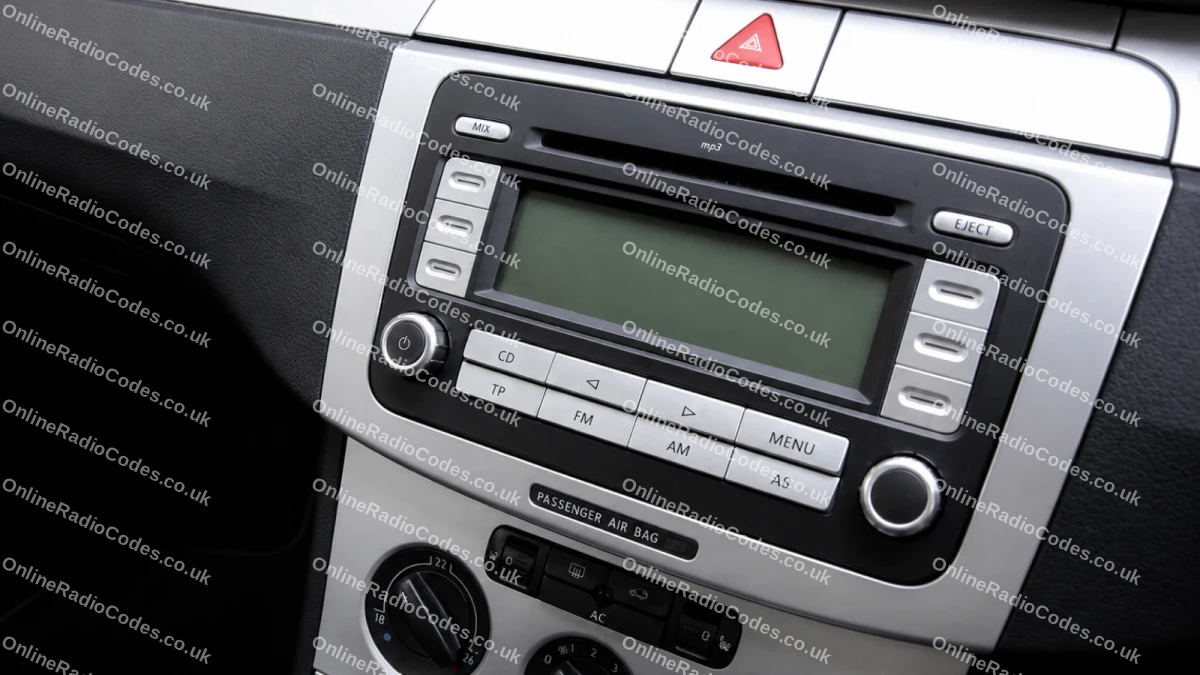
VW Beta Radio Codes

VW Beta Radio Codes online service 24 hours a day 7 days a week.

Secure Checkout Secure Checkout

VW Beta Radio Codes

How To Find Your Serial Number

1. How Do I Find My Removing Your VW Beta Radio Radio's Serial Number?

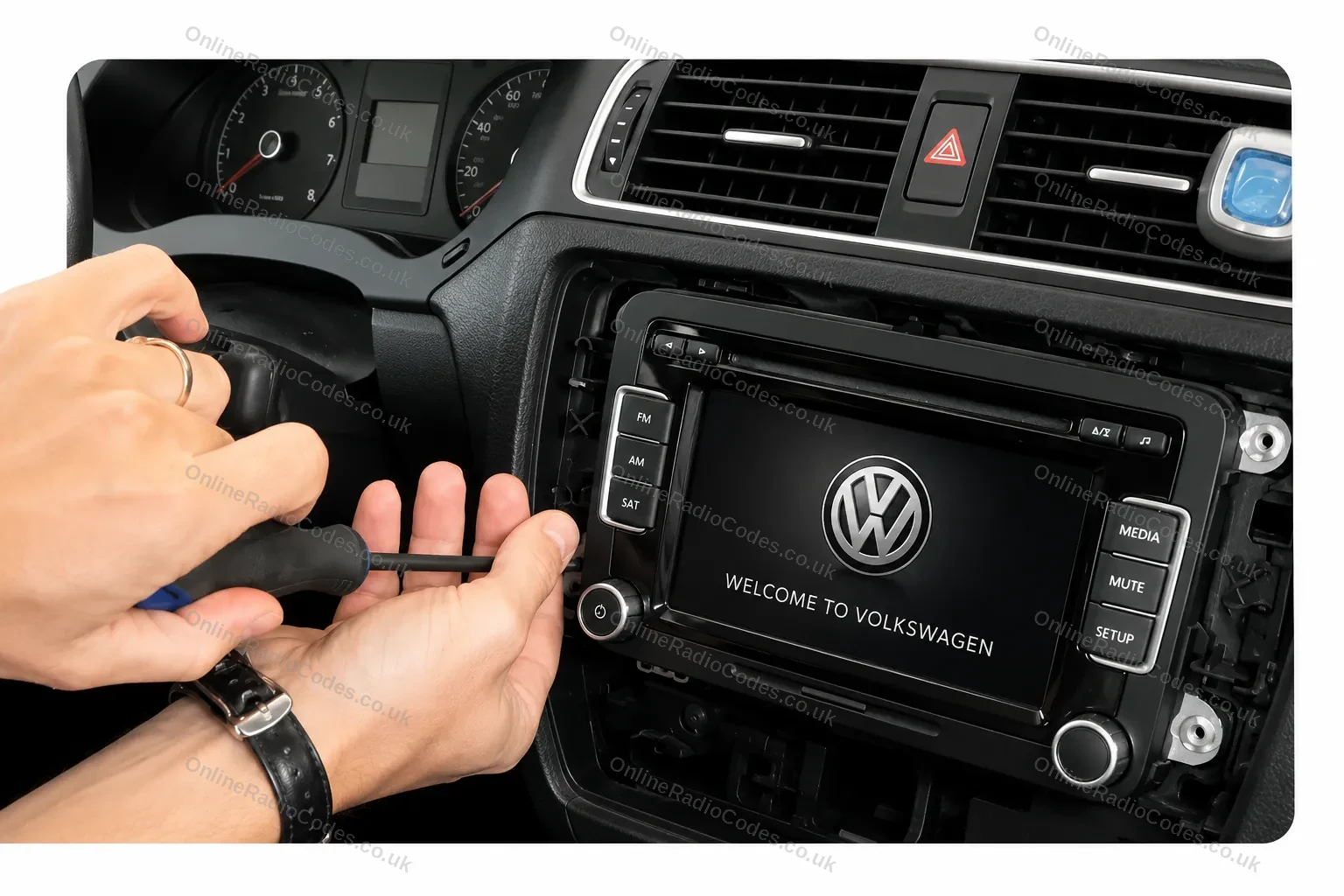
Removing Your VW Beta Radio

To remove your VW radio, it could require the use of a prying tool and screwdriver. After removing the plastic trim from the dash unscrew all four screws and the radio will pull forwards.

Alternatively, older radios are taken out with the aid of radio release keys, These PIN's are pressed into each corner of the radio the keys can be purchased from Amazon. There are online guides and video tutorials on YouTube that can help with the removal of the radio.

1. How Do I Find My Radio Label Information Radio's Serial Number?

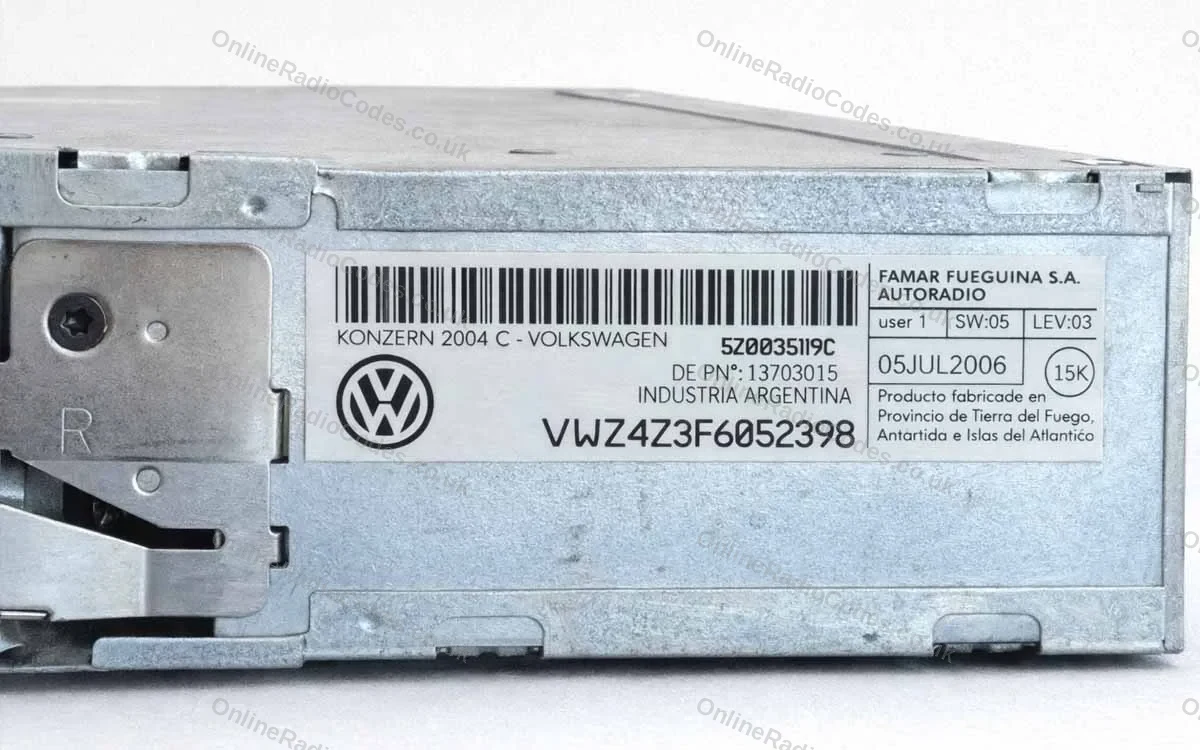
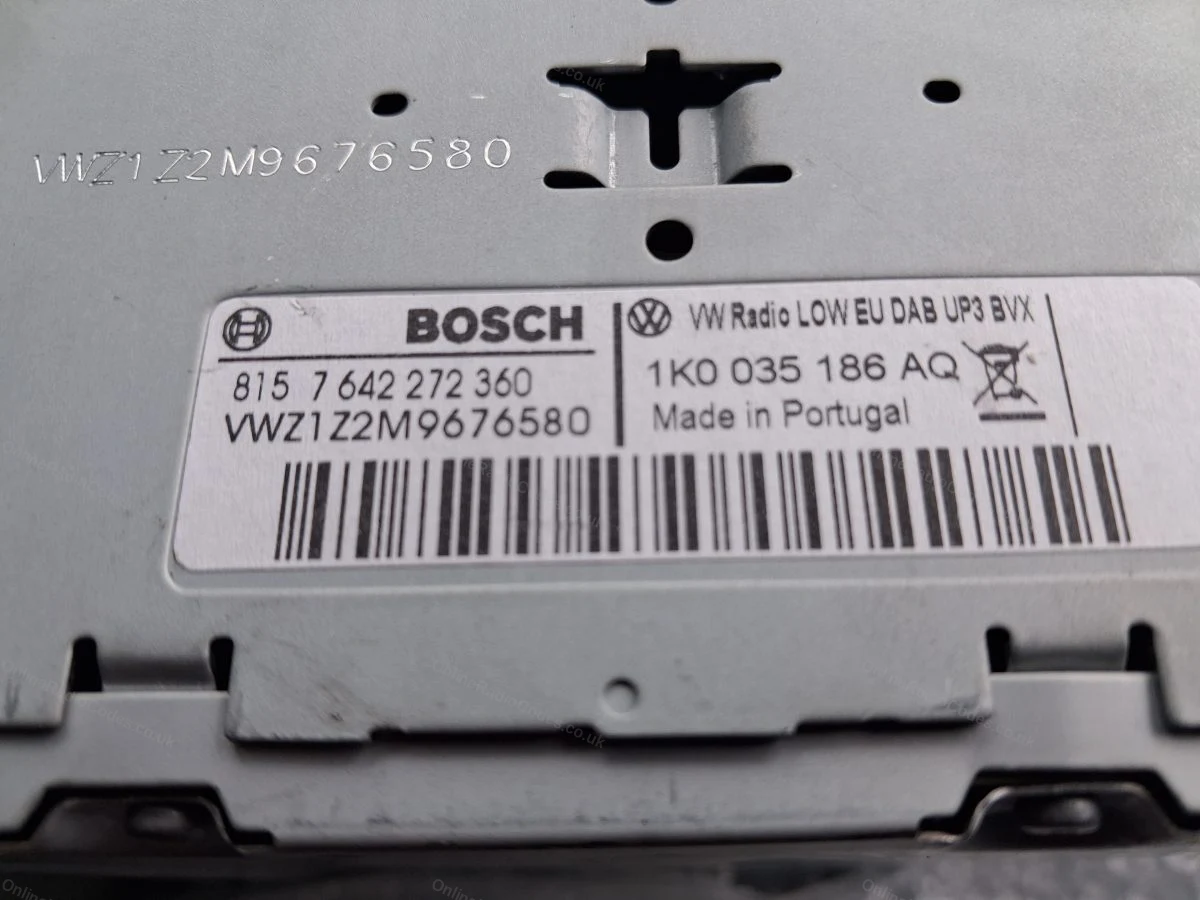
Radio Label Information

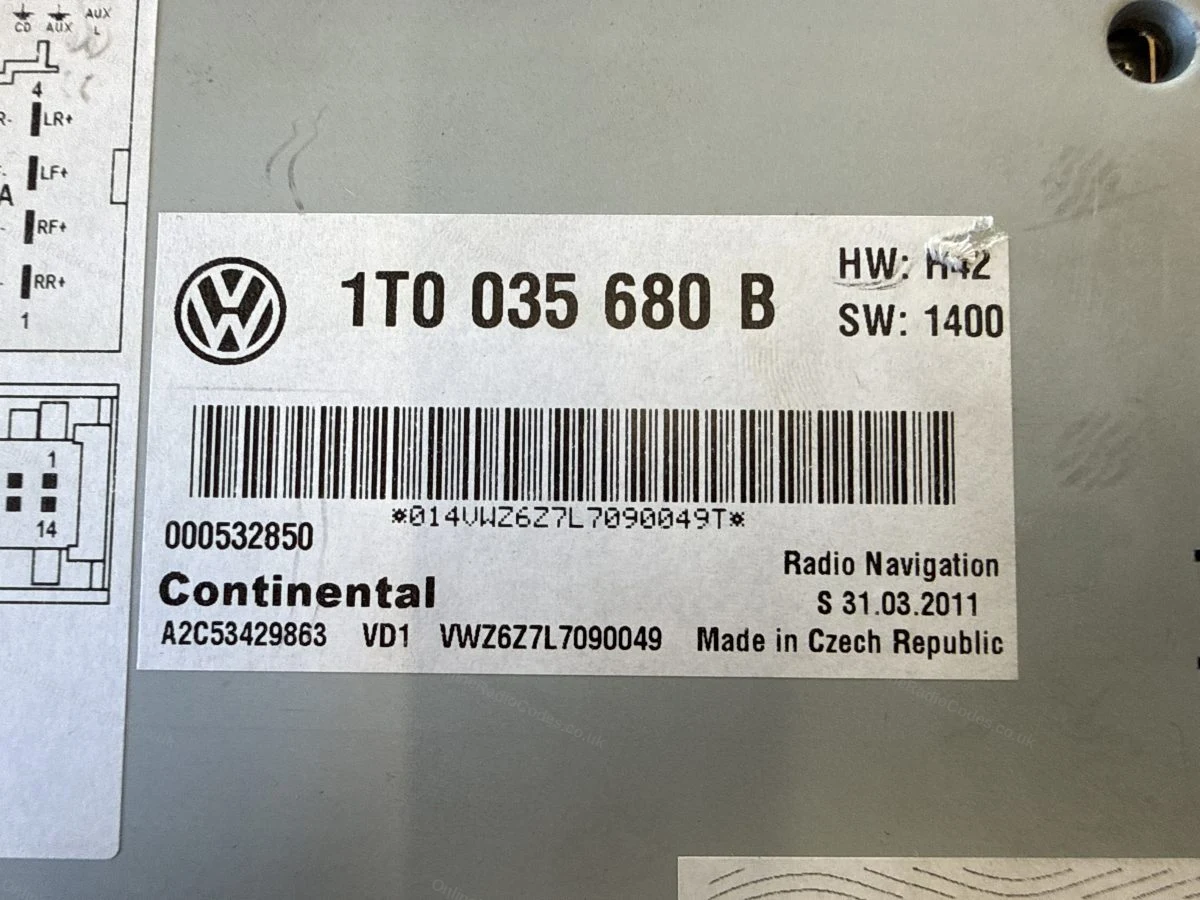
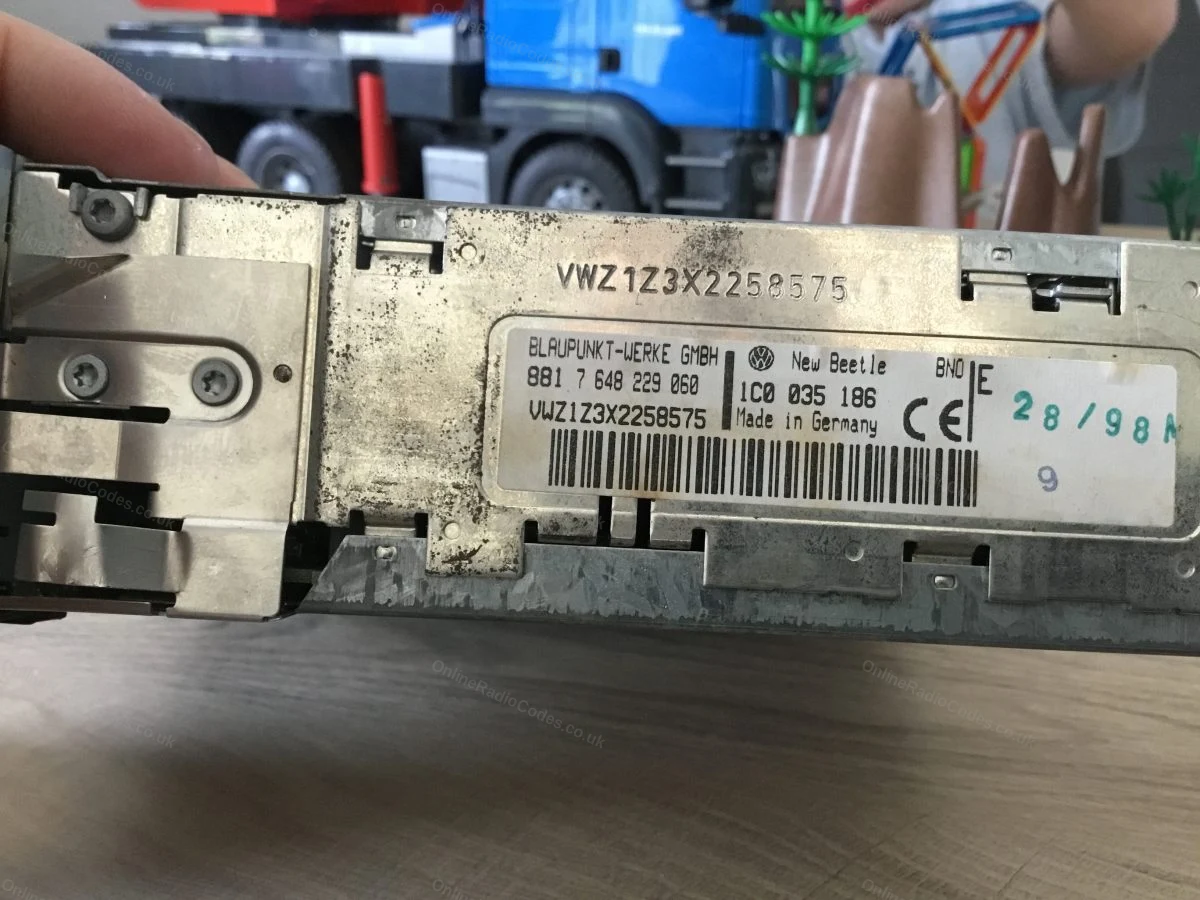
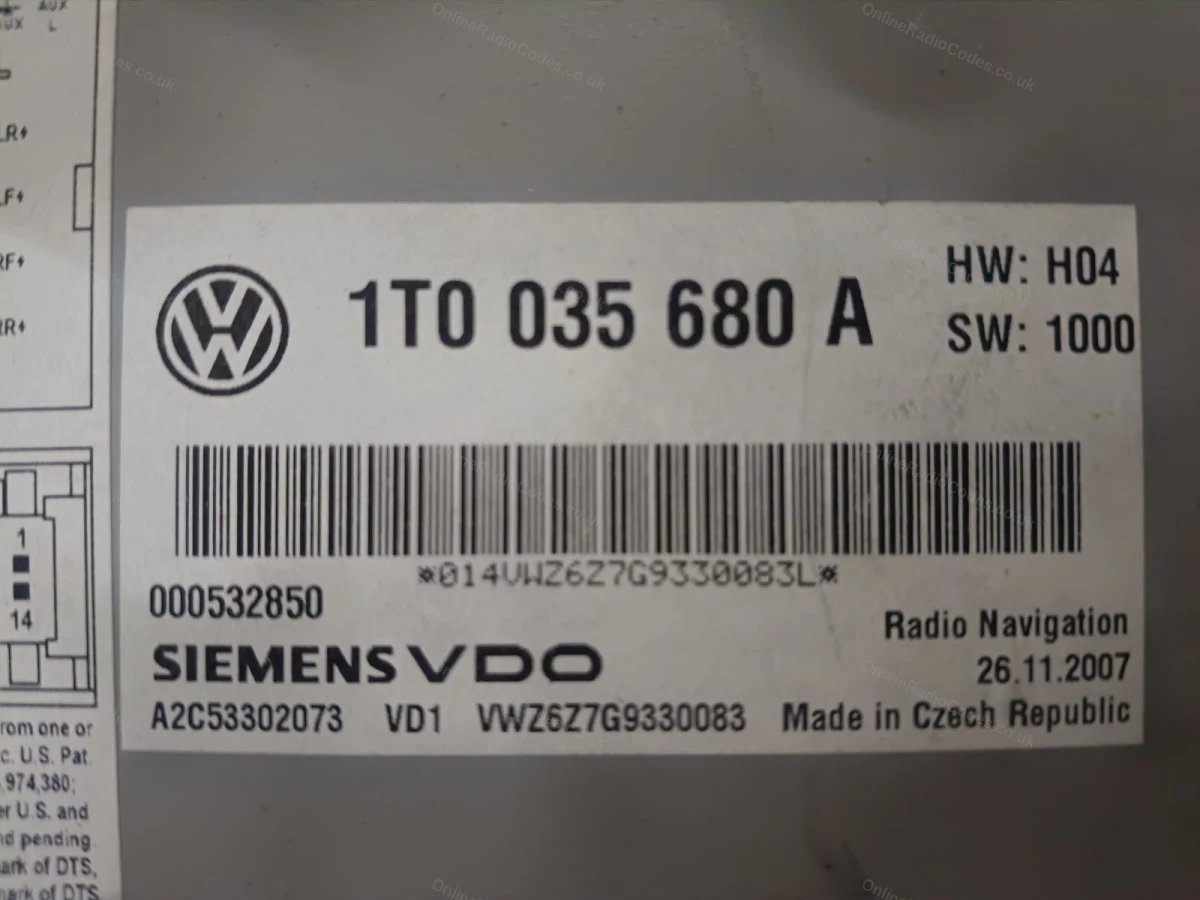
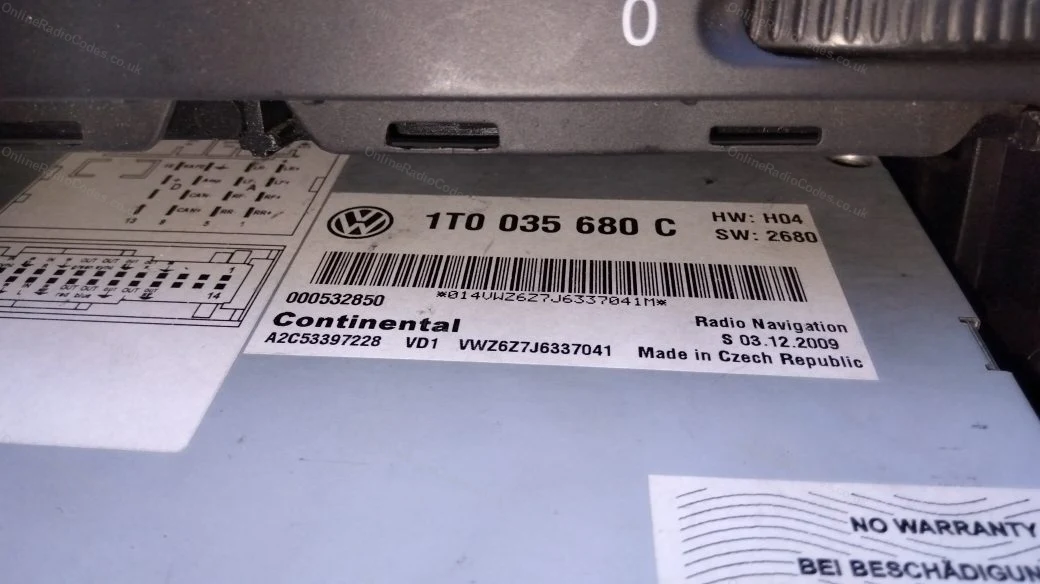
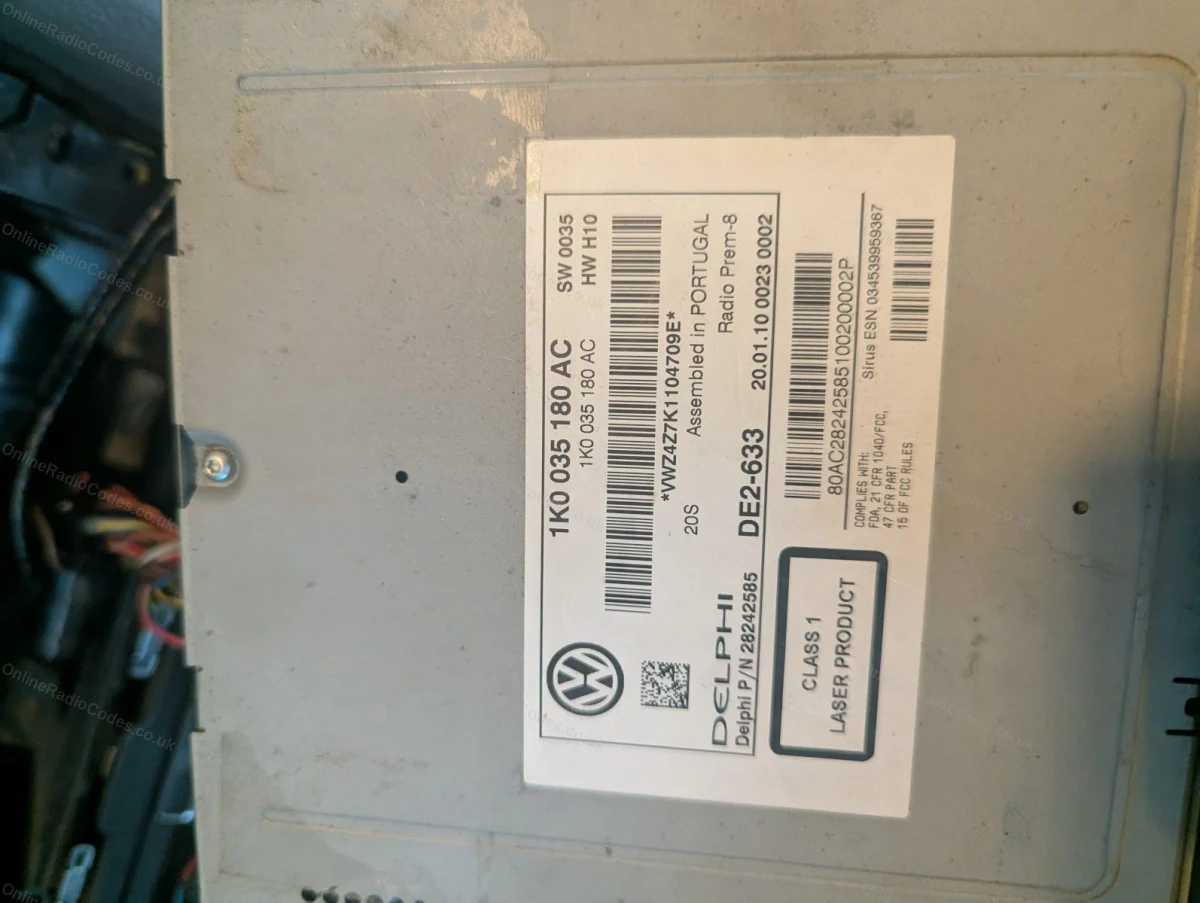
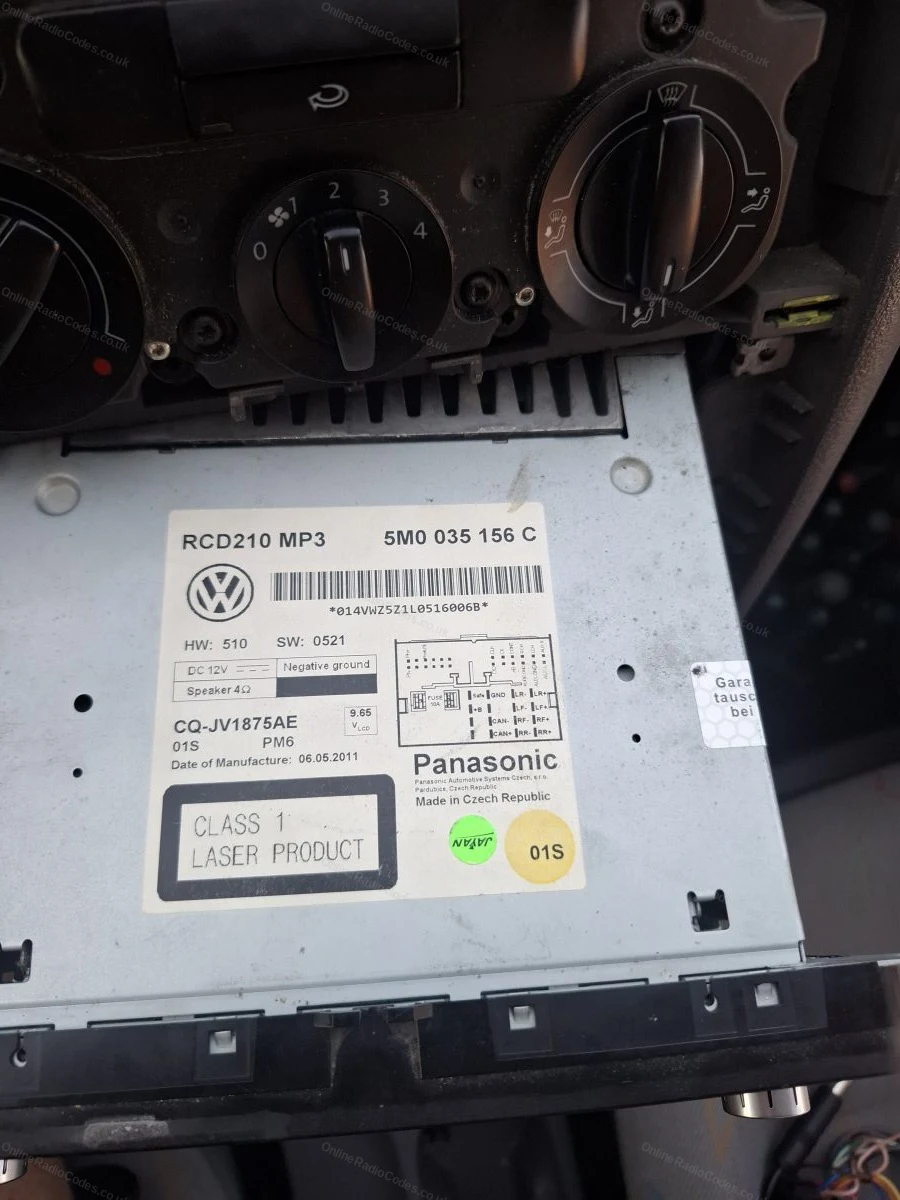
There are different types of Volkswagen radio labels and sometimes identifying the correct information can cause issues. It is quite simple to find your serial number it will start "VWZ" an example is "VWZ1Z2H1234567" ensuring your VW serial is correct is essential in retrieving the correct code for your radio.

Page Updated:

Why Choose Us?

The Worlds No.1 Radio Code Company

OnlineRadioCodes.co.uk is the leading supplier of radio codes worldwide. We have car radio experts on hand to give you the best advice possible.

1 Million+ Happy Customers

We've helped over 1 Million customers unlock their car radio online. We can help you too. We have an in house dedicated team of radio experts on hand to unlock your radio today.

100% Money Back Guarantee

First and foremost we value customer service, it is one of our core values and why we are one of the only companies to offer an 100% money back guarantee.

Lifetime Free Radio Code Retrieval

If you ever misplace or lose your stereo code theres no need to worry! Once you purchase from us you can retrieve you radio code at anytime again.

Frequently Asked Questions

VW Beta Radio Code Entry

Press button "1" four times to display the number "4" in the first column, Press button "2" five times to display the number "5" in the Second column, Press button "3" seven times to display the number "7" in the third column, Press button "4" three times to display the number "3" in the fourth column. Checking the screen to ensure the code "4573" is correctly displayed, press and hold "Scan" & "Mode" together, this will input your radio code into the system.

What People Are Saying

4.91 out of 5 (1559 reviews)
vw Radio Code

Worked great got the code...

Worked great got the code when others couldn’t

GB
Anonymous 29 January
vw Radio Code

I gave the wrong code...

I gave the wrong code initially but you guys helped me through the process and now i have my codeThanks for going the extra mile and all in the original priceI'm one happy customer !

GB
Anonymous 28 January
vw Radio Code

quick and painless...and it worked...

quick and painless...and it worked

GB
Julie Mundy 27 January
vw Radio Code

Excellent service every time we...

Excellent service every time we use them, could not be easier. As a garage when you need a code you need them quick, that's what you get with Online Radio Codes.

GB
Anonymous 27 January
vw Radio Code

quick and painless...and it worked...

quick and painless...and it worked

GB
Julie Mundy 25 January
vw Radio Code

The code was correct and...

The code was correct and had not been altered from the original source it worked. Thank you.

GB
Anonymous 25 January
vw Radio Code

Very quick brilliant cannot fault...

Very quick brilliant cannot fault

FR
Anonymous 25 January
vw Radio Code

Code took several hours to...

Code took several hours to come through and worked without any issues

GB
Anonymous 24 January
vw Radio Code

Very good service...

Very good service

GB
Anonymous 24 January
vw Radio Code

Fast perfect...

Fast perfect

GB
Ludovic Durouchard 24 January

Trusted By

  • Carshop
  • Carcraft
  • Evans Halshaw
  • Vanarama
  • Fords of Winsford

VW Beta Radio Codes

Get Code