Série V · Pressione 1 + 6
Veja o número de série na tela
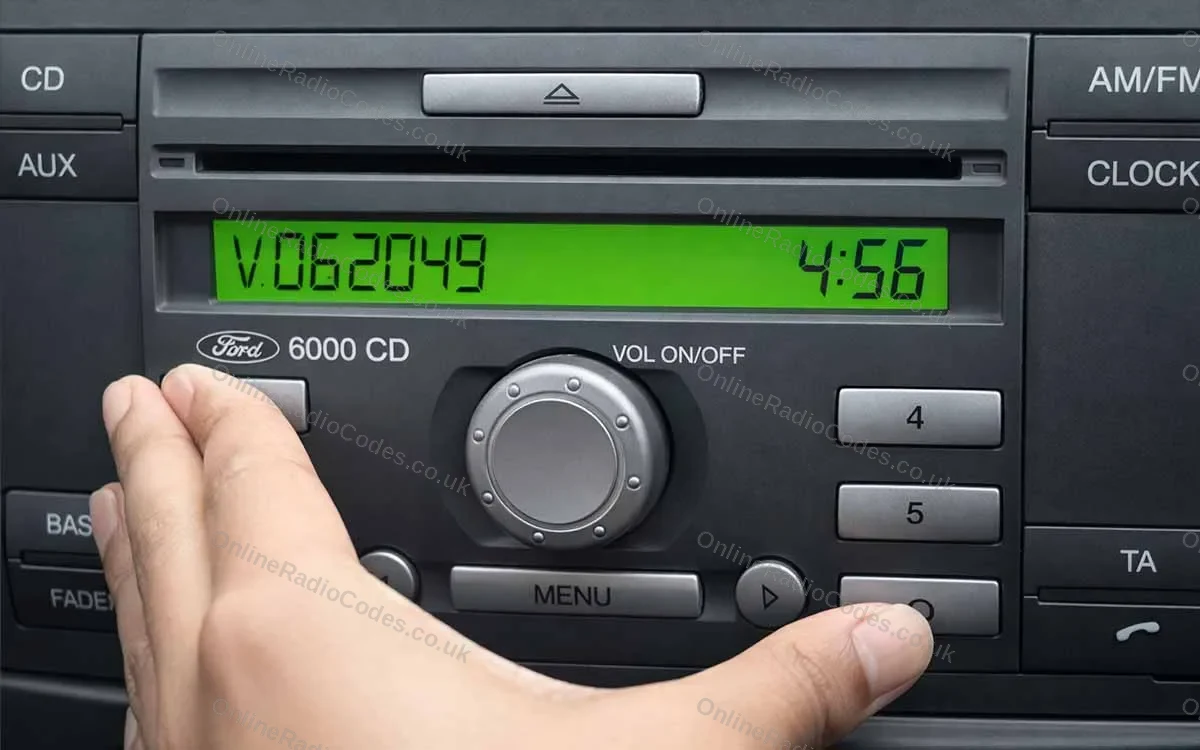
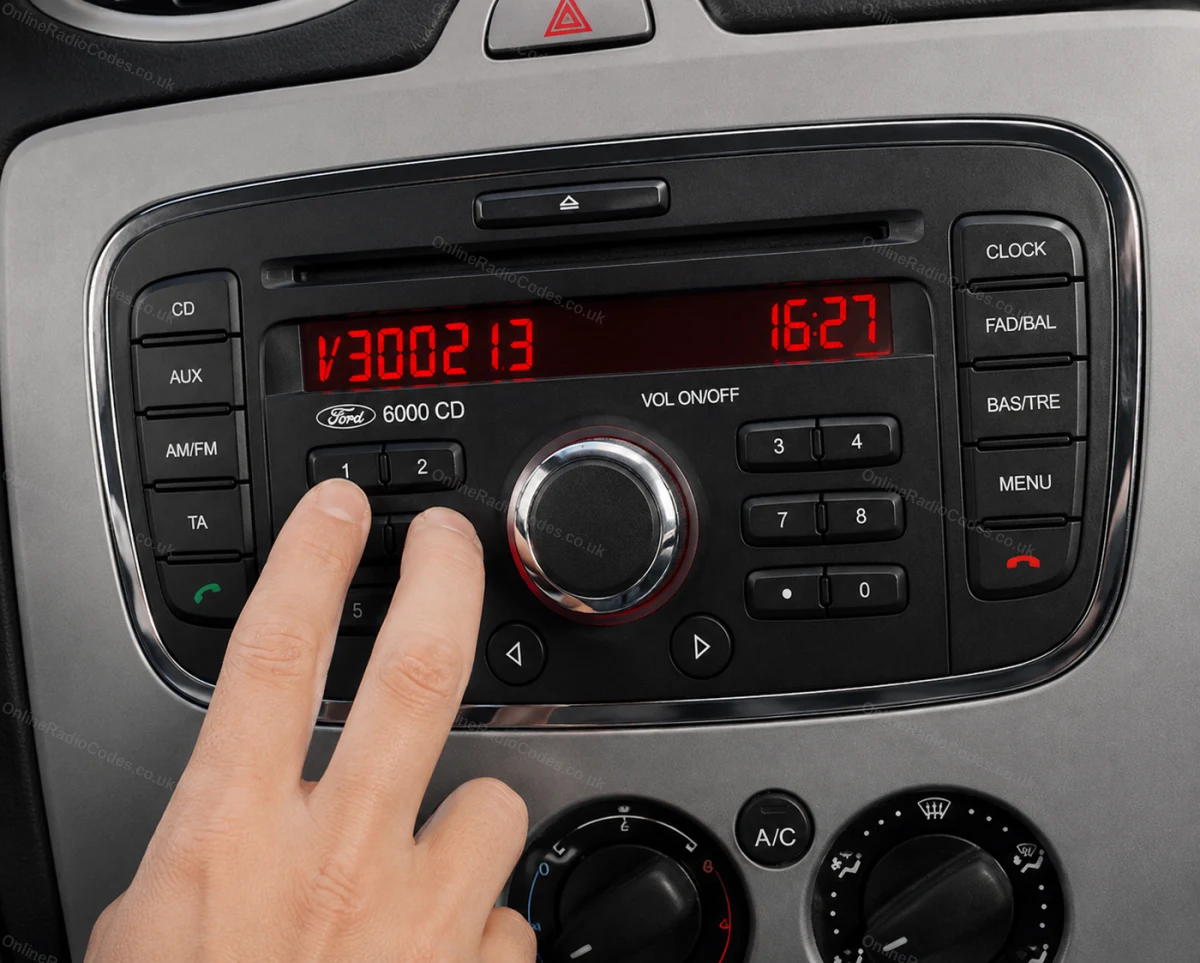
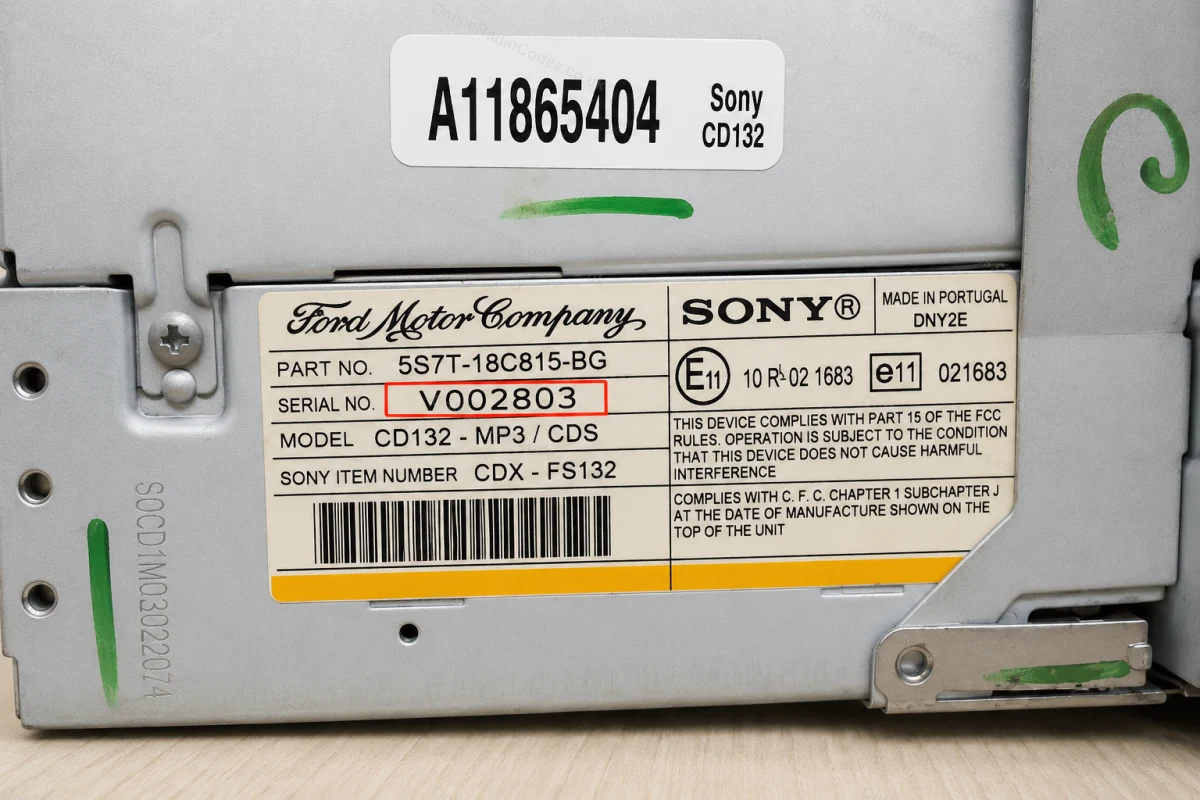
Ligue a ignição e o rádio. Mantenha pressionados os botões 1 e 6 simultaneamente por cerca de dois segundos até que um número de série apareça na tela. Ele começa com V, seguido por 6 dígitos (por exemplo, V062049). Anote-o exatamente como aparece. Se nada aparecer após duas tentativas, tente os botões 2 e 6.
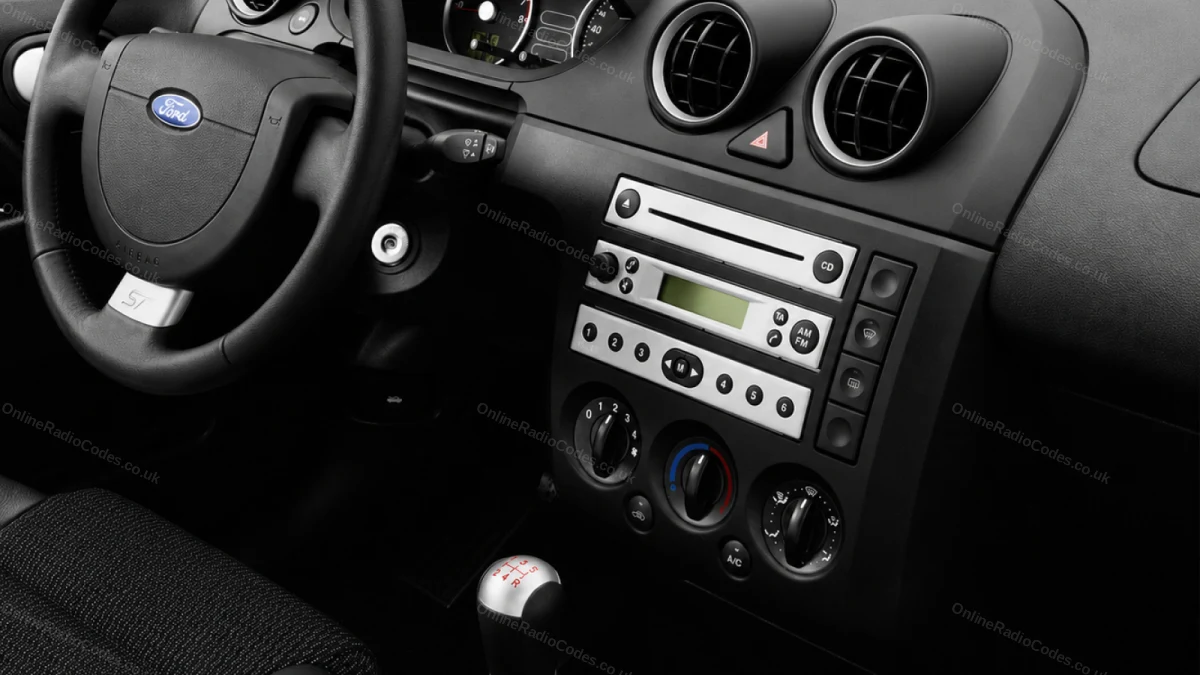
Compatível com os modelos Fiesta, Focus, Mondeo, Transit, Galaxy e a maioria dos modelos Ford até 2008.
Série M · Pressione 2 + 6
Veja o número de série na tela
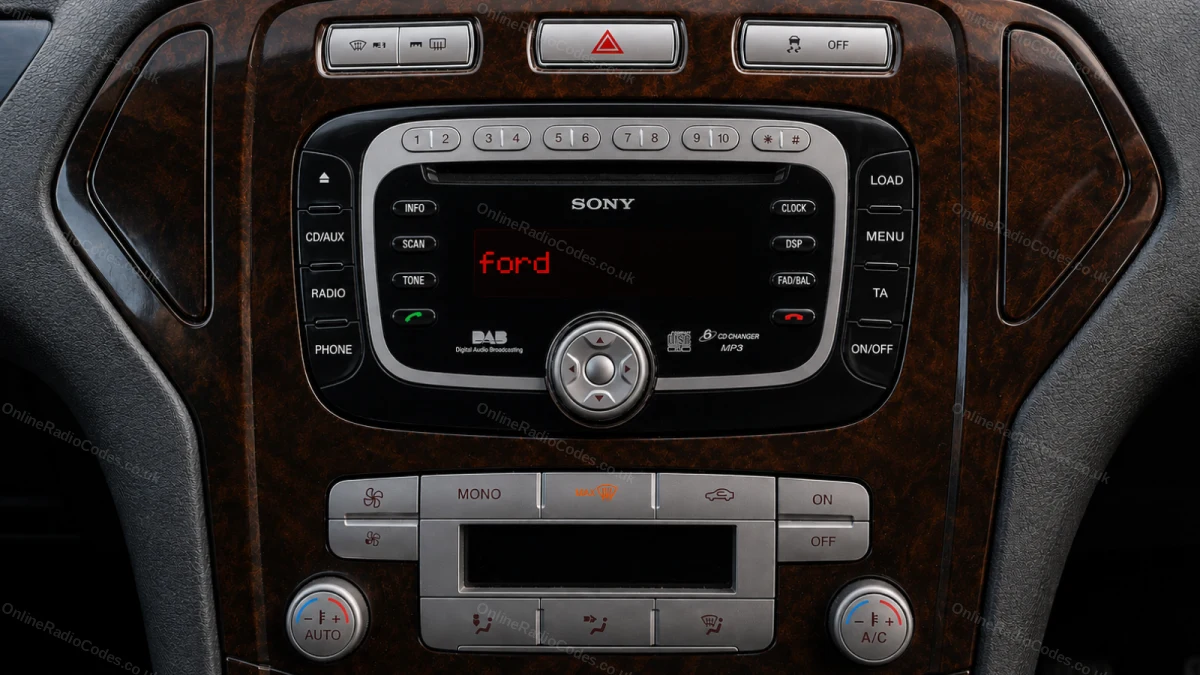
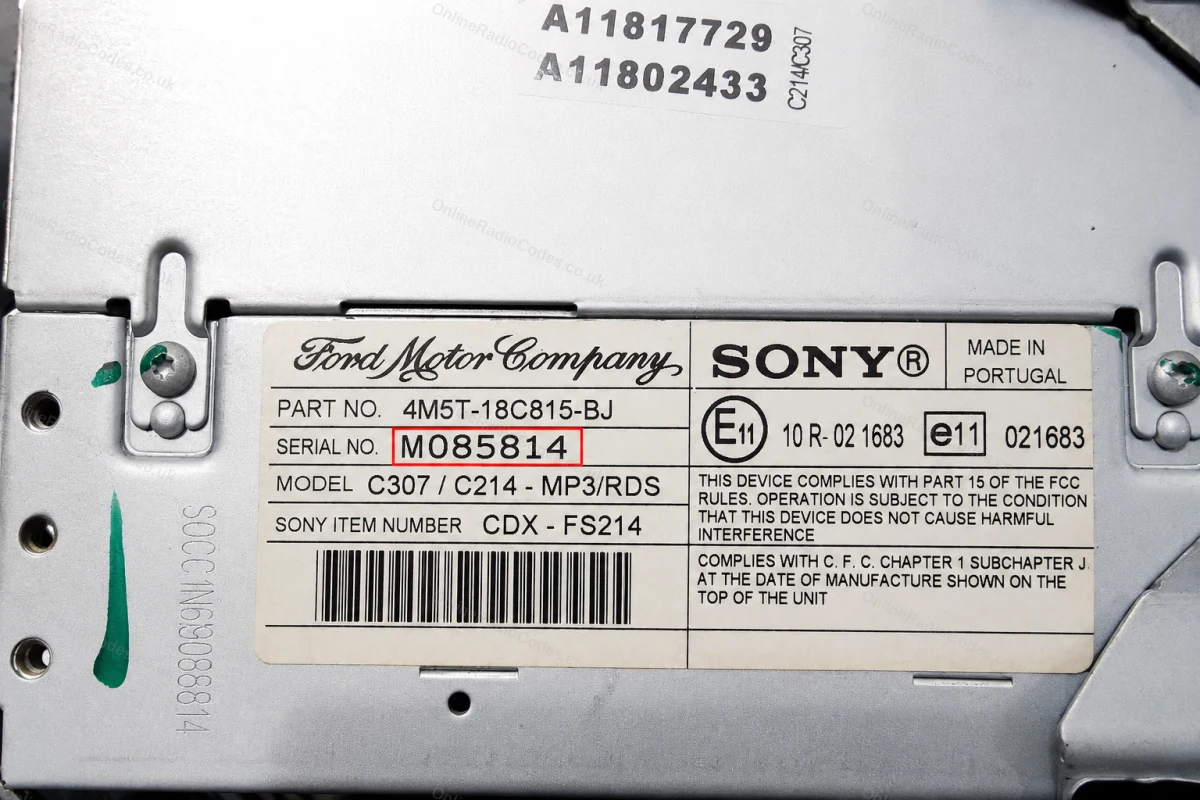
Em alguns modelos de MP3 e RDS da Sony, mantenha pressionados os botões 2 e 6 simultaneamente por cerca de dois segundos. O número de série começa com M, seguido por 6 dígitos (por exemplo, M085814). Se o número de série aparecer dividido em duas partes na tela, junte-as em uma única sequência, sem espaço.
O número de série com M também está impresso na etiqueta na parte traseira do aparelho, caso seja necessário retirá-lo.
Remova o rádio
Retire o rádio para encontrar o número de série
Insira as chaves de liberação DIN nos quatro orifícios dos cantos do painel frontal e exerça uma leve pressão para fora. A unidade desliza para a frente; não é necessário desconectar nenhum fio.
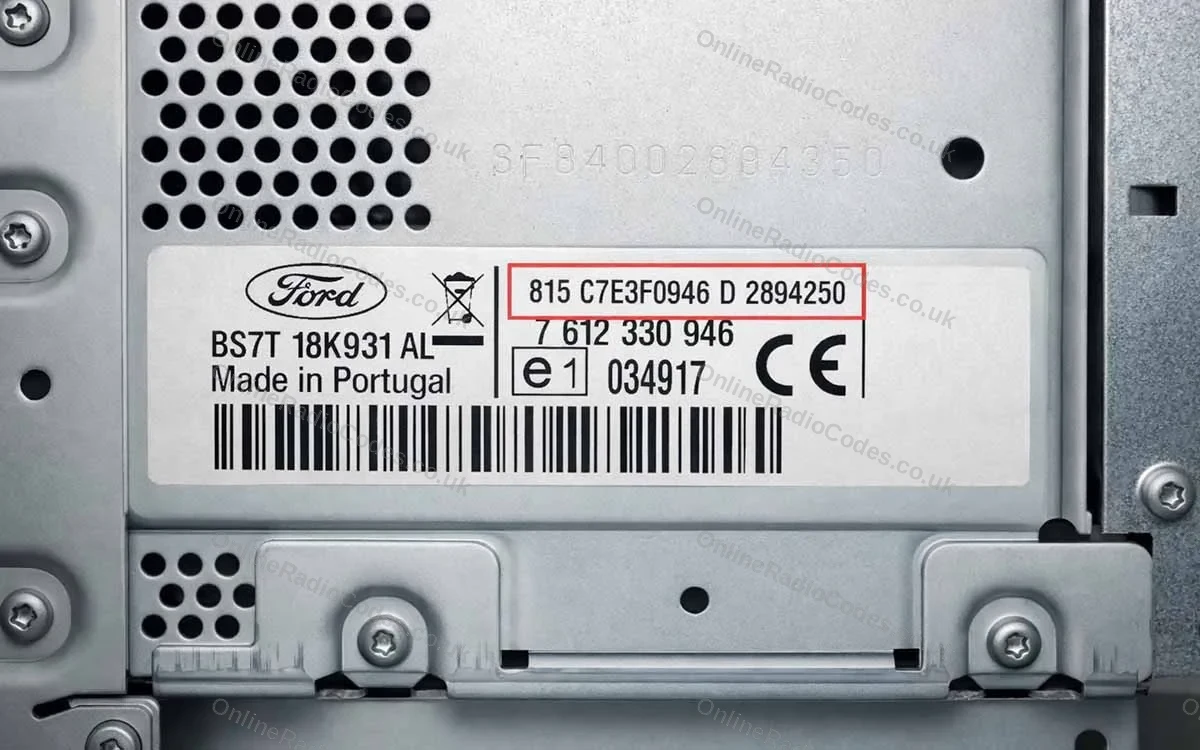
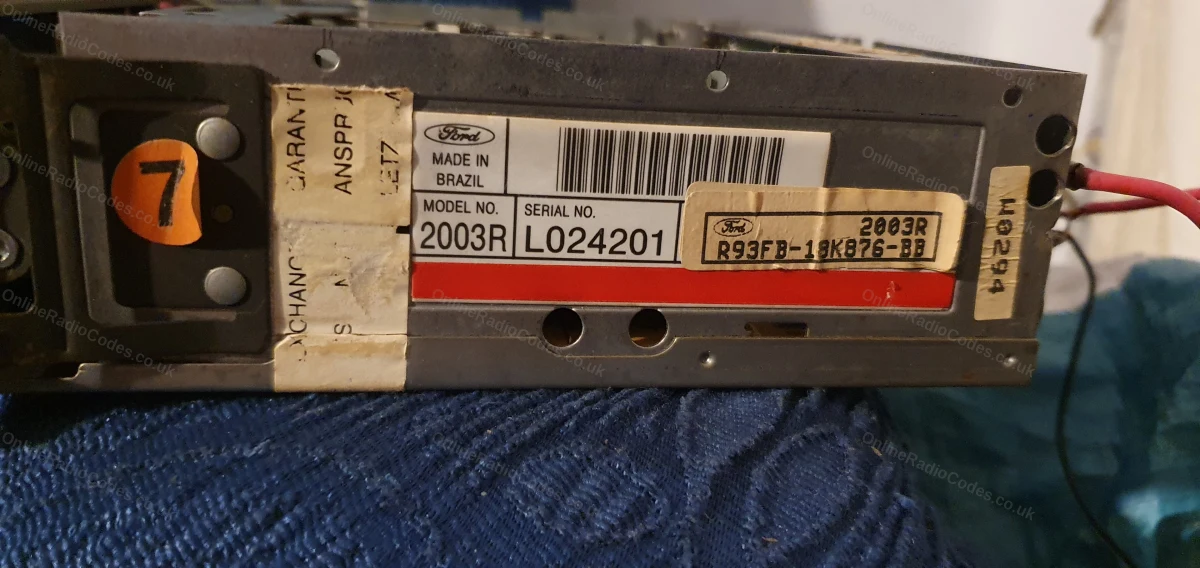
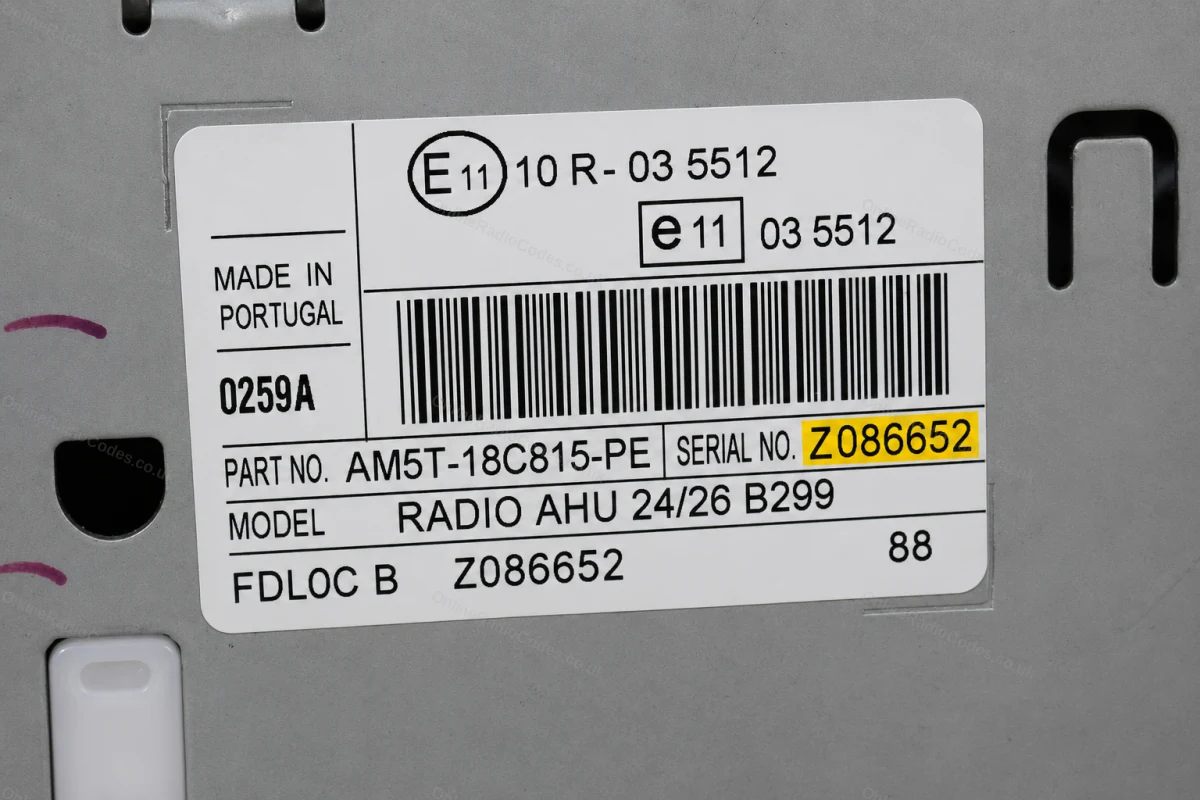
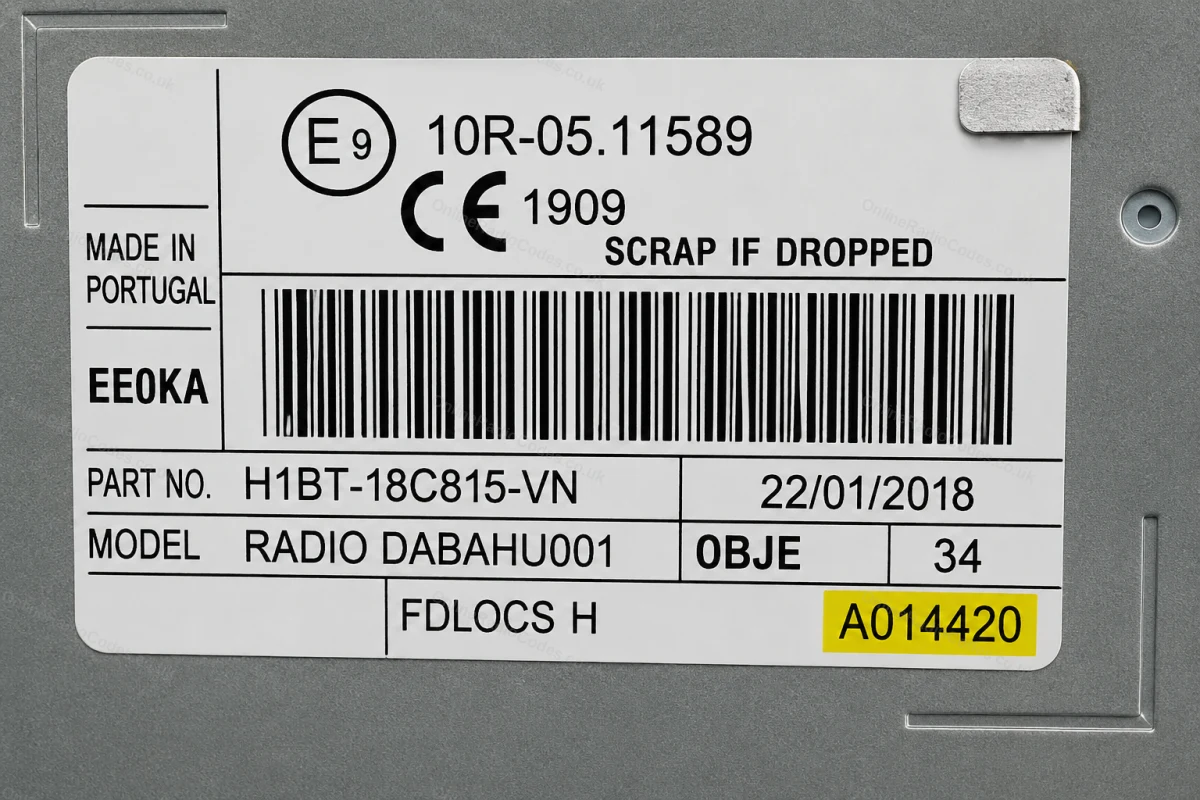
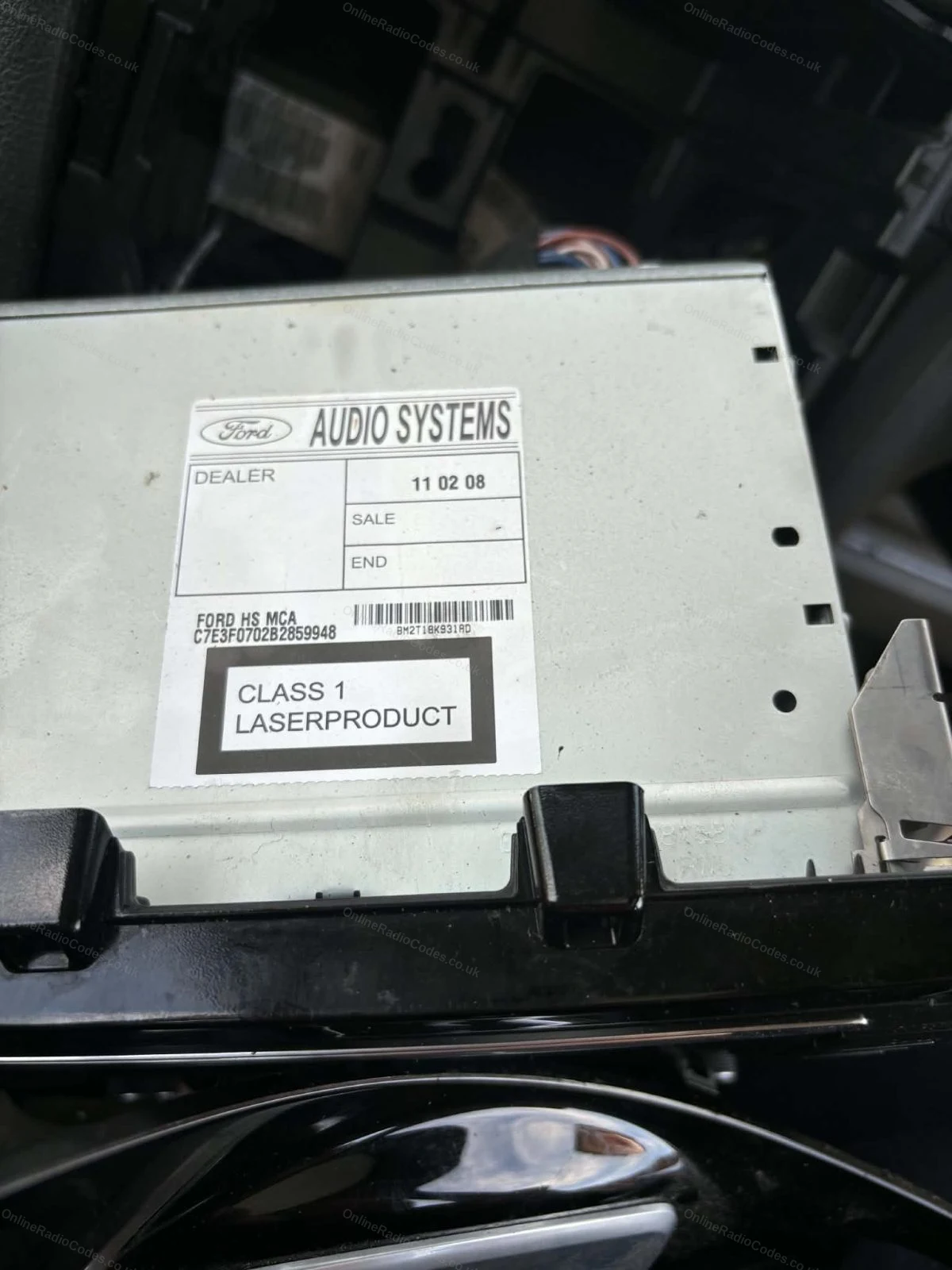
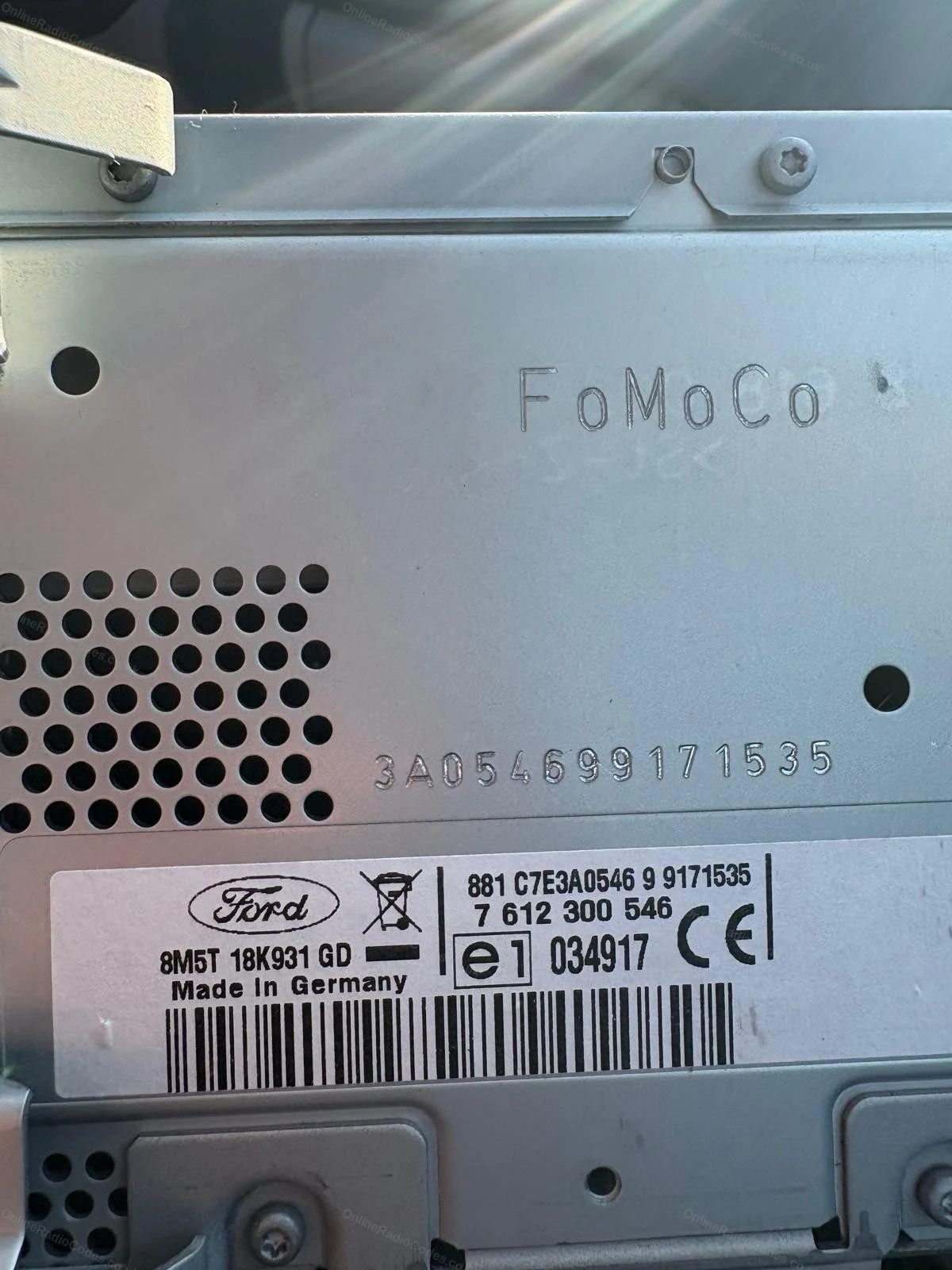
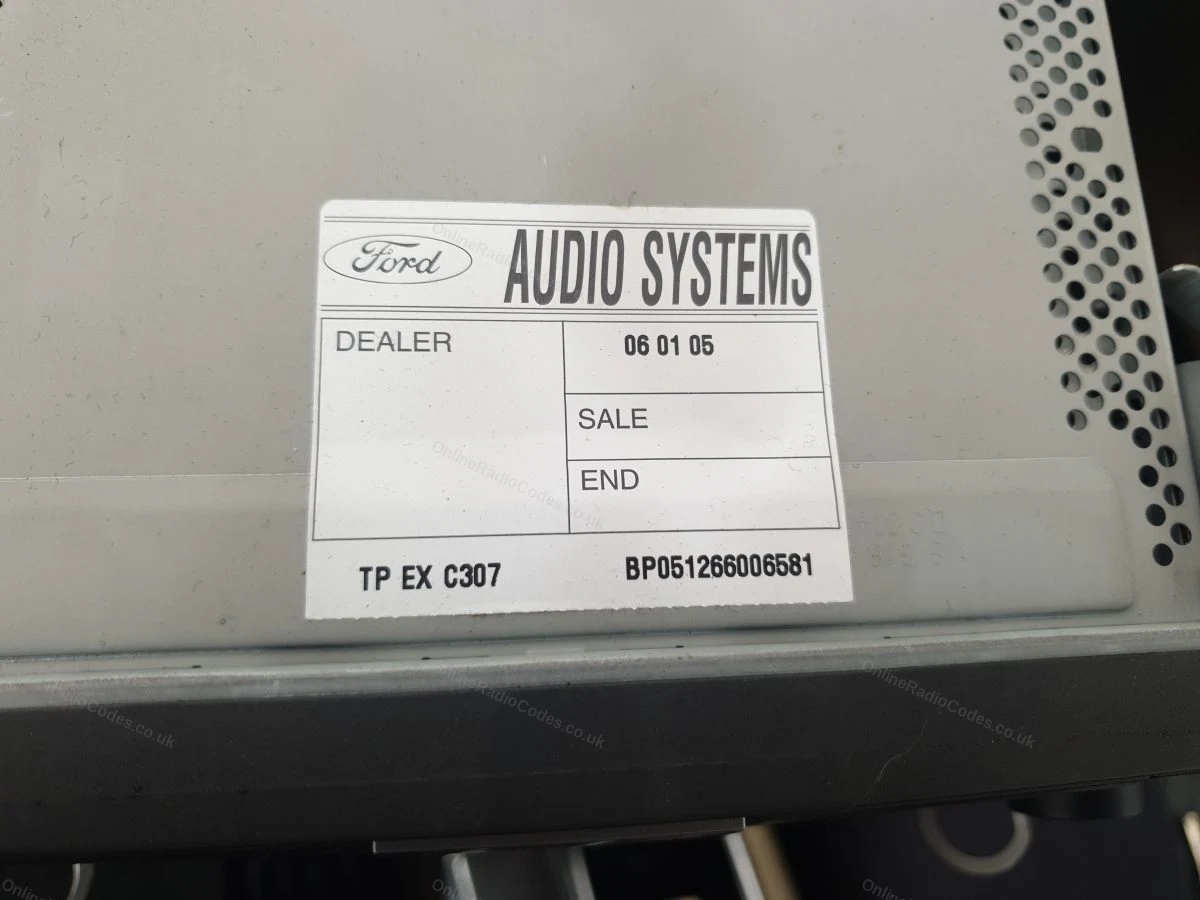
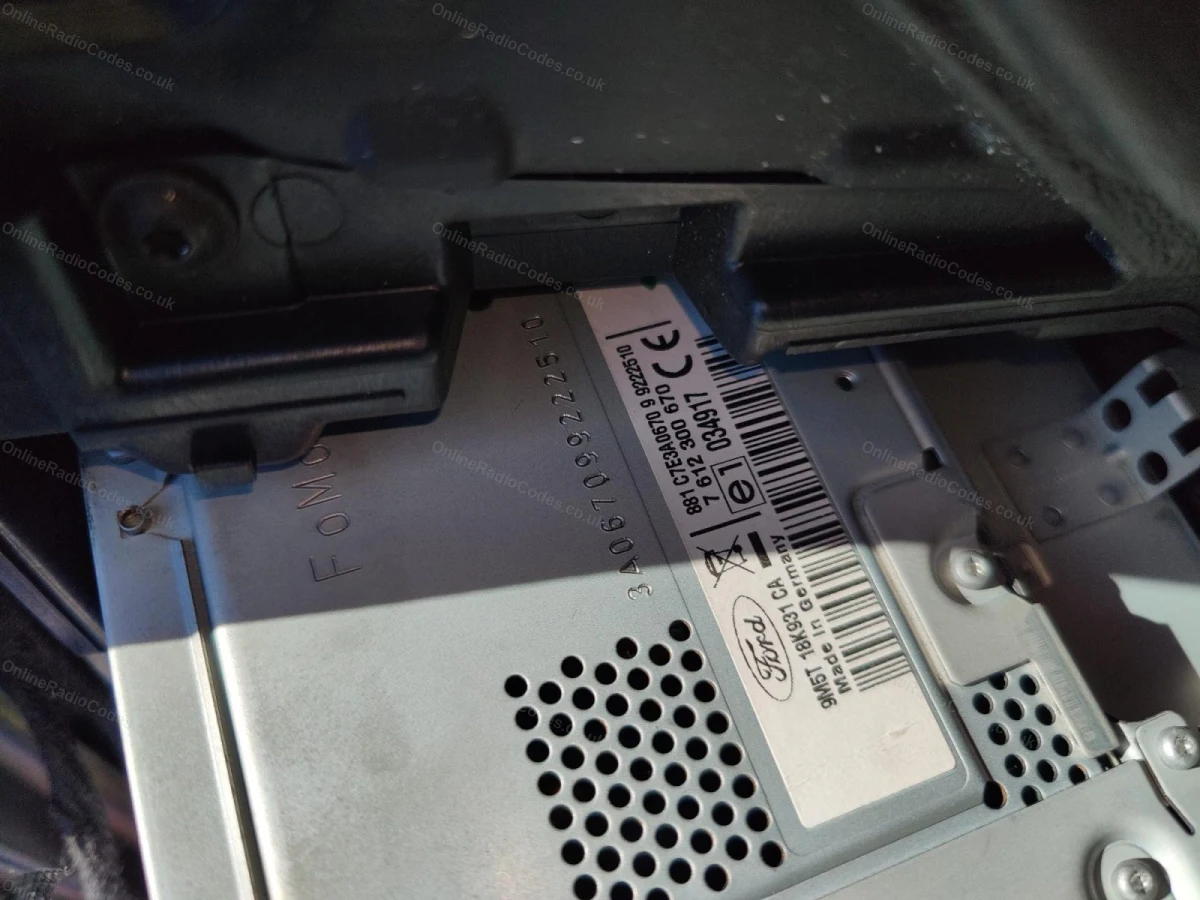
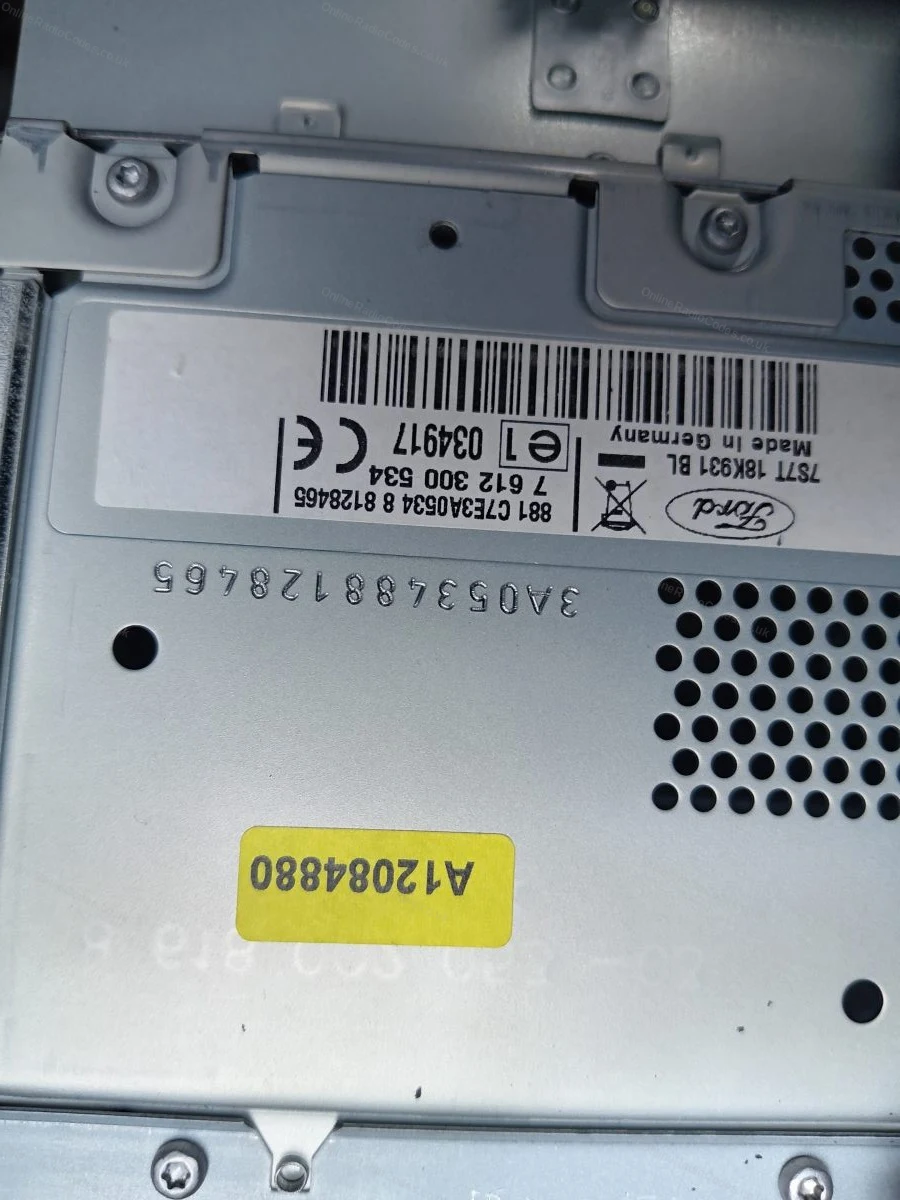
O número de série está em um adesivo na parte traseira ou lateral da unidade. Ele pode começar com V, M, L, C7 ou BP, dependendo do fabricante; digite-o exatamente como aparece na etiqueta, incluindo a letra de prefixo.
MK7 / MK8 · Prefixo Z / A
Veja o número de série na tela
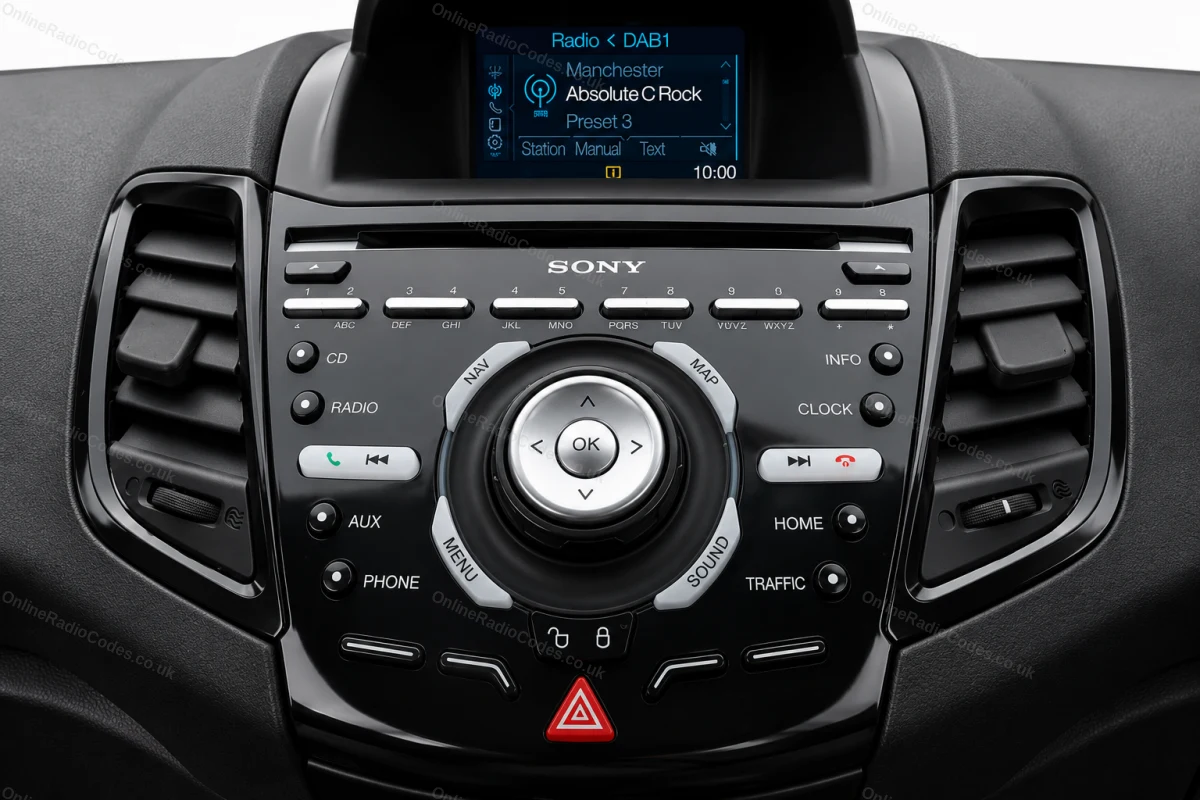
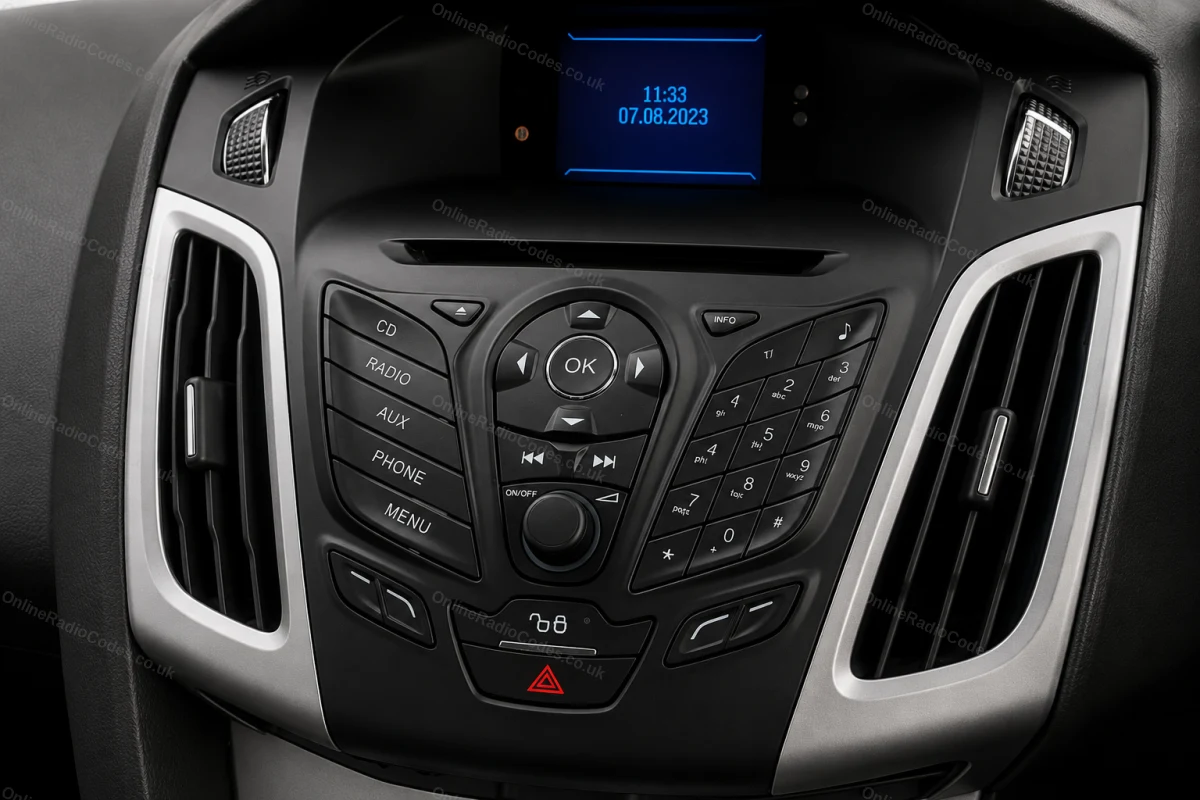
Pressione os botões 1 e 6 conforme indicado acima. A partir de 2008, o número de série começa com Z (2008–2017) ou A (2018 até hoje), seguido por 6 dígitos. Digite todos os 7 caracteres, incluindo a letra prefixo. Os números de série Z e A são decodificados usando o mesmo método.
Instalação nos modelos Fiesta MK7+, Focus MK3+, Mondeo MK4+ e na maioria dos modelos Ford a partir de 2008.
Ford TravelPilot
Retire o aparelho para encontrar o número de série
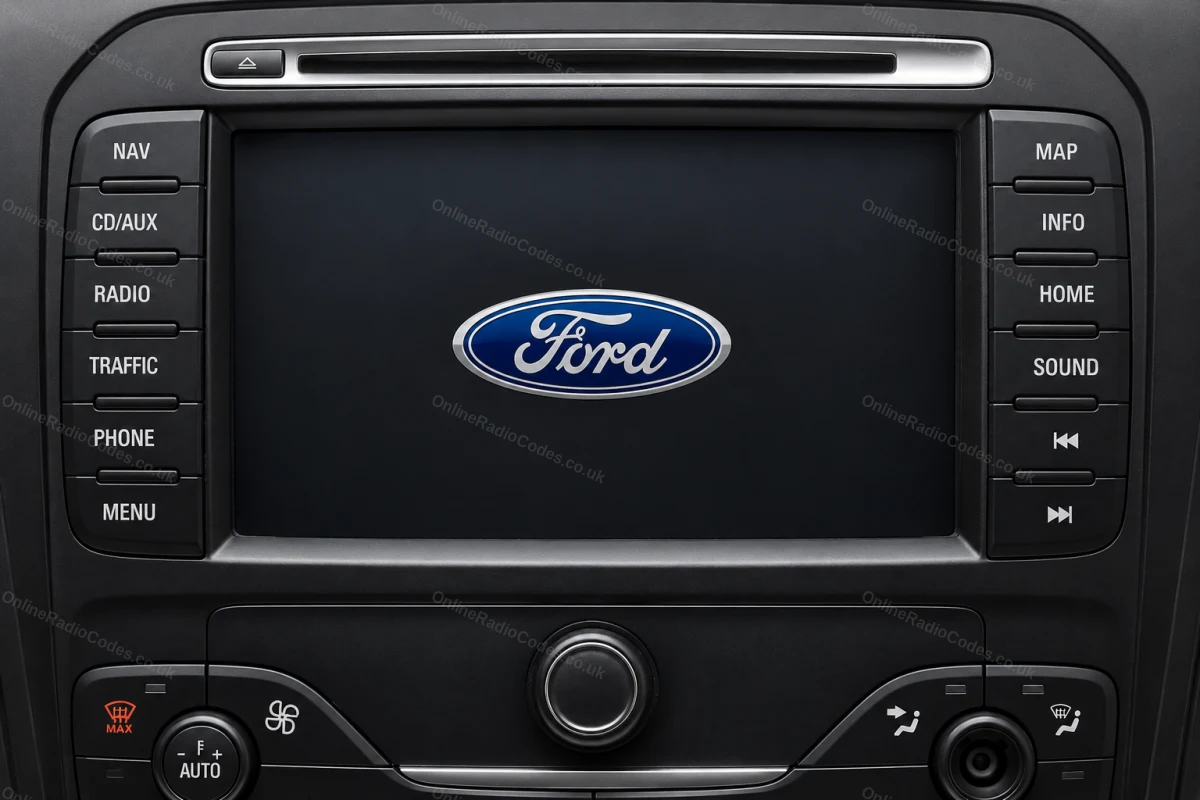
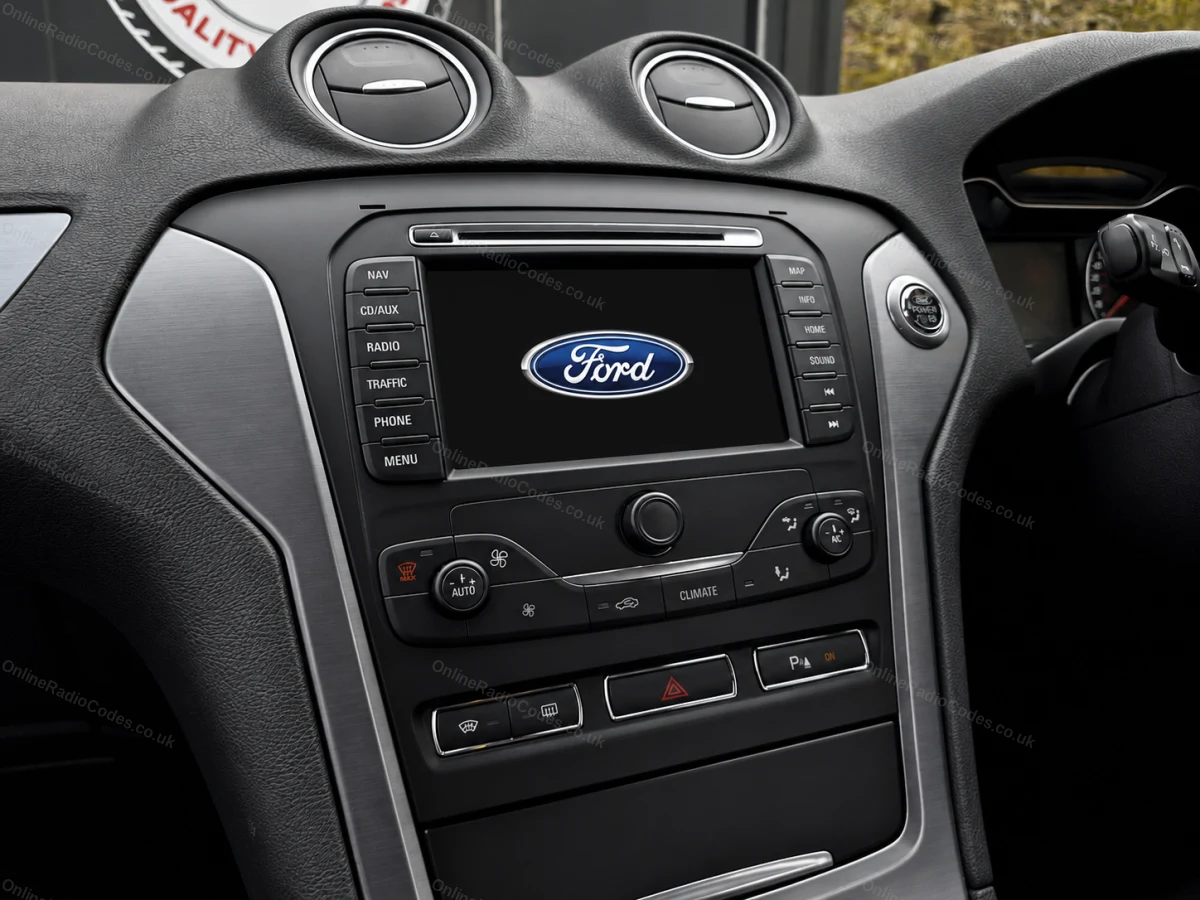
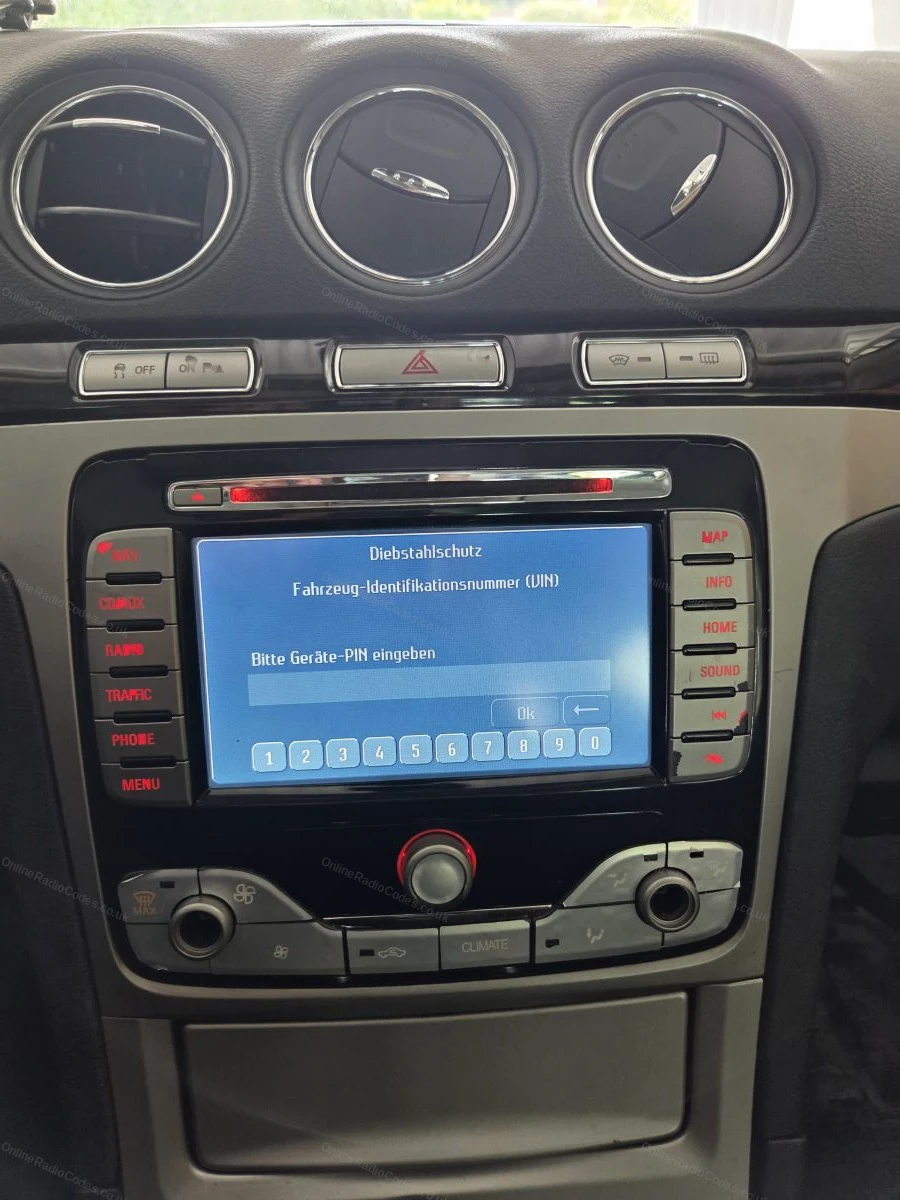
O Ford TravelPilot é um sistema de navegação com tela sensível ao toque integrado. Você precisará remover o aparelho para encontrar o número de série: insira as chaves de liberação nos quatro orifícios dos cantos e deslize-o para a frente.
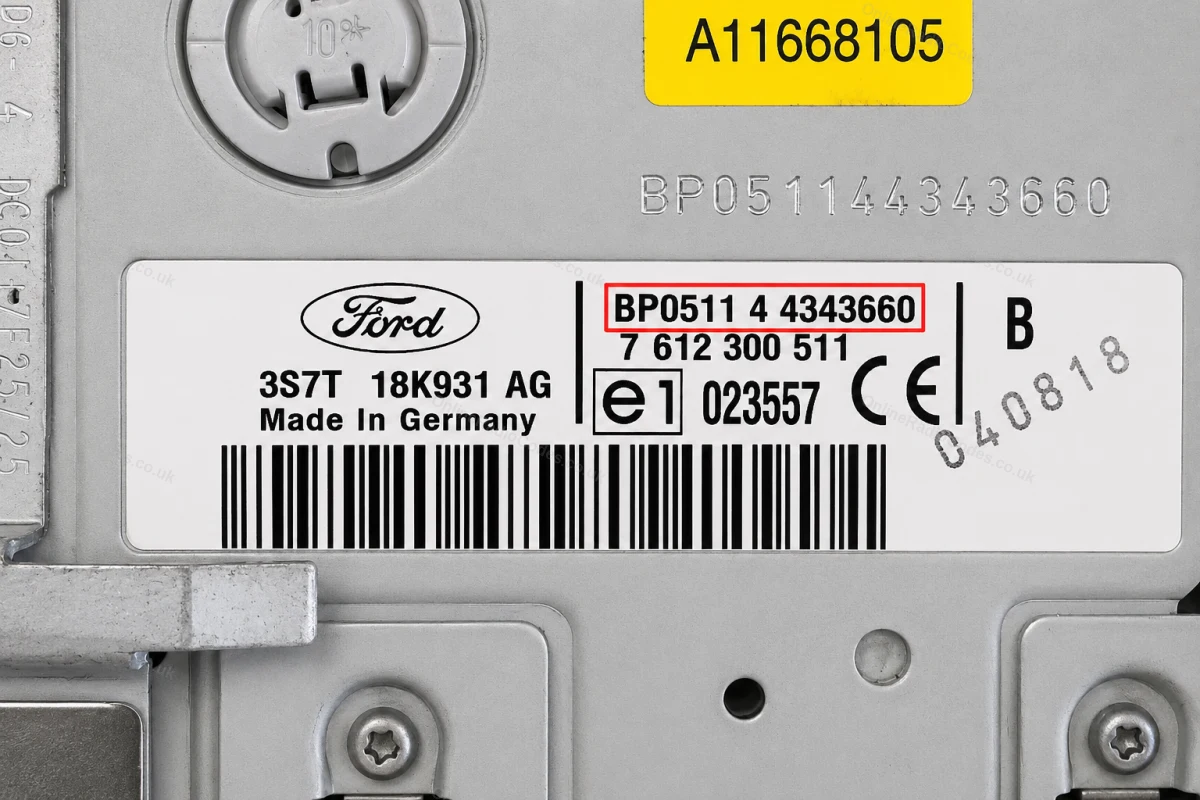
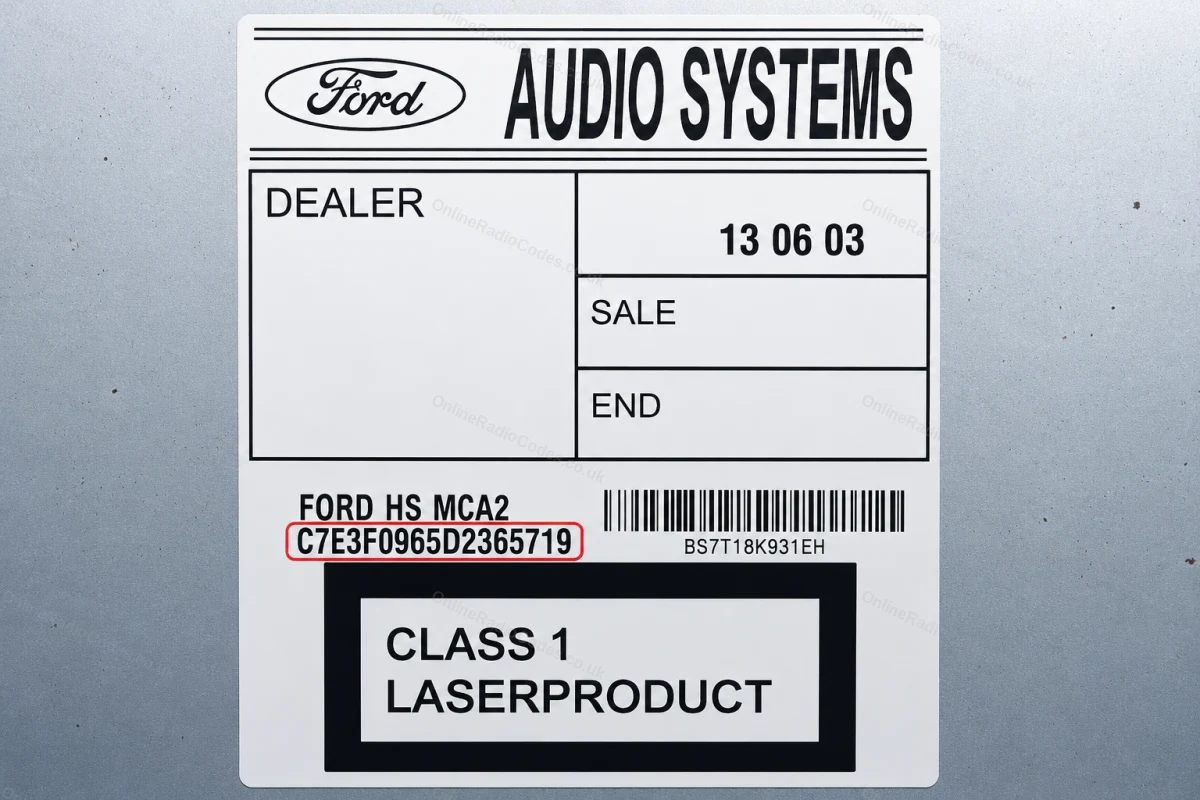
O número de série está em um adesivo na parte traseira do aparelho. Ele começa com BP (2001–2007, por exemplo, BP0511 4 4343660) ou C7 (modelos posteriores, por exemplo, C7E3F0965D2365719). Digite a sequência completa exatamente como mostrada, incluindo o prefixo.
Como é o número de série do seu Ford
V-Series
V123456
M-Series
M987456
Z-Series
Z435692
C7-Series
C73F0961C0536857
BP-Series
BP62034596031
Sony (SN/SOCD)
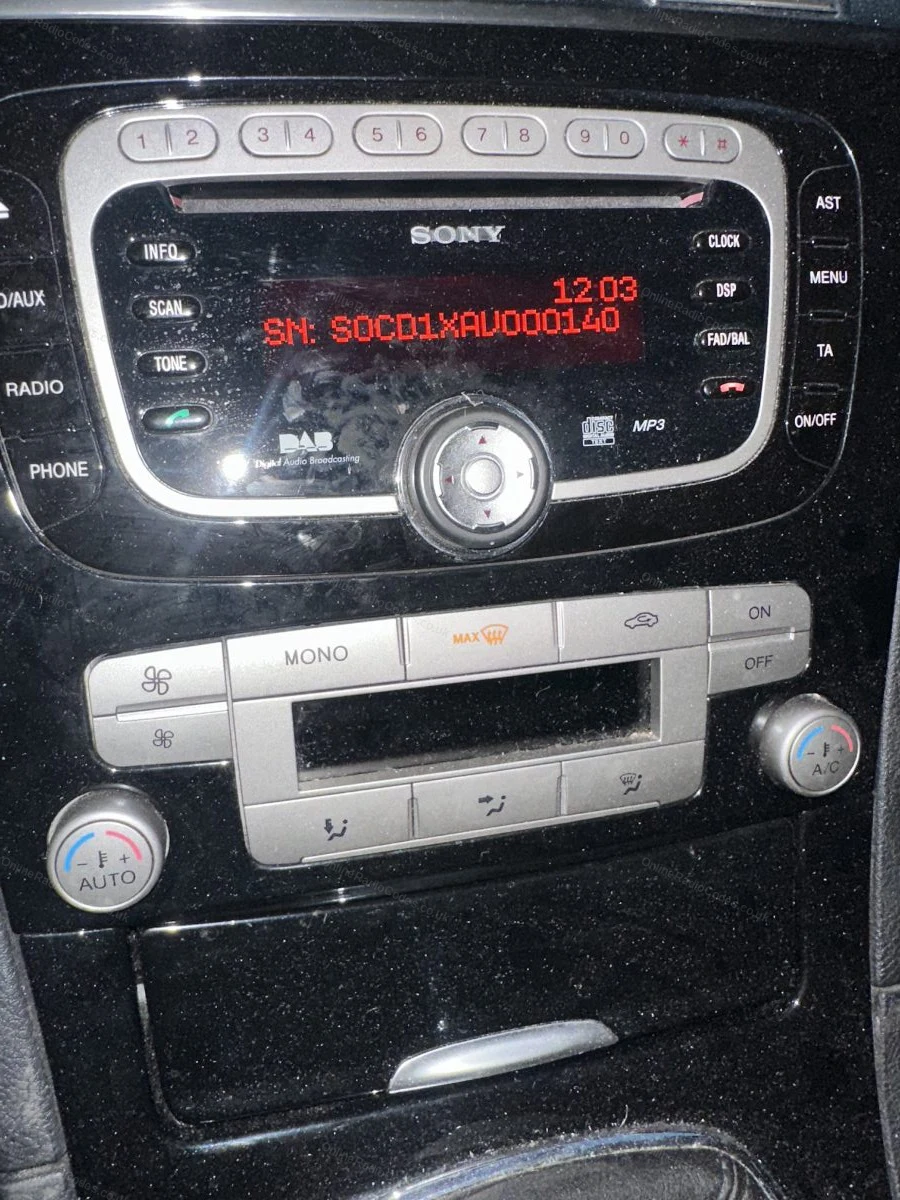
SN SOCD6X7V011473
L-Series
L033843
C-Series
C123456
Figo / Visteon
VC0AKZ13211068
Figo / Visteon (FIB)
FIB123456



















 Ford · Códigos de rádio
 22,632 comentários sobre