100% Money Back Guarantee The World's Leading Car Radio Code Service Trusted by 1,000,000+ customers
Ford Ford · Radio Codes
Instantly Displayed

Ford Sony Cd132 Radio Codes

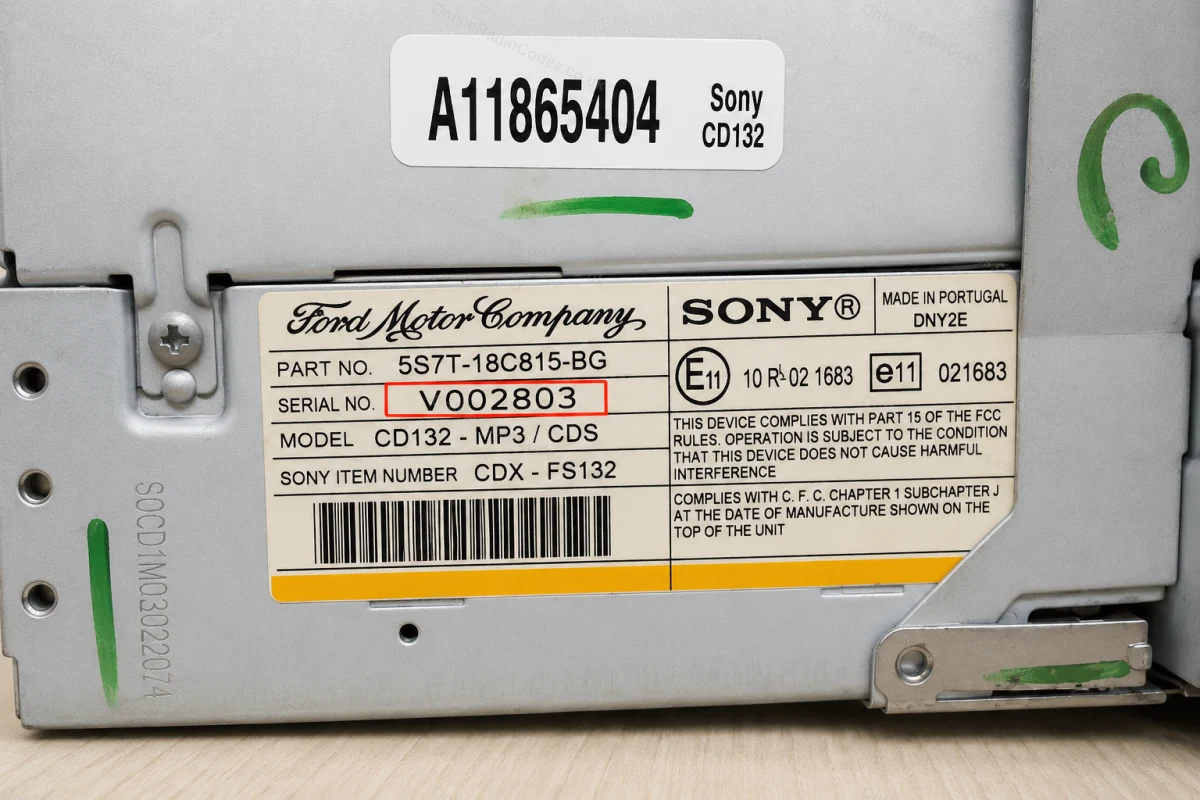
Ford Sony CD132 radio code by serial number. The V-series serial is printed on a white sticker on the side of the unit. Enter it above and your code arrives instantly.

Money back guarantee Lifetime free retrieval
Enter your serial number
Over 1 million codes delivered worldwide.
Not sure which serial to enter? See examples
Instantly displayed Money back guarantee Secure checkout

Step 1 of 3

How to find your Ford serial number

The guide below will show you exactly where to find your Ford radio serial number.

V-Series · Press 1 + 6
Get your serial from the screen
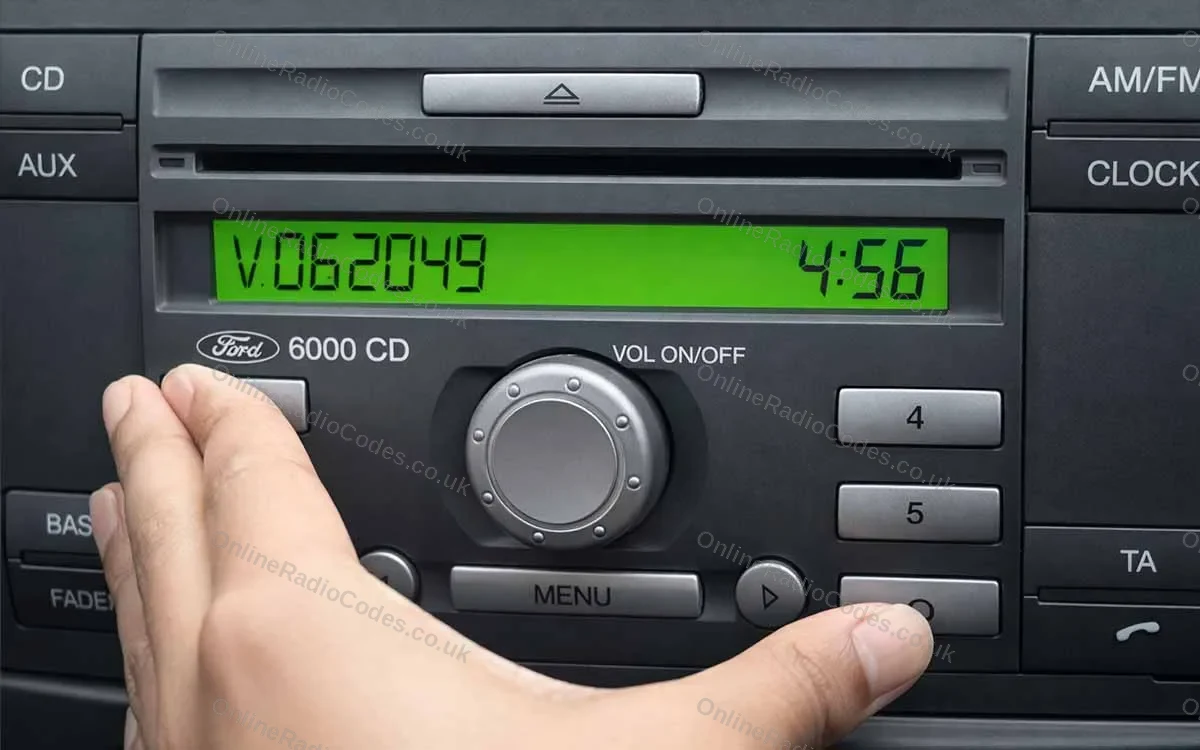
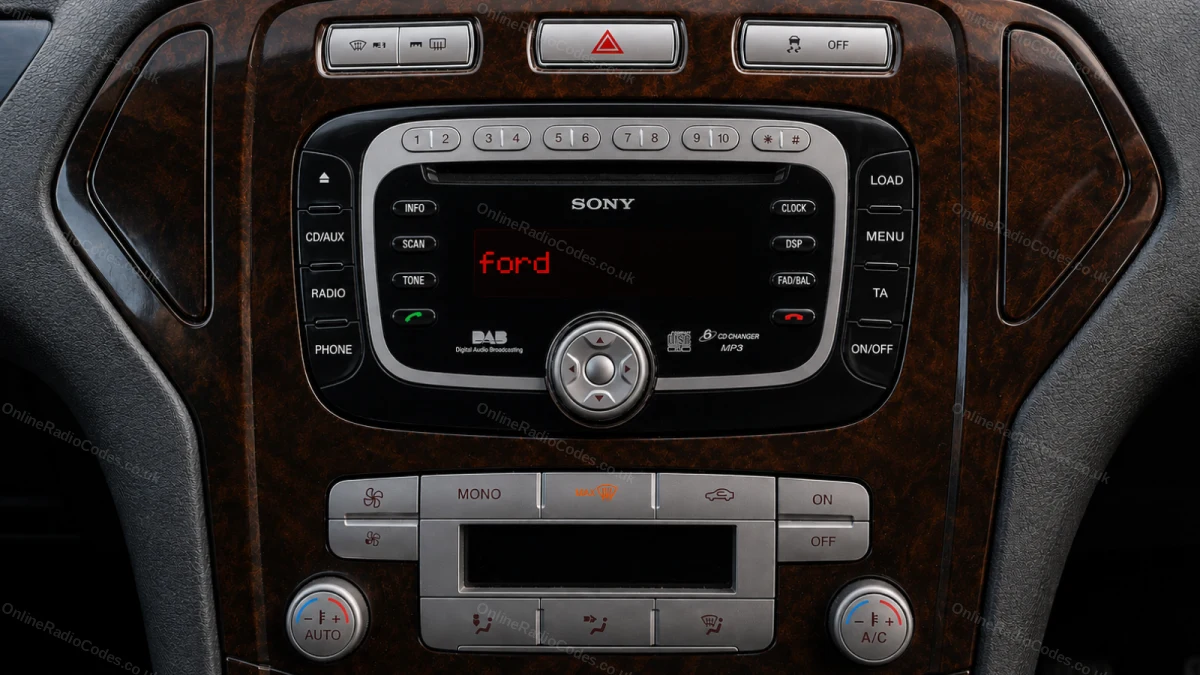
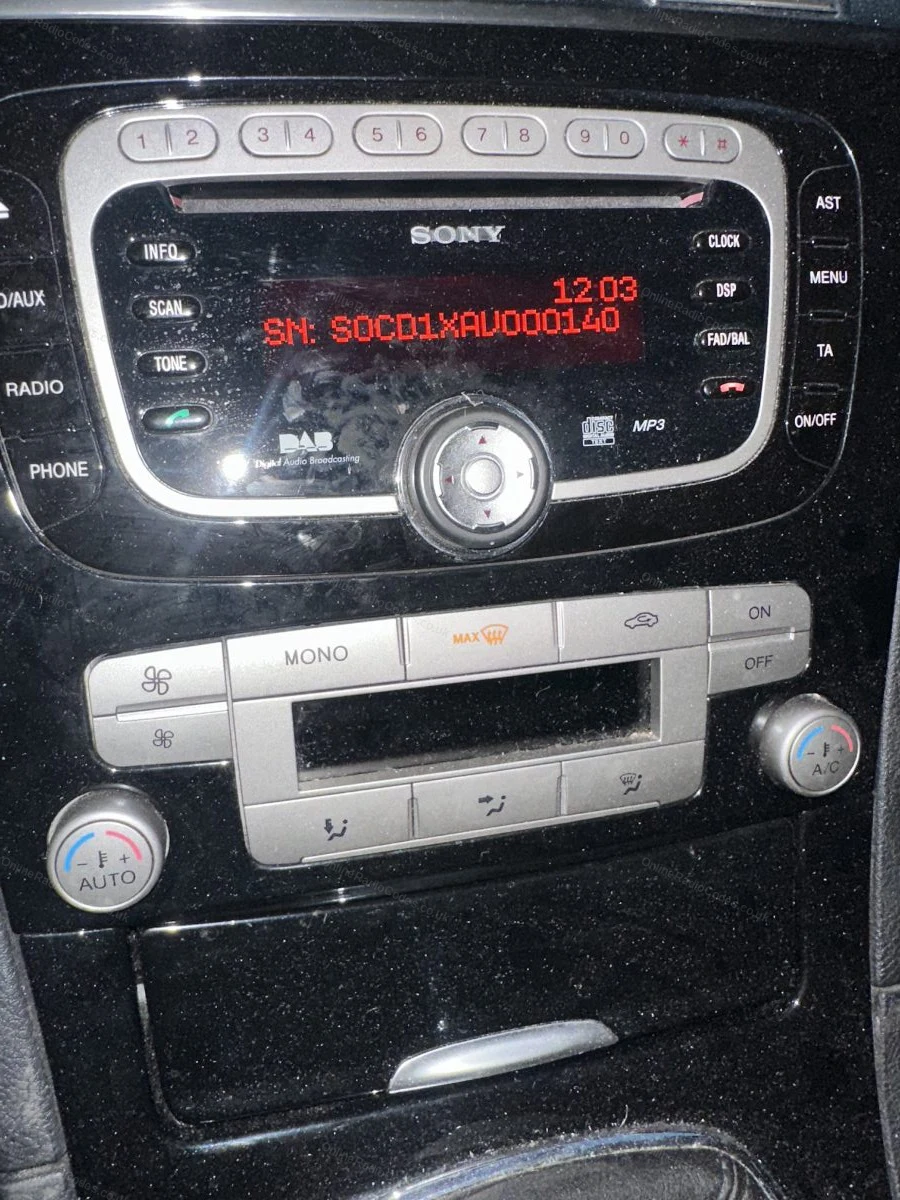
Turn on the ignition and radio. Hold buttons 1 and 6 simultaneously for about two seconds until a serial appears on screen. It starts with V followed by 6 digits (e.g. V062049). Write it down exactly. If nothing appears after two attempts, try buttons 2 and 6 instead.

Fitted to Fiesta, Focus, Mondeo, Transit, Galaxy and most Ford models up to 2008.
M-Series · Press 2 + 6
Get your serial from the screen
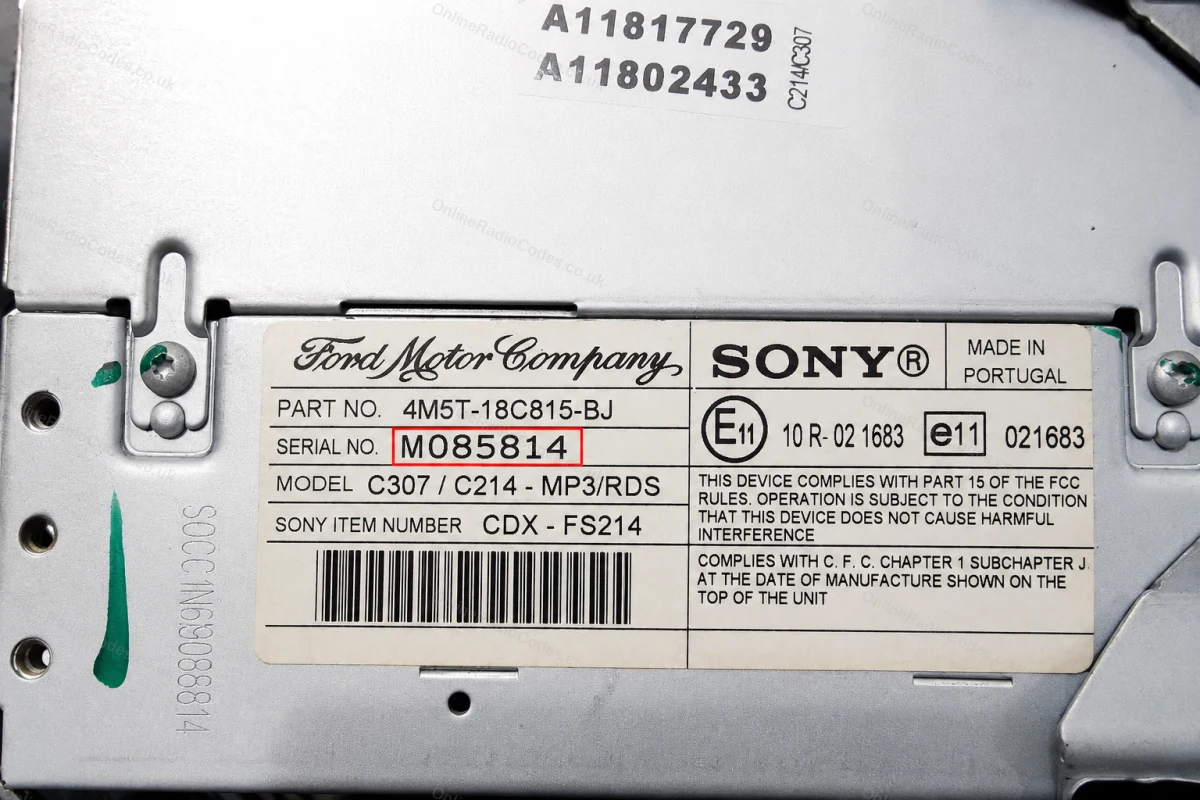
On some Sony MP3 and RDS models hold buttons 2 and 6 simultaneously for about two seconds. The serial starts with M followed by 6 digits (e.g. M085814). If the serial appears in two halves on screen combine them into one string without a space.

The M serial is also printed on the label on the back of the unit if you need to remove it.
Remove the Radio
Remove the radio to find your serial
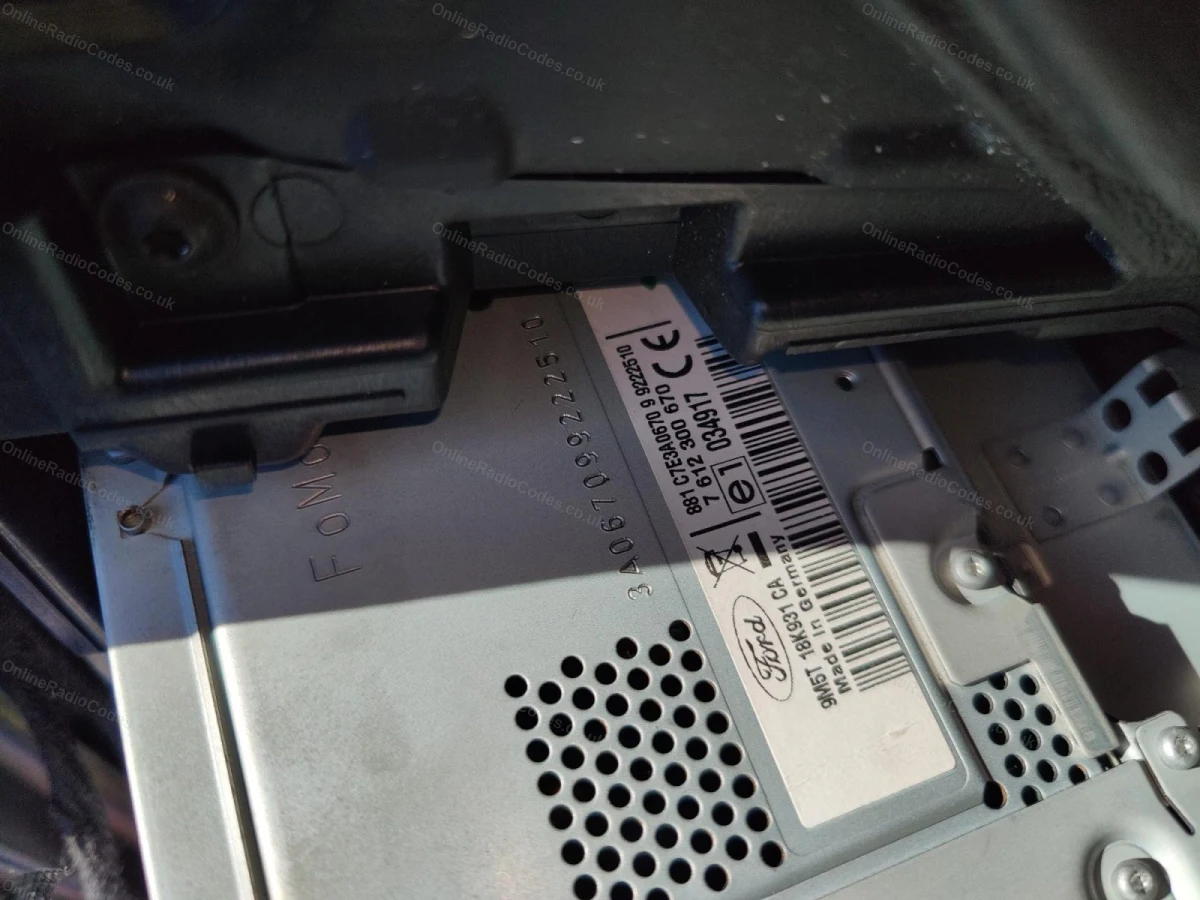
Insert DIN release keys into the four corner holes of the fascia and apply gentle outward pressure. The unit slides forward — no wires need disconnecting.

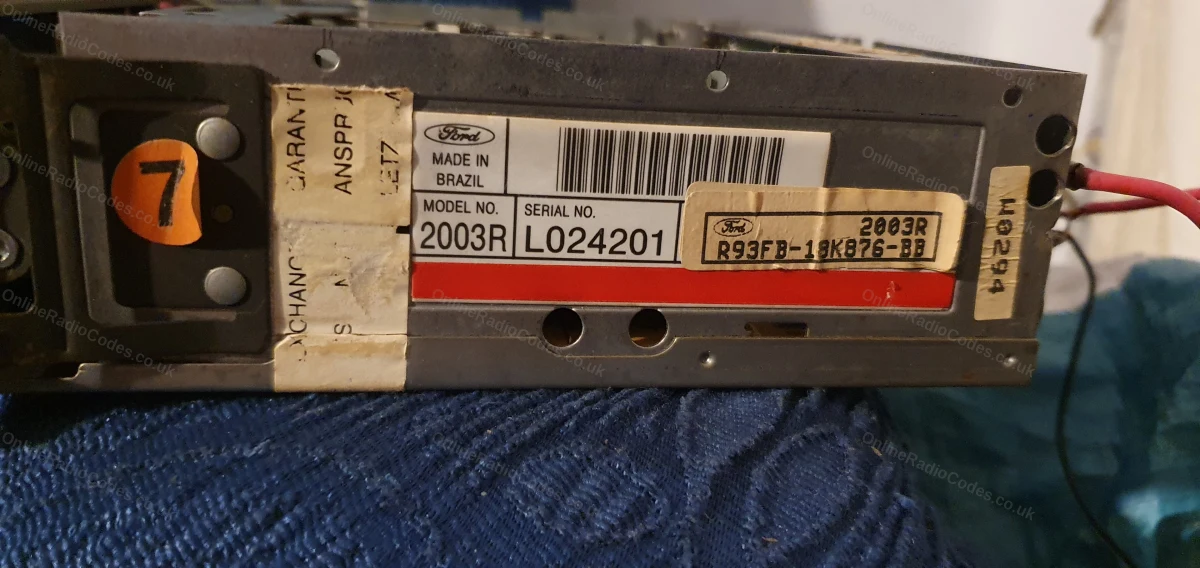
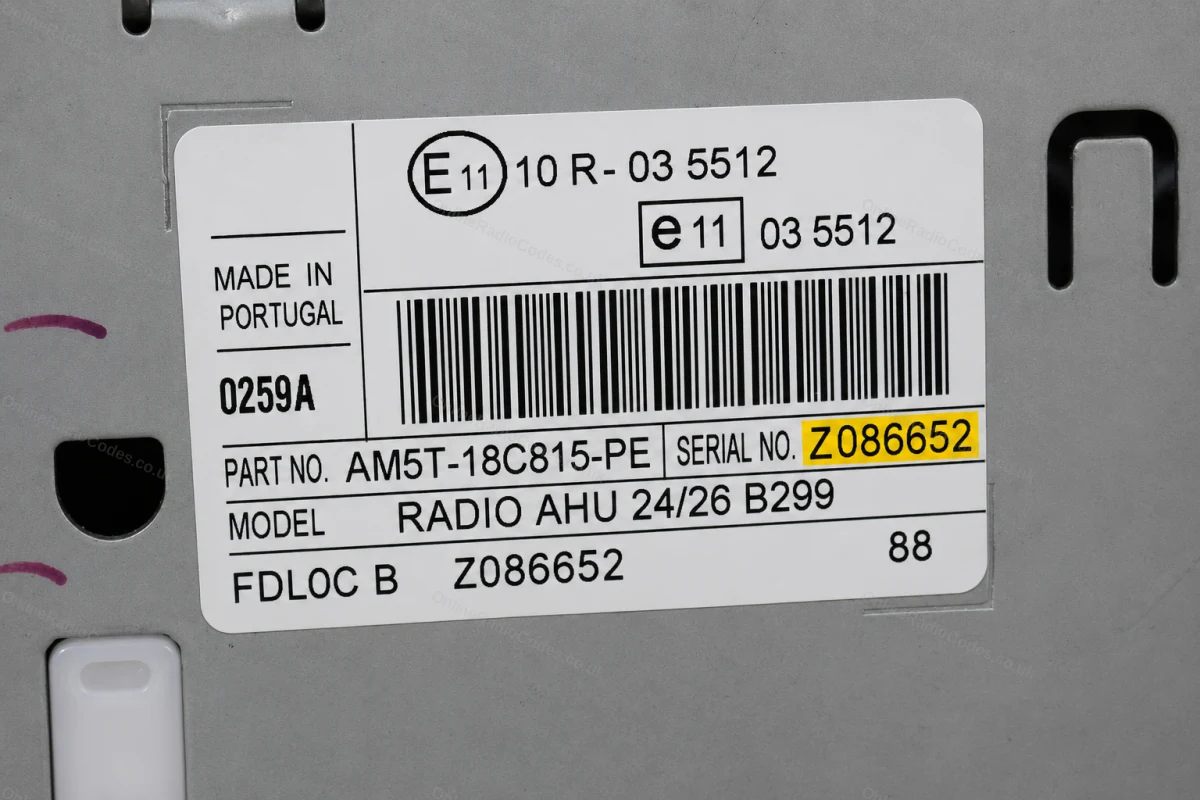
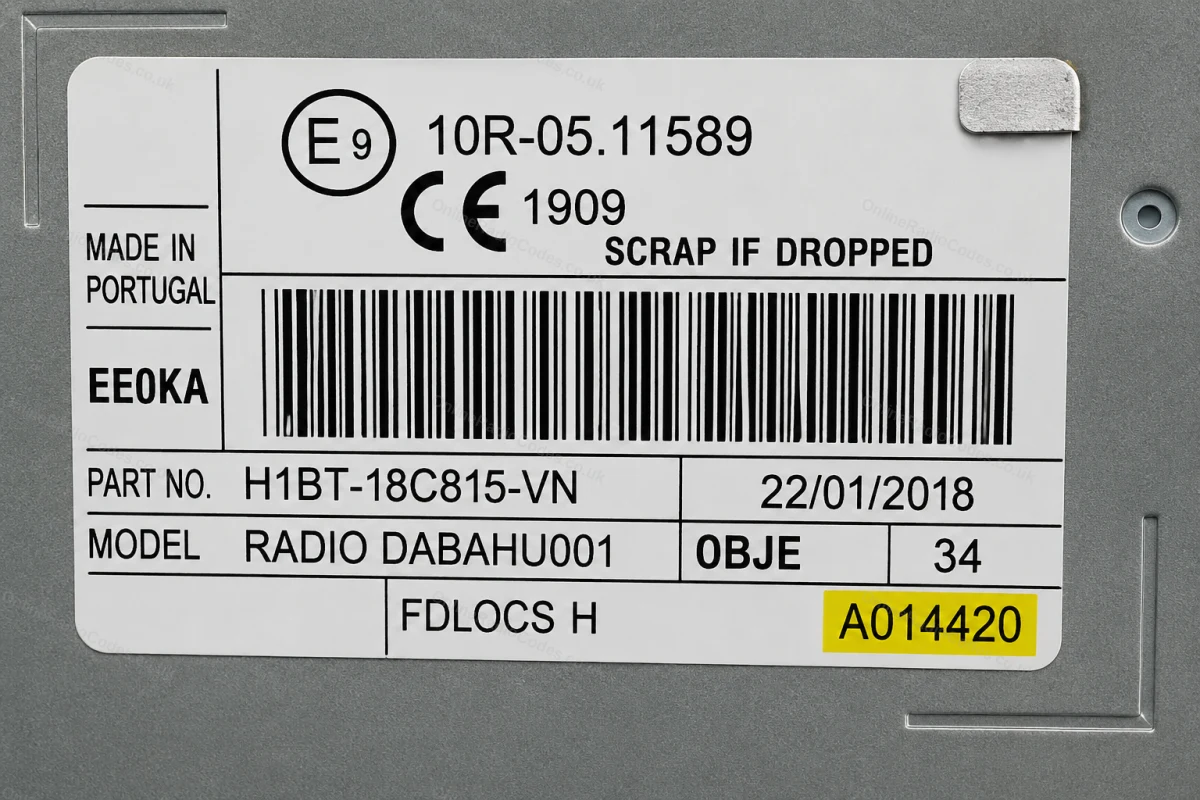
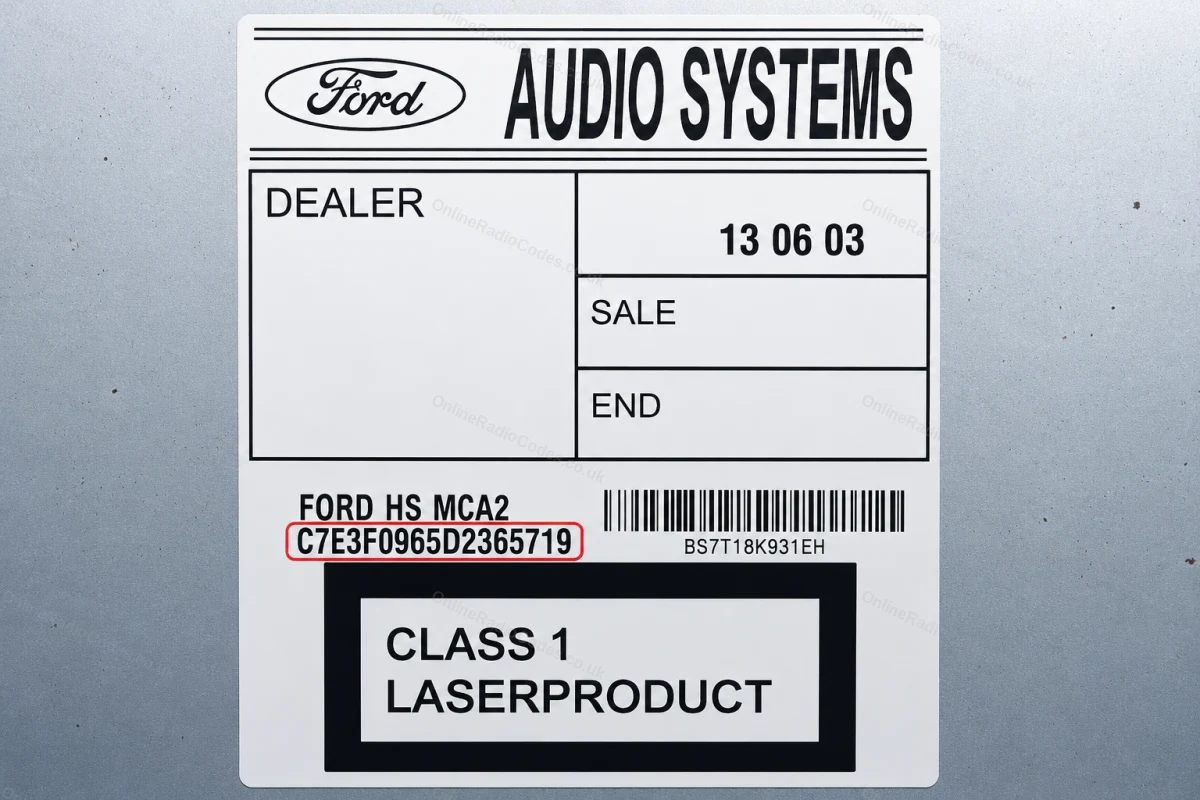
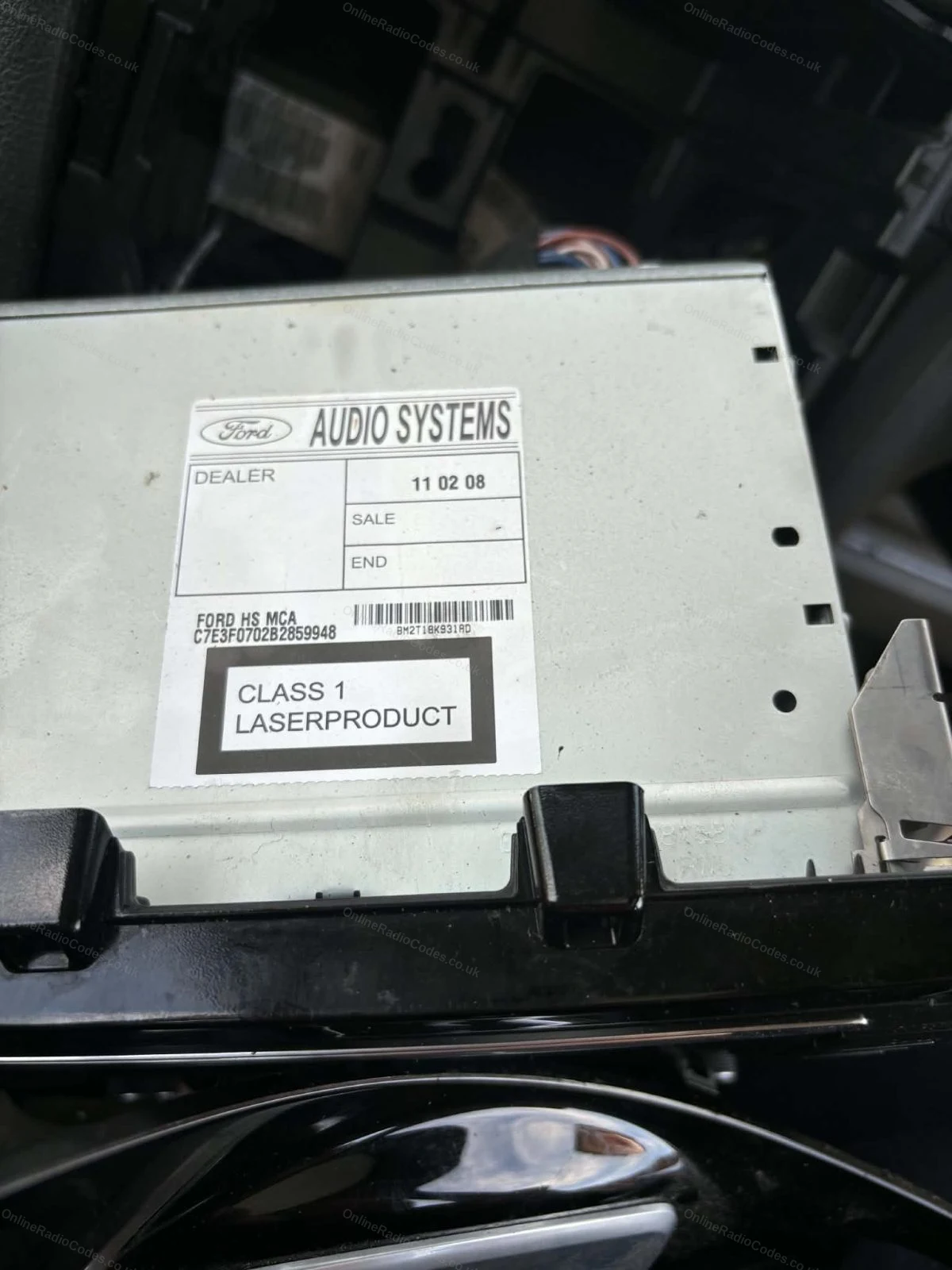
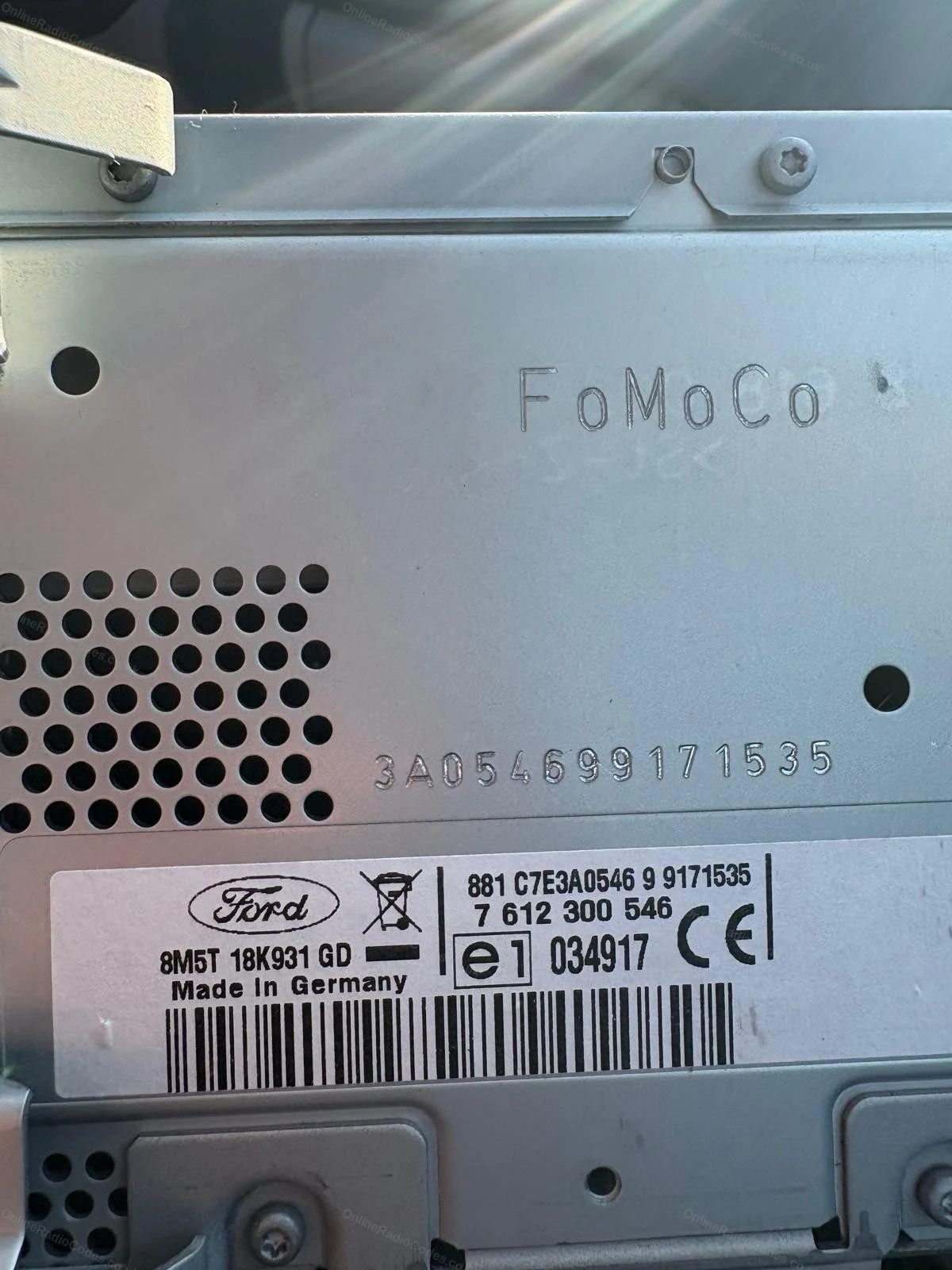
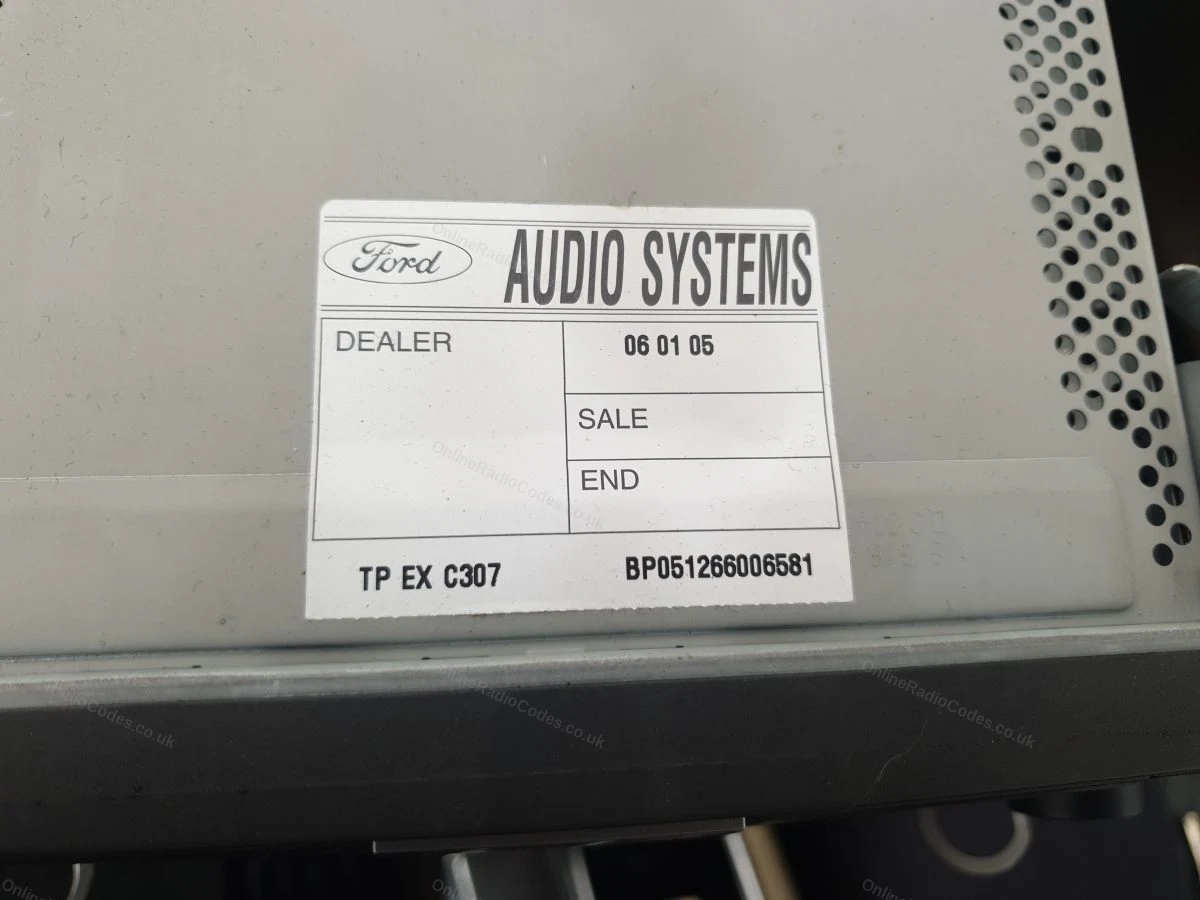
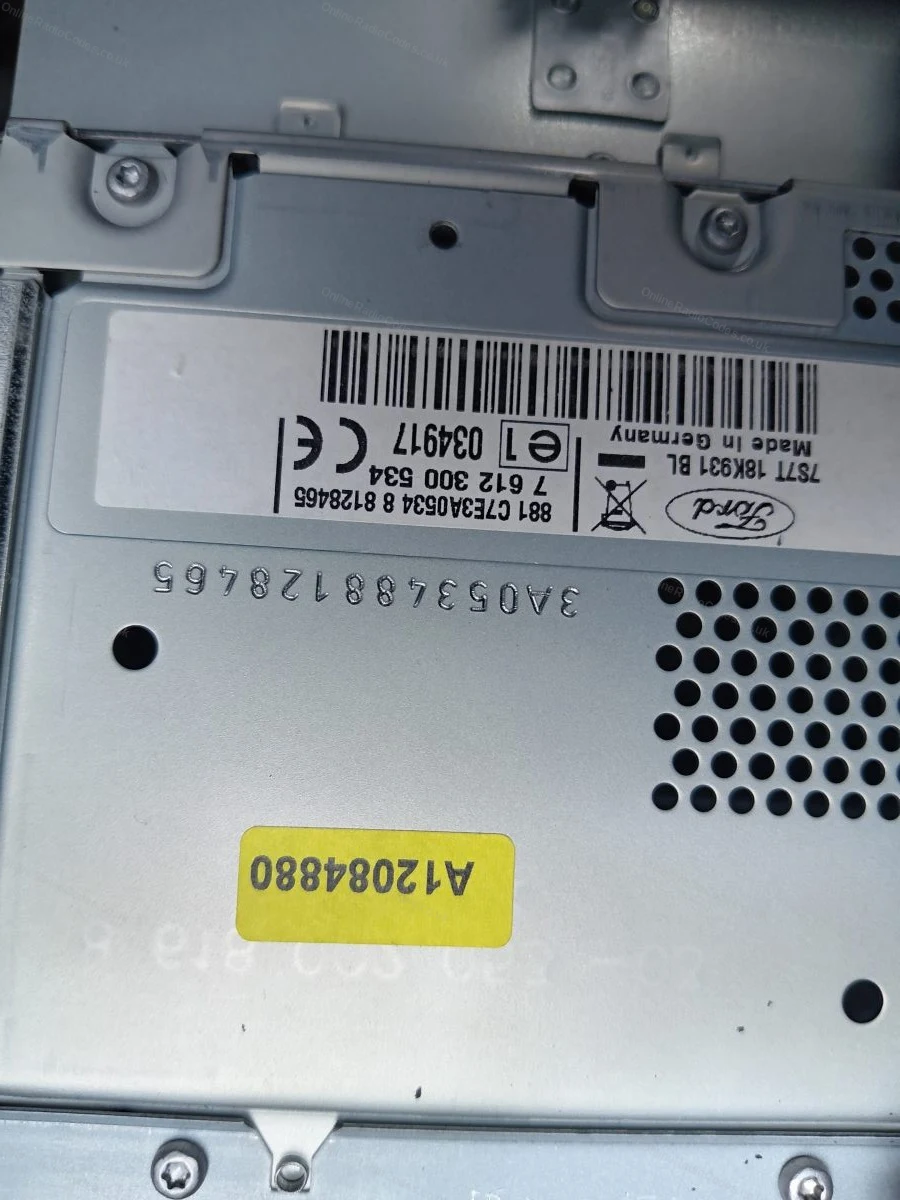
The serial is on a sticker on the back or side of the unit. It may start with V, M, L, C7 or BP depending on the manufacturer — enter it exactly as shown on the label including the prefix letter.
MK7 / MK8 · Z / A Prefix
Get your serial from the screen
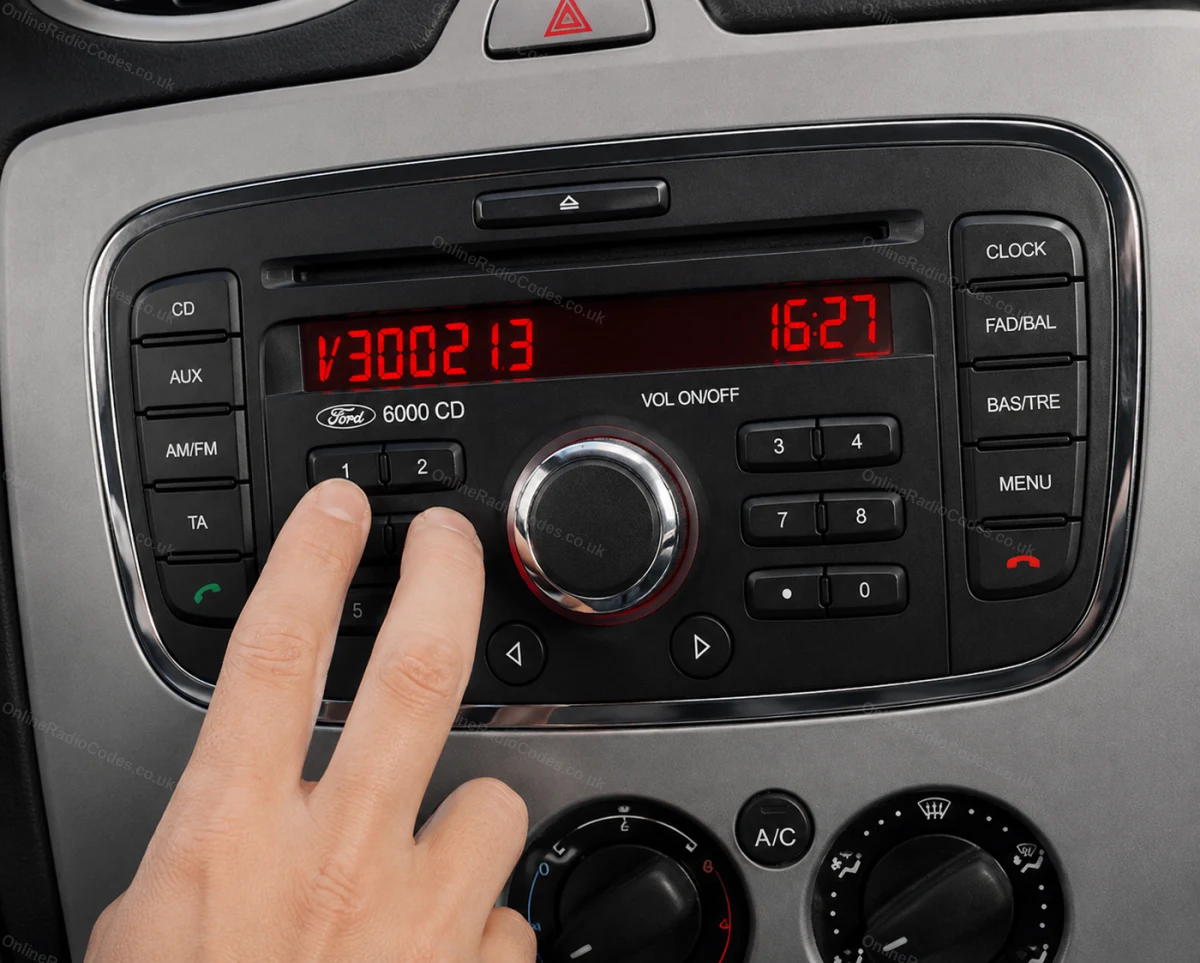
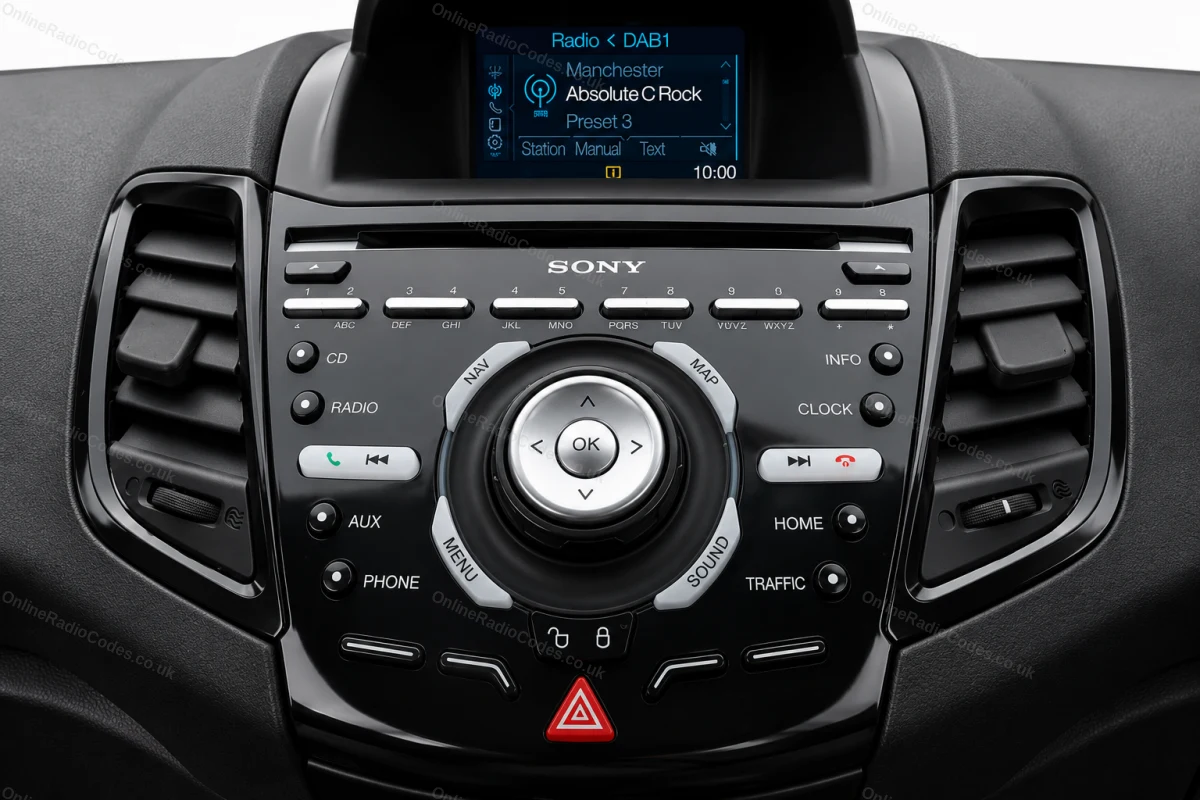
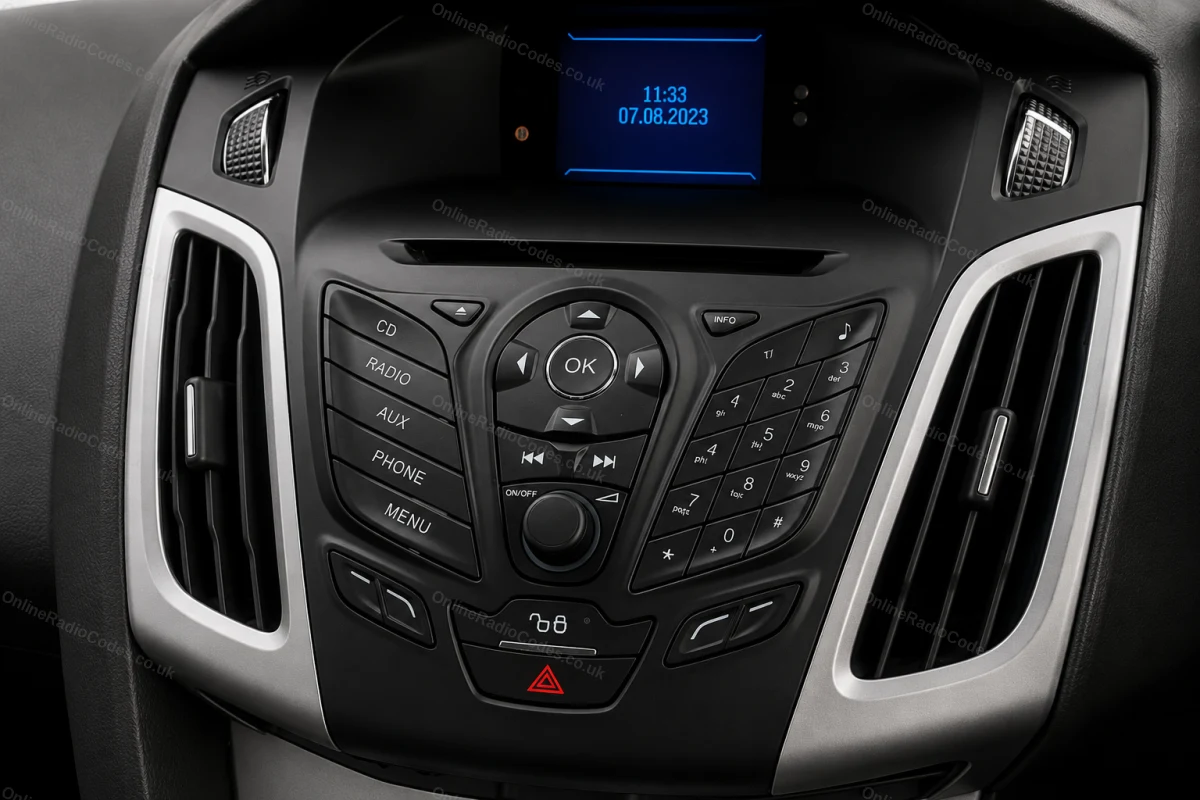
Press buttons 1 and 6 as above. From 2008 the serial starts with Z (2008–2017) or A (2018 to present) followed by 6 digits. Enter all 7 characters including the letter prefix. Z and A serials are decoded using the same method.

Fitted to Fiesta MK7+, Focus MK3+, Mondeo MK4+ and most Ford models from 2008 onwards.
Ford TravelPilot
Remove the unit to find your serial
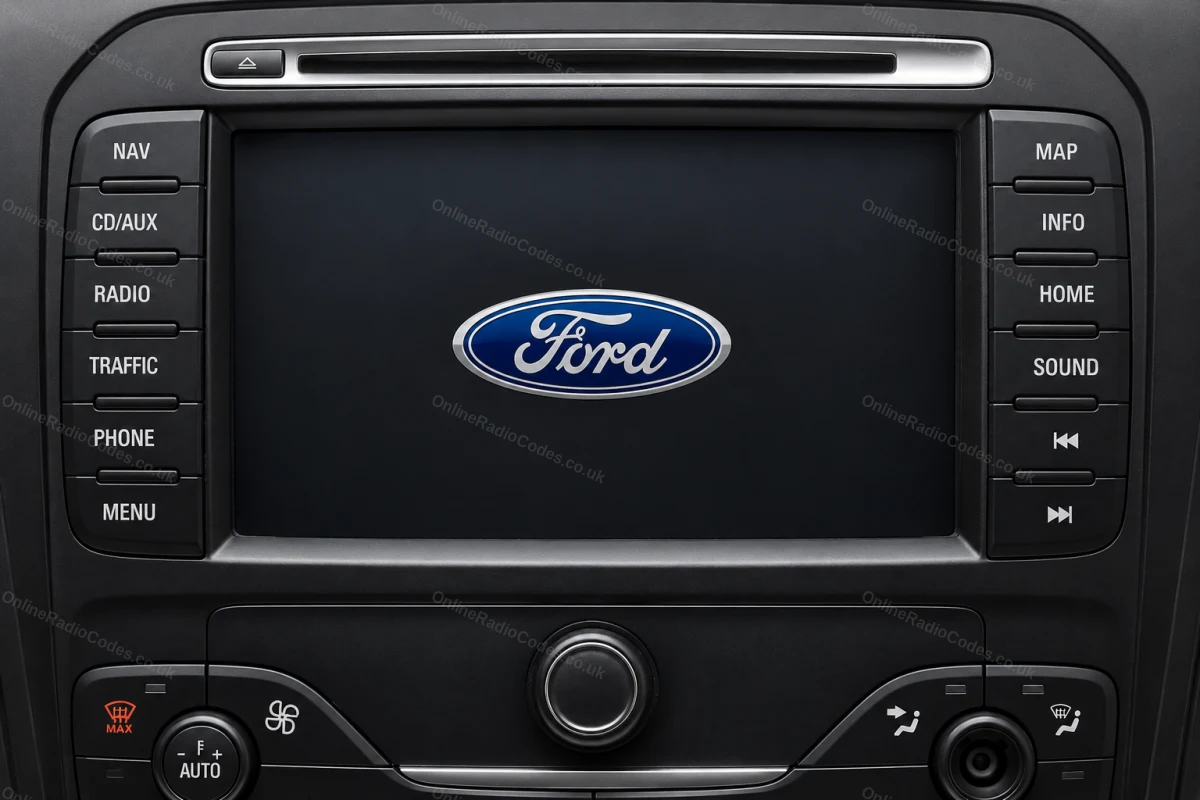
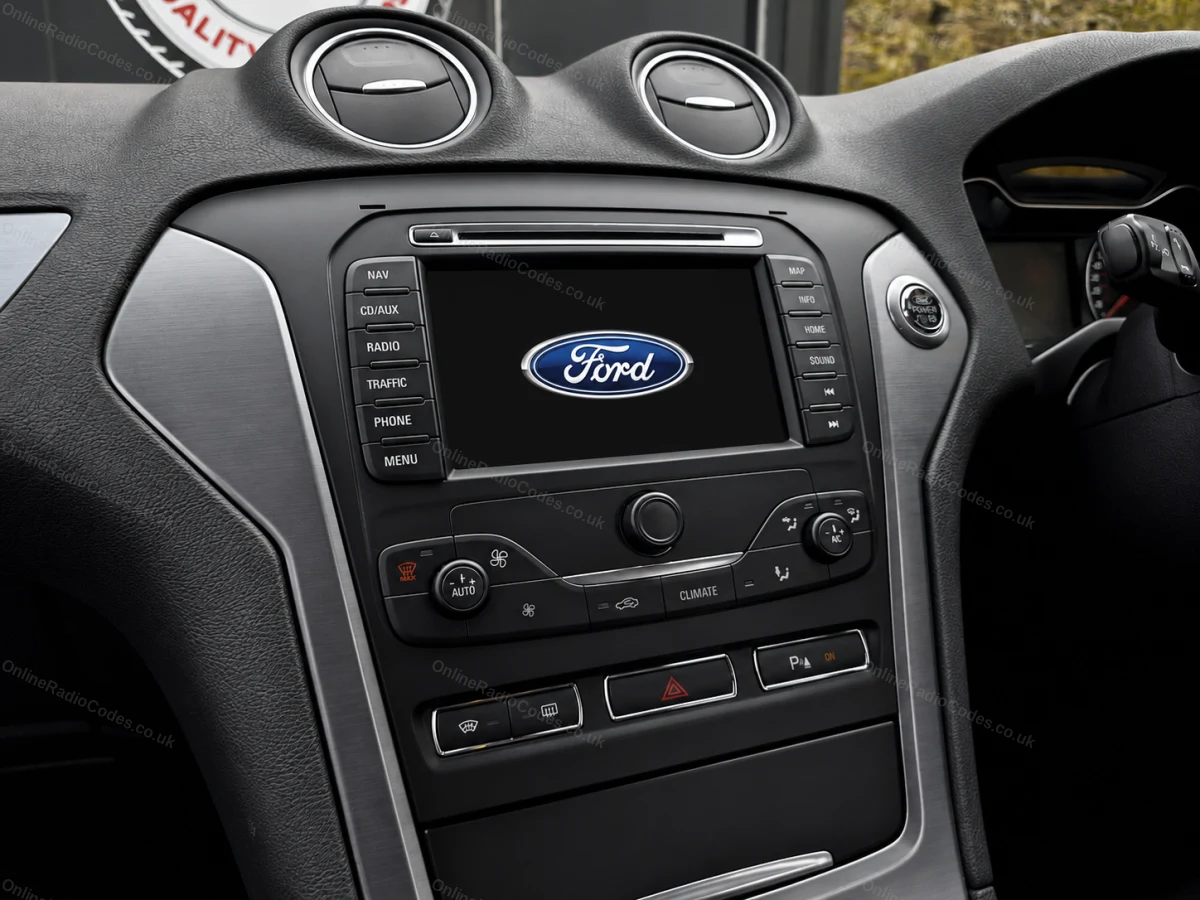
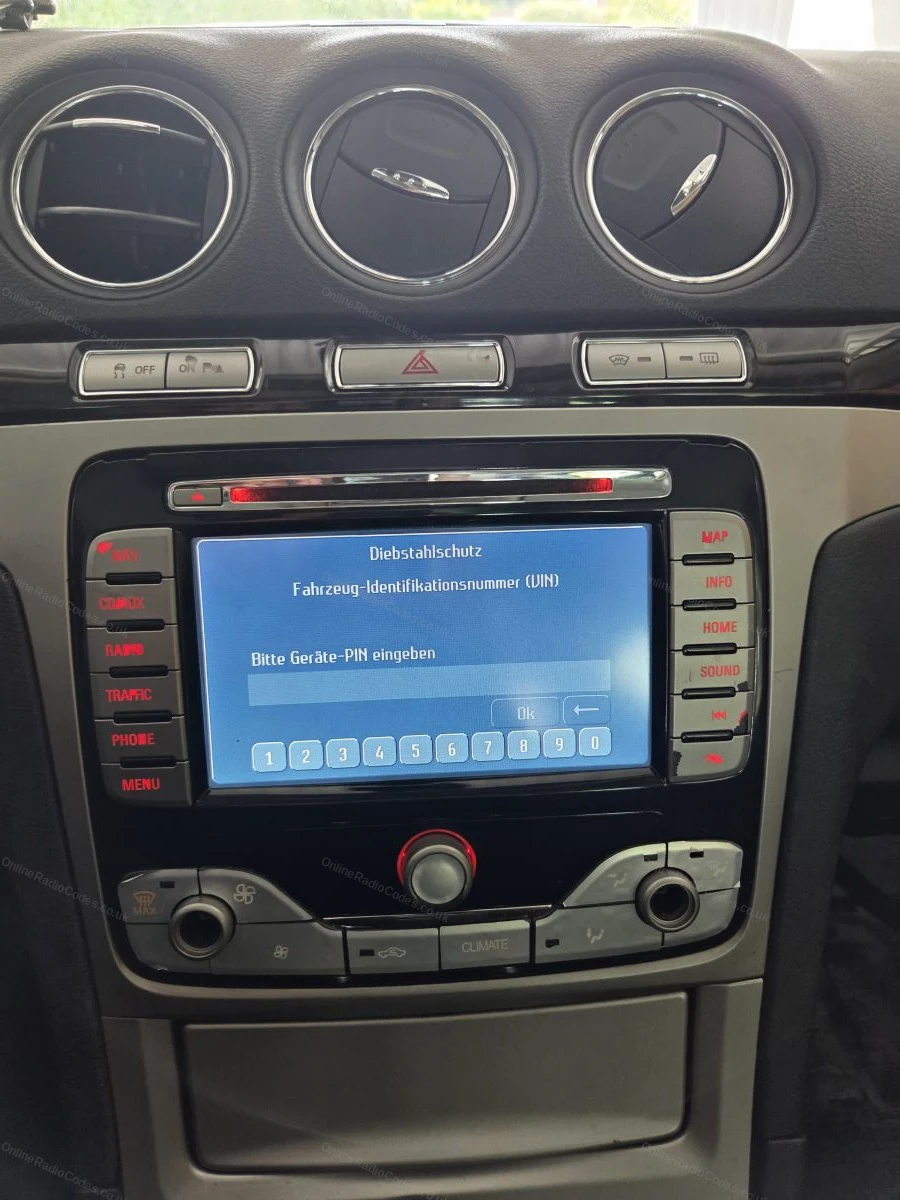
The Ford TravelPilot is a built-in touchscreen navigation unit. You will need to remove the unit to find the serial — insert release keys into the four corner holes and slide it forward.

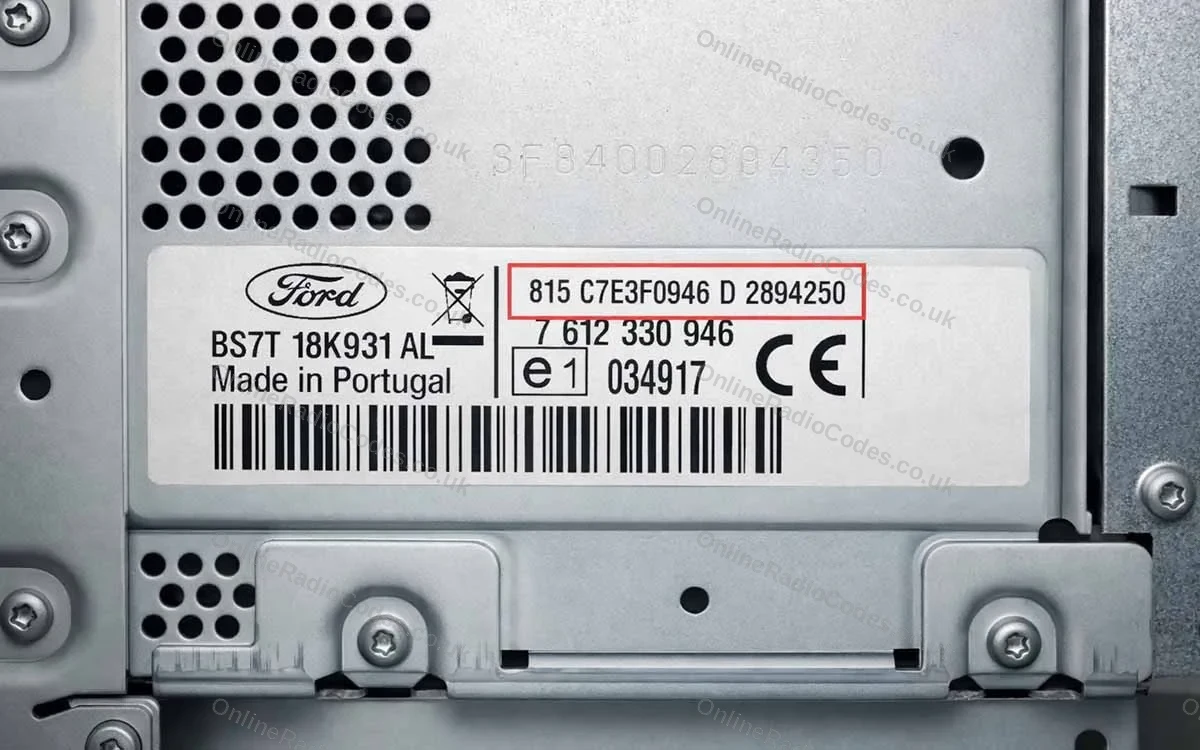
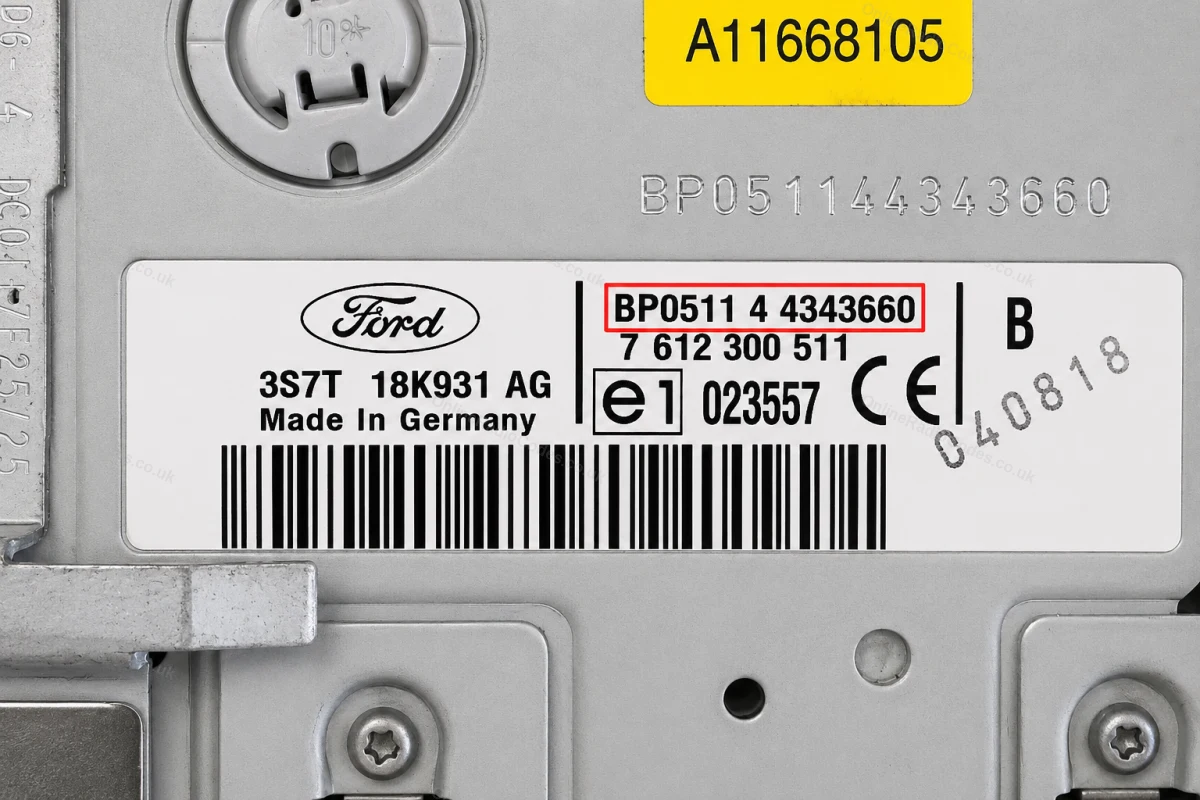
The serial is on a sticker on the back of the unit. It starts with BP (2001–2007, e.g. BP0511 4 4343660) or C7 (later models, e.g. C7E3F0965D2365719). Enter the full string exactly as shown including the prefix.

What your Ford serial looks like
V-Series V123456
Can't find it? Contact us. We'll help you locate your serial before you pay a penny.

Why choose us

The World's Leading Ford Radio Code Service

World's No.1
OnlineRadioCodes.co.uk is the world's leading supplier of car radio codes, with over 1 million codes delivered. Our radio experts are on hand to help you every day.
Instant delivery
Most codes appear on screen the moment payment clears. For brands that require manual lookup, our team typically delivers within the hour during business hours.
Money back guarantee
If your code does not work, we refund you in full. No questions, no hassle. We are one of very few radio code companies to back every order with a complete money back guarantee.
Lifetime retrieval
Misplace your code weeks or even years from now? Just get in touch and we will resend it free of charge, every time. One purchase gives you access for life.

Verified · Trustpilot

Don't just take our word for it

5 stars
5 hours ago Trustpilot

Straightforward Process

I found the process for obtaining my radio code very straightforward. Once you have the serial number for your radio, you just follow the instructions to obt…

Brian Davies · GB
5 stars
5 hours ago Trustpilot

Fast Service

This was quick and effective. Definitely recommend their services.

Luis · US
5 stars
1 day ago Trustpilot

Quick to respond and pay attention to…

Quick to respond and pay attention to details. Good customer service.

Chimezie Paul · GB
5 stars
1 day ago Trustpilot

Radio code

Very easy to use and the code came through very quickly

Paul Hoyte · GB
5 stars
1 day ago Trustpilot

I have no complaints

I have no complaints; they got me the code for my car radio quickly. I'm very satisfied.

Federico Albarracin · AR
5 stars
1 day ago Trustpilot

Applied for a code within 2 hours got…

Applied for a code within 2 hours got the code. Very pleased.

Aaron Gash · GB
5 stars
2 days ago Trustpilot

Great service.Paid on an evening and…

Great service.Paid on an evening and got the code early the next day.Everything went well.

Neil Parry · GB
5 stars
3 days ago Trustpilot

Great customer service

Great customer service. Had my code within a couple of hours. Would recommend.

Chris Harrison · GB
5 stars
3 days ago Trustpilot

Great service worth the money.…

There were many unexpected step to follow. OnLineRadioCodes have totally nailed it with making the process doable and easy to follow. I recommend their ser…

ron kasper · CA
4 stars
3 days ago Trustpilot

NICE & QUICK TO GET CODE

NICE & QUICK TO GET CODE, BIT EXPENSIVE as this was a back up unit & not fitted yet if it all works o,k happy with cost, could have got cheaper but wa…

Customer mrs howard · GB
5 stars
3 days ago Trustpilot

The service I had was excellent

The service I had was excellent. The first code I had didn't work so I messaged them back and they were quick to reply with a second code put it in and it wo…

Gp · GB
5 stars
4 days ago Trustpilot

quick and easy

quick and easy, just waiting for code to arrive, via email

JustAnswer Customer · GB
See our 21,833 reviews on Trustpilot

Ready to unlock your Ford radio?

Enter your serial number above and get your unlock code in seconds.

Get my code now
Online Radio Codes is an independent radio code service and is not affiliated with, authorised by, or connected to Ford Motor Company Limited or any of its subsidiaries or affiliated companies. All manufacturer names, model names and trademarks are the property of their respective owners and are used solely for identification and reference purposes.
Get my radio code