100% Money Back Guarantee The World's Leading Car Radio Code Service Trusted by 1,000,000+ customers
Ford Ford · Radio Codes
Instantly Displayed

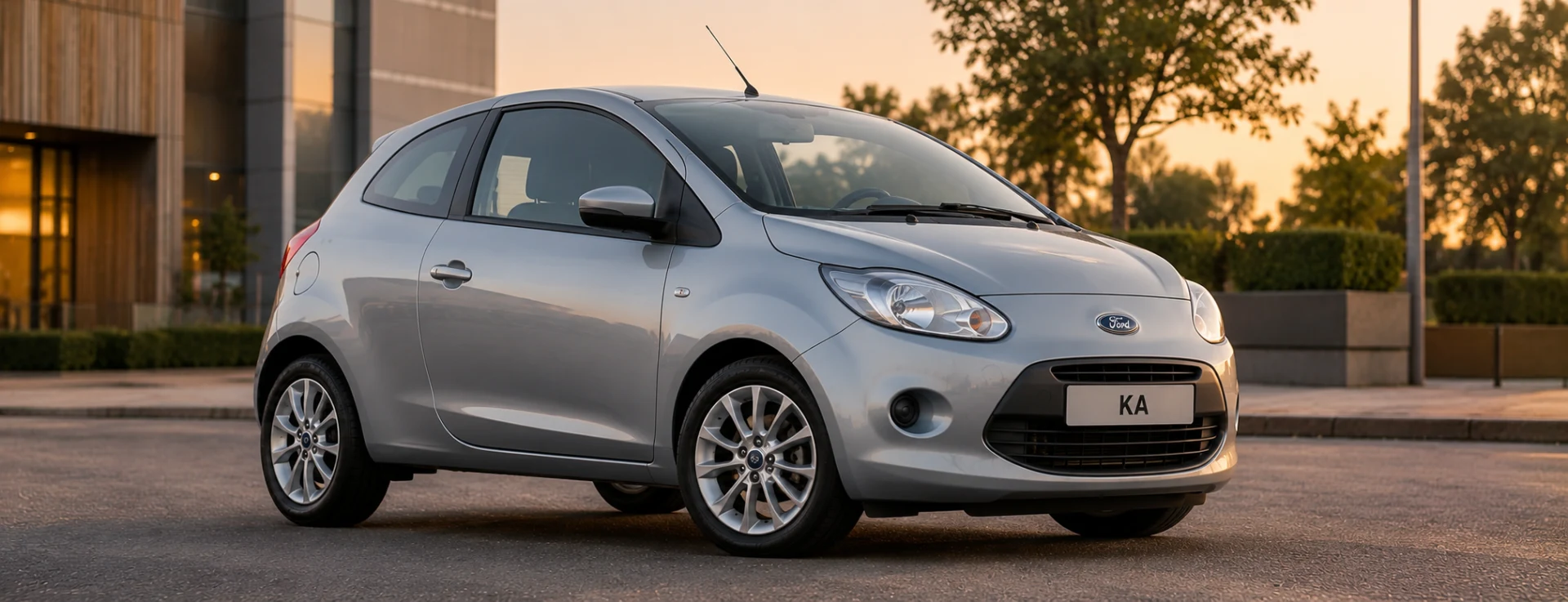
Ford Ka Radio Codes

Ford Ka radio code by serial number. Covers all 4500 RDS and 6000 CD units fitted to the Ka MK1 and MK2. Your M or V serial is on the unit label or displayed on screen.

Money back guarantee Lifetime free retrieval
Enter your serial number
Over 1 million codes delivered worldwide.
Not sure which serial to enter? See examples
Instantly displayed Money back guarantee Secure checkout

Step 1 of 3

How to find your Ford serial number

The guide below will show you exactly where to find your Ford radio serial number.

Get your serial from the screen
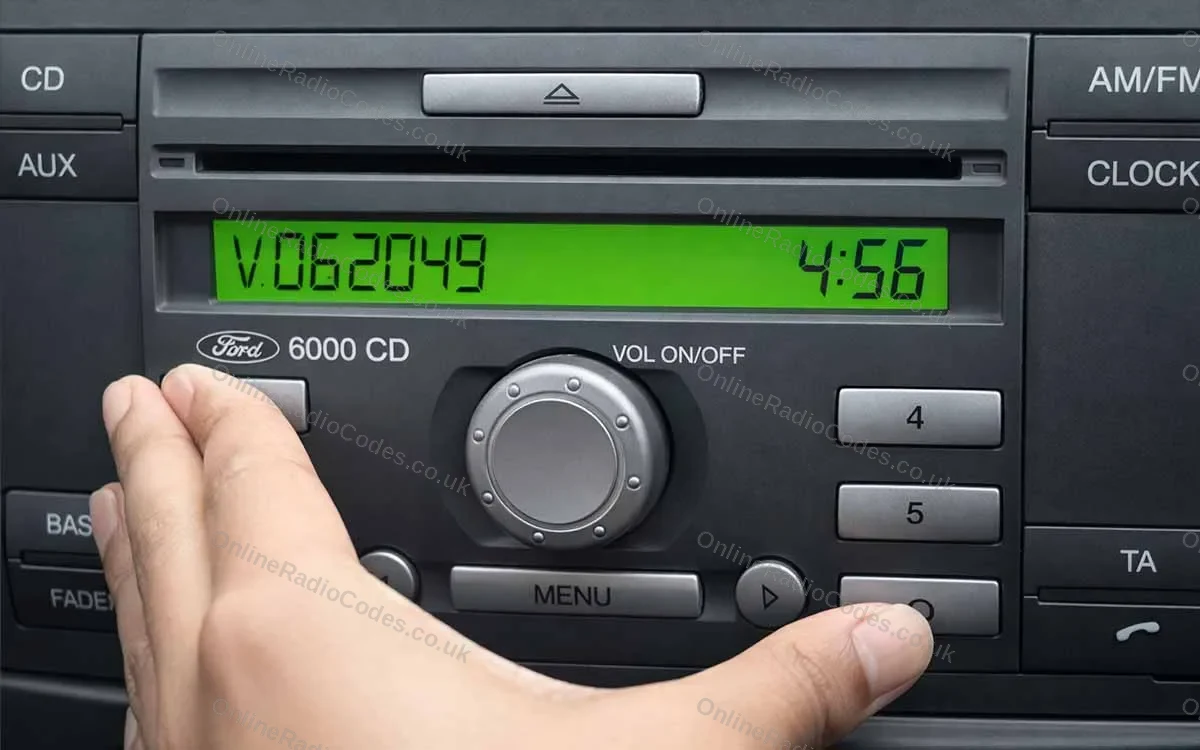
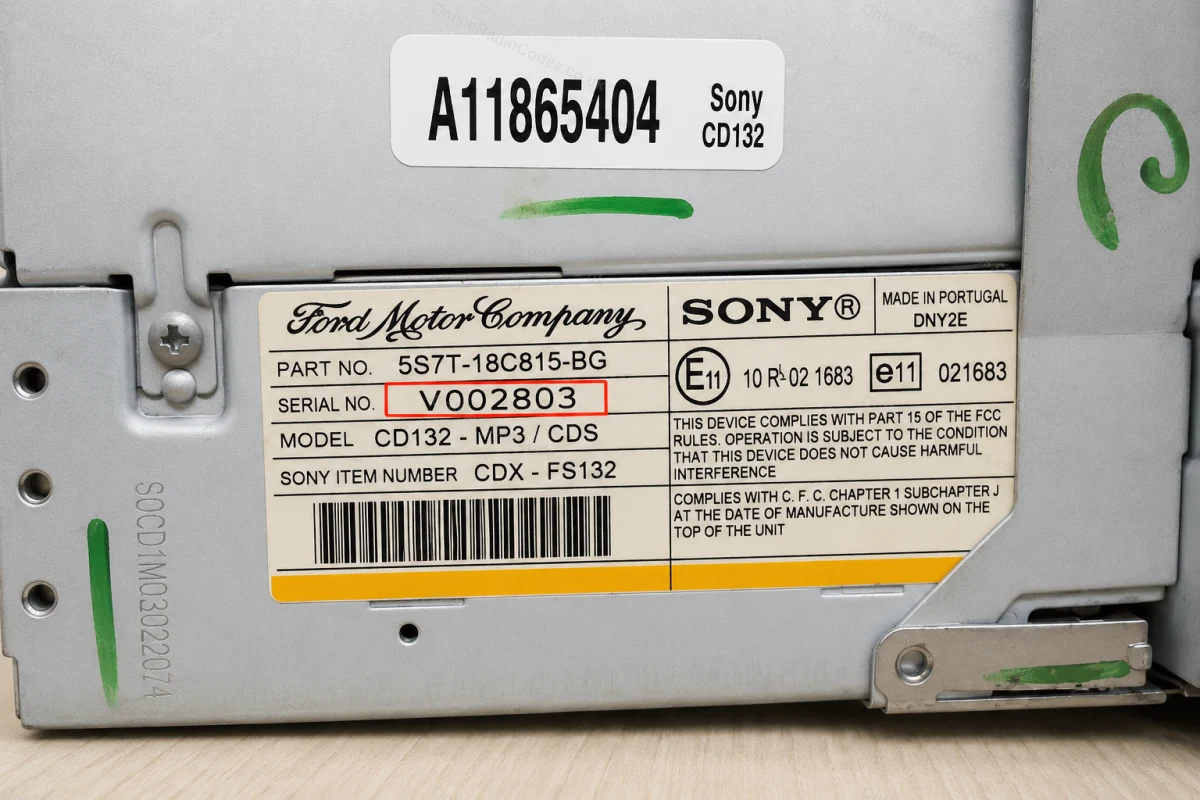
Ford 6000 CD (V prefix)
Get your serial from the screen
Turn on the ignition and radio. Press and hold preset buttons 1 and 6 simultaneously for about two seconds until the display changes.

Your serial number will appear, the letter V followed by 6 digits. Write it down exactly as shown.
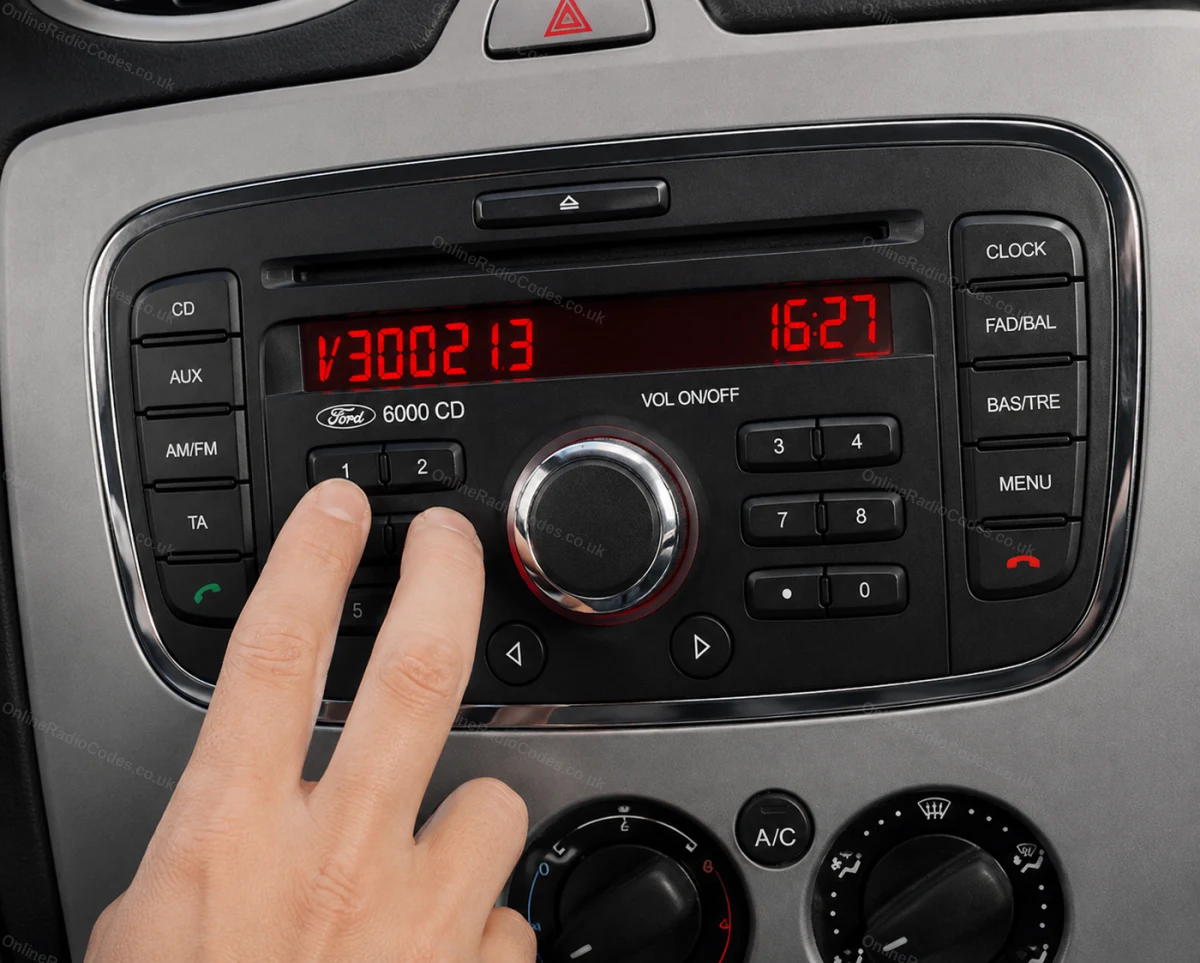
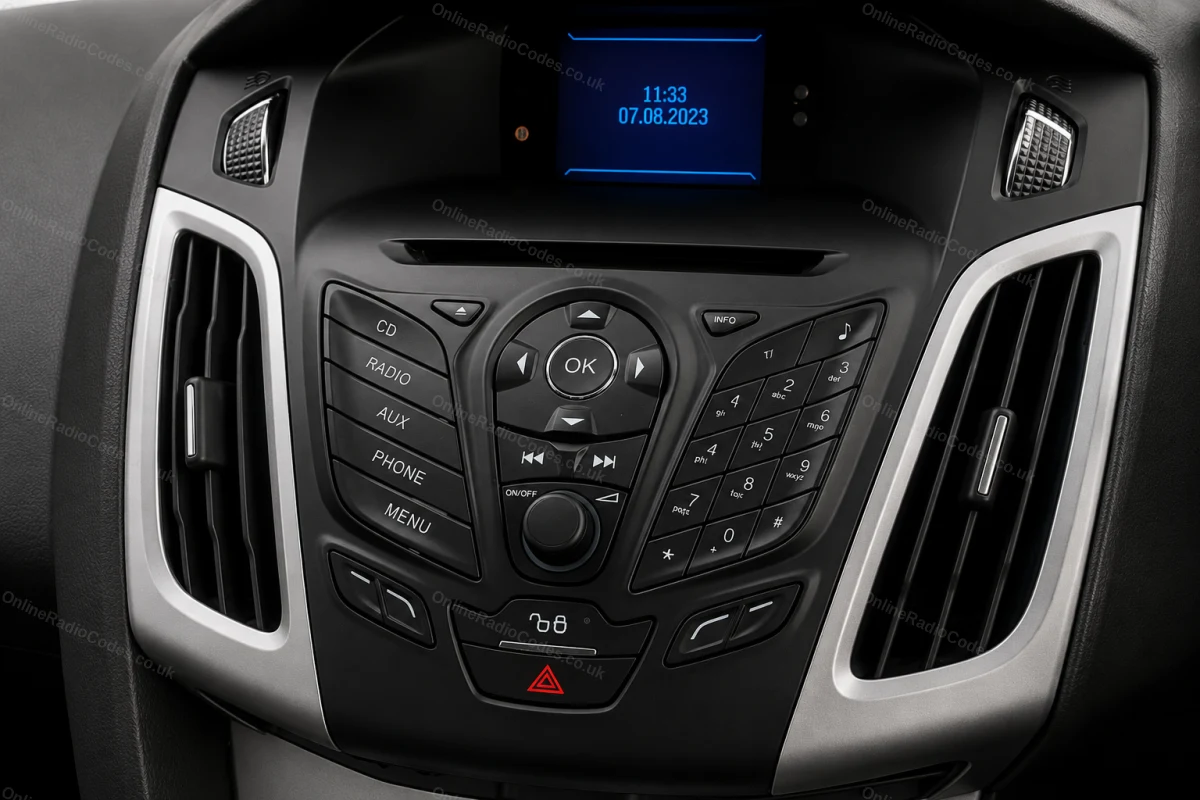
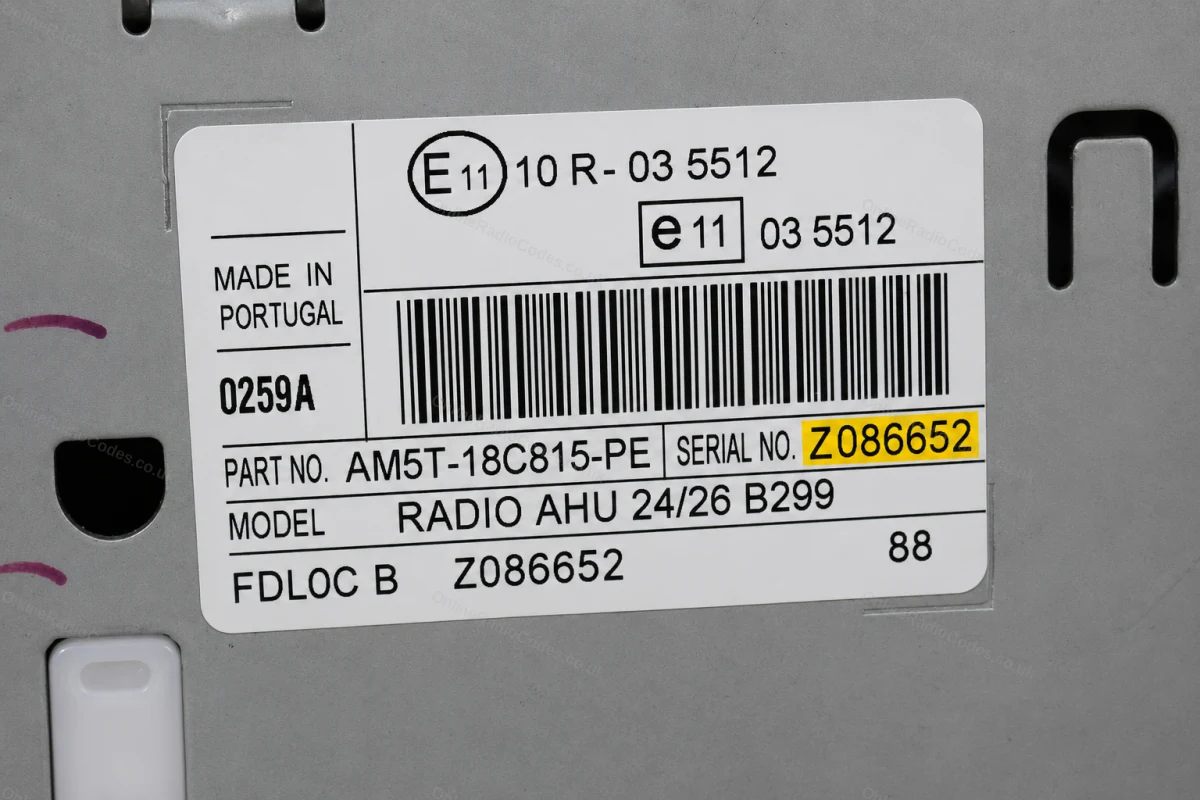
Ford MK7 / MK8 (Z prefix)
Get your serial from the screen
Fitted to Fiesta MK7+, Focus MK3+ and other models from around 2008. Turn on the ignition and radio. Press and hold preset buttons 2 and 6 simultaneously for about two seconds. If nothing appears, try 1 and 6 instead, the combination varies by build date.

Your serial number will appear, the letter Z followed by 6 digits. Write it down exactly.
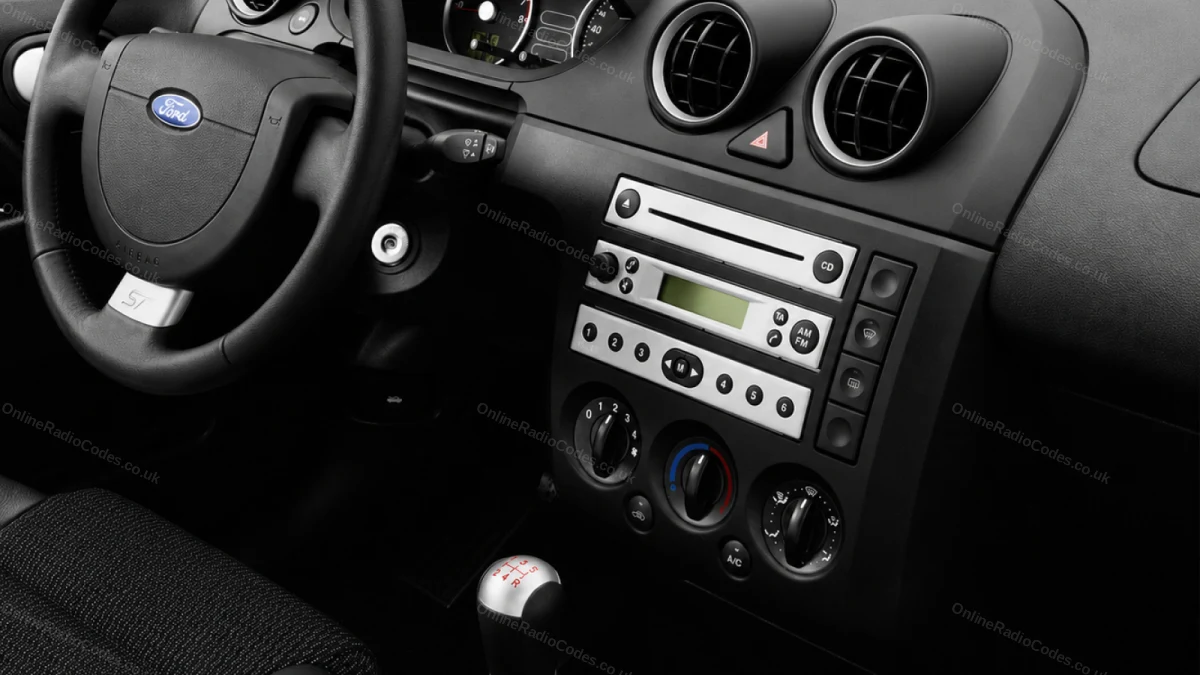
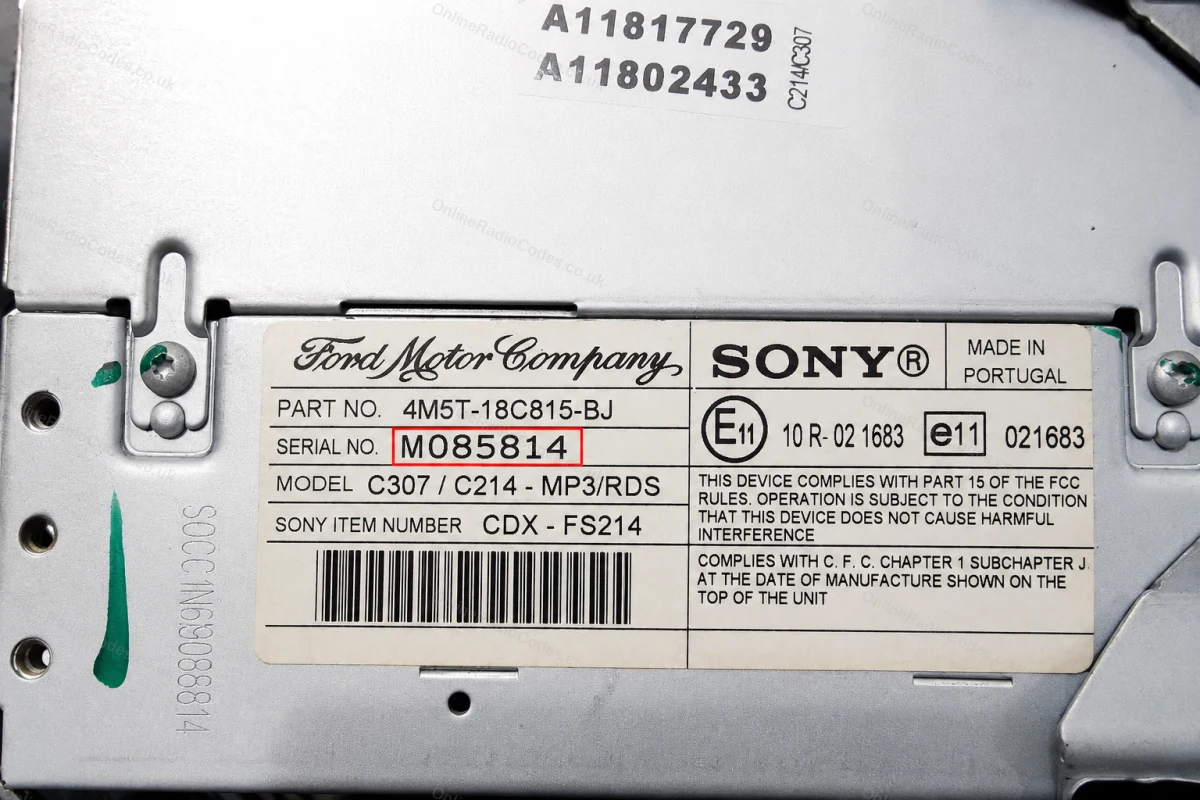
Ford 4500 RDS (M prefix)
Get your serial from the screen
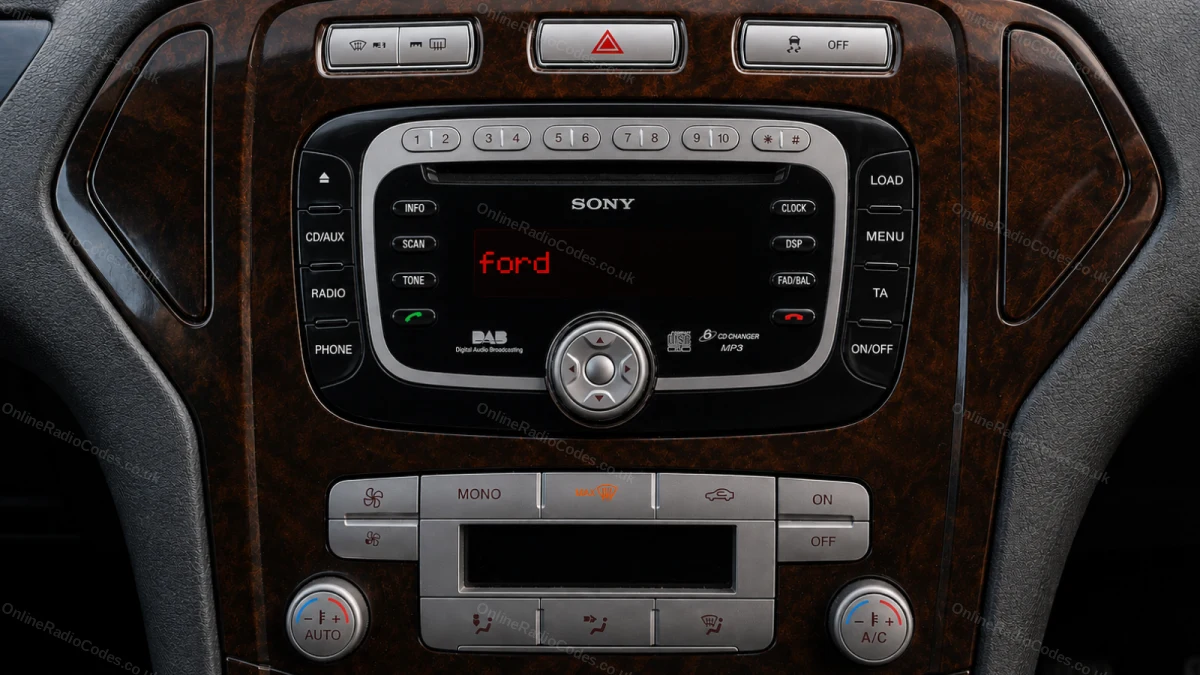
Turn on the ignition and radio. Press and hold preset buttons 2 and 6 simultaneously for about two seconds until the display changes.

Your serial number will appear, the letter M followed by 6 digits. Note it down including any leading zeros.
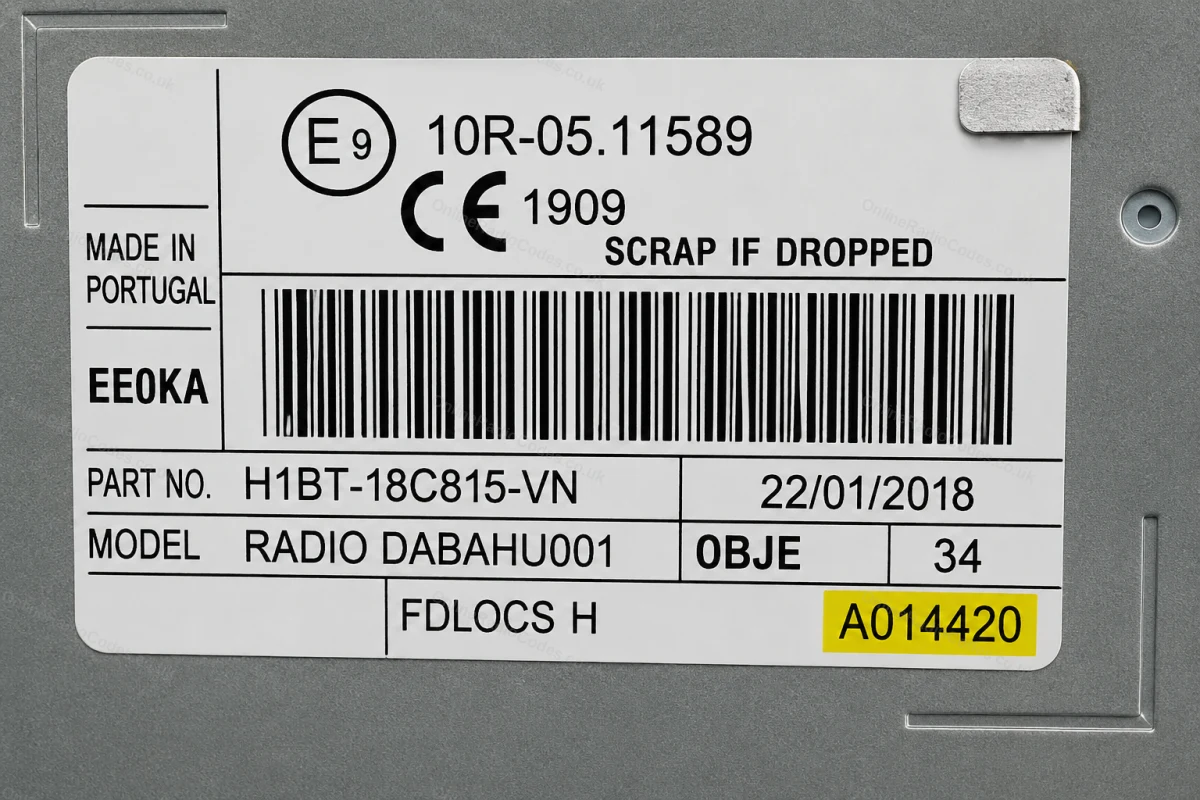
Remove the unit to find your serial
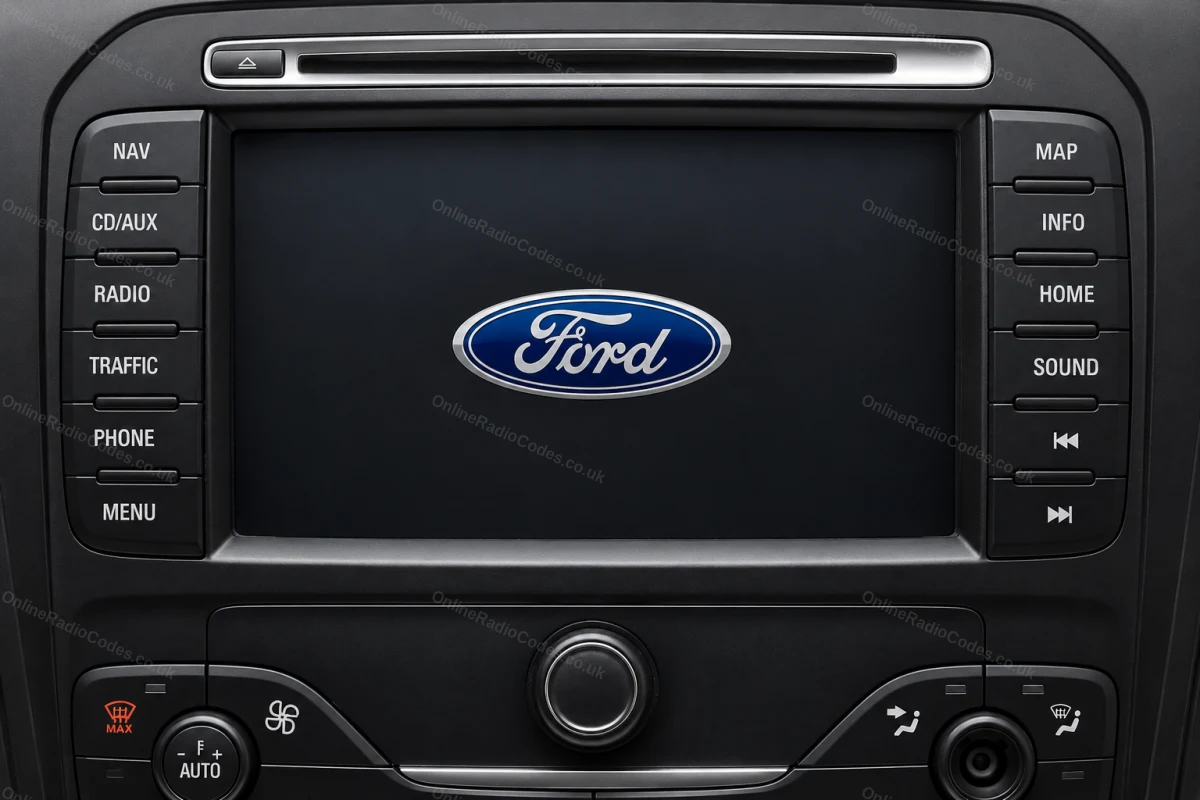
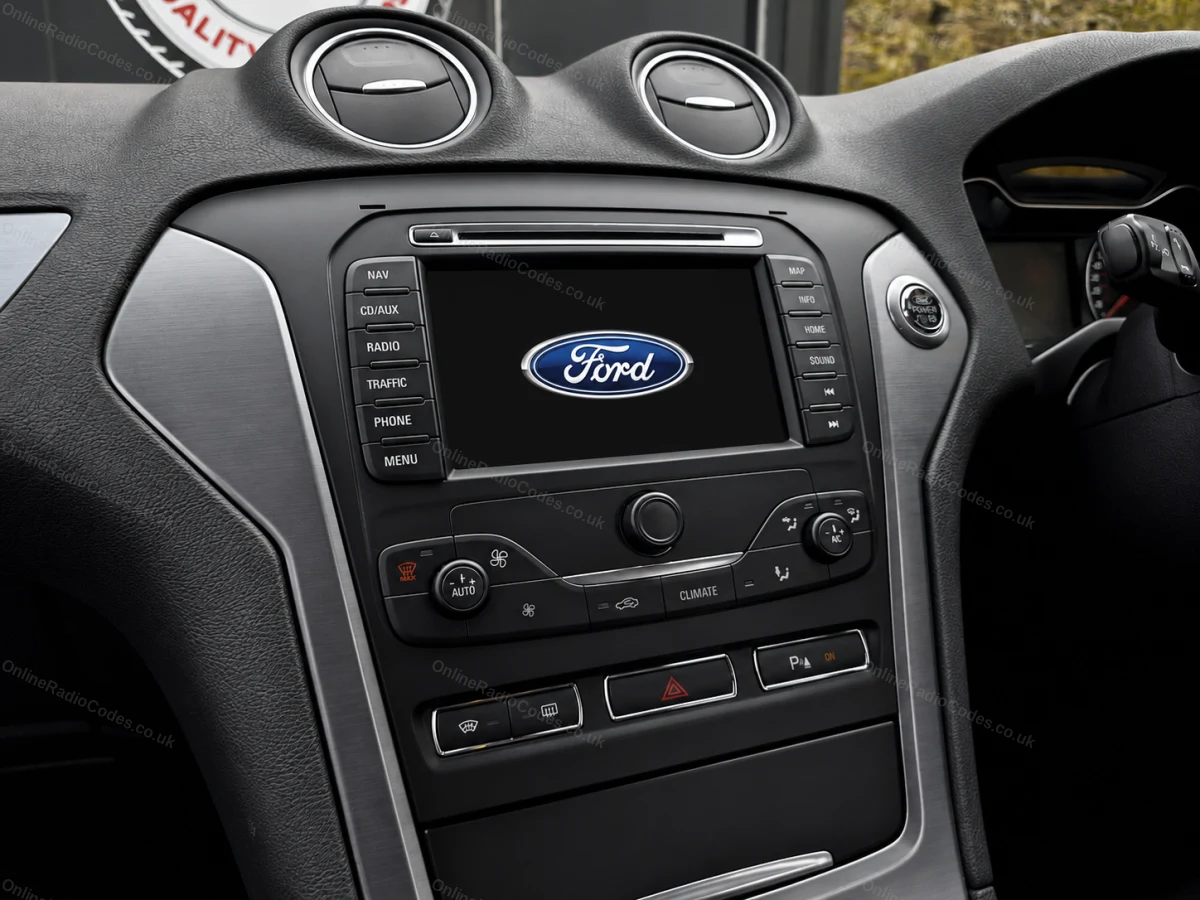
Ford Travelpilot
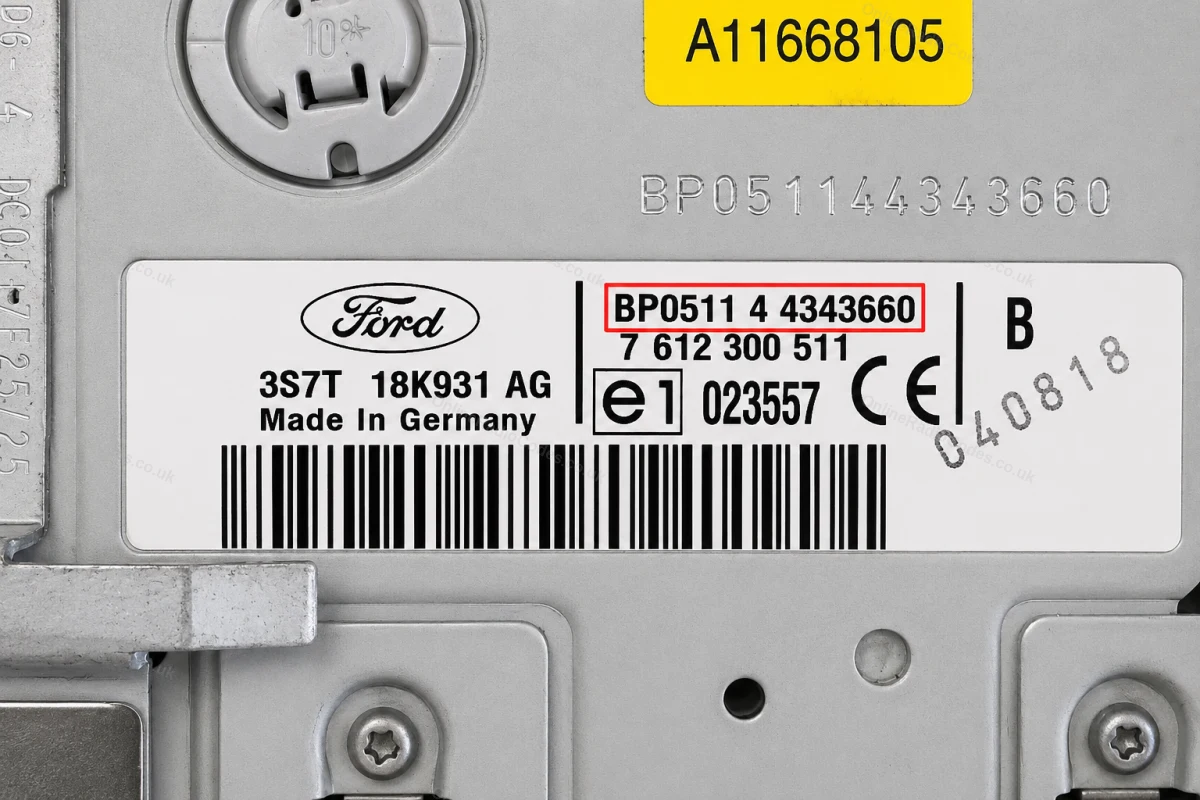
Remove the unit to find your serial
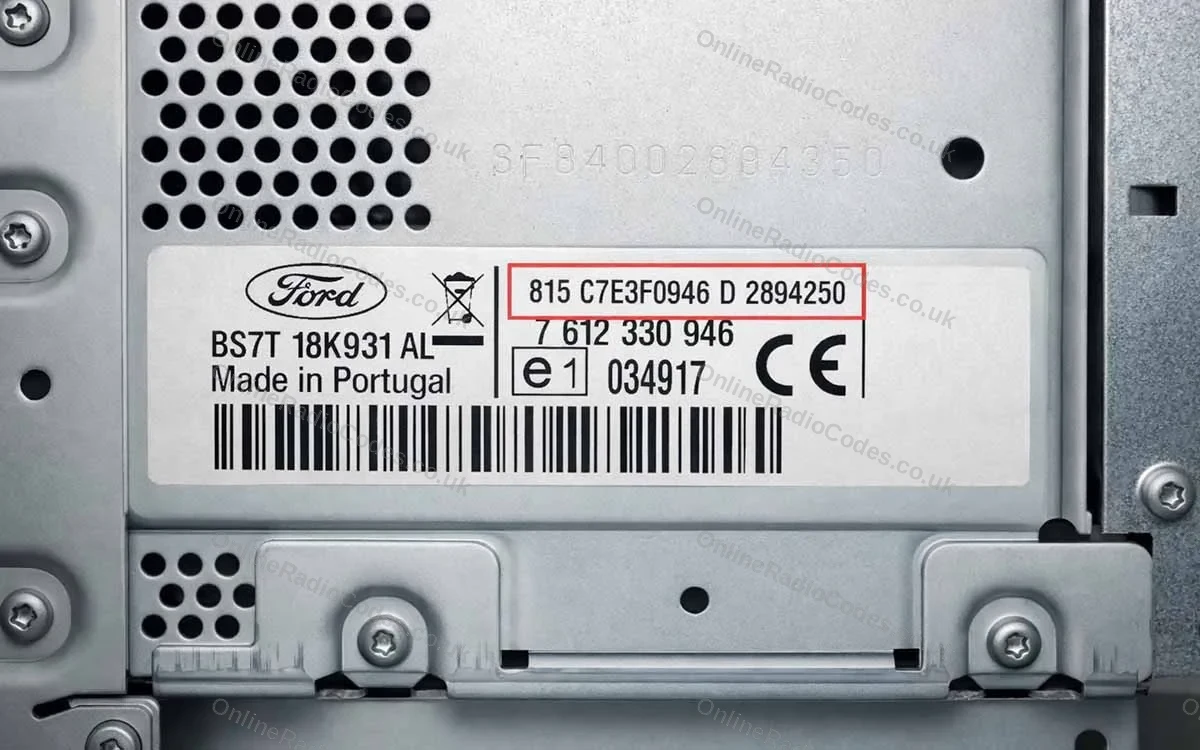
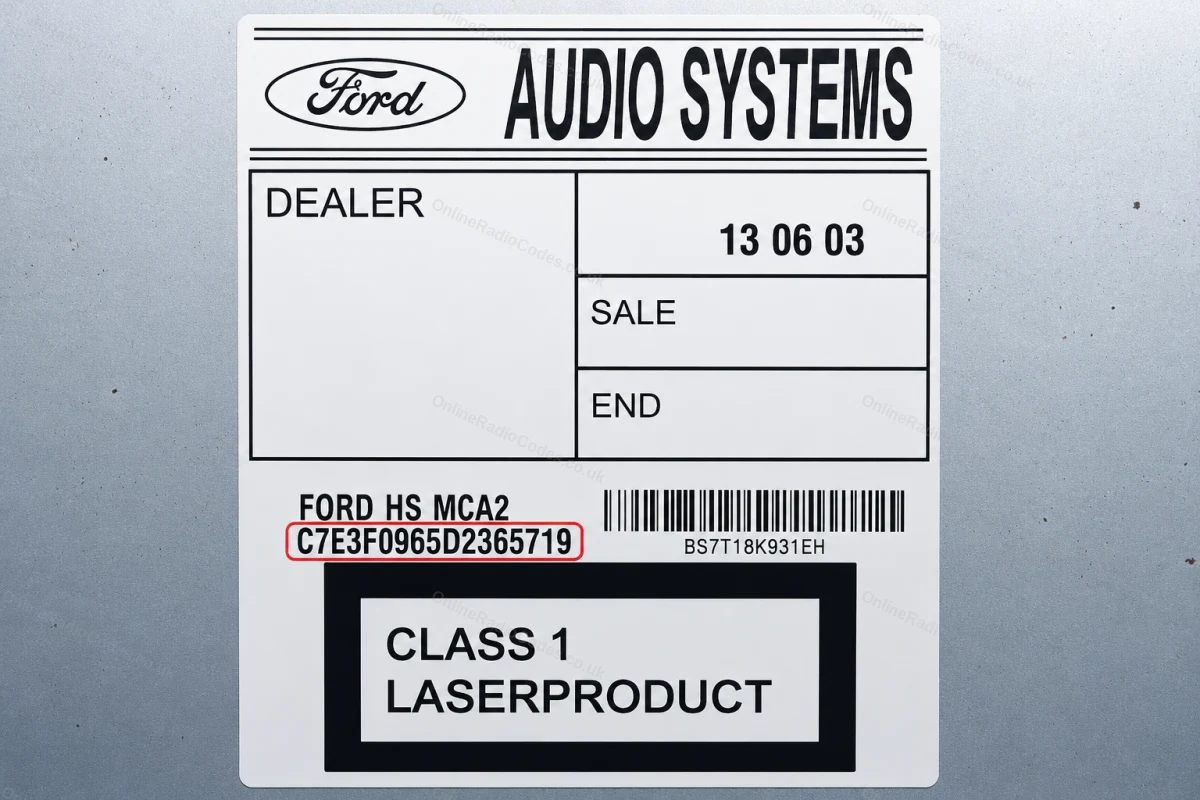
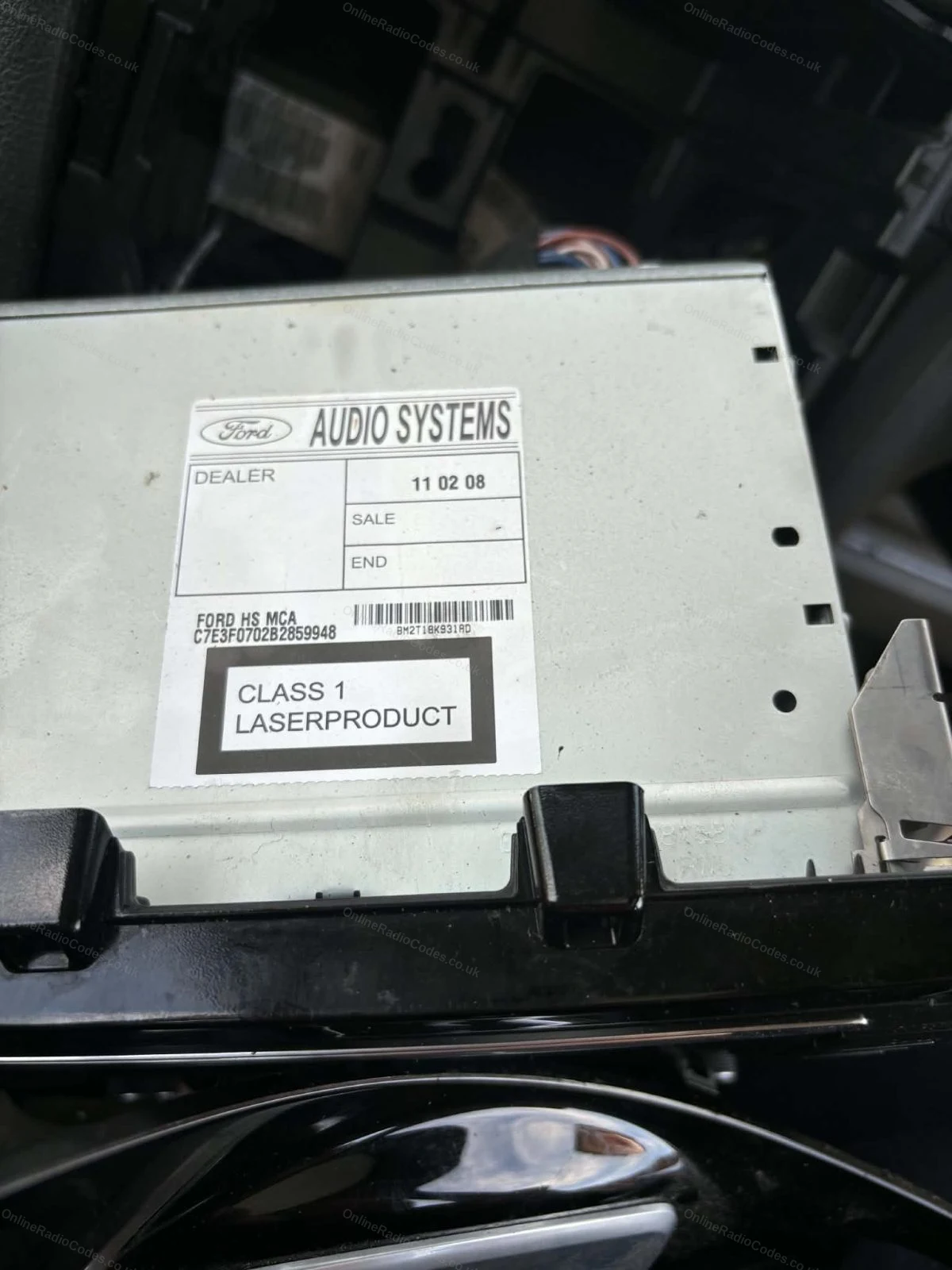
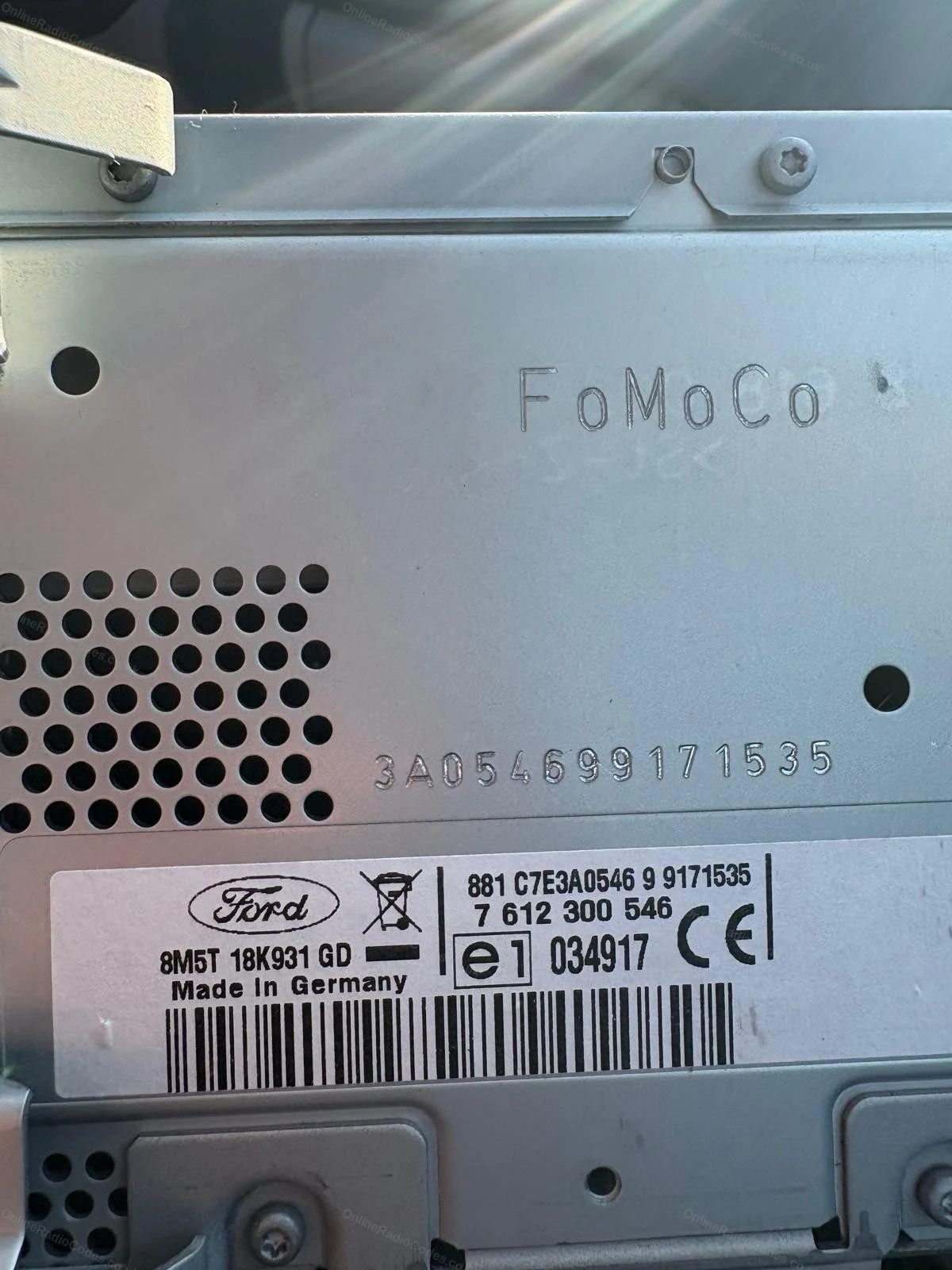
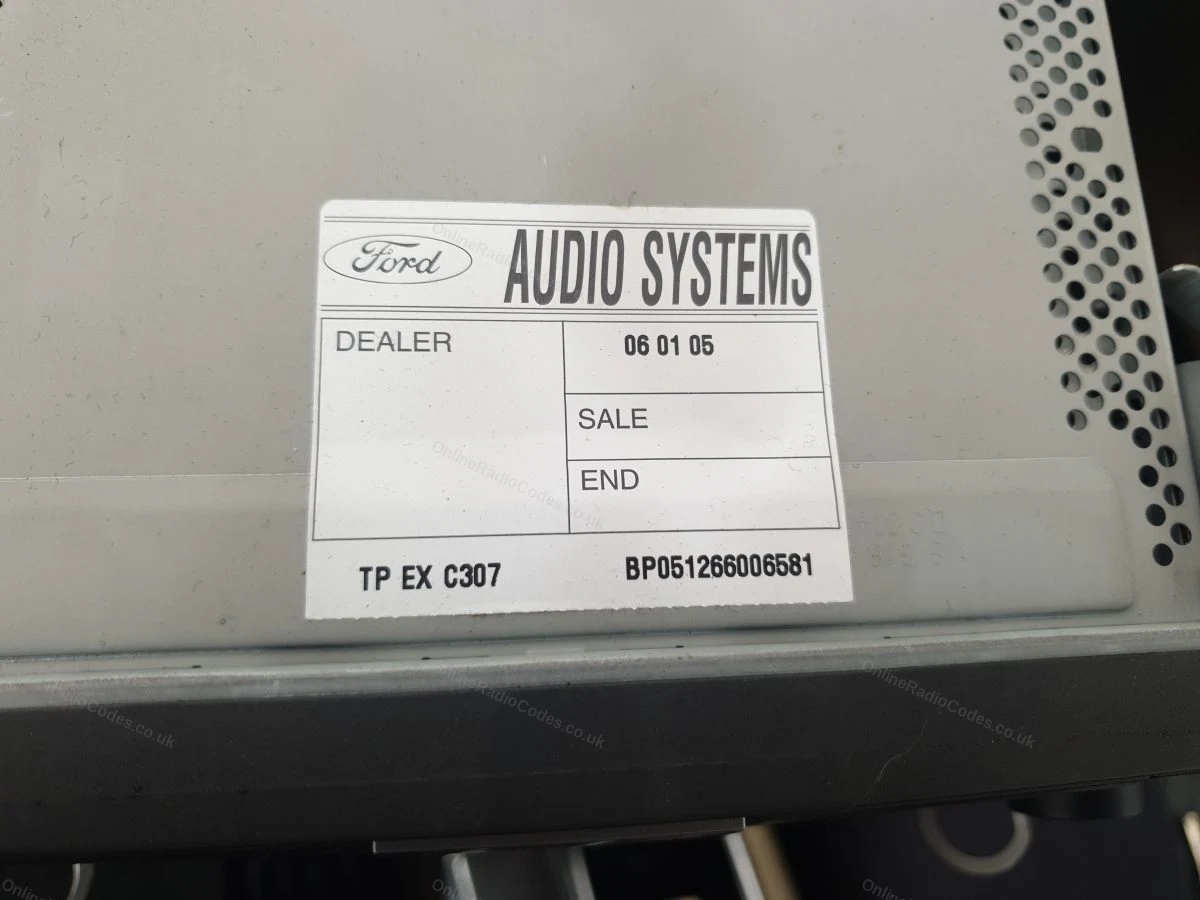
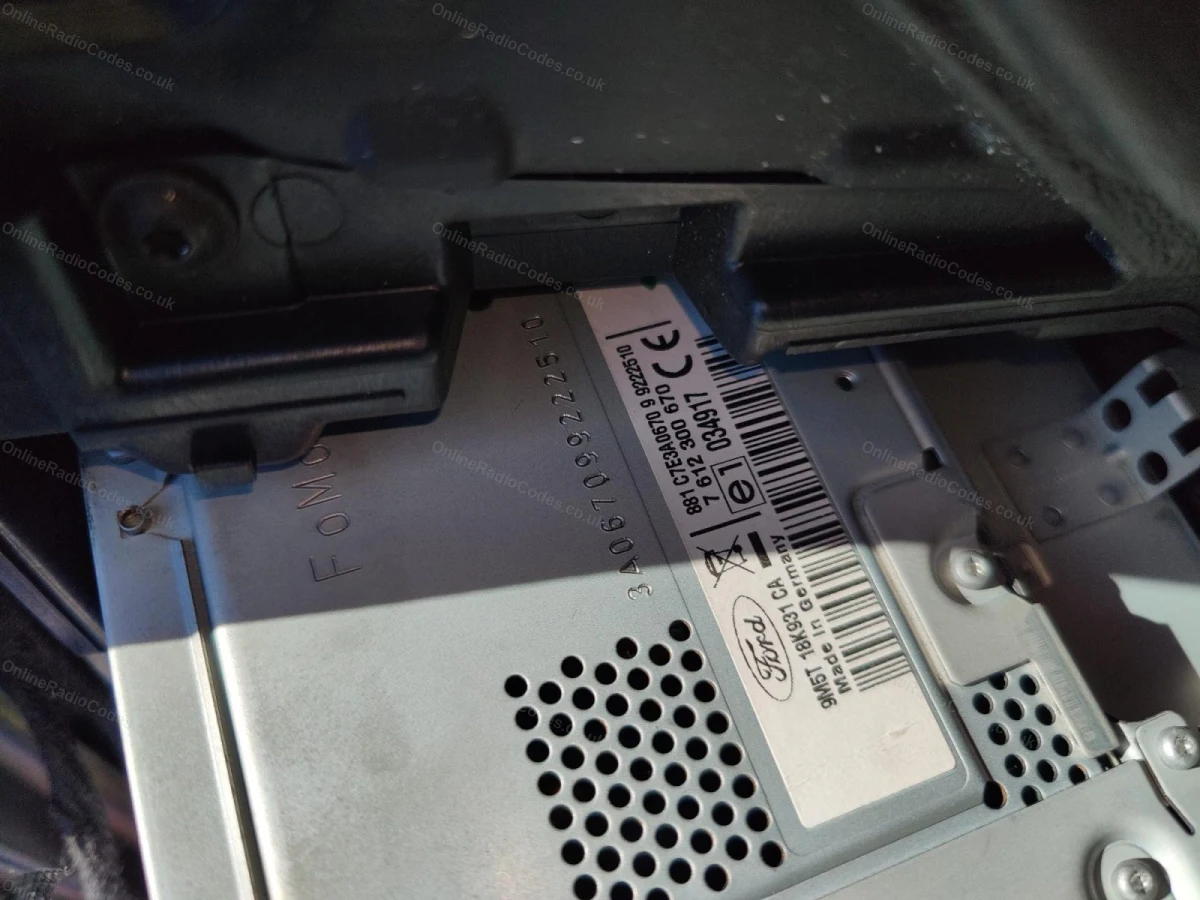
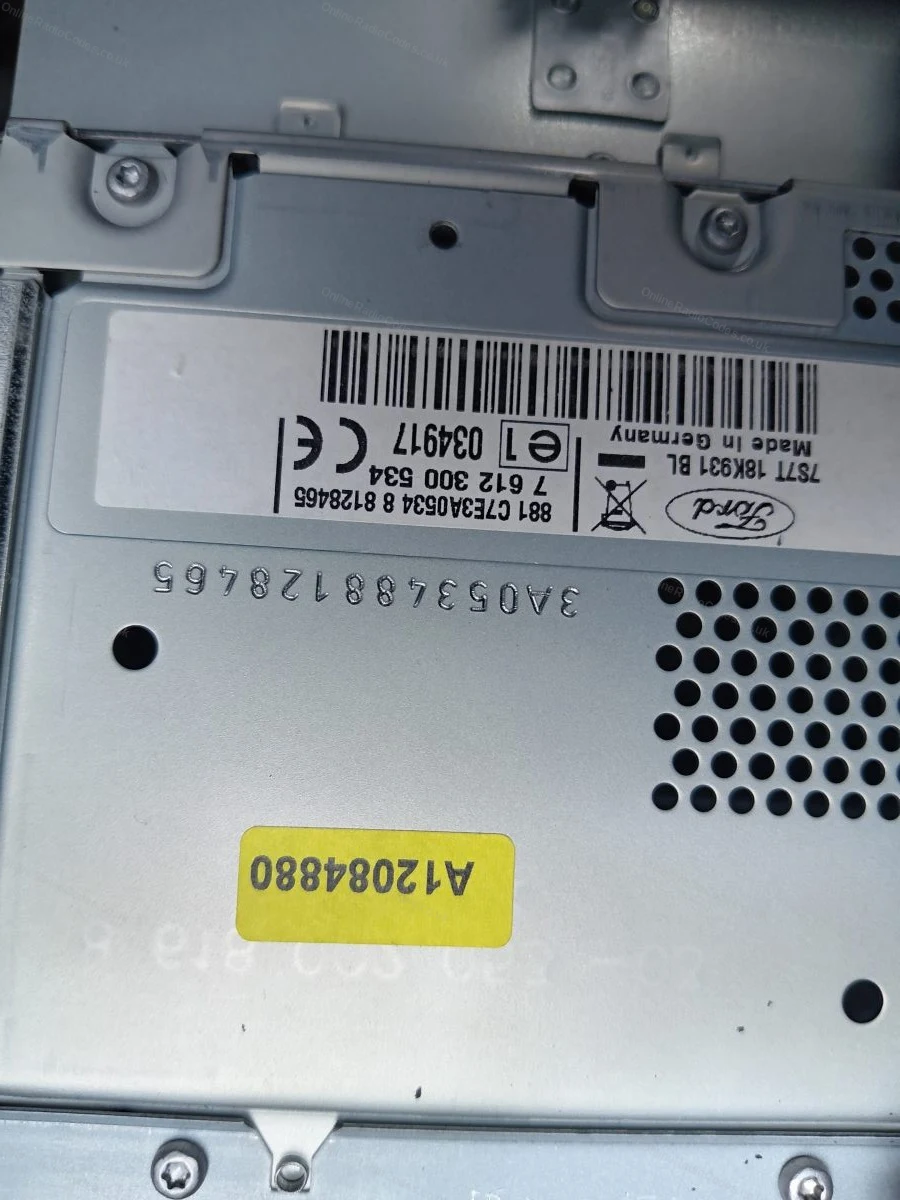
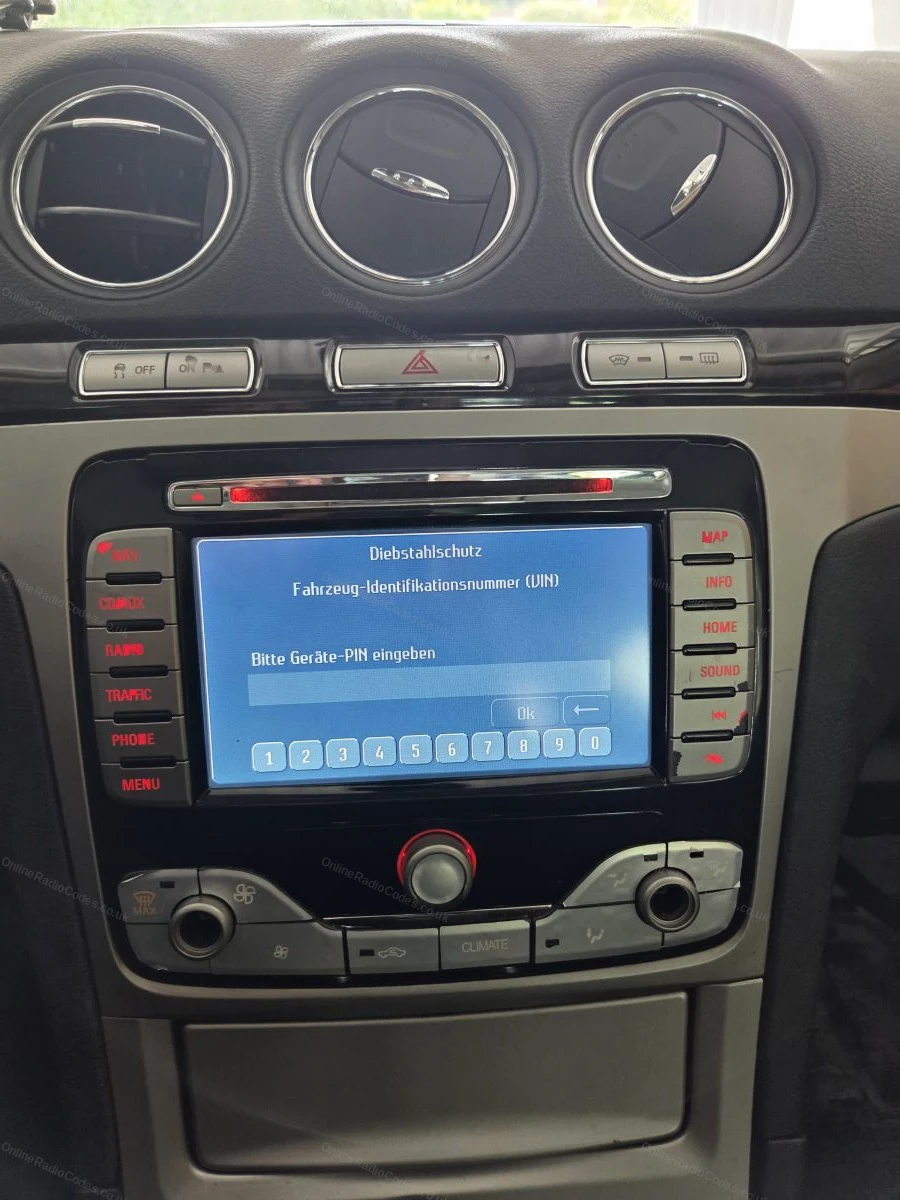
The Travelpilot navigation unit (serial starting C7 or BP) does not show the serial on screen. Use a flat-head screwdriver to release the fascia panel, then remove the four screws and slide the unit forward.

The serial is on the sticker label on the side or rear of the casing, 14 characters starting C7 or BP.
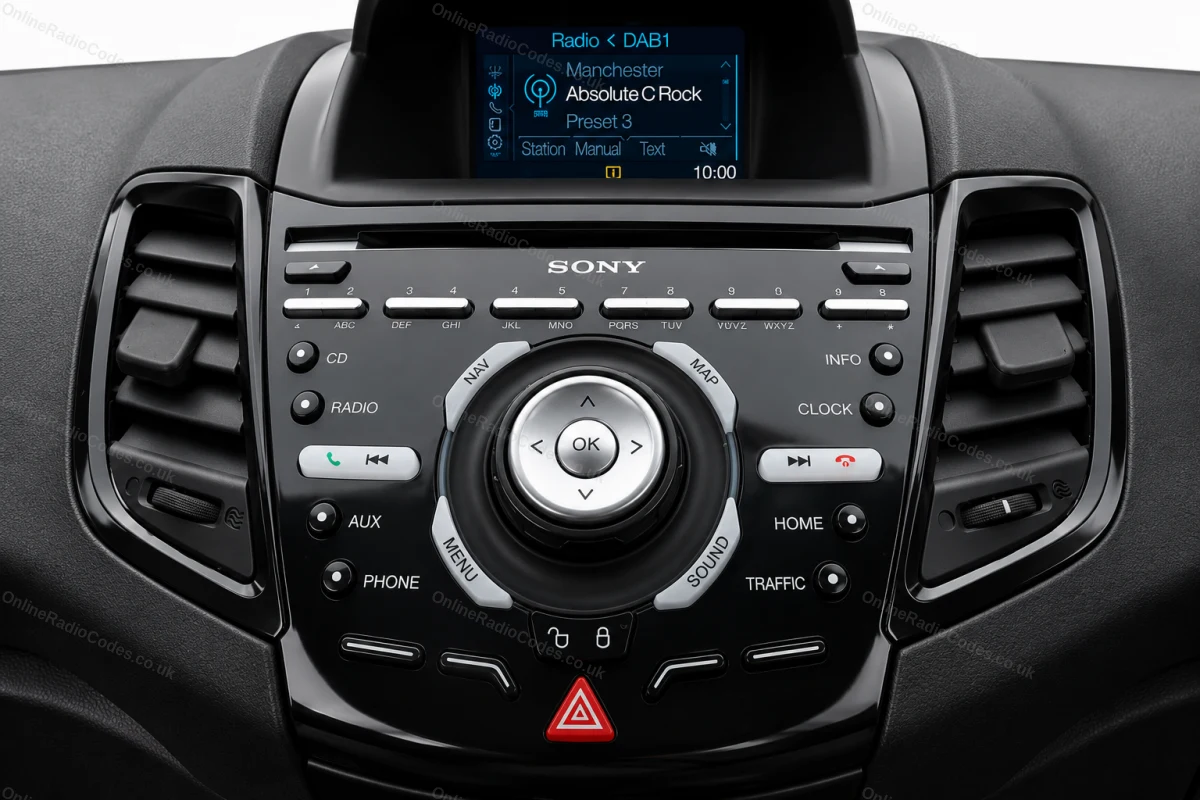
Ford Sony
Get your serial from the screen
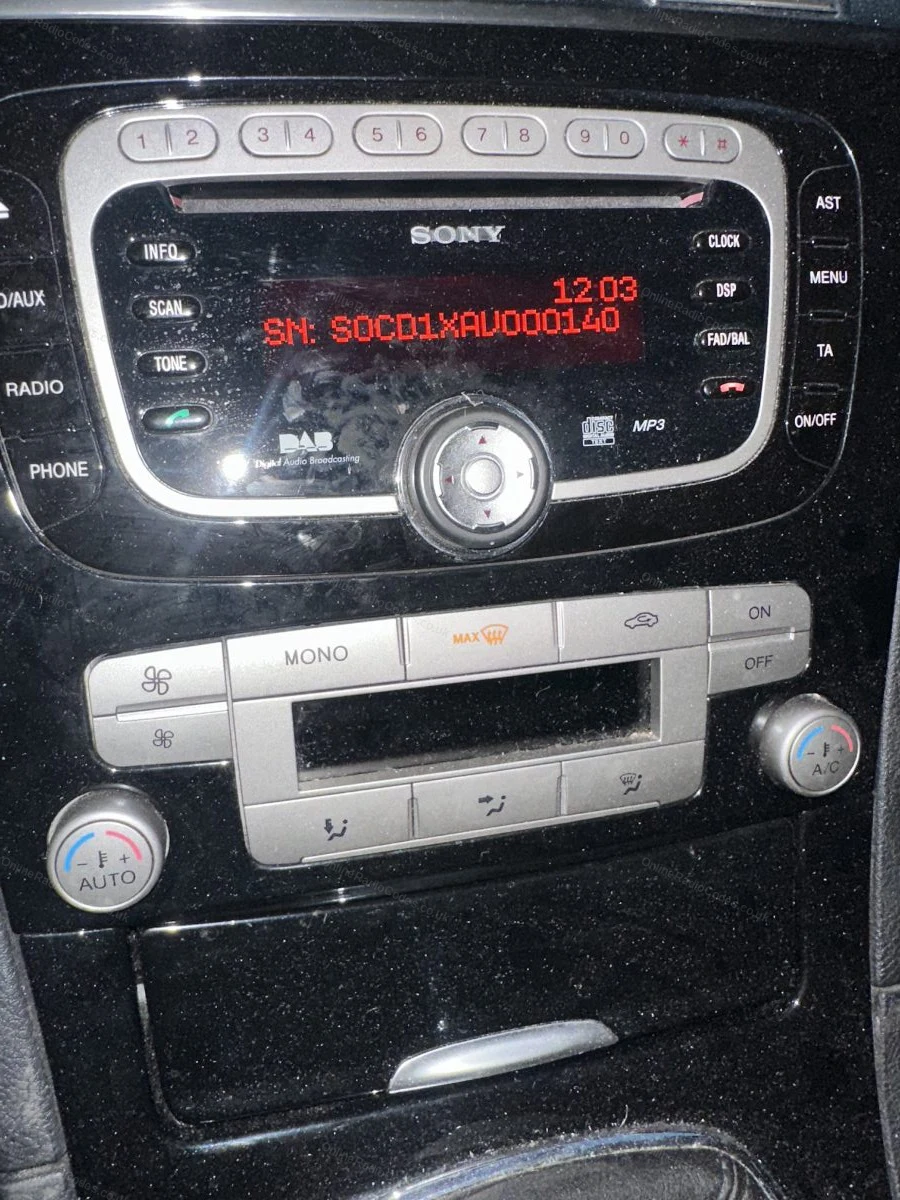
Ford Sony MP3 units (serial starting SN or SOCD) display the serial on screen. Turn on the ignition and radio, then hold buttons 1 and 6 simultaneously for two seconds. Note the serial exactly as displayed. Sony CD132 units require removal using PC5-132 release keys, the serial is on the label on the back.
What your Ford serial looks like
V-Series V123456
M-Series M987456
Z-Series Z435692
C7-Series C73F0961C0536857
BP-Series BP62034596031
Sony (SN/SOCD) SN SOCD6X7V011473
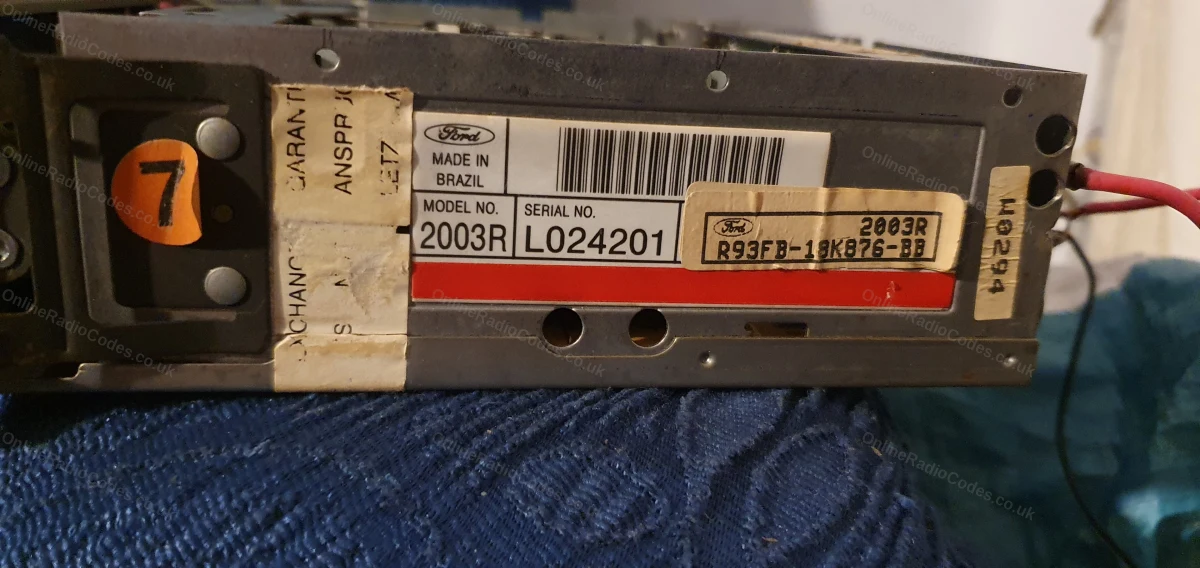
L-Series L033843
C-Series C123456
Can't find it? Contact us. We'll help you locate your serial before you pay a penny.

Why choose us

The World's Leading Ford Radio Code Service

World's No.1
OnlineRadioCodes.co.uk is the world's leading supplier of car radio codes, with over 1 million codes delivered. Our radio experts are on hand to help you every day.
Instant delivery
Most codes appear on screen the moment payment clears. For brands that require manual lookup, our team typically delivers within the hour during business hours.
Money back guarantee
If your code does not work, we refund you in full. No questions, no hassle. We are one of very few radio code companies to back every order with a complete money back guarantee.
Lifetime retrieval
Misplace your code weeks or even years from now? Just get in touch and we will resend it free of charge, every time. One purchase gives you access for life.

Verified · Trustpilot

Don't just take our word for it

5 stars
18 hours ago Trustpilot

I wish to thank you for your fast response.

I wish to thank you for your fast response to my request for my code on the Jeep Rubicon Radio Quick response request. Outstanding job

Clifford Dube · US · Jeep
5 stars
20 hours ago Trustpilot

The quick response to my request

The quick response to my request

Richard Robb · GB
5 stars
21 hours ago Trustpilot

Received the code

It took about 8 hours to receive the code, and it worked perfectly. Recommended and trustworthy.

M.R · GB
5 stars
21 hours ago Trustpilot

Great Service

Have a 21 year old car that has a 21 year old radio in it with no sign of the code .It would have been a real pain to get the radio replaced, so after a bit …

Marsa Tanner · GB
5 stars
1 day ago Trustpilot

Code ordered took longer than expected.

Ordered a code for a van which I needed the same day. Their website stated up to 6 hours. However it took 24 hours to arrive. Be sure to check emails & confi…

P Hartley · GB
5 stars
1 day ago Trustpilot

2009 Micra Radio

A slight issue with my first attempt on an older Nissa Micra. One quick email, Mika was on the case, second code provided, entered and radio up and running i…

Richard Roebuck · GB · Ka
5 stars
1 day ago Trustpilot

Excellent service highly recommended…

Excellent service highly recommended thanks. Code worked fine, very east to get the code.

David Pell · GB
3 stars
1 day ago Trustpilot

Ordered a code but it took 24 hours!

Ordered a code for a van which I needed the same day.Their website stated up to 6 hours. However it took 24 hours. Not good service given that you pay a prem…

Mr P Hartley · GB
5 stars
1 day ago Trustpilot

Excellent

Excellent. Correct code. Only a short wait. Reasonable price.

Mike. · GB
5 stars
1 day ago Trustpilot

Great website and fast

Great website and fast, reliable service

Shavdar Suleyman · BG
5 stars
2 days ago Trustpilot

Excellent no problem whatsoever

Excellent no problem whatsoever

Ned Lehane · IE
See our 21,812 reviews on Trustpilot

Ready to unlock your Ford radio?

Enter your serial number above and get your unlock code in seconds.

Get my code now
Online Radio Codes is an independent radio code service and is not affiliated with, authorised by, or connected to Ford Motor Company Limited or any of its subsidiaries or affiliated companies. All manufacturer names, model names and trademarks are the property of their respective owners and are used solely for identification and reference purposes.
Get my radio code