100% Money Back Guarantee The World's Leading Car Radio Code Service Trusted by 1,000,000+ customers
Ford Ford · Radio Codes
Instantly Displayed

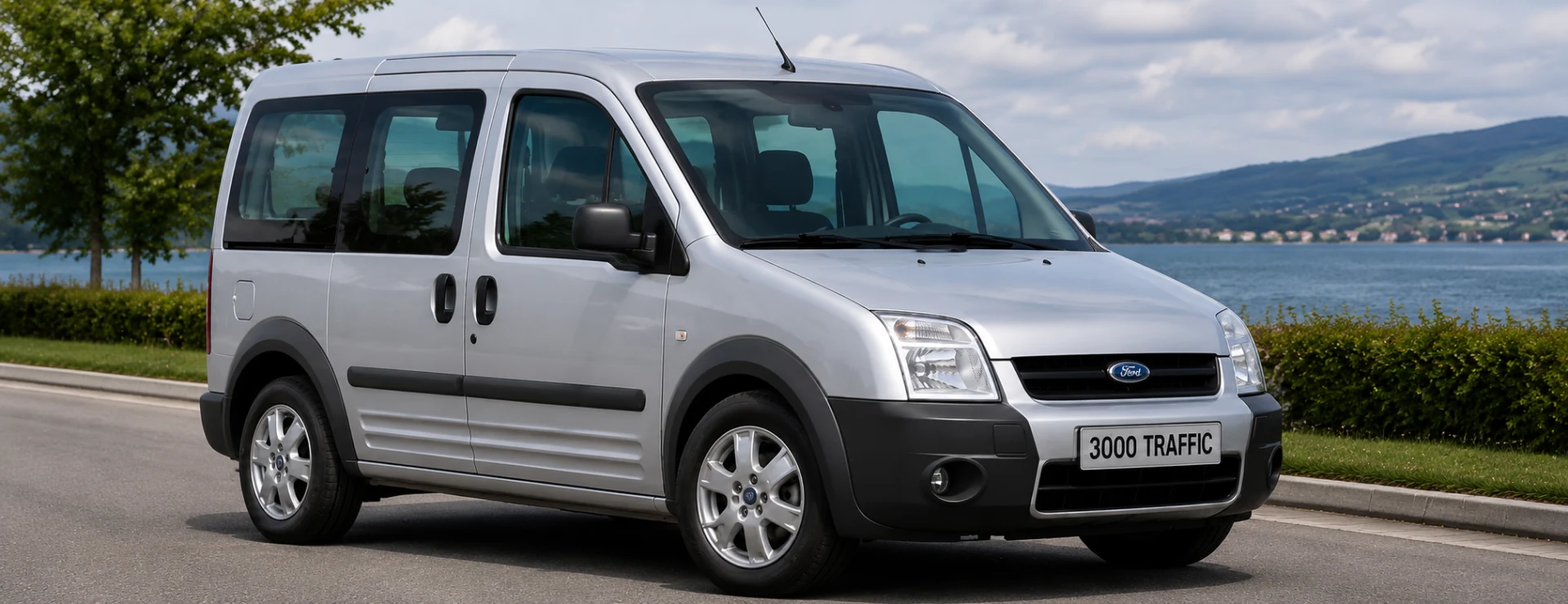
Ford 3000 Traffic Radio Codes

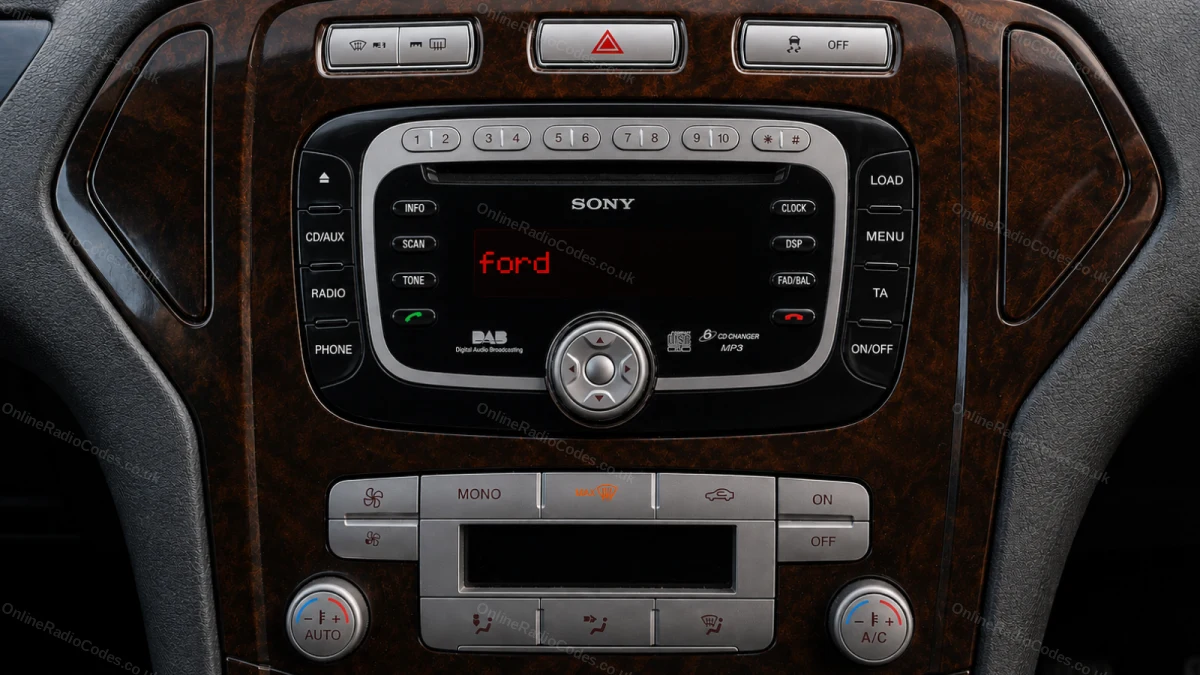
Ford 3000 Traffic RDS radio code by serial number. This older unit uses an M-series serial on the side label once removed. Common in Transit and Mondeo from the late 1990s to early 2000s.

Enter your serial number
Over 1 million codes delivered worldwide.
Not sure which serial to enter? See examples
Instant Money back guarantee Secure checkout

Step 1 of 3

How to find your Ford serial number

The guide below will show you exactly where to find your Ford radio serial number.

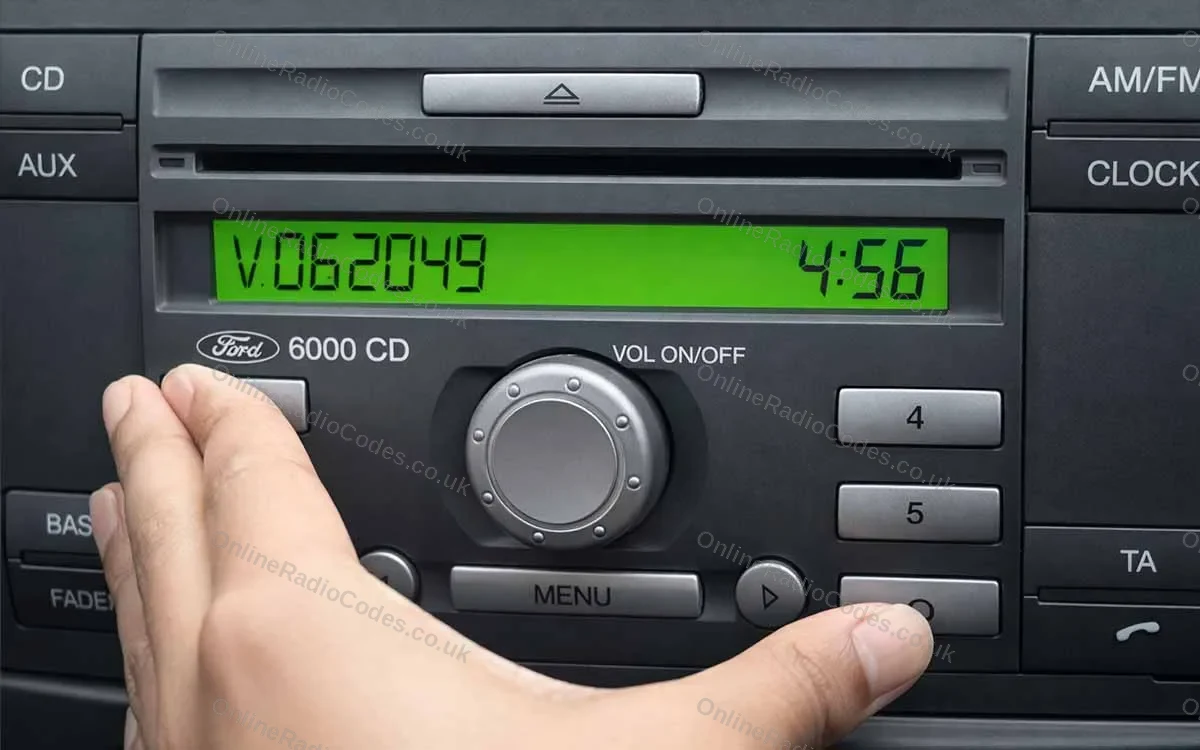
V-Series · Press 1 + 6
Get your serial from the screen
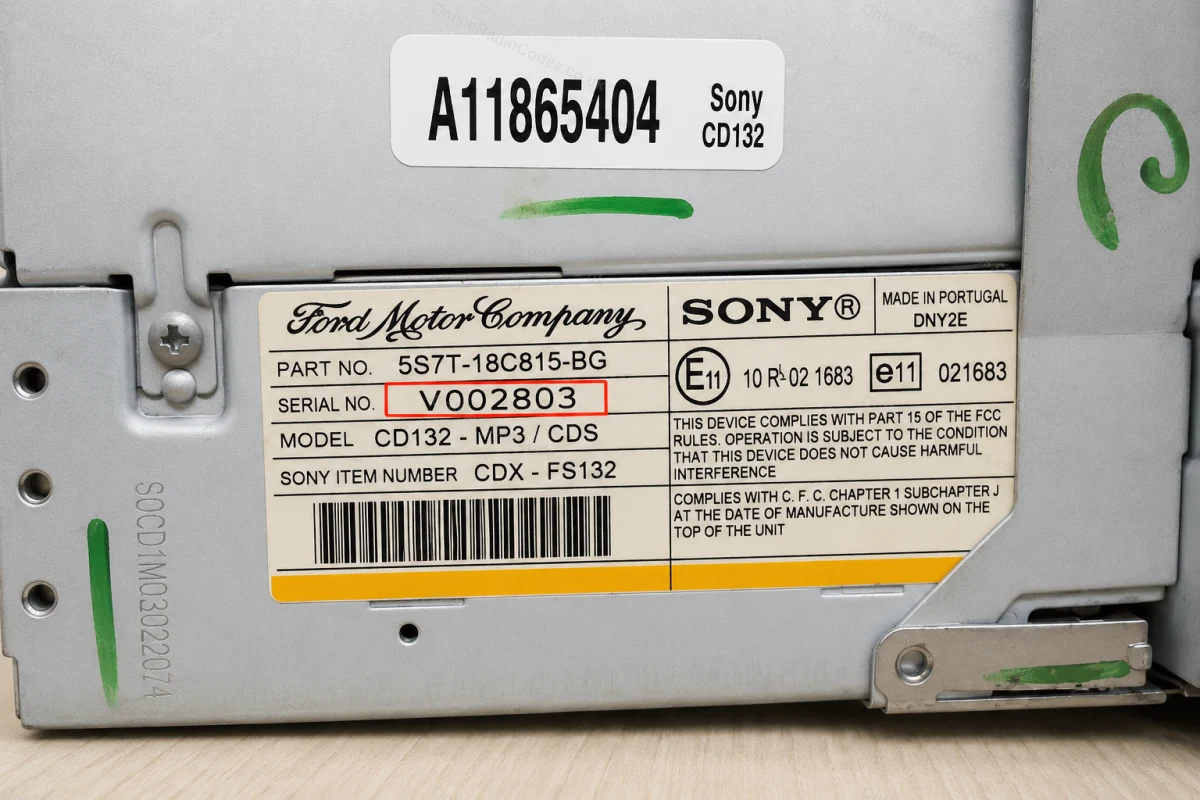
Turn on the ignition and radio. Hold buttons 1 and 6 simultaneously for about two seconds until a serial appears on screen. It starts with V followed by 6 digits (e.g. V062049). Write it down exactly. If nothing appears after two attempts, try buttons 2 and 6 instead.

Fitted to Fiesta, Focus, Mondeo, Transit, Galaxy and most Ford models up to 2008.
M-Series · Press 2 + 6
Get your serial from the screen
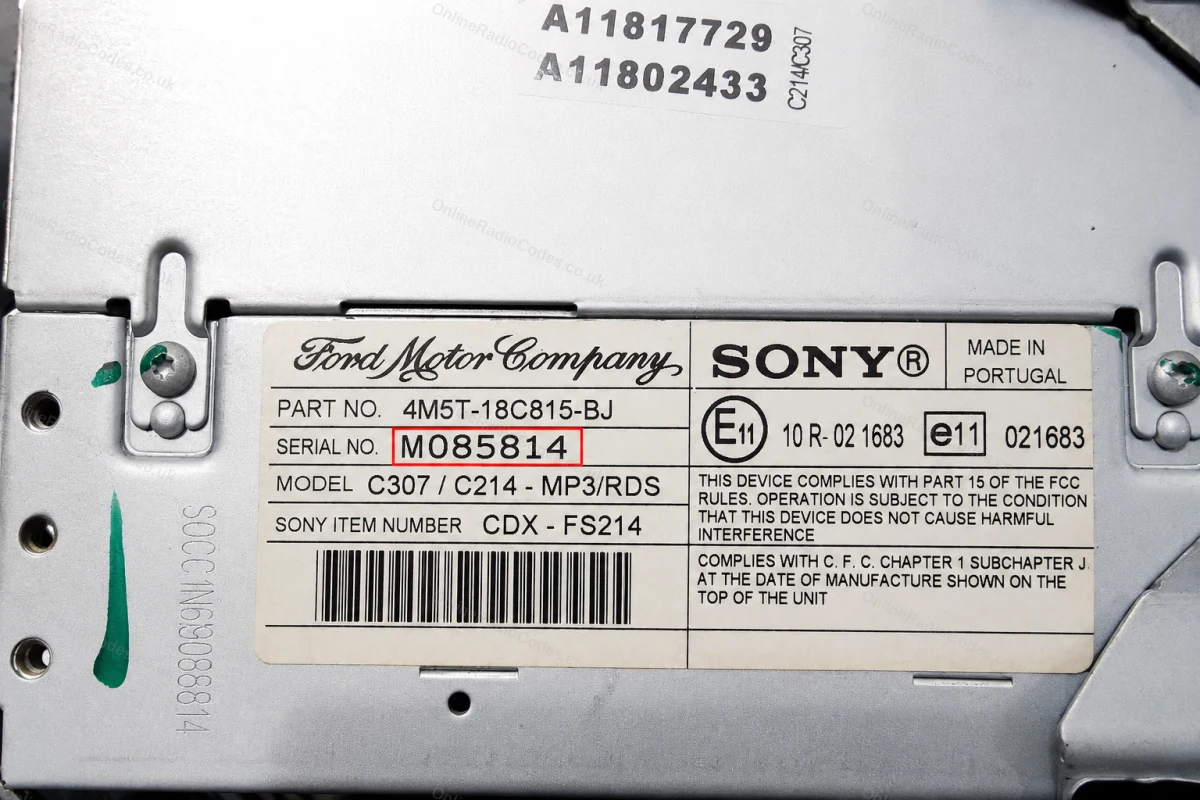
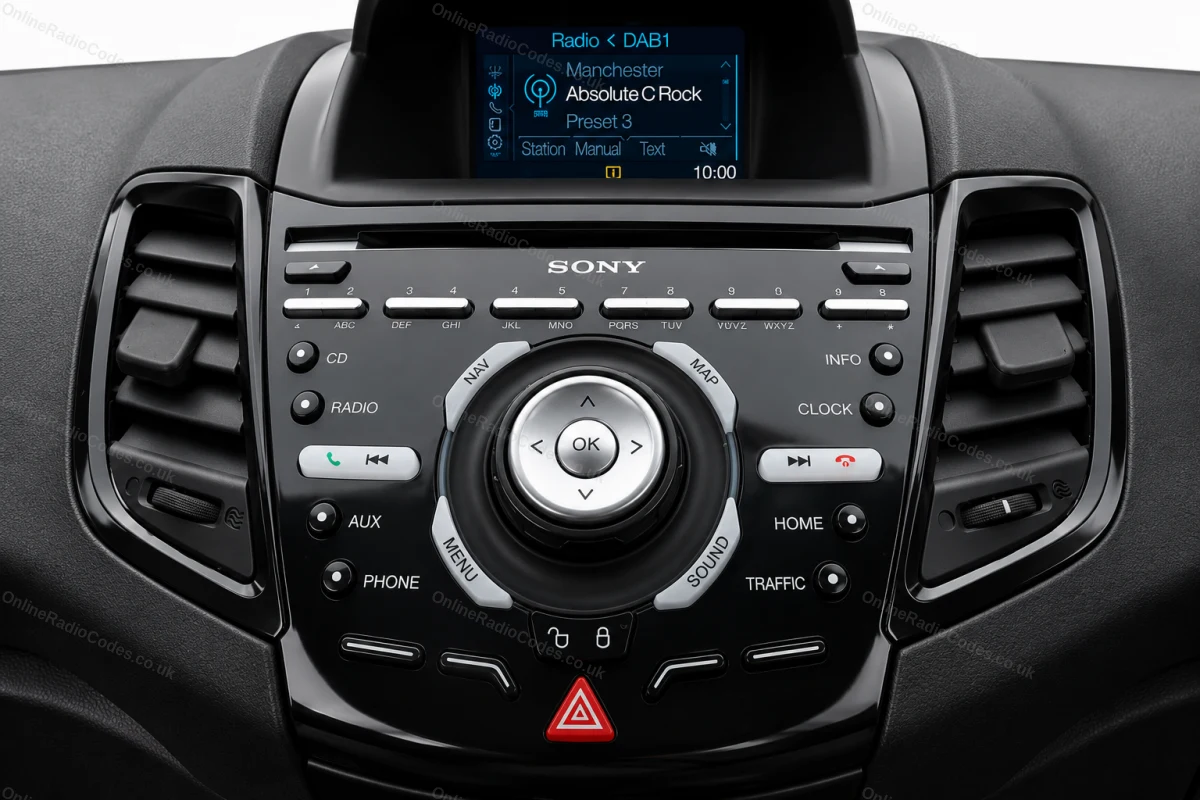
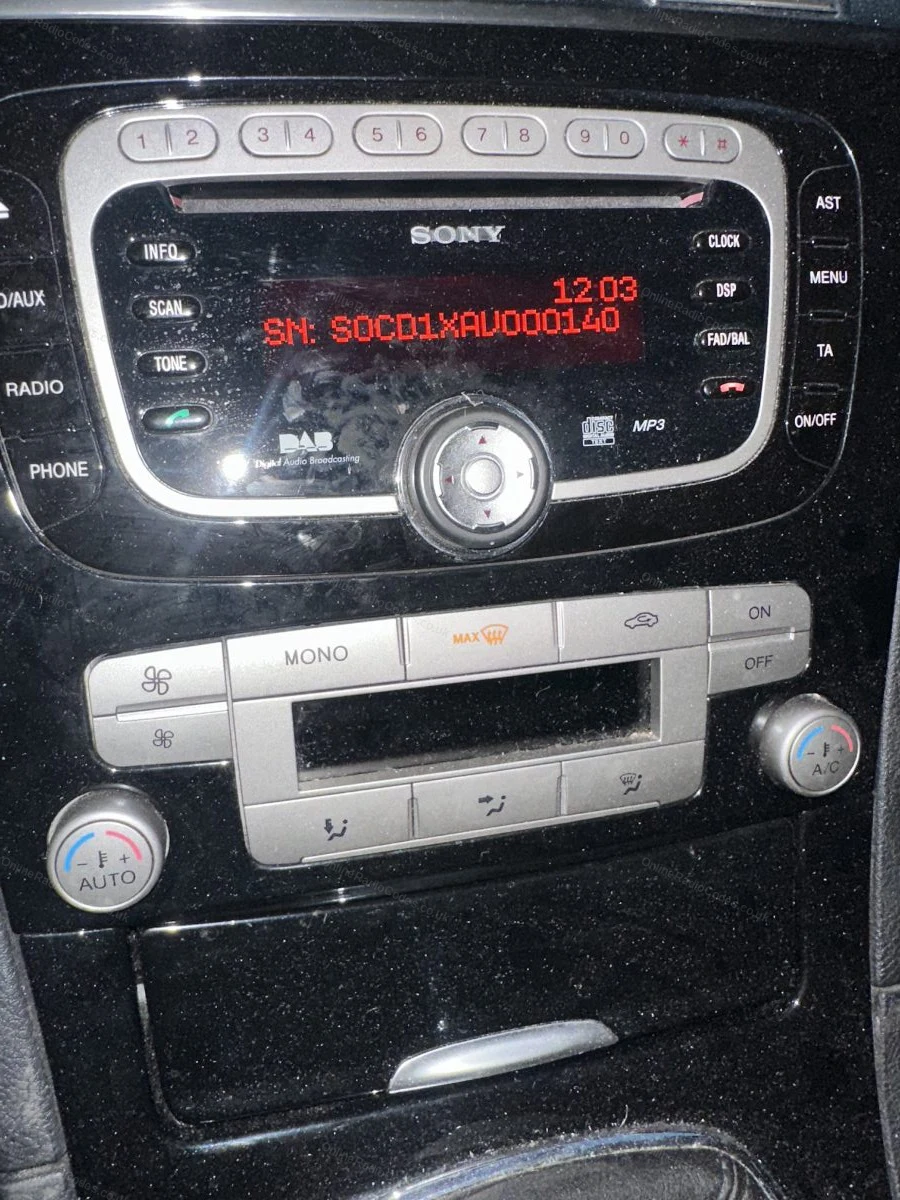
On some Sony MP3 and RDS models hold buttons 2 and 6 simultaneously for about two seconds. The serial starts with M followed by 6 digits (e.g. M085814). If the serial appears in two halves on screen combine them into one string without a space.

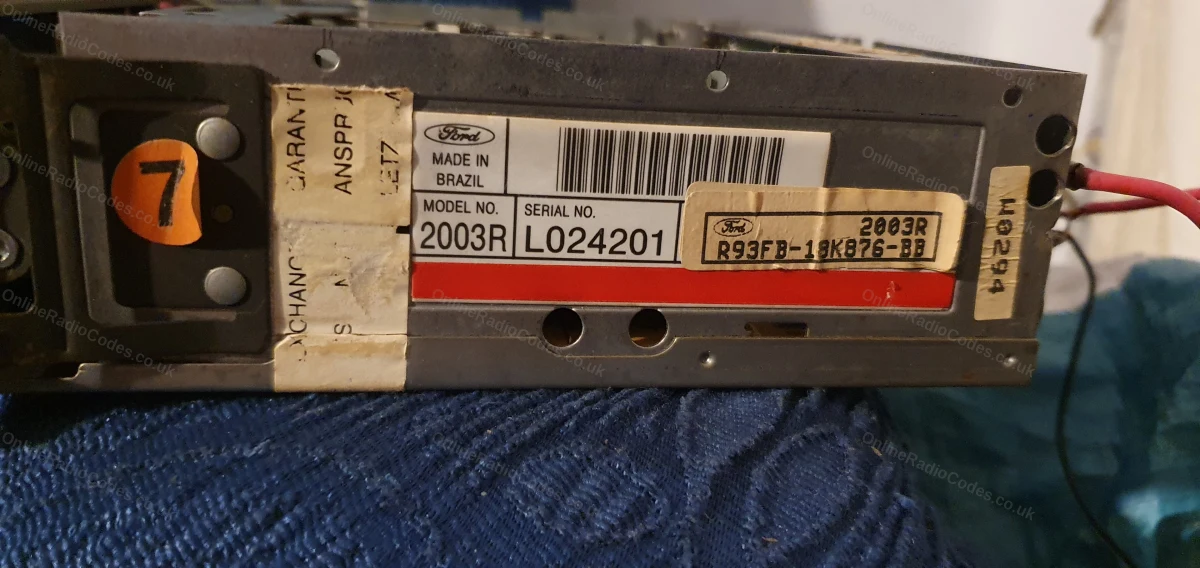
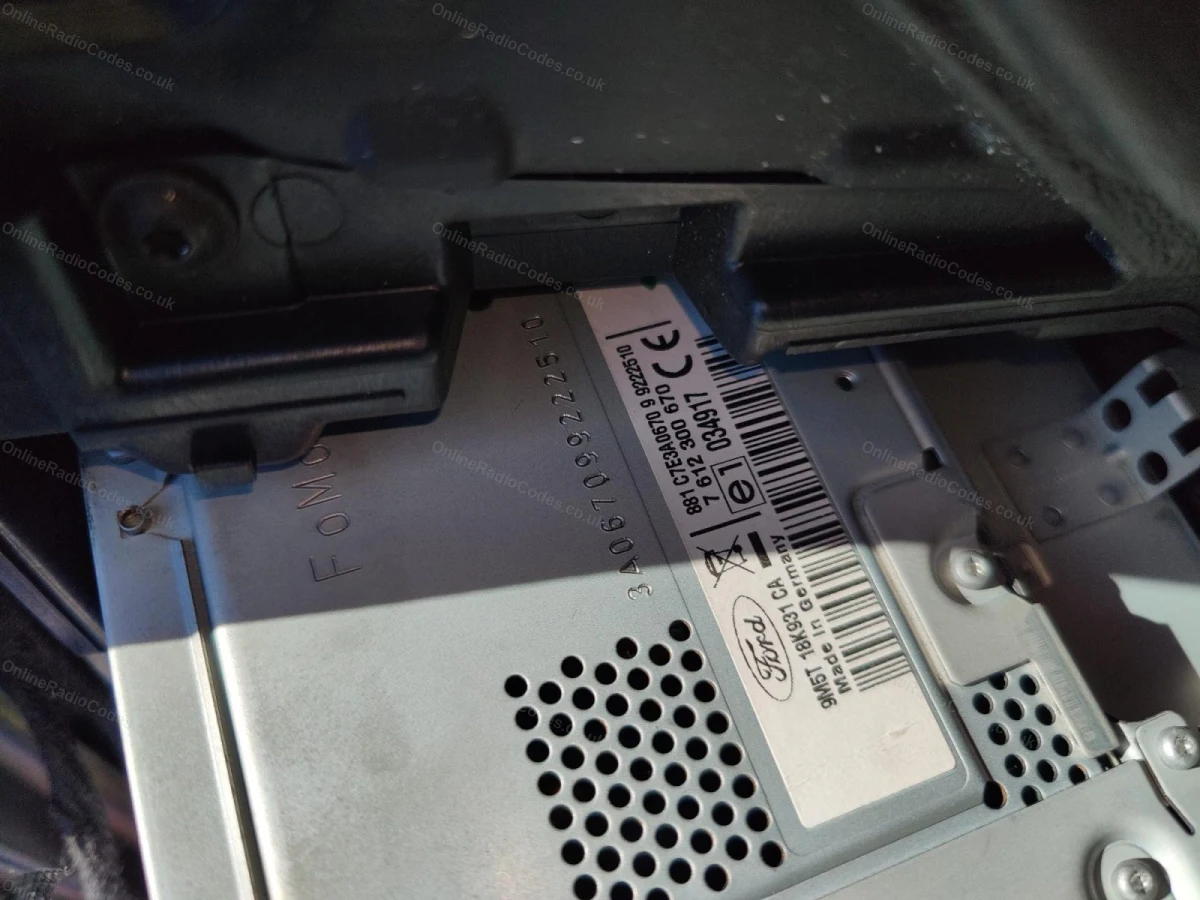
The M serial is also printed on the label on the back of the unit if you need to remove it.
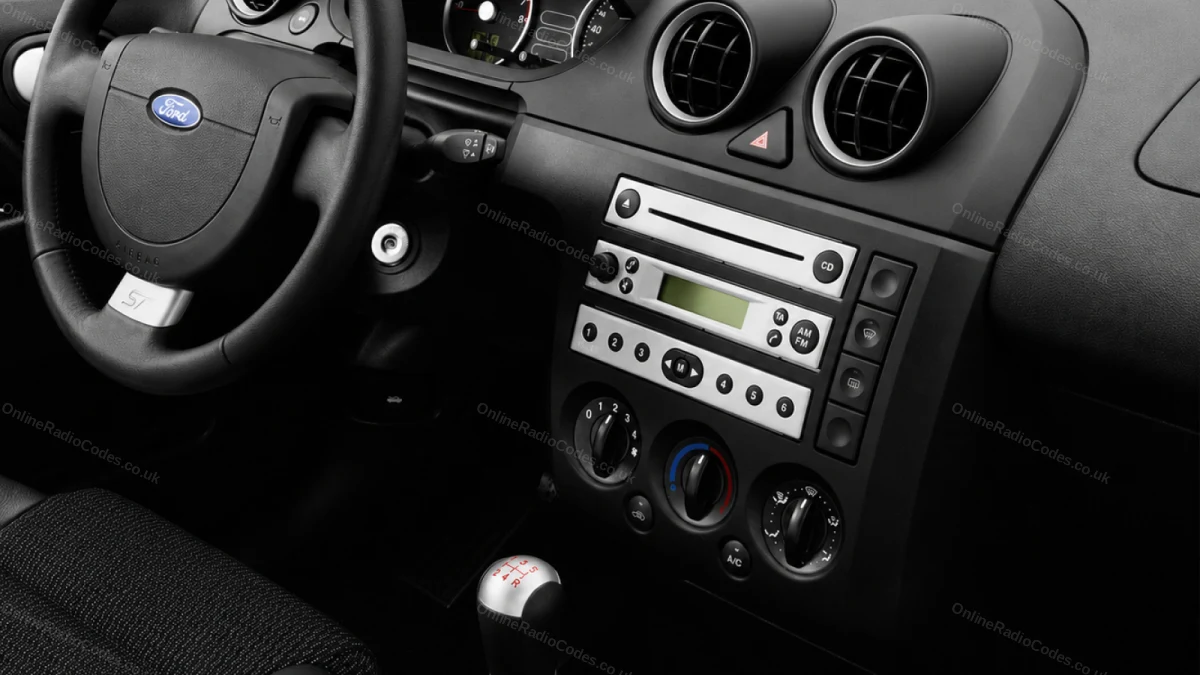
Remove the Radio
Remove the radio to find your serial
Insert DIN release keys into the four corner holes of the fascia and apply gentle outward pressure. The unit slides forward, no wires need disconnecting.

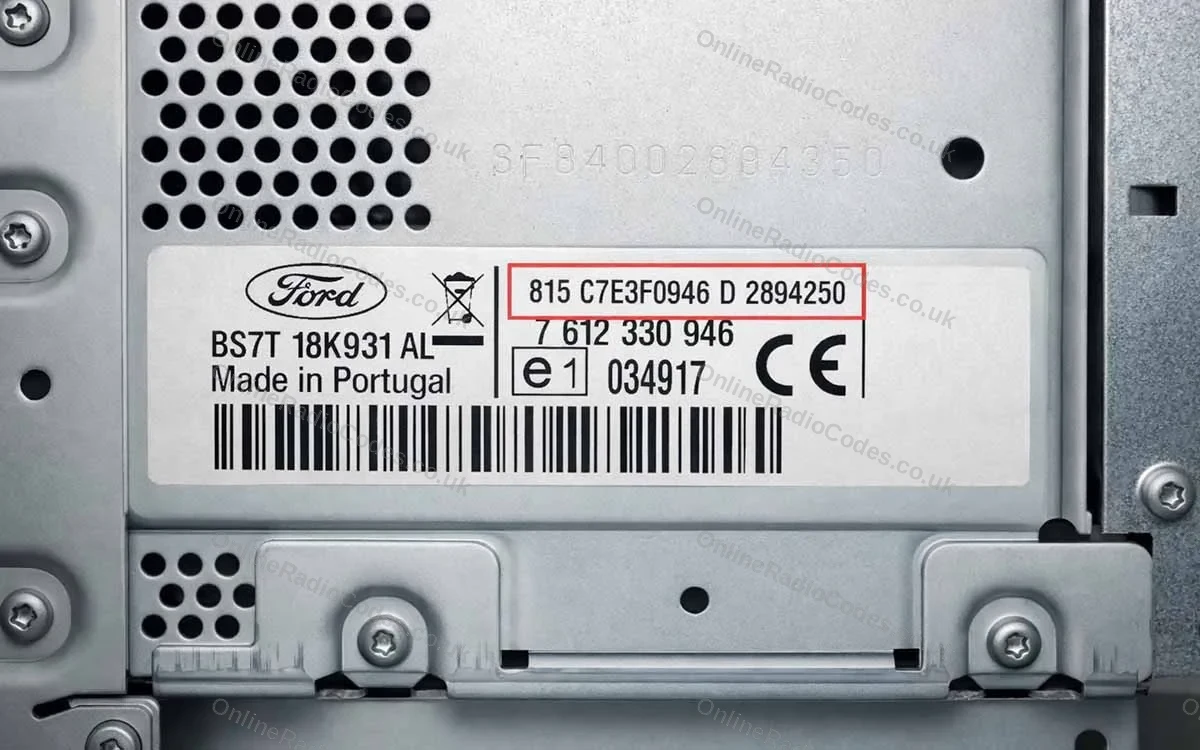
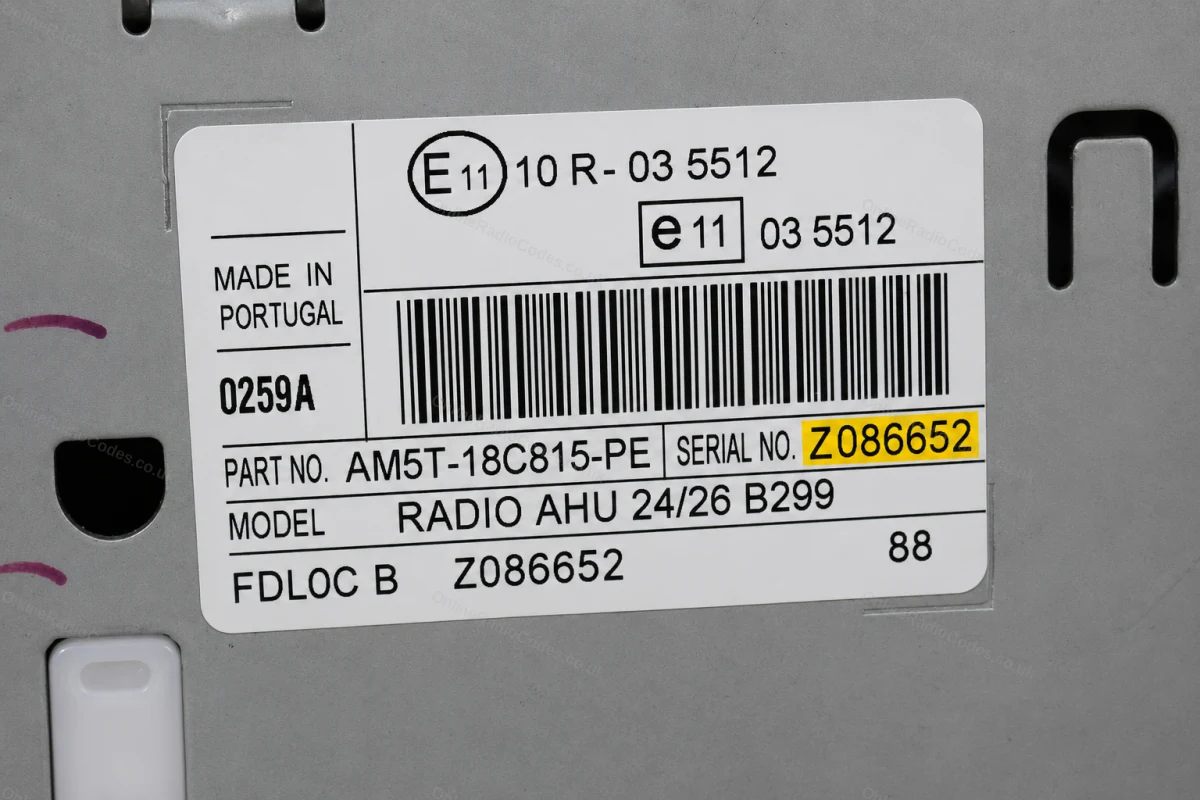
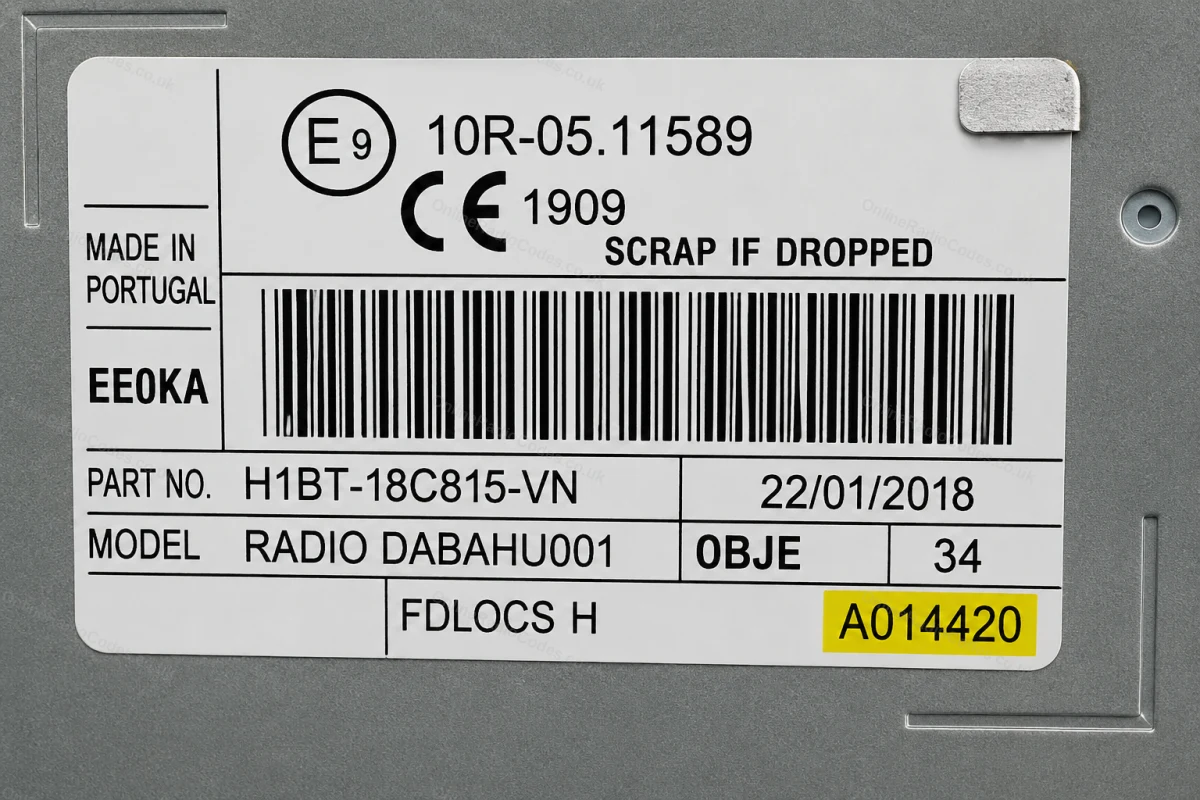
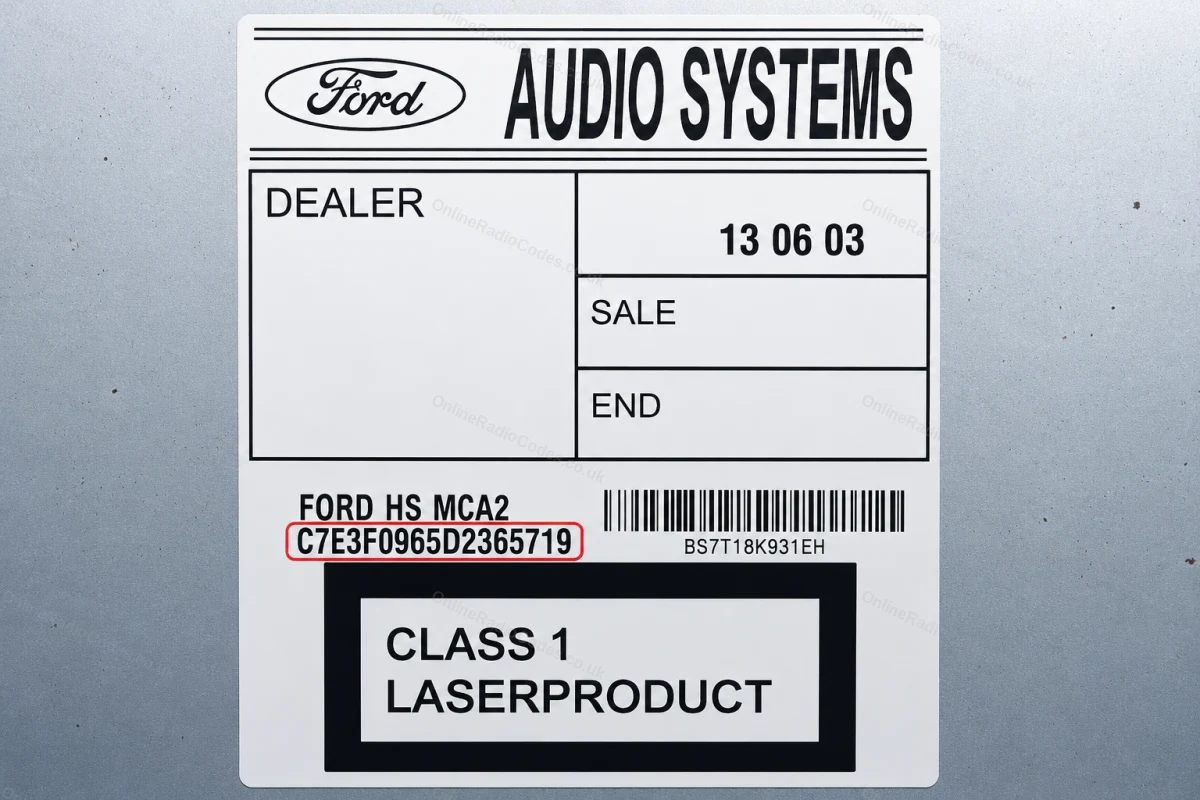
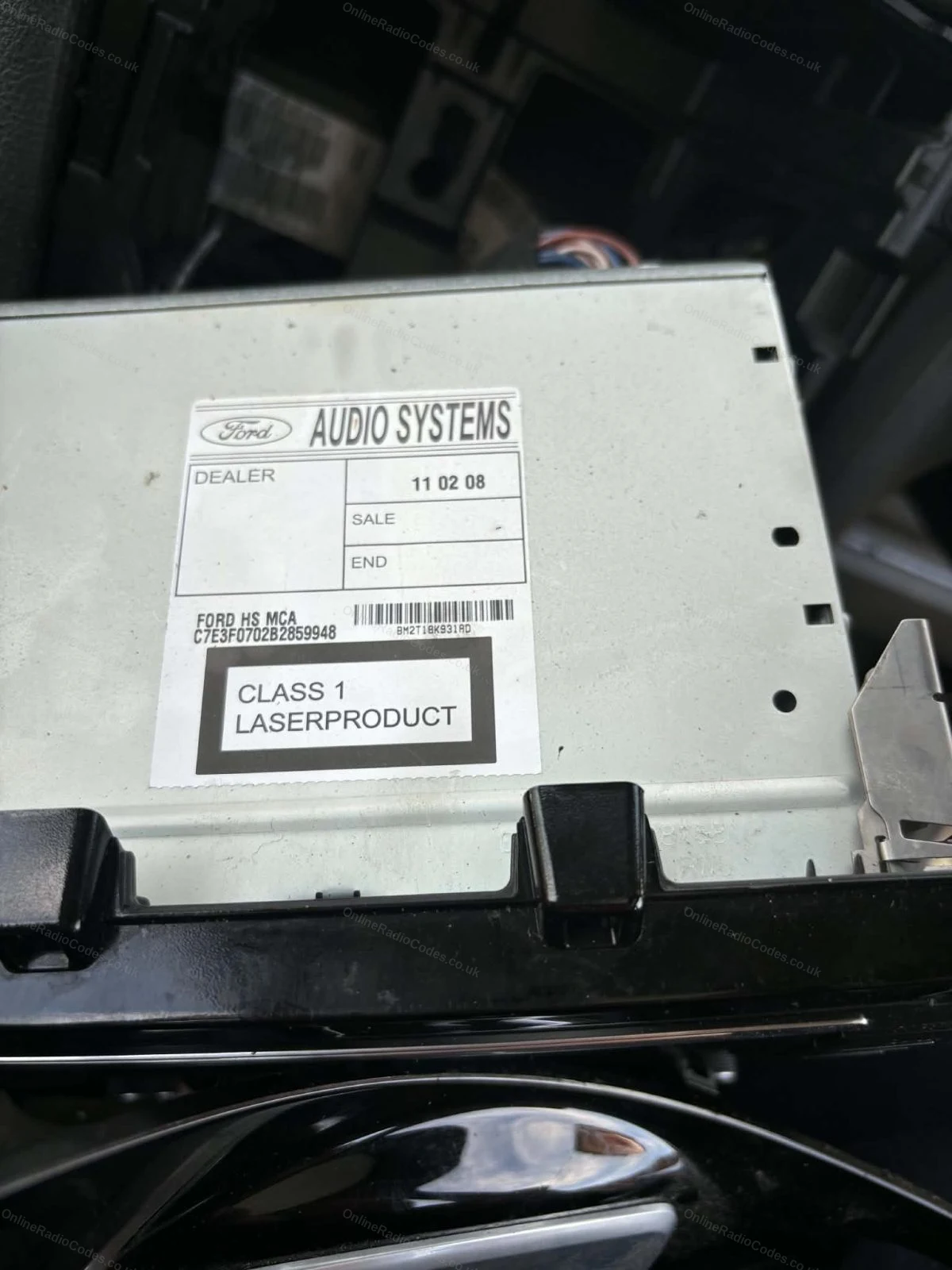
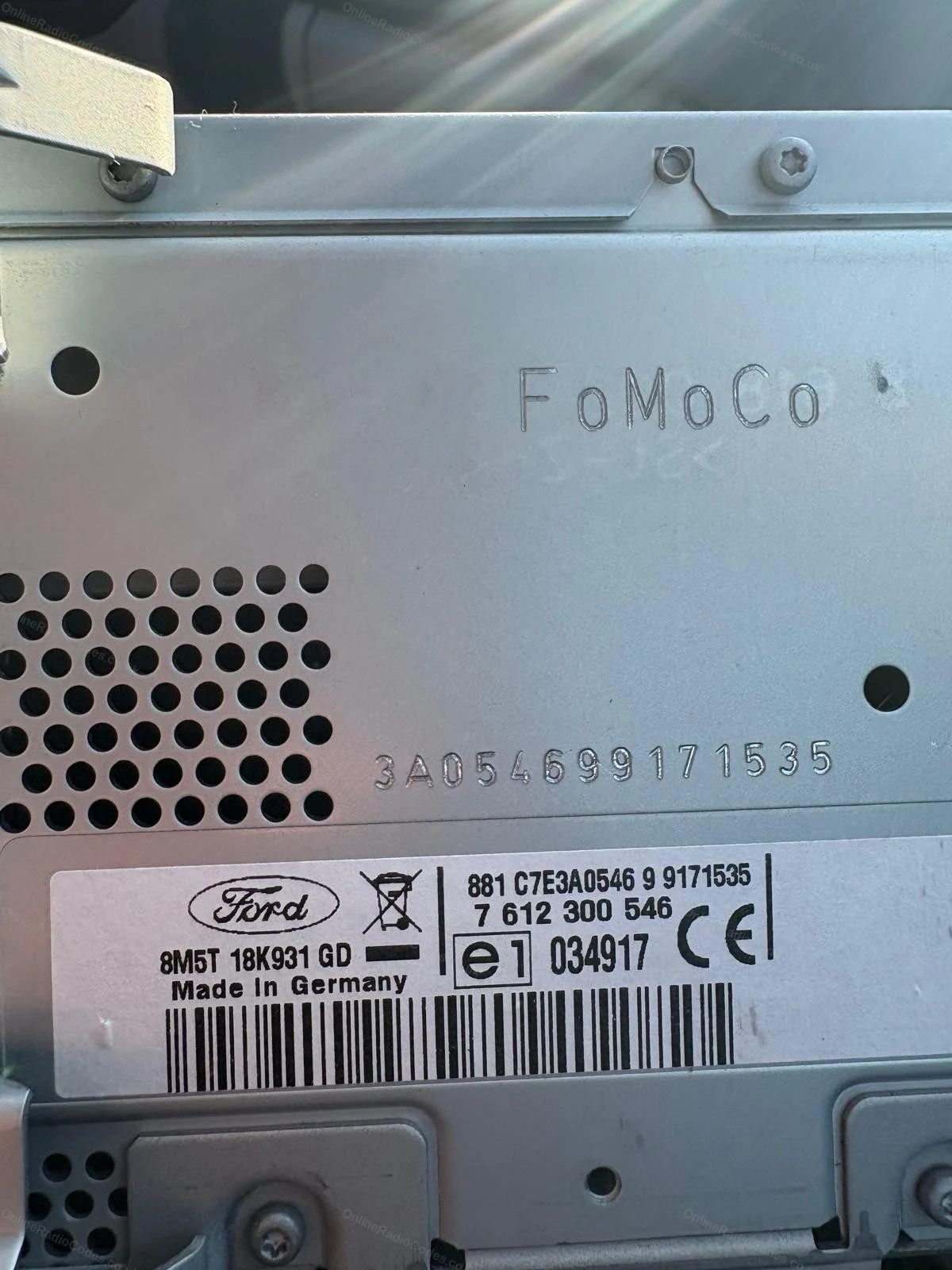
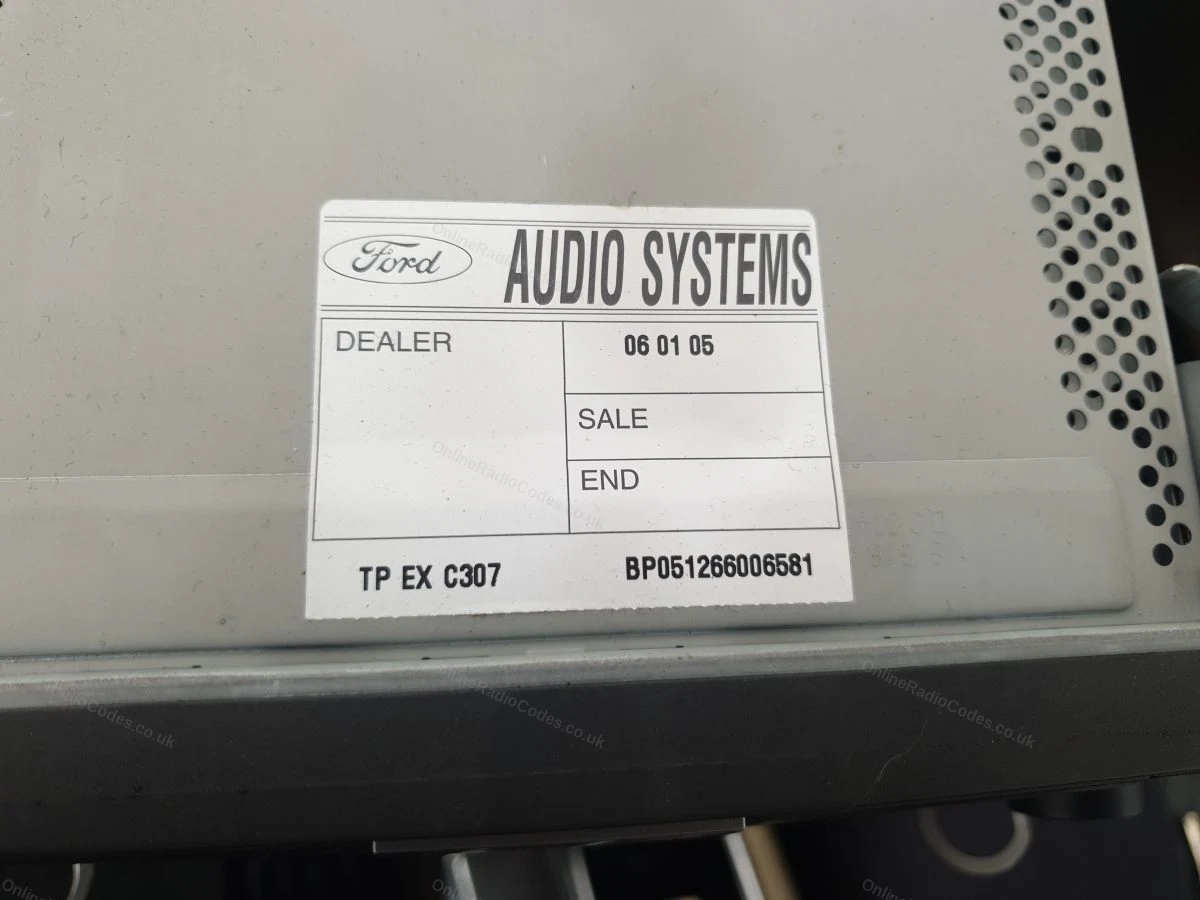
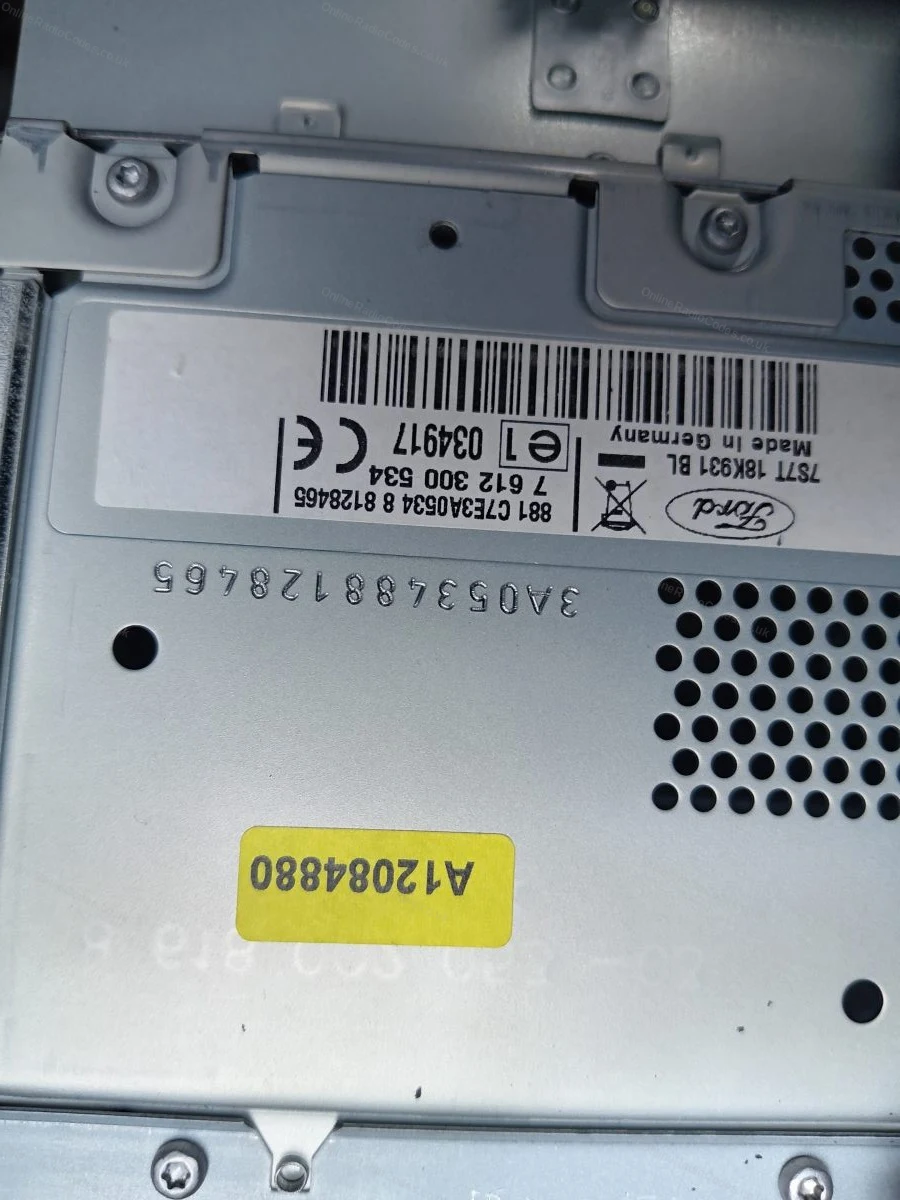
The serial is on a sticker on the back or side of the unit. It may start with V, M, L, C7 or BP depending on the manufacturer, enter it exactly as shown on the label including the prefix letter.
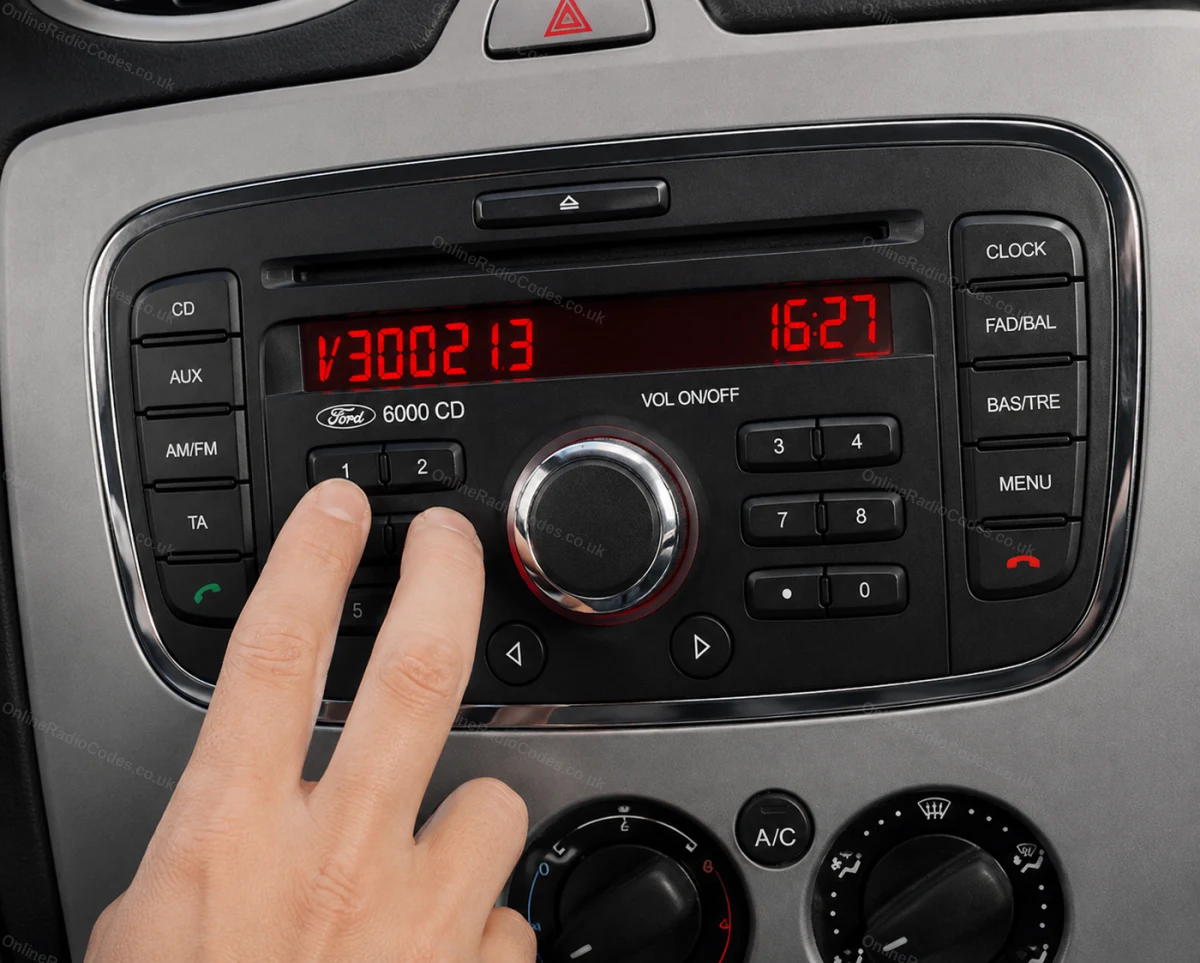
MK7 / MK8 · Z / A Prefix
Get your serial from the screen
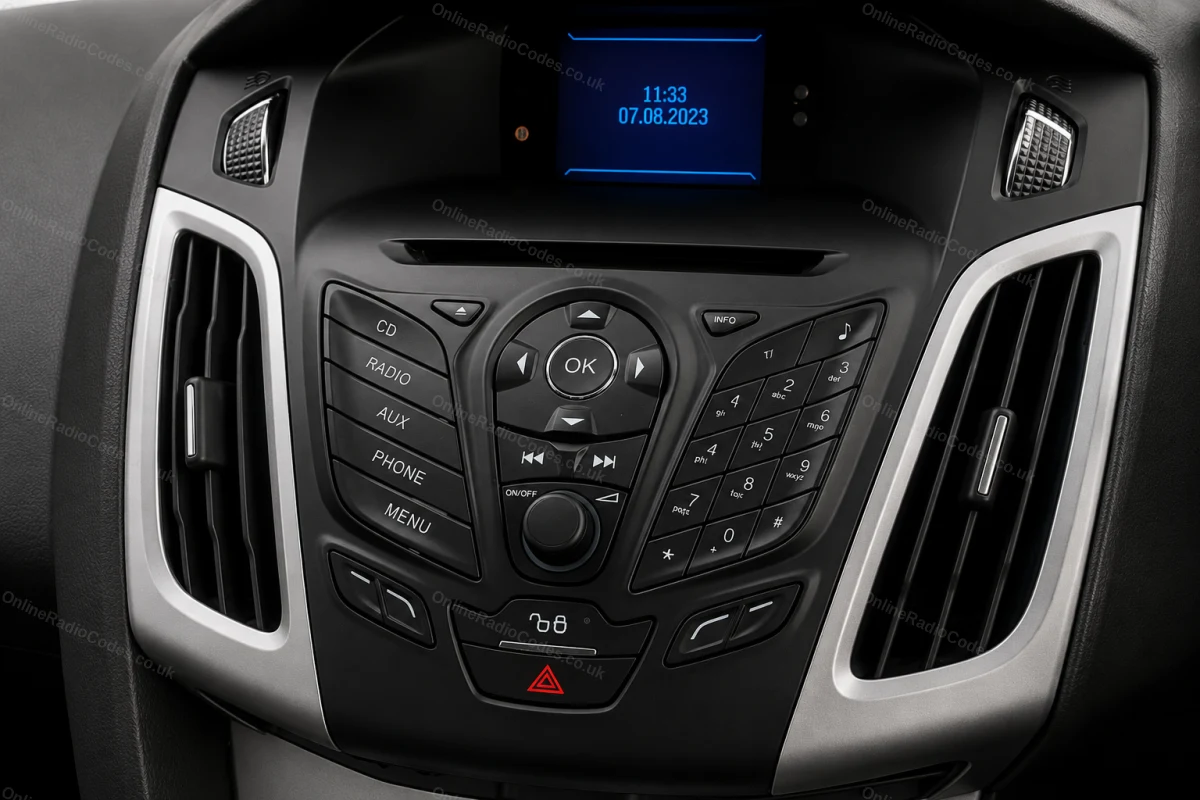
Press buttons 1 and 6 as above. From 2008 the serial starts with Z (2008–2017) or A (2018 to present) followed by 6 digits. Enter all 7 characters including the letter prefix. Z and A serials are decoded using the same method.

Fitted to Fiesta MK7+, Focus MK3+, Mondeo MK4+ and most Ford models from 2008 onwards.
Ford TravelPilot
Remove the unit to find your serial
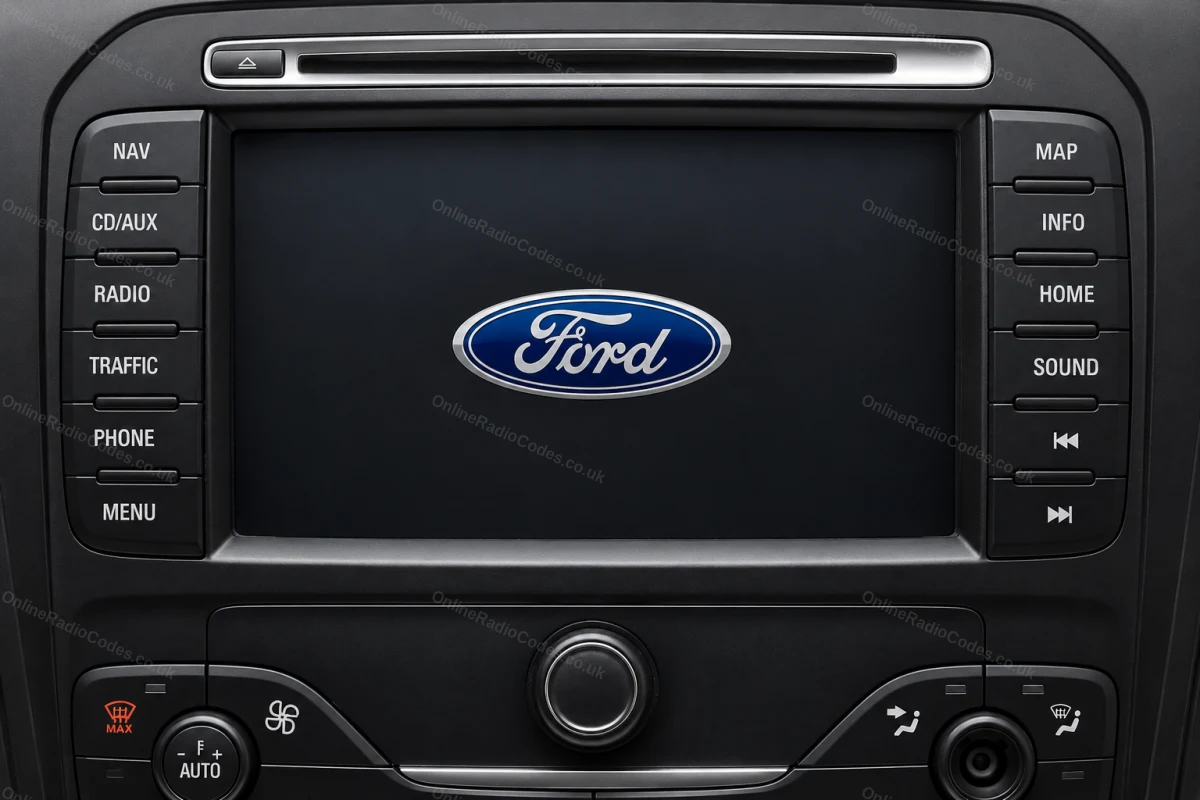
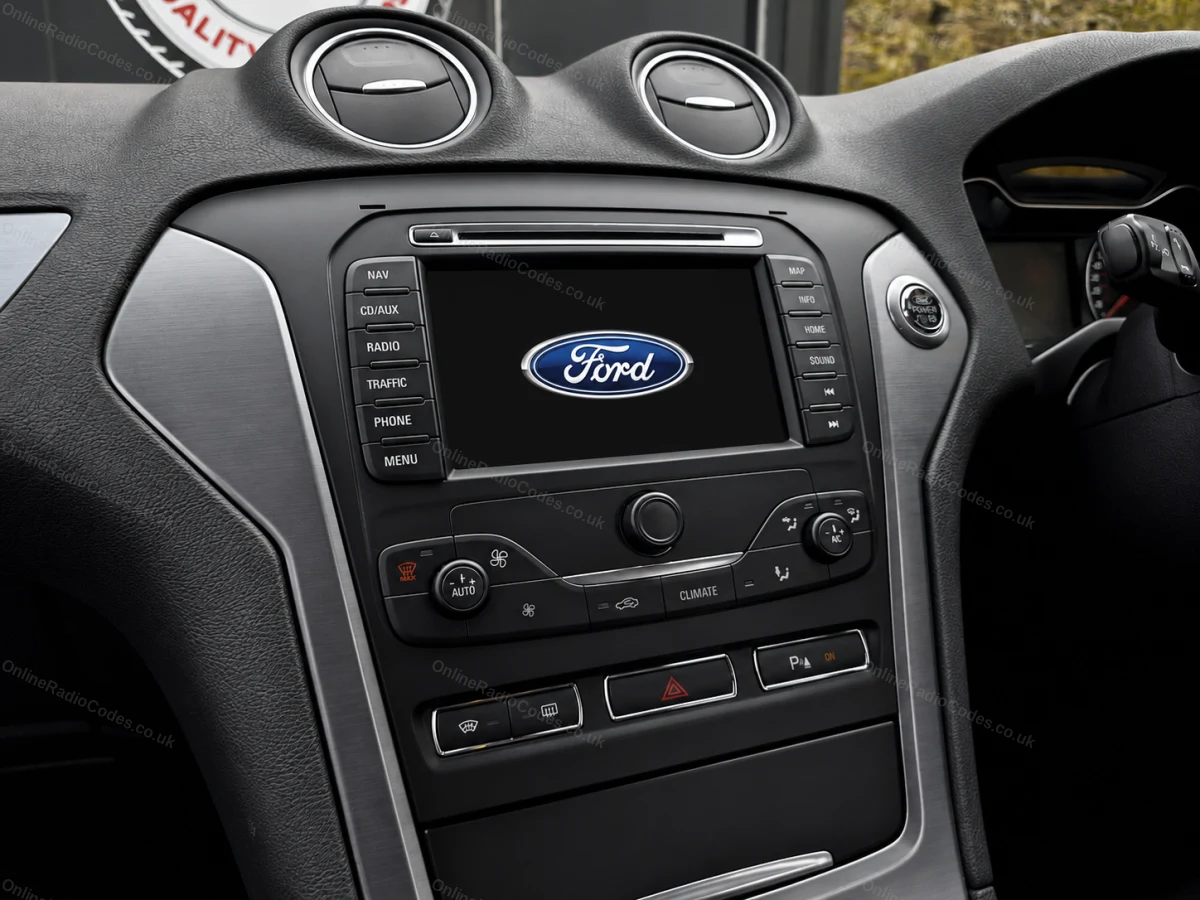
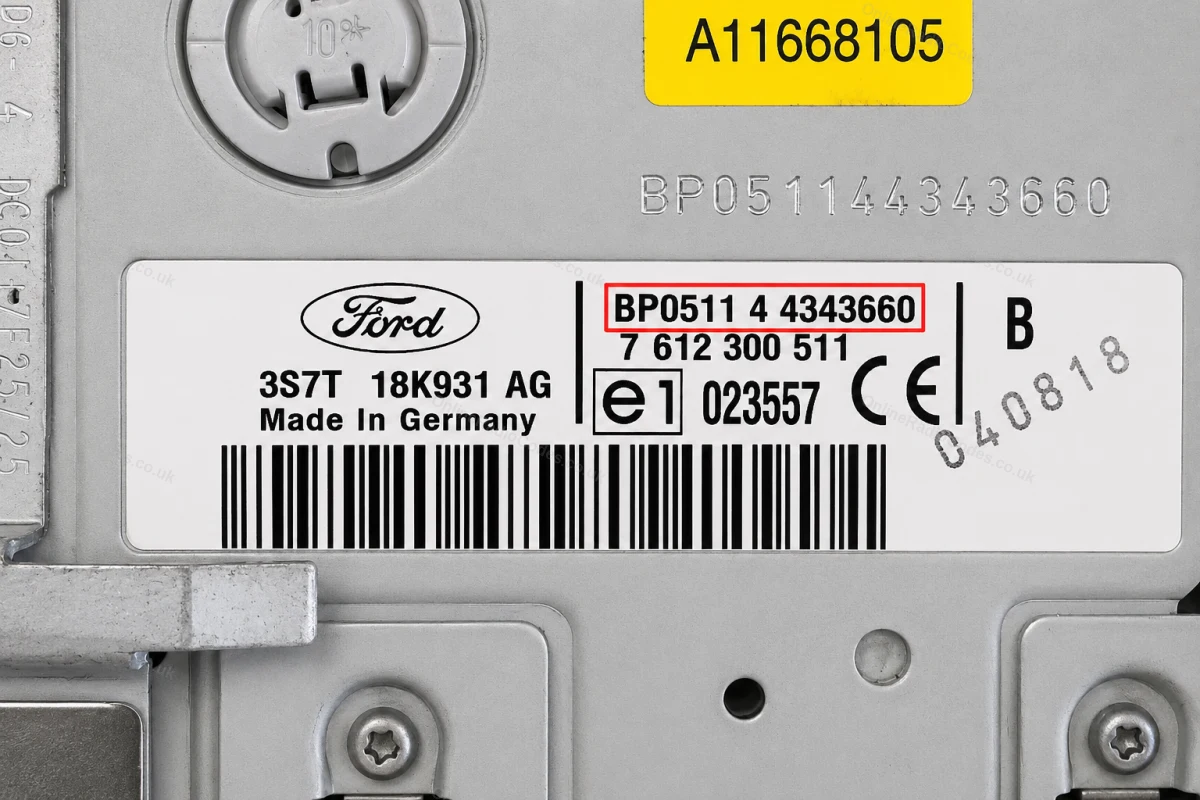
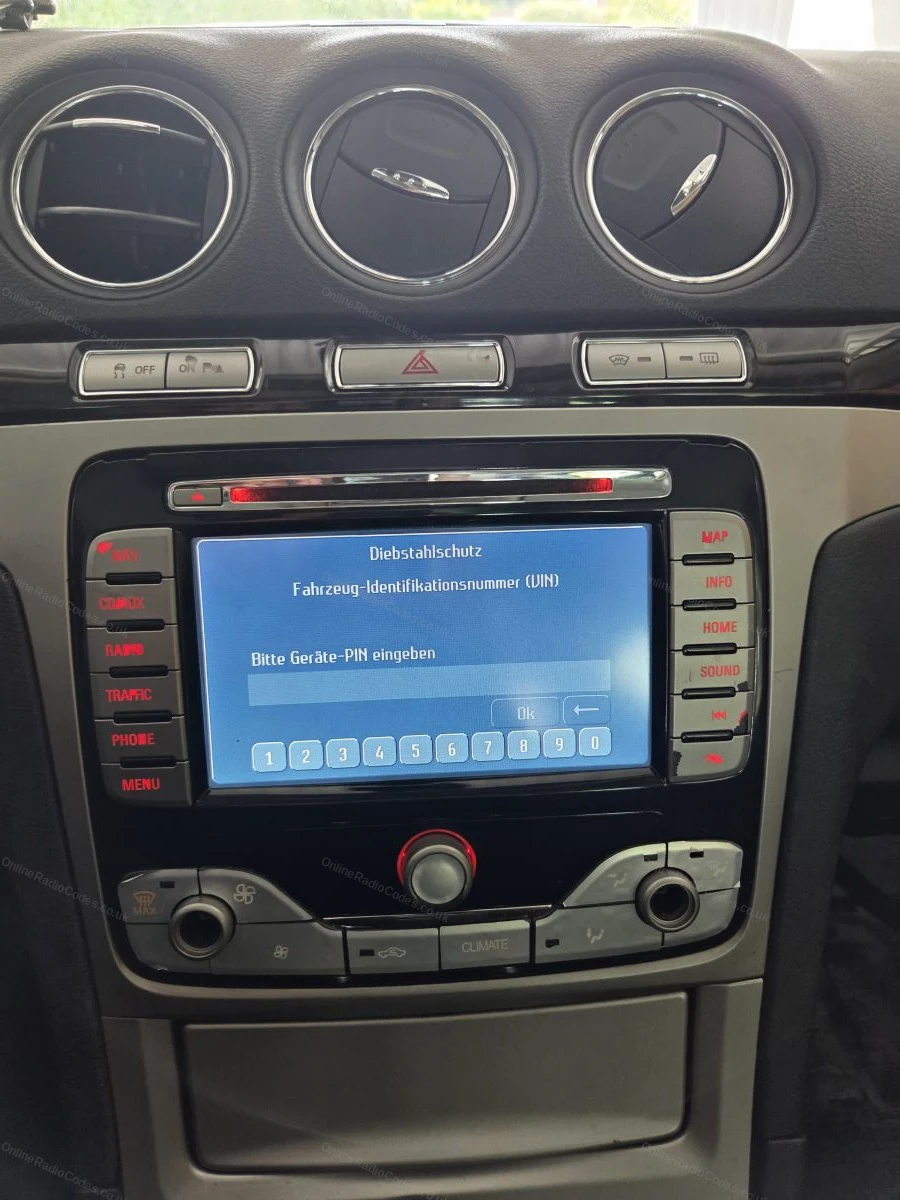
The Ford TravelPilot is a built-in touchscreen navigation unit. You will need to remove the unit to find the serial, insert release keys into the four corner holes and slide it forward.

The serial is on a sticker on the back of the unit. It starts with BP (2001–2007, e.g. BP0511 4 4343660) or C7 (later models, e.g. C7E3F0965D2365719). Enter the full string exactly as shown including the prefix.

What your Ford serial looks like
M-Series M987456
Can't find it? Contact us. We'll help you locate your serial before you pay a penny.

Since 2015 · 1 million codes

The World’s Leading Ford Radio Code Service

A Decade of Decoding
Retrieving car radio codes since 2015, with more than a million codes delivered. Registered UK company No. 09736186. Read our story
Your Code, Fast
Most codes appear on screen the moment payment clears. The rest are handled by our team, usually within the hour in business hours.
Works, or Your Money Back
If your code does not work, we refund you in full. One of the very few radio code services that backs every single order.
Your Code, Kept for Life
Lose your code in five years? We keep it on file and will resend it free of charge, as many times as you need.

Real people, worldwide, around the clock

Meet our radio experts

A small team who have decoded radios for a decade, backed by Casanova, our AI assistant, around the clock. Wherever you are in the world, someone real is on the other end of the chat.

Live chat and email 24/7. Phones Monday to Friday, UK hours.

  • Gavin Wilson Gavin
  • Emma Keevney Emma
  • Lucy Flynn Lucy
  • Mika Jones Mika
  • Liz Wilson Liz
  • Nova, our AI assistant Nova 24/7

FAQ

Frequently asked questions

Why is my 3000 Traffic asking for a code?
It lost power and the anti-theft lock activated. These classic units are simple and reliable, enter the correct code and it plays on like nothing happened.
Where is the serial on a 3000 Traffic?
On the label on the unit casing, a letter followed by six digits, usually starting M or V. The unit comes out with standard release keys and the label is on the top or side.
Can the 3000 Traffic show its serial on screen?
Some units will with buttons 1 and 6 held together while the radio is on. It costs nothing to try before reaching for the release keys.
How do I enter the code?
With CODE on the display, press preset 1 repeatedly for the first digit, 2 for the second, 3 for the third and 4 for the fourth, then press 5 to confirm. The radio unlocks straight away with the right code.
The car is a classic and the radio is original. Does that matter?
Not at all, it helps. Original units decode cleanly from the label serial regardless of age, and keeping the original radio in a classic Ford is usually worth more than swapping it.

Verified · Trustpilot

Don't just take our word for it

See all reviews on Trustpilot
5 stars
6 hours ago Trustpilot

Quick and easy to use

Quick and easy to use. Had my code in seconds of payment.

Lisa O'Regan · GB
5 stars
7 hours ago Trustpilot

So helpful

The initial info regarding location of the VIN no. made it easy for me to locate, a mistake I made was identified and resolved very quickly by the team and t…

Maggie · GB
5 stars
8 hours ago Trustpilot

Hat alles super geklappt nach ein paar…

Hat alles super geklappt nach ein paar Sekunden

Daniel Nachtigall · DE
5 stars
10 hours ago Trustpilot

Swift communication response and a…

Swift communication response and a clear vision to meet customers' needs

Mr J Fredrick · IE
5 stars
13 hours ago Trustpilot

Vw code

Yes everything works spot on thanks again much appreciated

michael sillery · GB · VW
5 stars
13 hours ago Trustpilot

Het kon gewoon niet sneller / beter.

Het kon gewoon niet sneller / beter.Top service

Frans Cremers · NL
5 stars
13 hours ago Trustpilot

Hat super funktioniert

Hat super funktioniert musste in keine Werkstatt fahren werd ich auf alle Fälle weiterempfehlen

Daniel H · DE
5 stars
17 hours ago Trustpilot

Received the code instantly

Received the code instantly. Great service

Wendy Banks · GB
5 stars
1 day ago Trustpilot

Fast and responsive

Fast and responsive, worked exactly as advertised. Saved me from not being able to use a pre-owned radio purchased on ebay, money well spent.

GUY · US
5 stars
1 day ago Trustpilot

The first code didn't come through so I…

The first code didn't come through so I sent an email which was answered promptly, when I supplied a picture I received the code by return. Good service

Jo Palmer · GB
5 stars
2 days ago Trustpilot

they work hard for your radio co1998 Honda accordde…

they work hard for your radio code great service friendly servicefast time

Robert Jeffery Owens · US · Honda
See our 22,314 reviews on Trustpilot

Ready to unlock your Ford radio?

Enter your serial number above and get your unlock code in seconds.

Get my code now
Online Radio Codes is an independent radio code service and is not affiliated with, authorised by, or connected to Ford Motor Company Limited or any of its subsidiaries or affiliated companies. All manufacturer names, model names and trademarks are the property of their respective owners and are used solely for identification and reference purposes.
Get my radio code