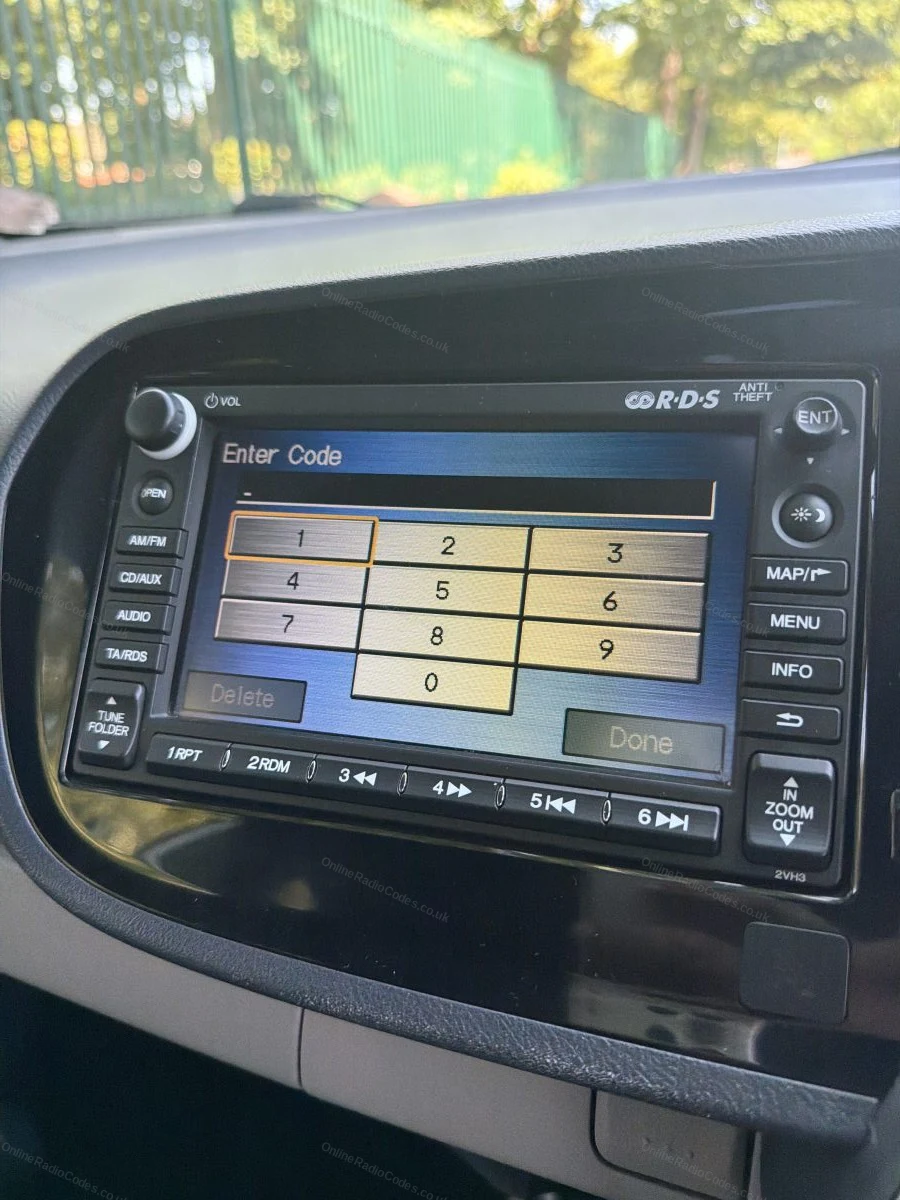
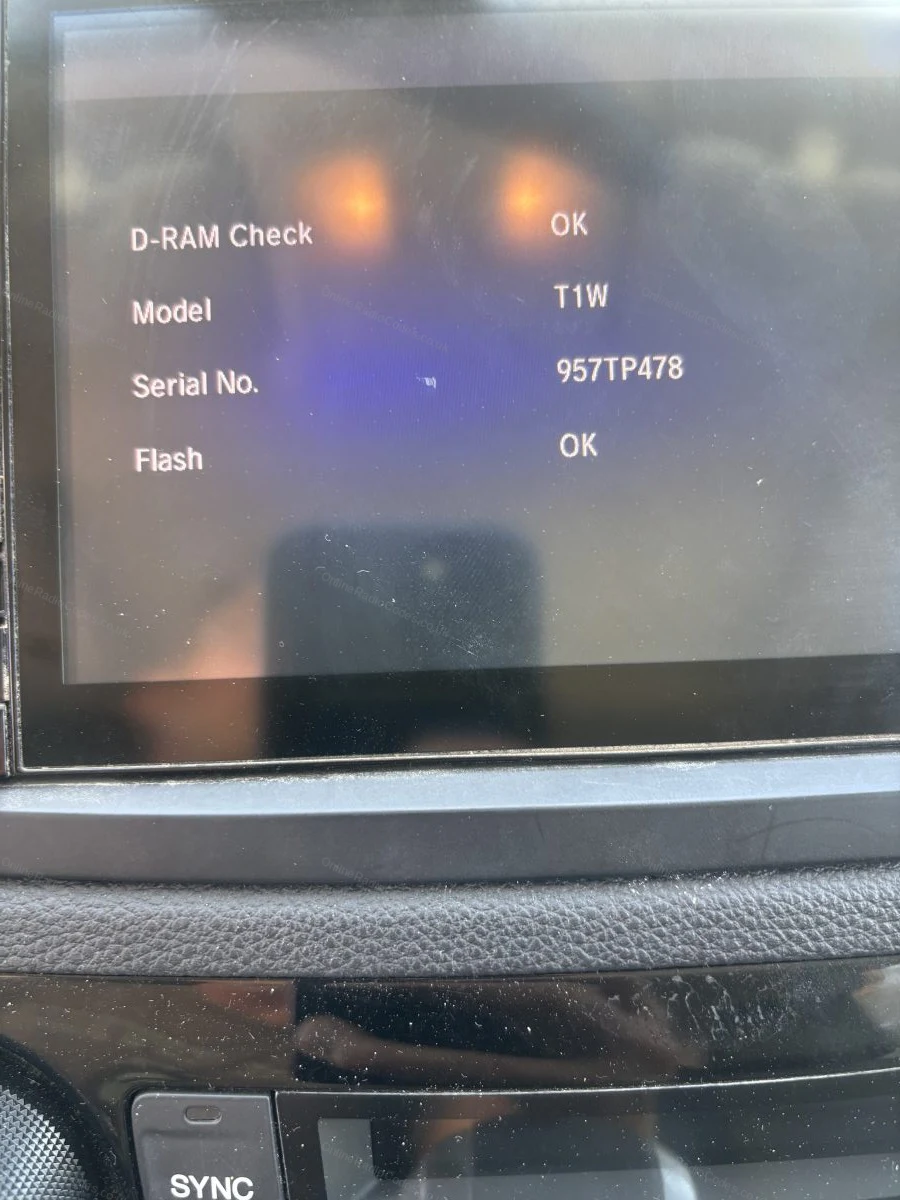
1 + 6 On-Screen
Get your serial from the screen
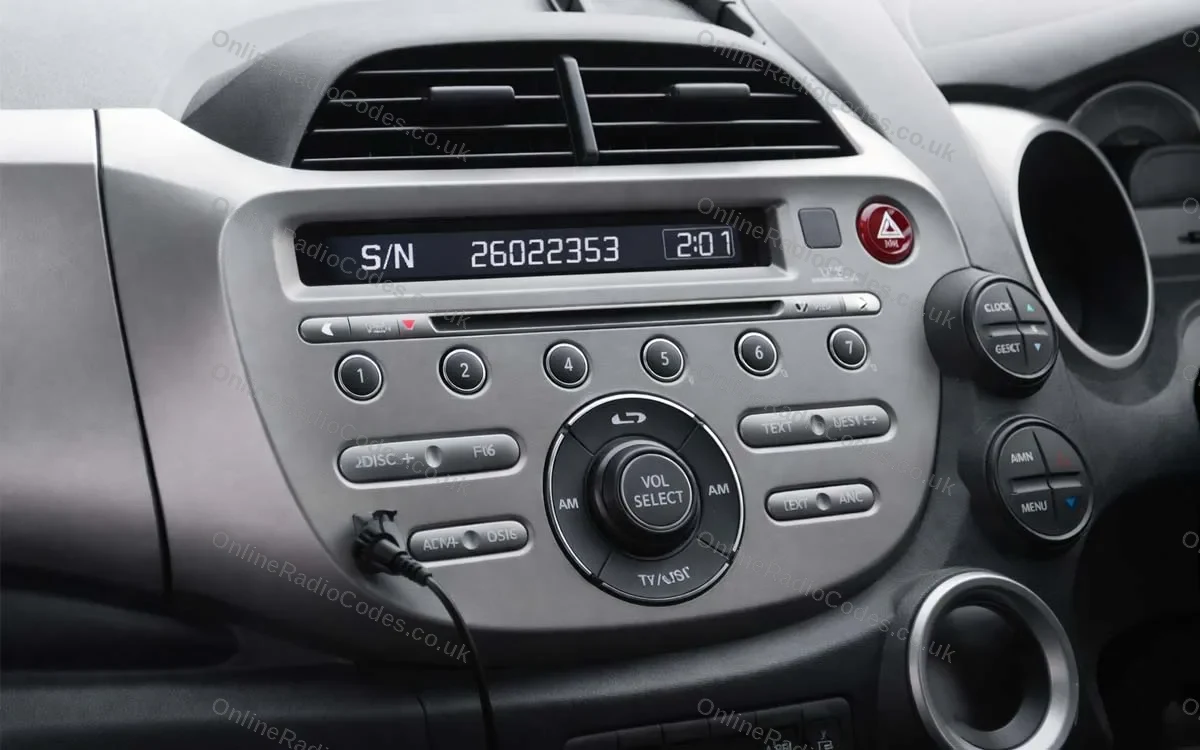
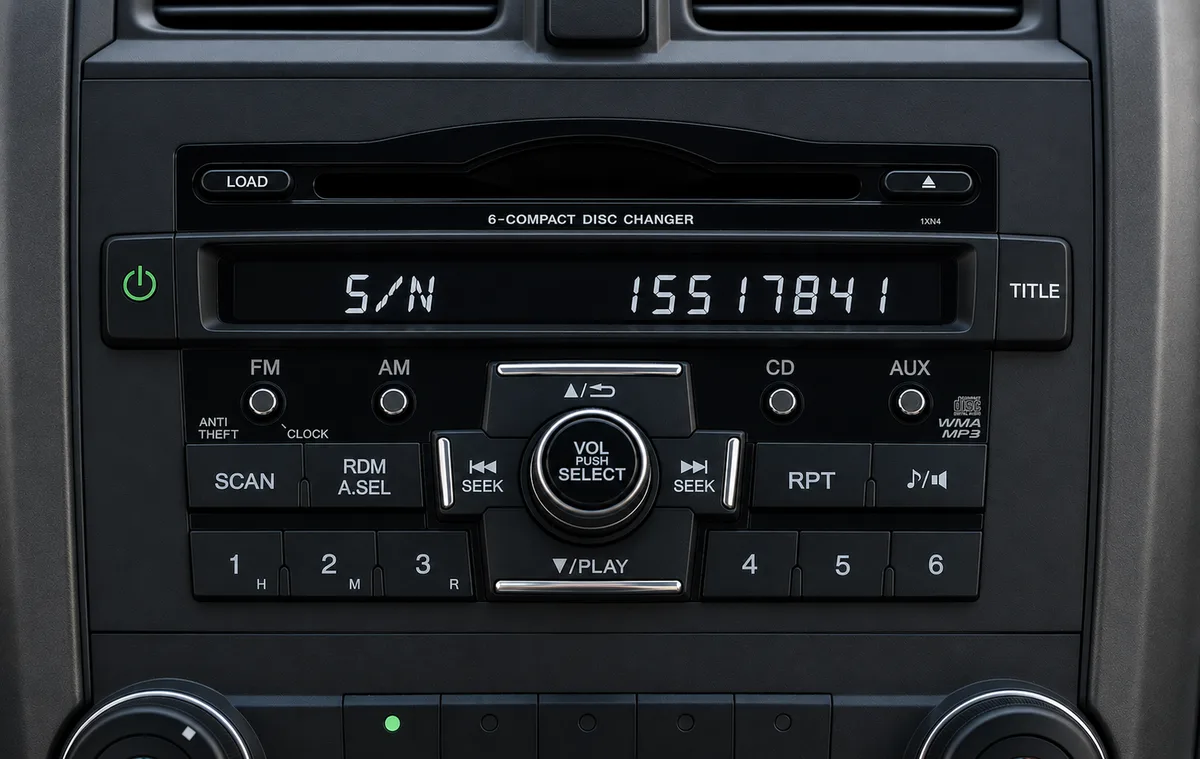
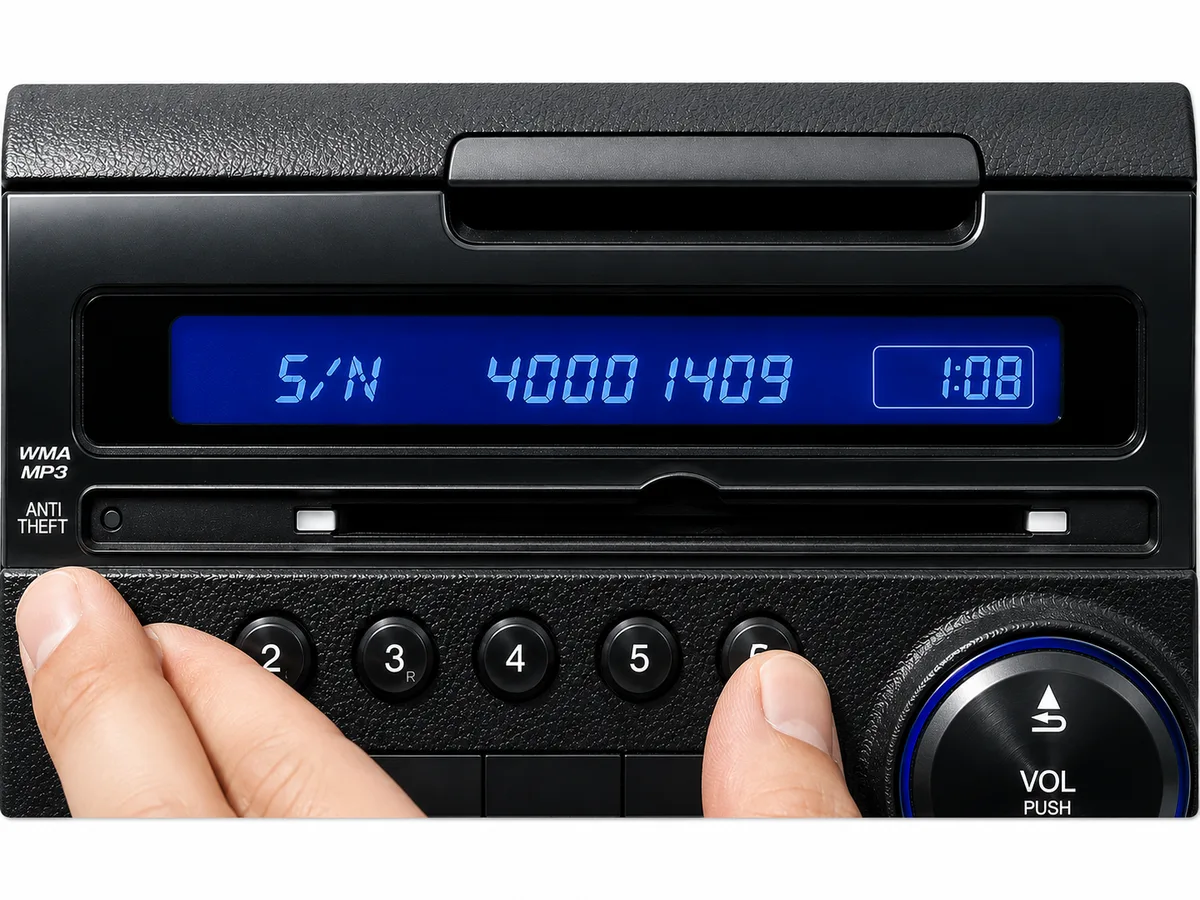
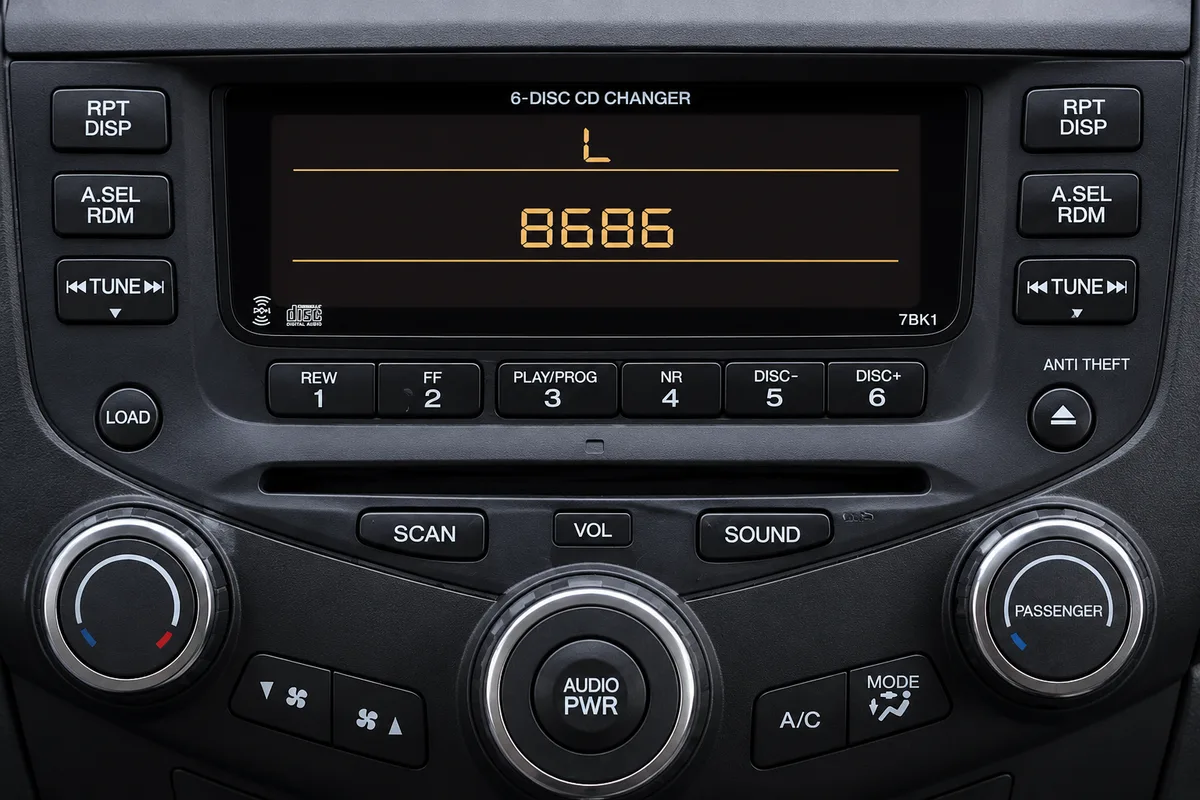
Fitted to Honda radios without a navigation screen. Turn on the ignition and radio, then press and hold preset buttons 1 and 6 simultaneously (on some radios, hold 1, 6 and Power together) for about two seconds until the display changes. The serial appears either as a U number and an L number (for example, U2154 L2135) or as a single S/N number (for example, S/N 2602353). Enter whichever format appears on your screen.
Touchscreen (2013+)
Find your serial in the diagnostics menu
To show your serial number on screen, open the hidden diagnostics screen. Hold one of these until it appears:
• The button on the top of the radio + Power + Menu
• Power + Eject + Home
• Power + Menu + the Day/Night button (about three seconds)
Then touch Detail Information & Setting → Unit Check → HMI Unit or DA Unit to see your serial. Tap Return to exit.
No diagnostics buttons? Touch Home → Info Menu → System / Device Information → System Info and read the device number.
Older Navigation (2003 to 2012)
Find your serial via the diagnostics menu
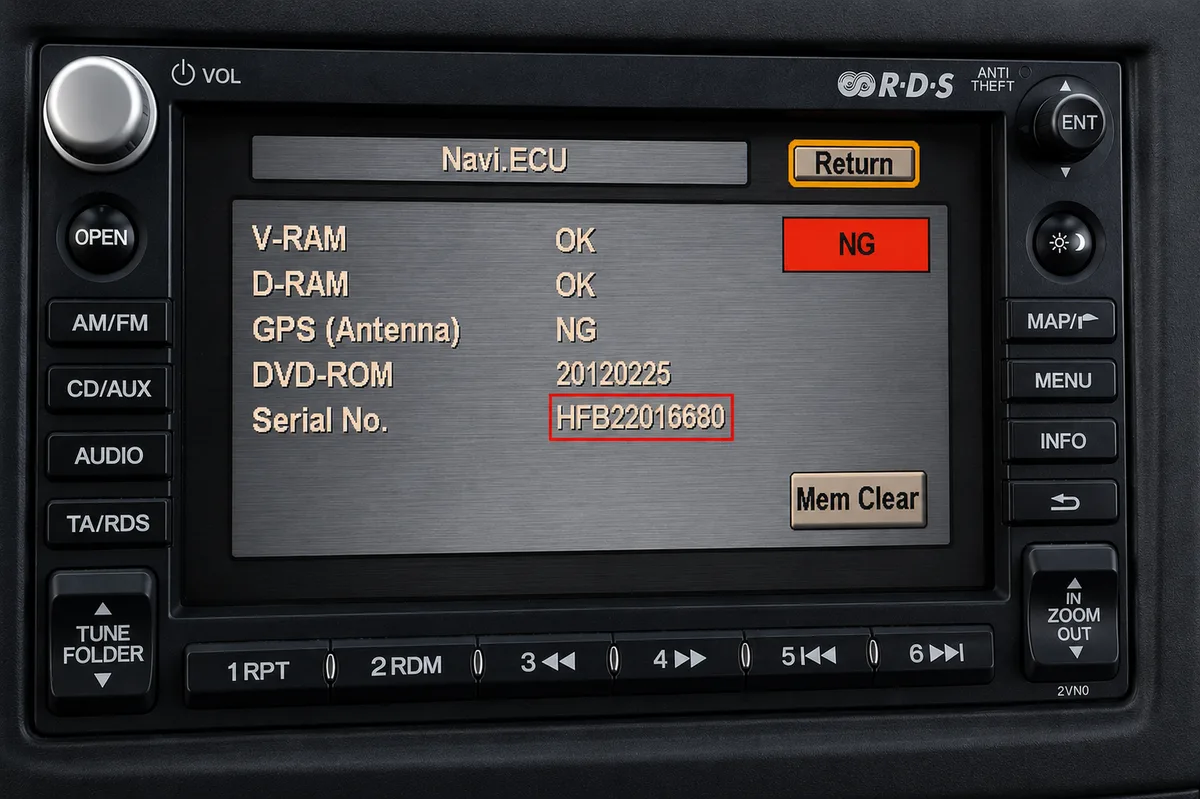
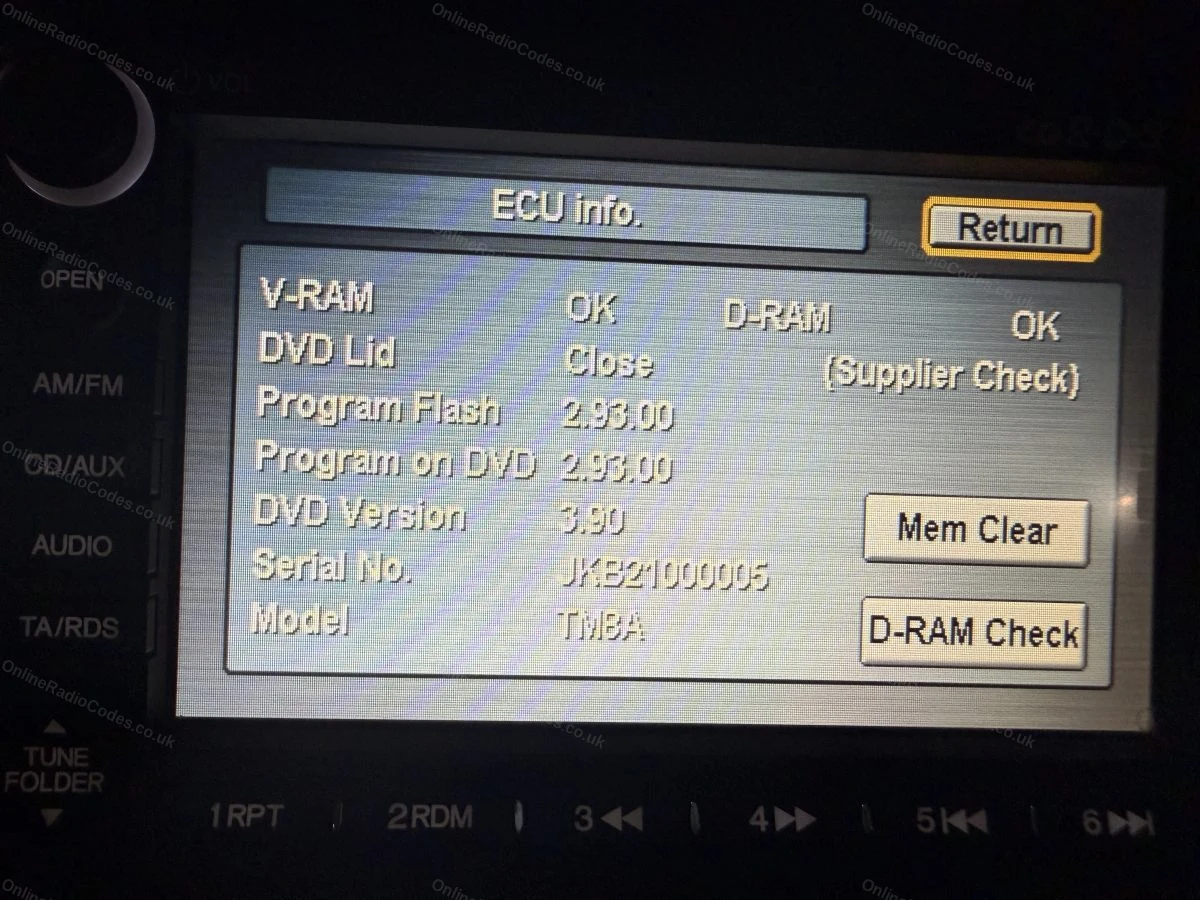
Fitted to navigation units on many 2003 to 2012 models. With the ignition on, press and hold Map (or Guide), Menu and Cancel together until the diagnostics screen appears, then select Unit Check and Navi ECU to see your serial.
On some units you instead press and hold SEEK or SKIP with CH or DISC, then PWR/VOL, and the serial appears on screen. Note it down exactly as shown.
Labels & Screen Examples
What your serial looks like
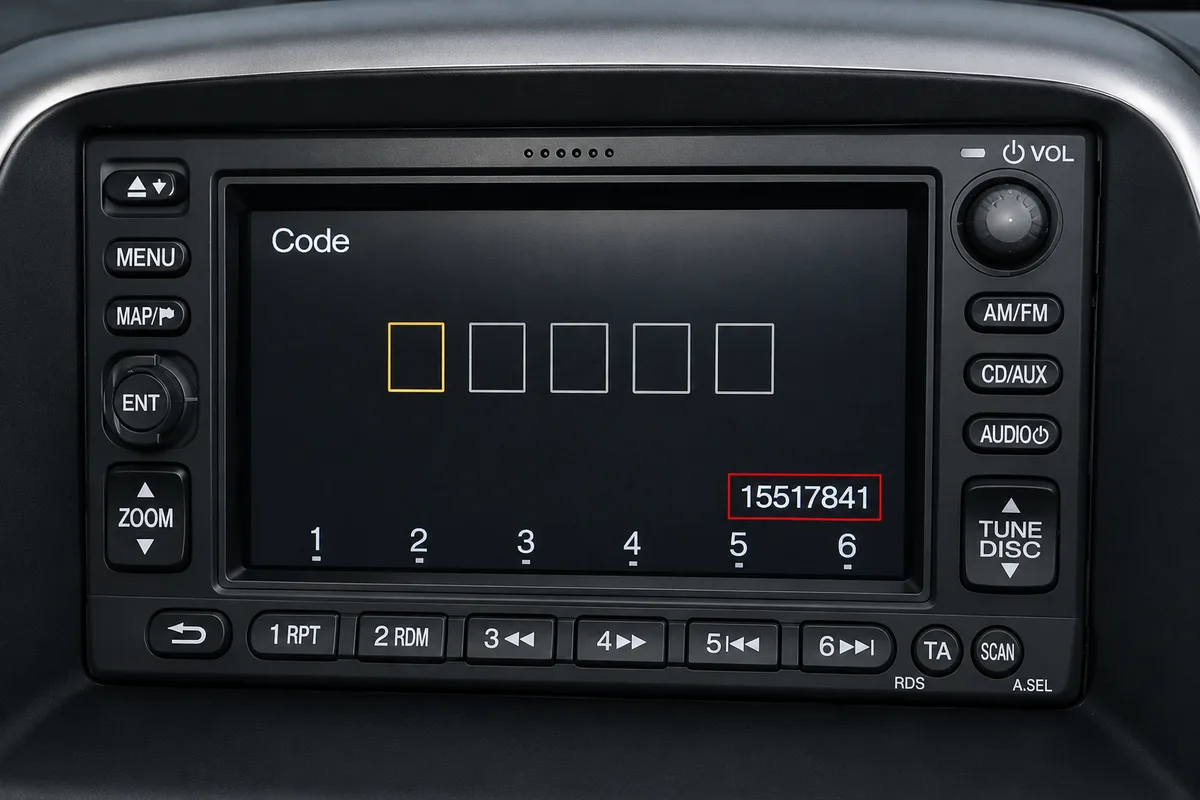
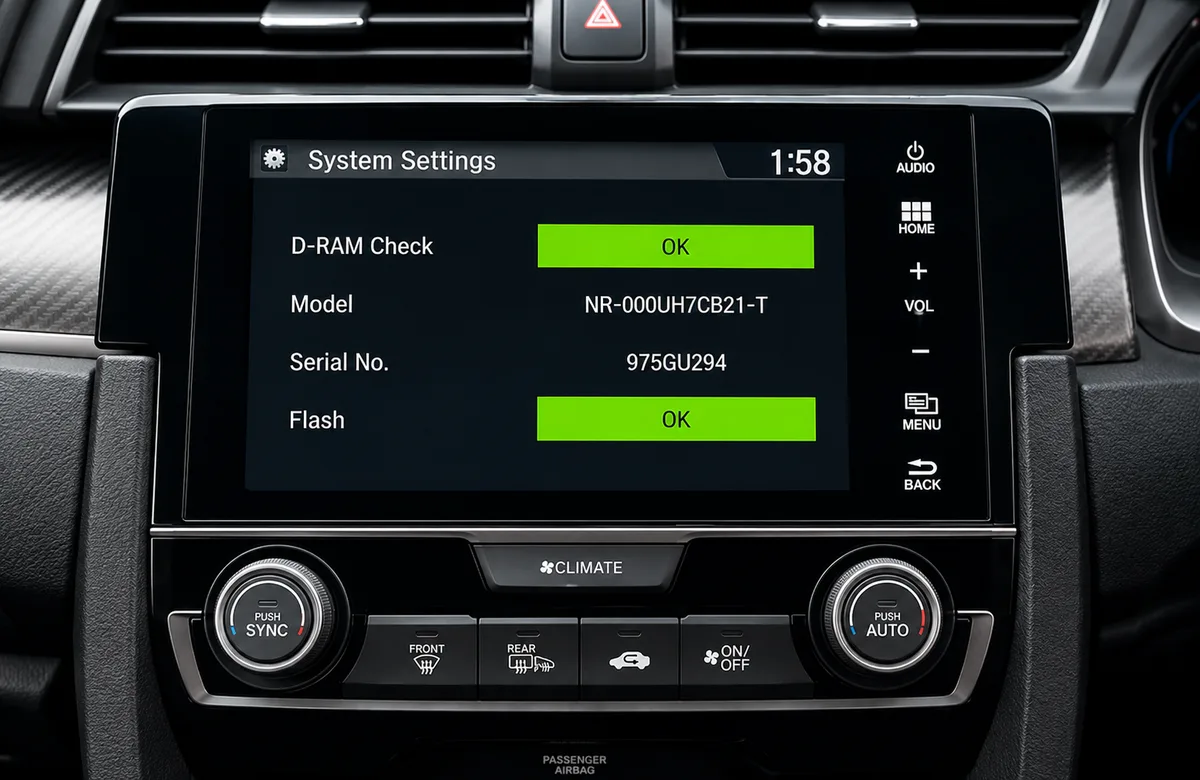
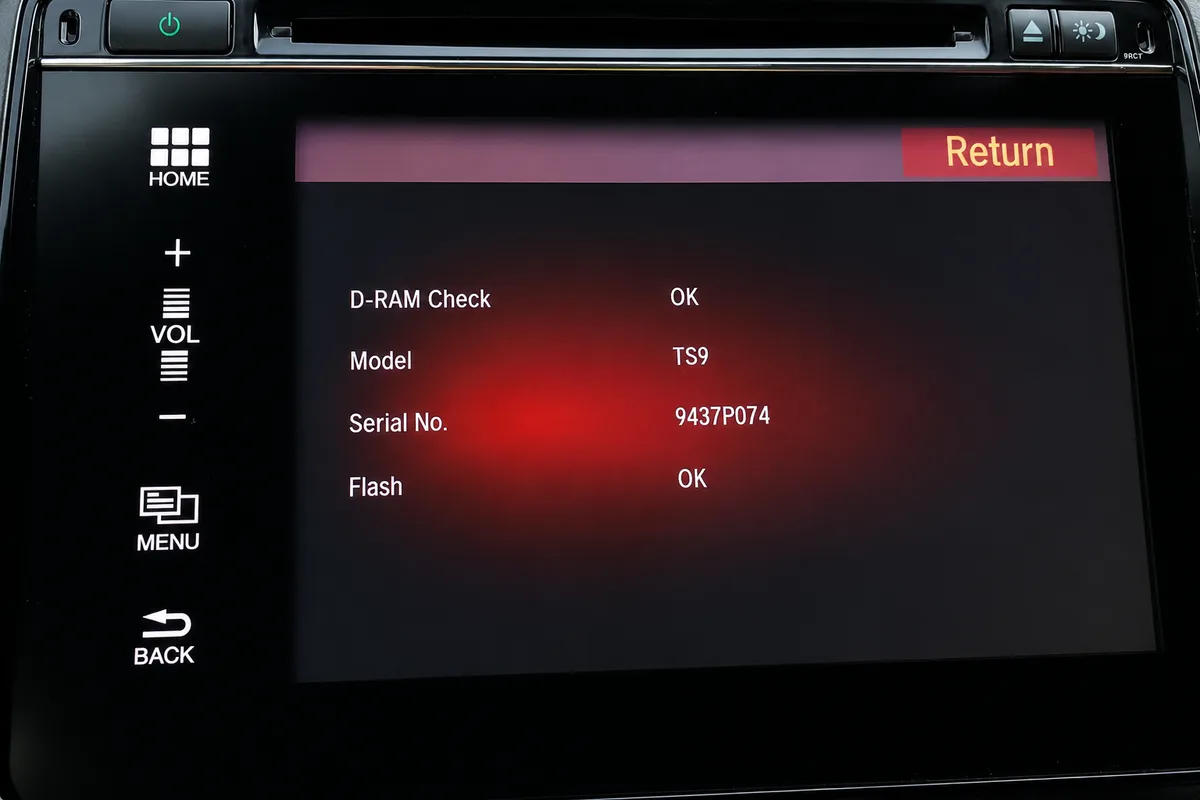
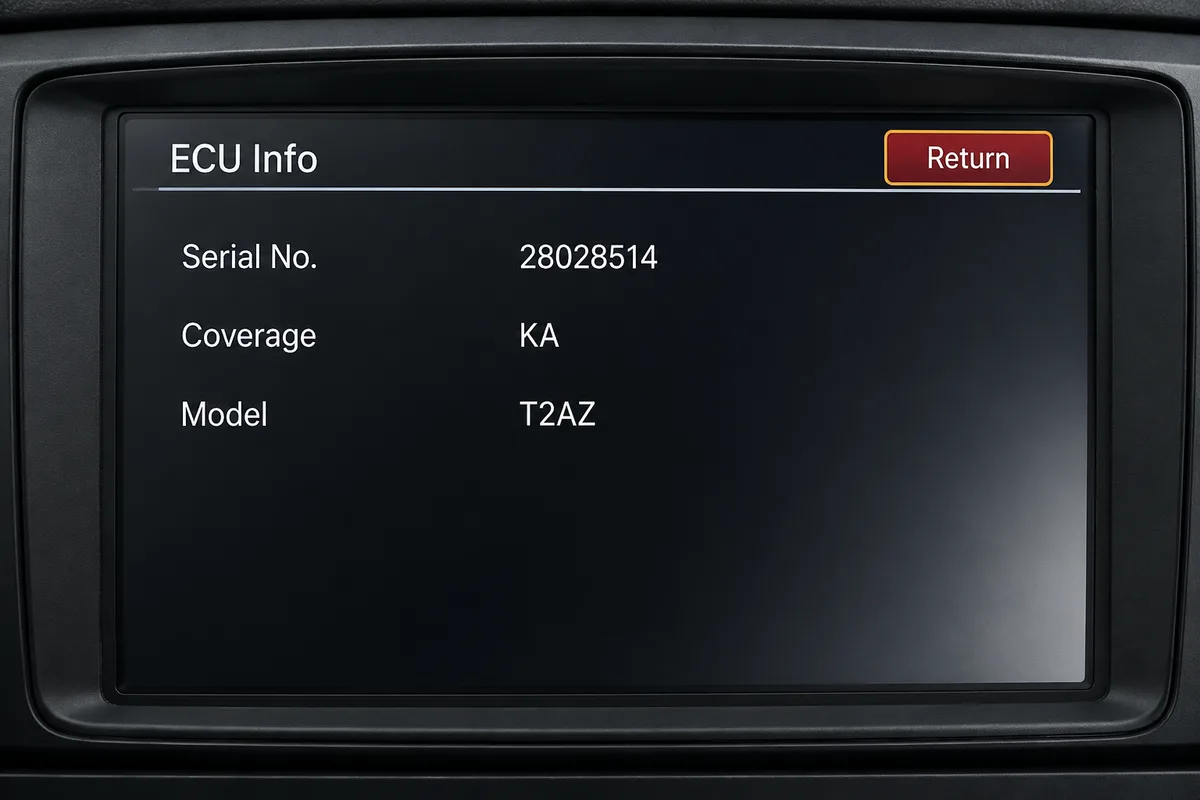
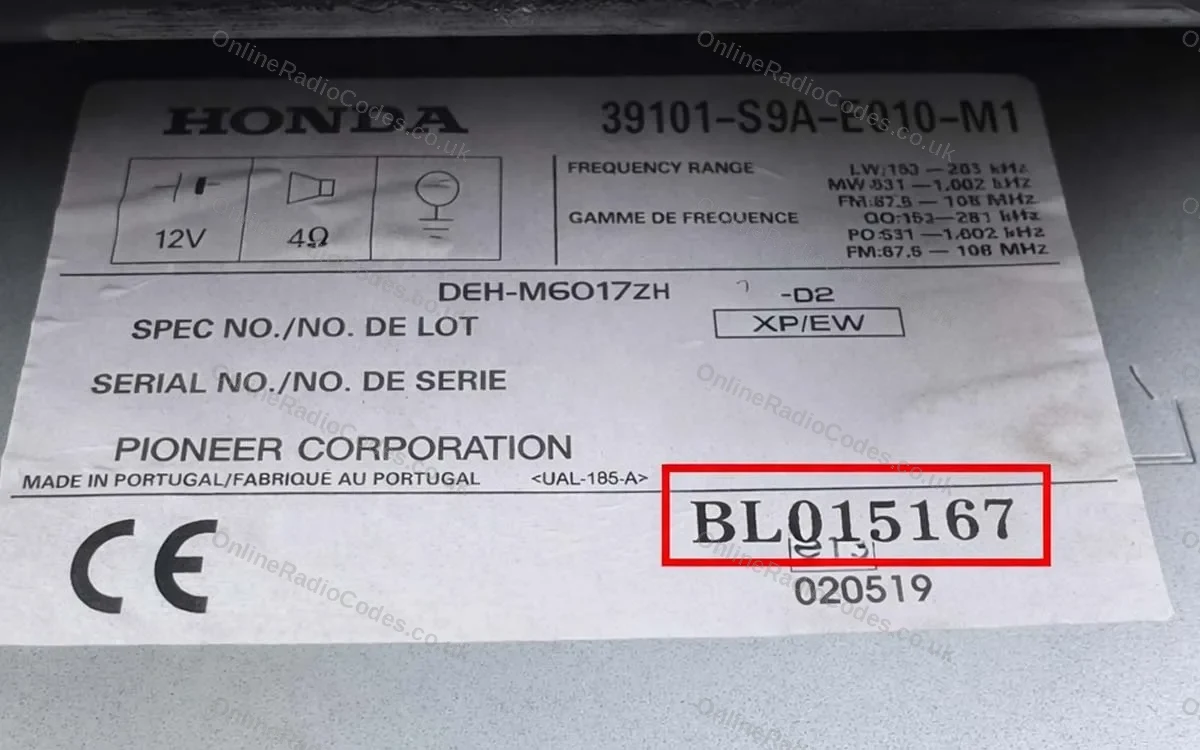
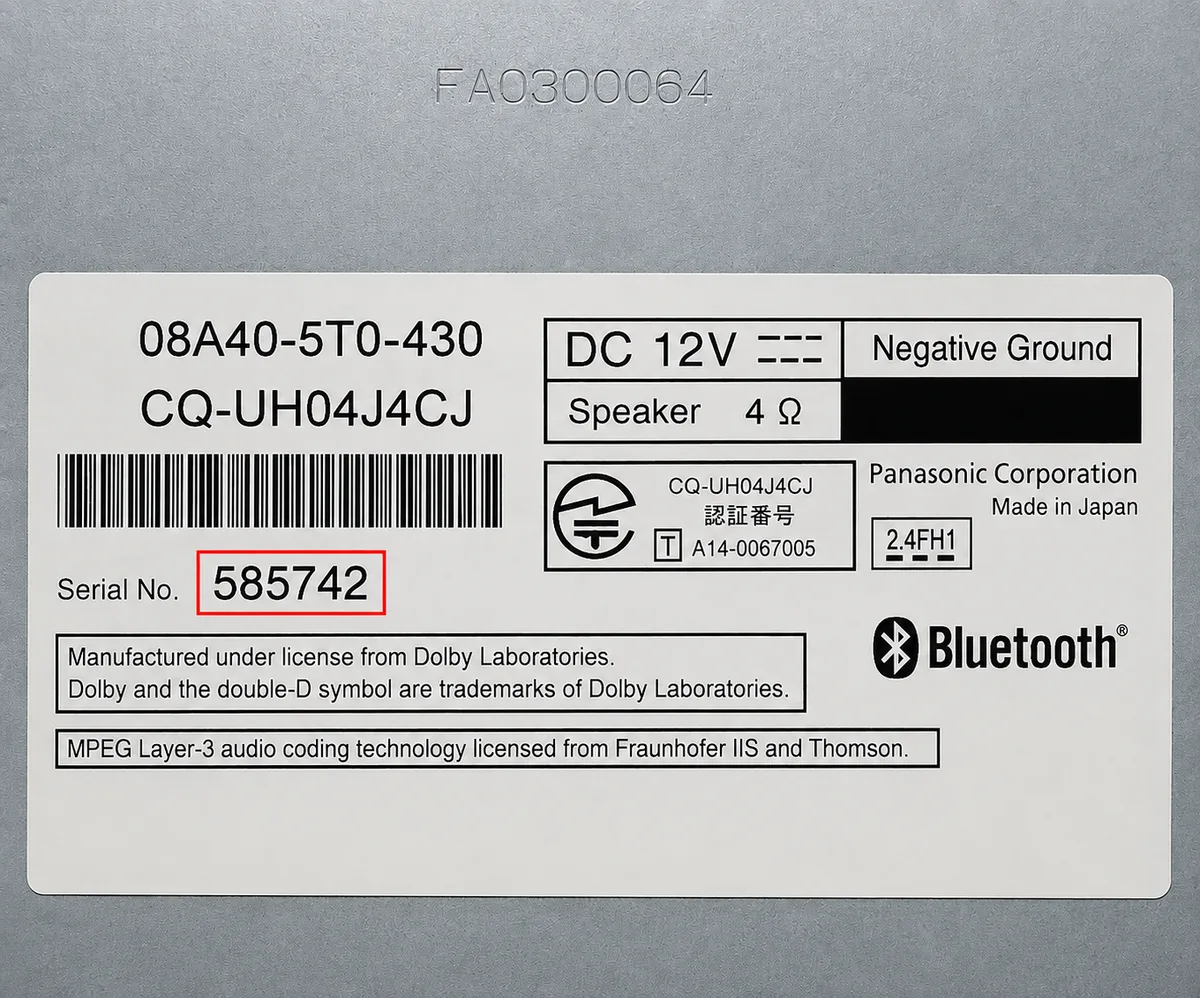
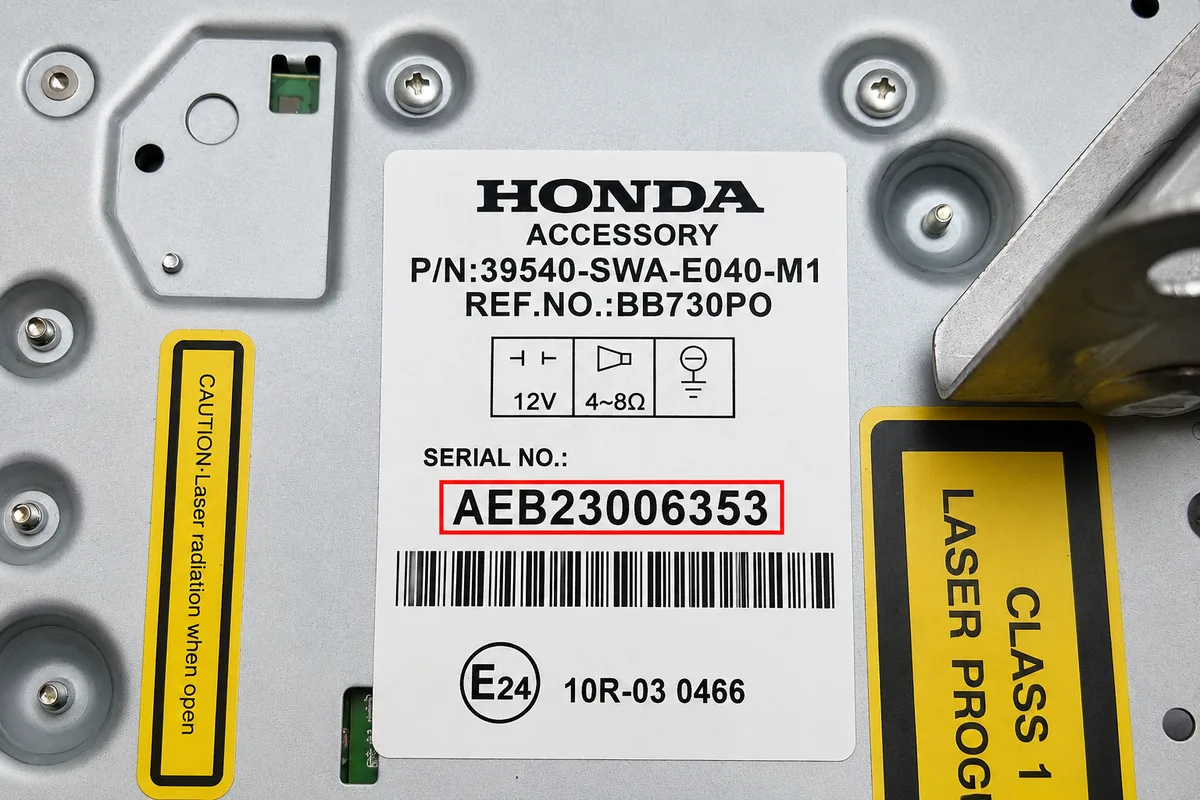
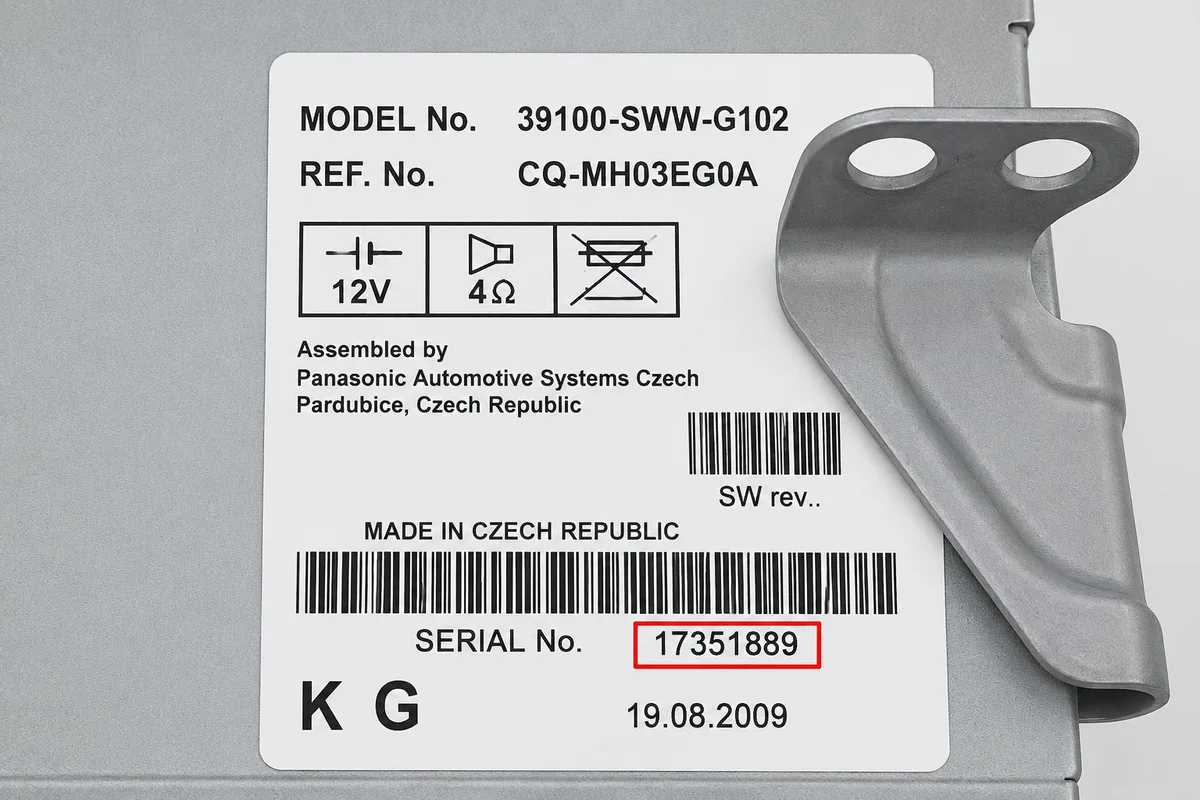
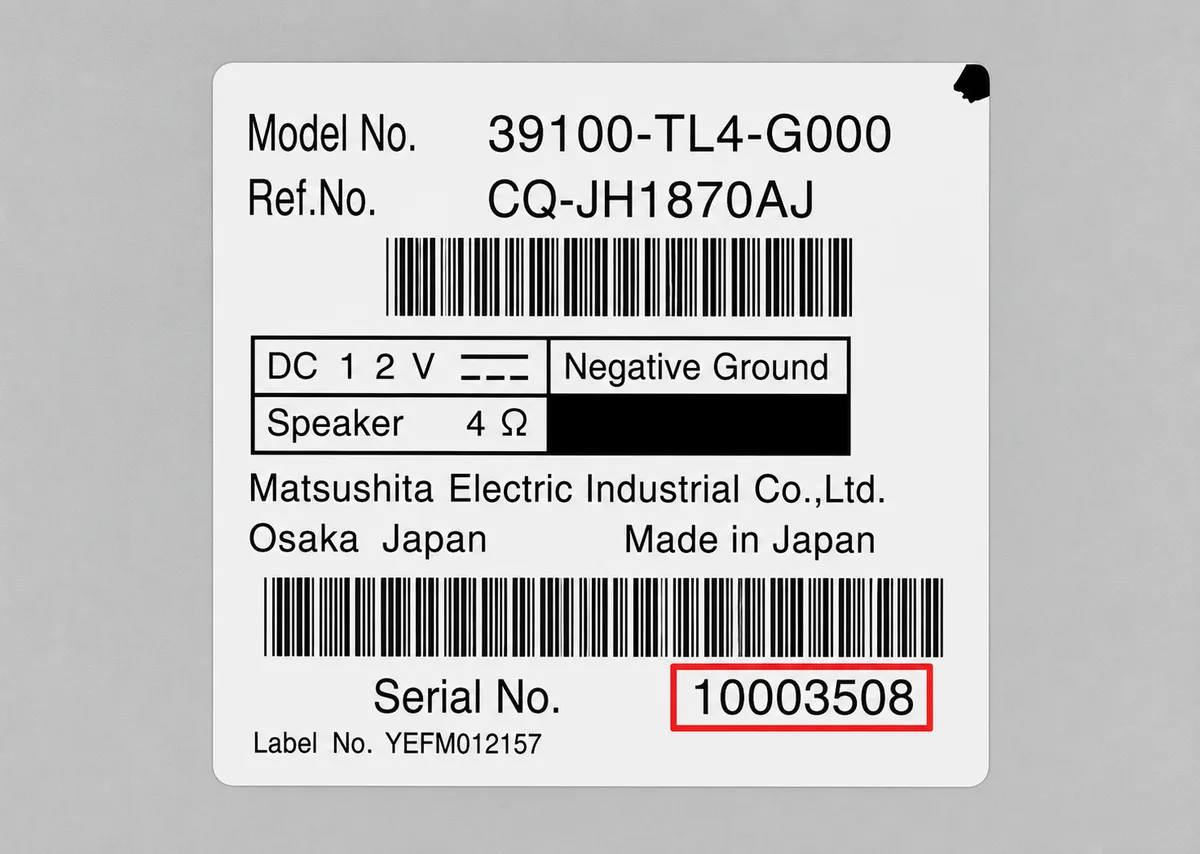
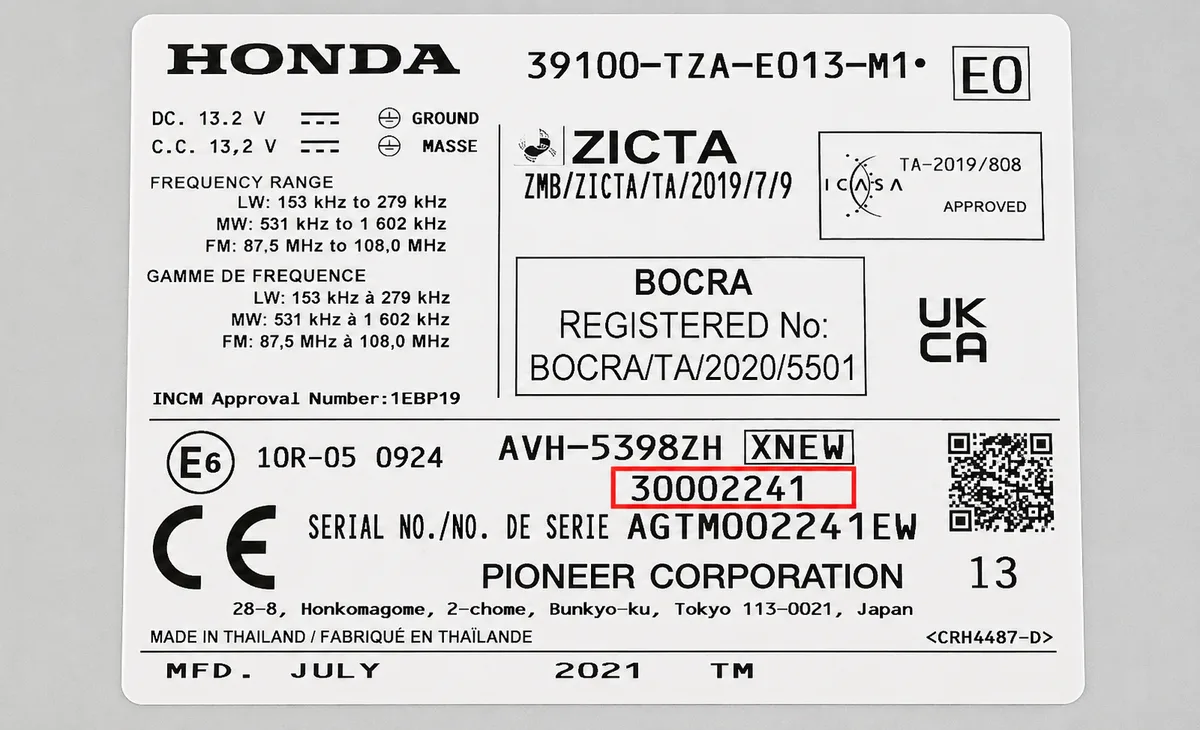
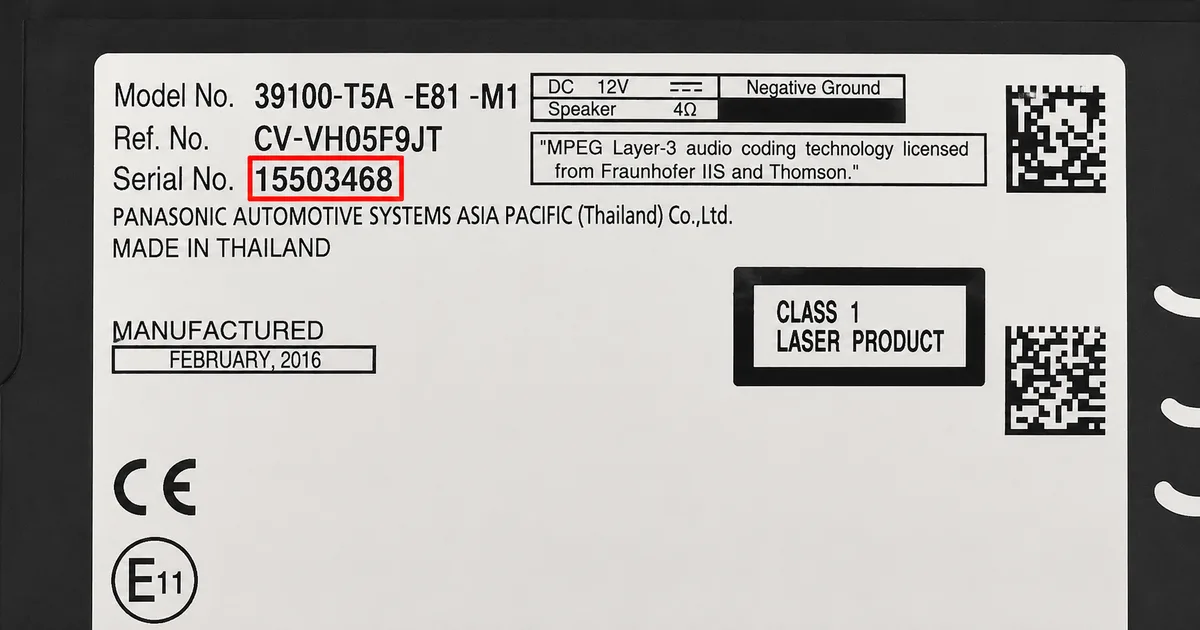
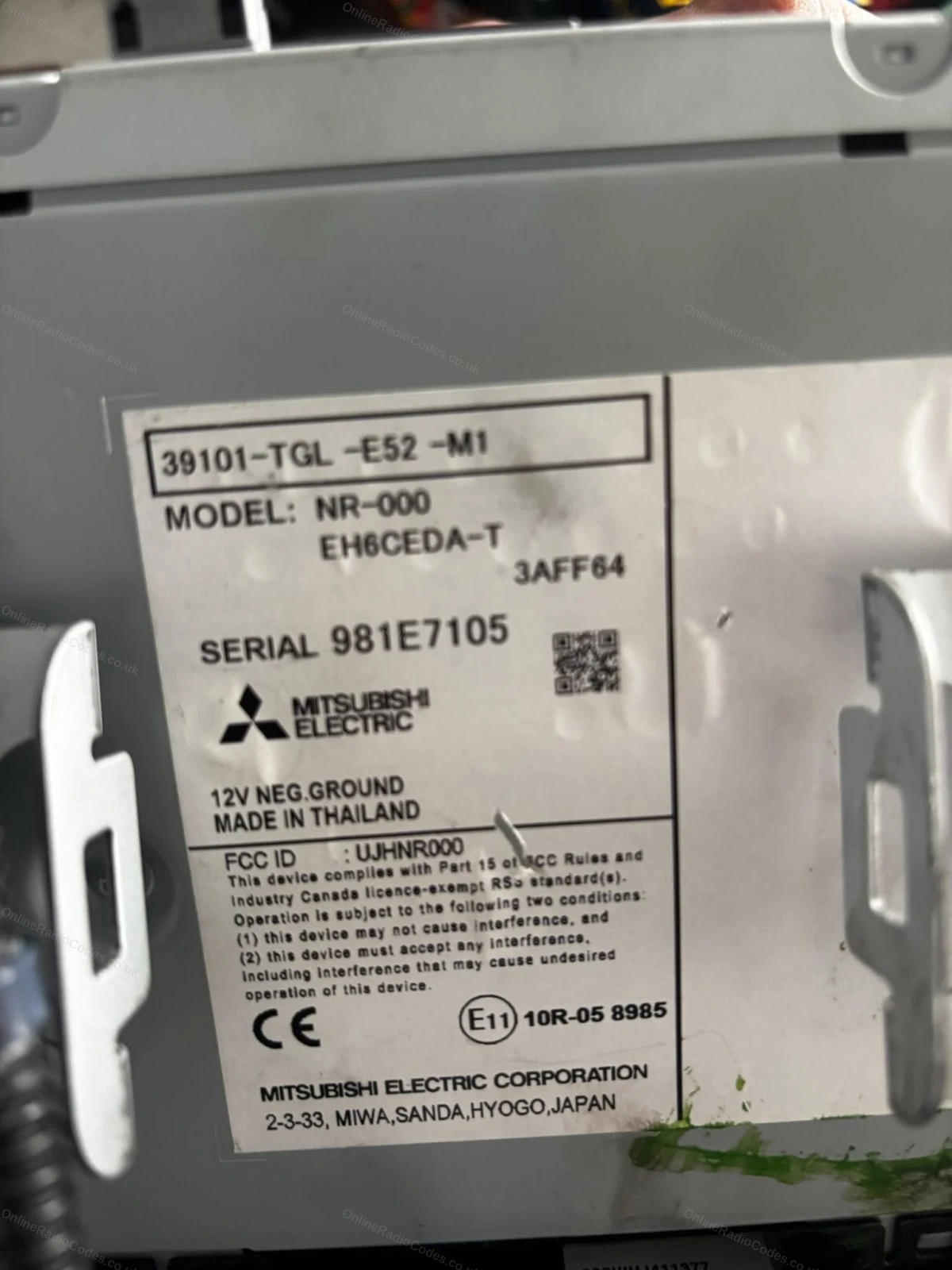
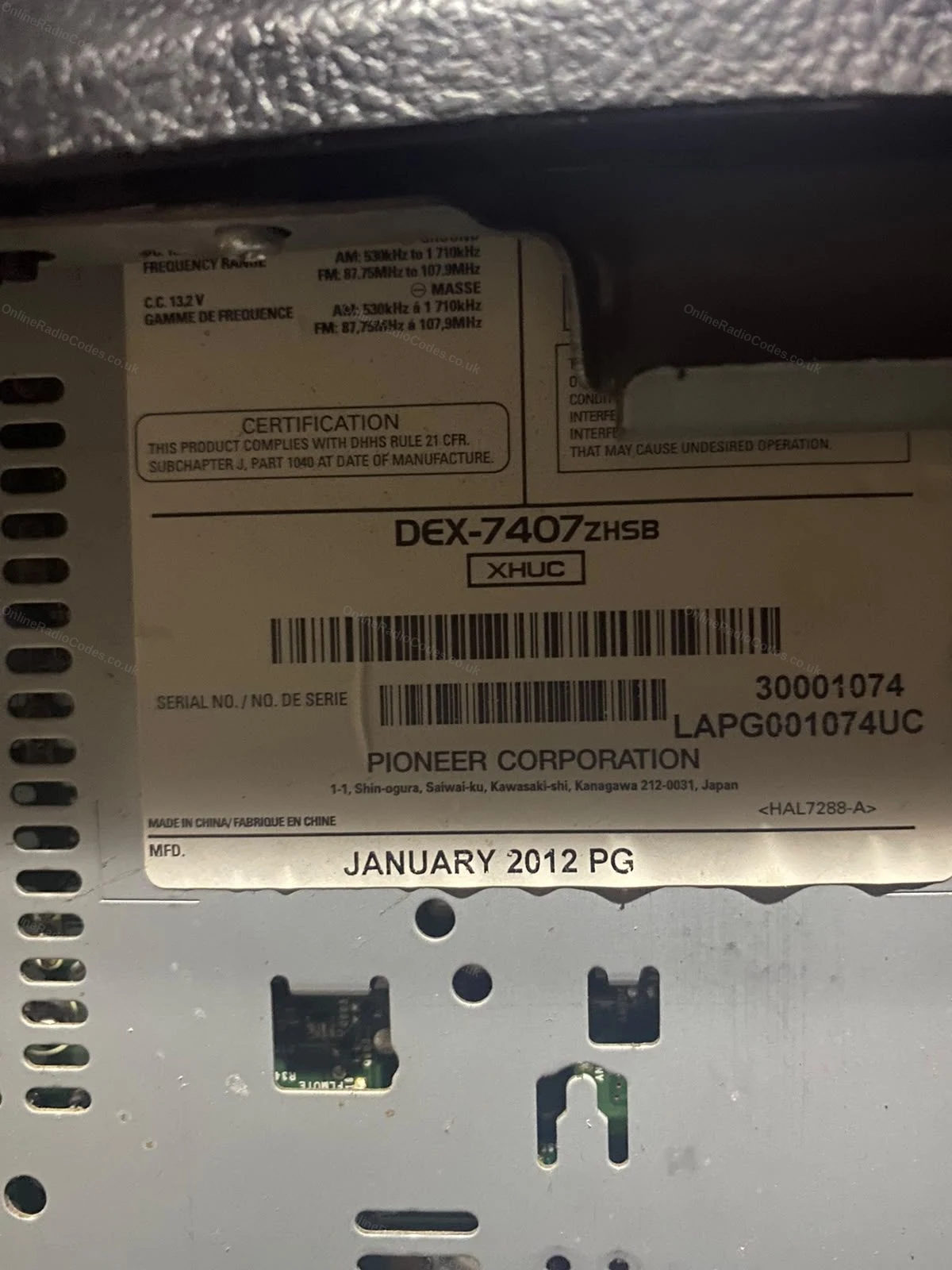
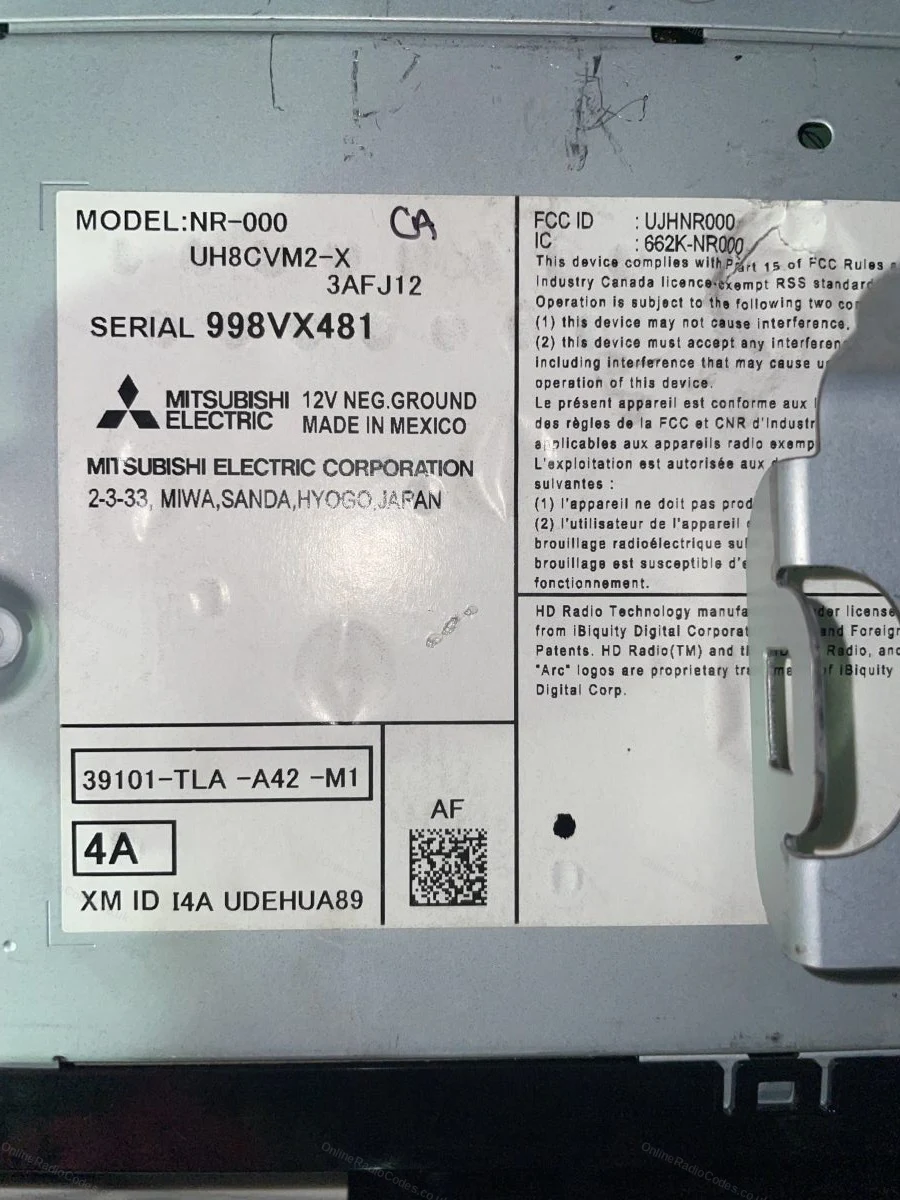
These are real examples of Honda serial numbers, both on the radio label and shown on screen, so you can see exactly what you are looking for.
If the serial is not showing on your screen, remove the unit with DIN release keys or a flat-head screwdriver and slide it forward. The serial is on a sticker on the top, side or rear of the casing, usually 6 to 14 characters (for example 954LR052 or SN500074). Enter it exactly as printed.



















 Honda · Radio Codes
 22,743 reviews on