






100% Money Back Guarantee The World's Leading Car Radio Code Service Trusted by 1,000,000+ customers
Audi Audi · Radio Codes
Est. 24 Hours

Audi Symphony Radio Codes

Audi Symphony radio code by serial number. The Symphony uses an AUZ-series serial on the side label once removed. Fitted as standard to many A3, A4, A6, and TT models.

Enter your serial number
Over 1 million codes delivered worldwide.
Not sure which serial to enter? See examples
Est. 24 Hours Money back guarantee Secure checkout

Step 1 of 3

How to find your Audi serial number

The guide below will show you exactly where to find your Audi radio serial number.

Remove the radio to find your serial
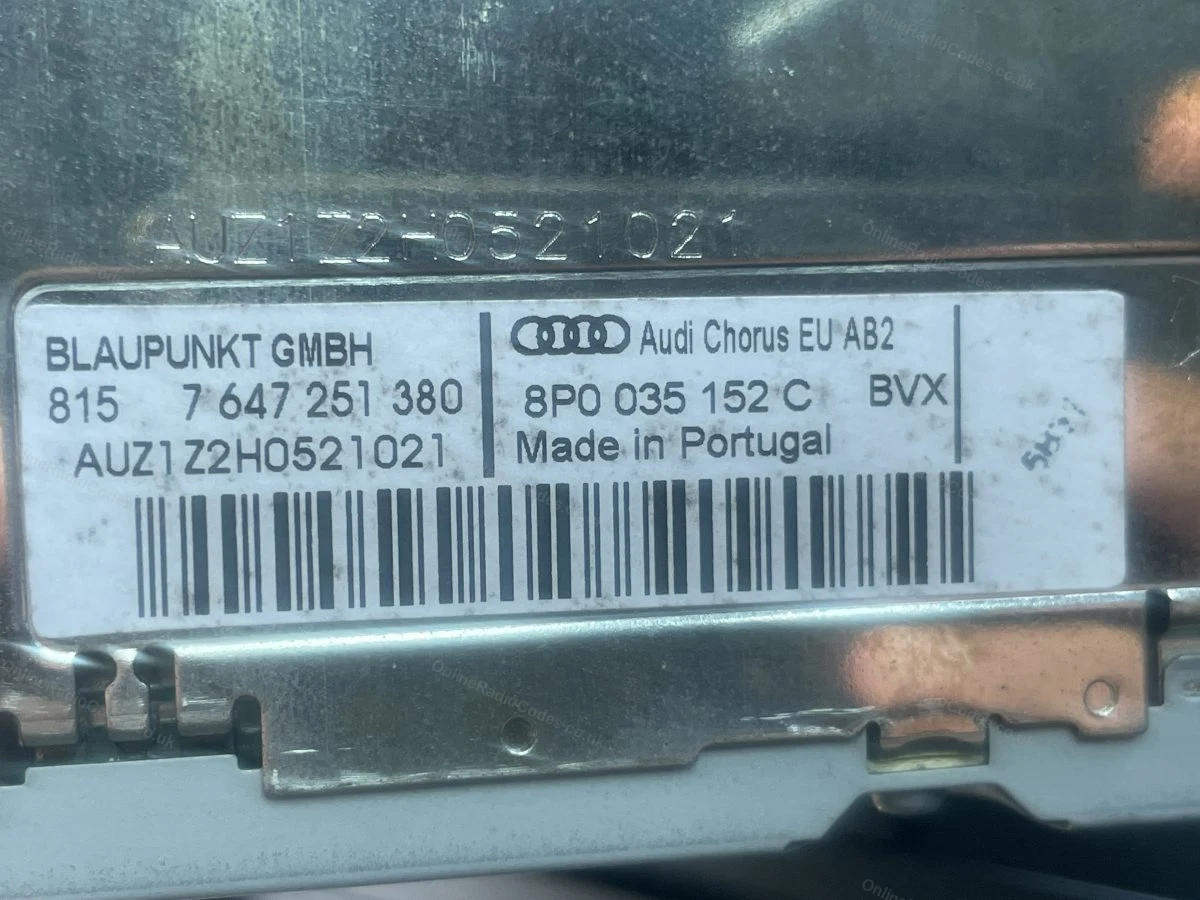
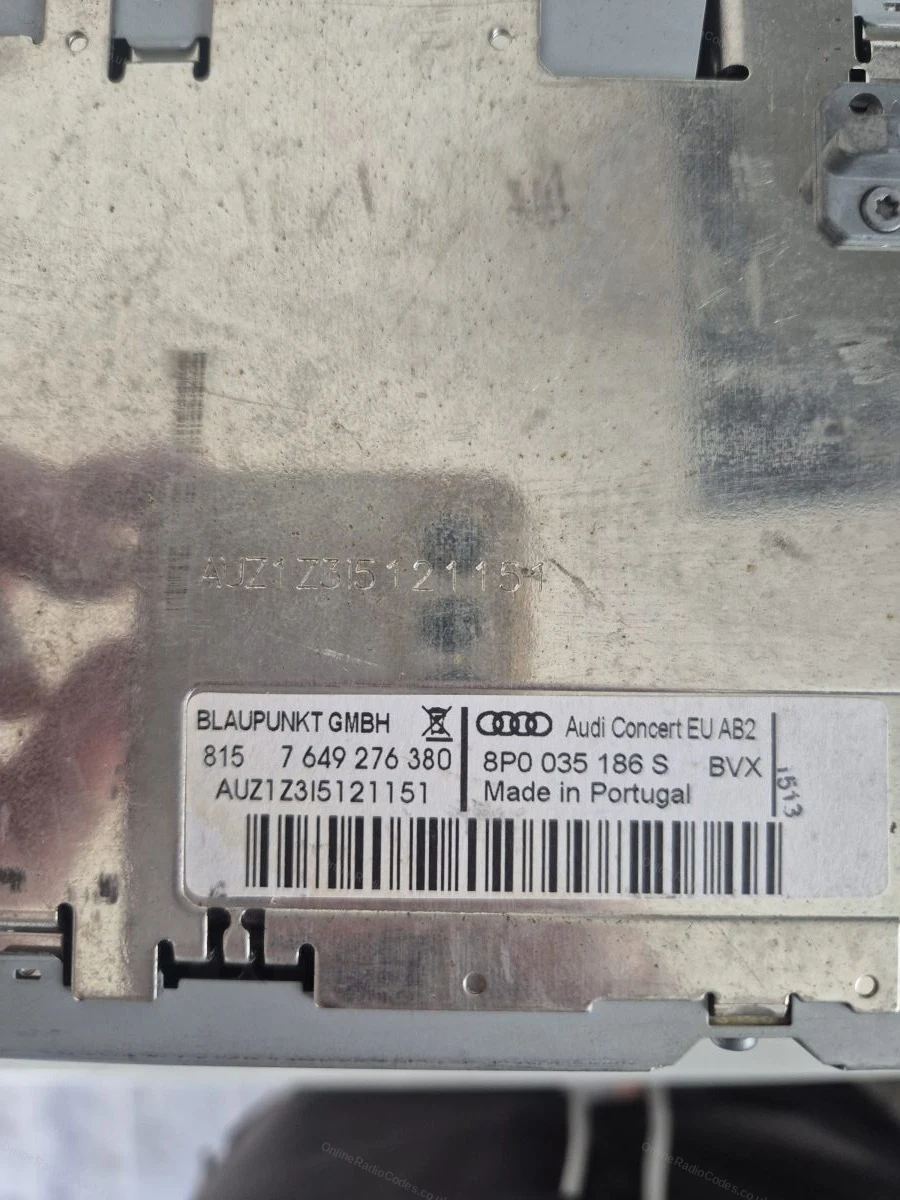
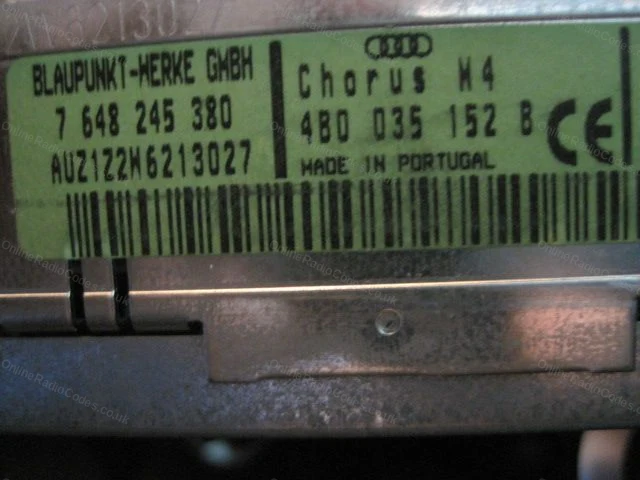
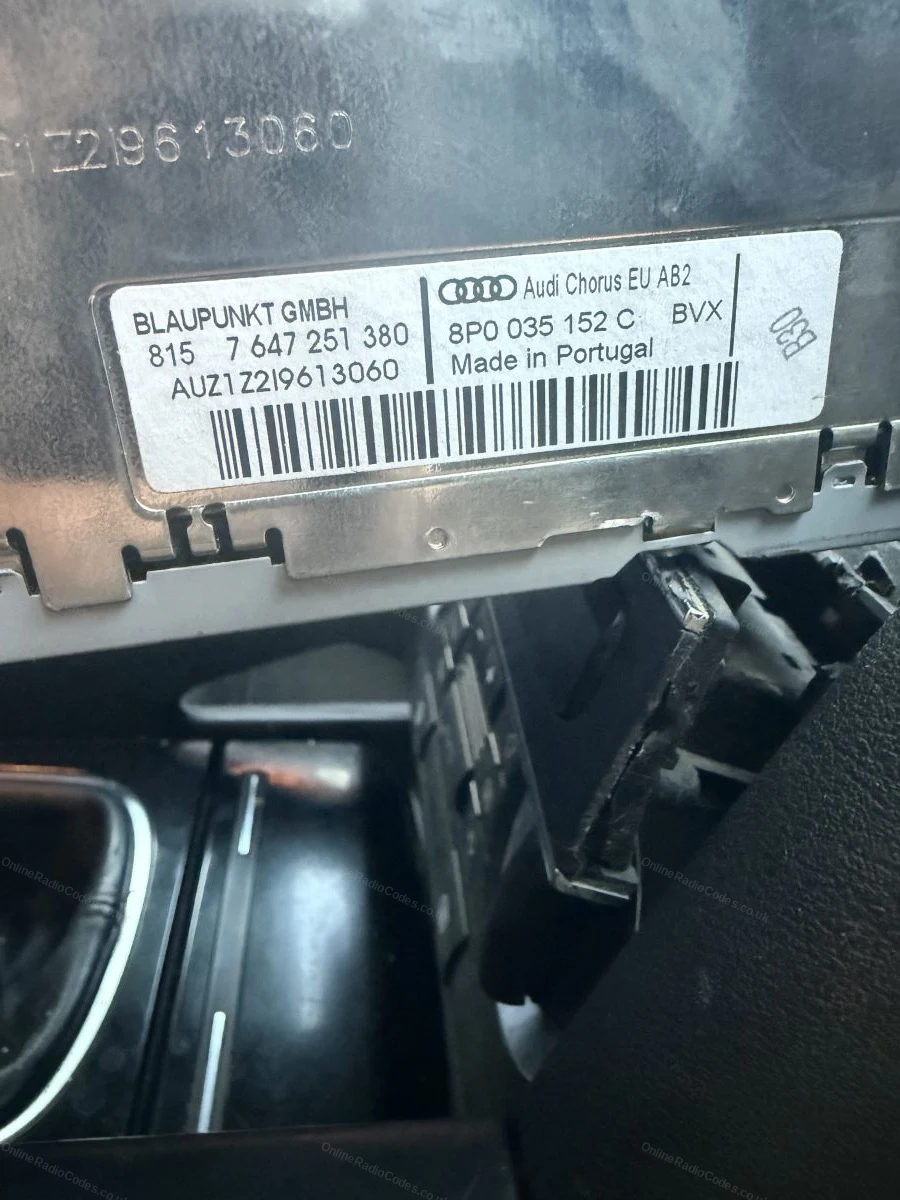
Audi Chorus / Concert
Remove the radio to find your serial
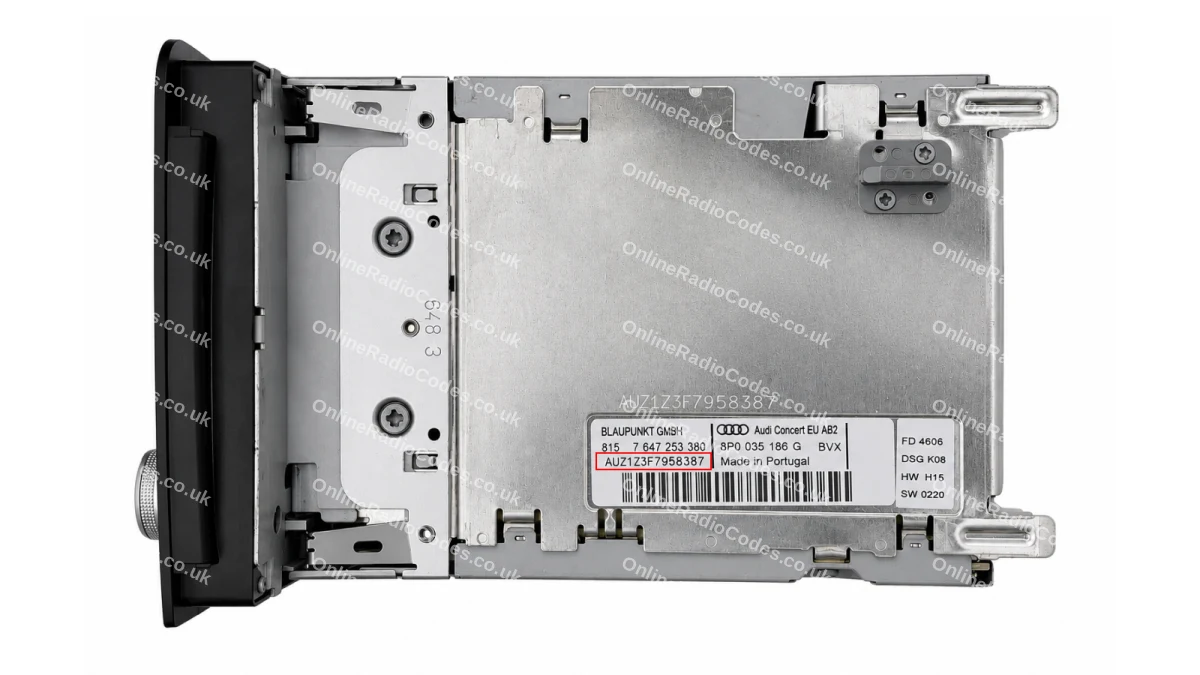
Insert the four radio release keys into the corner holes of the fascia and apply gentle outward pressure. The unit slides forward. You do not need to disconnect any wires.

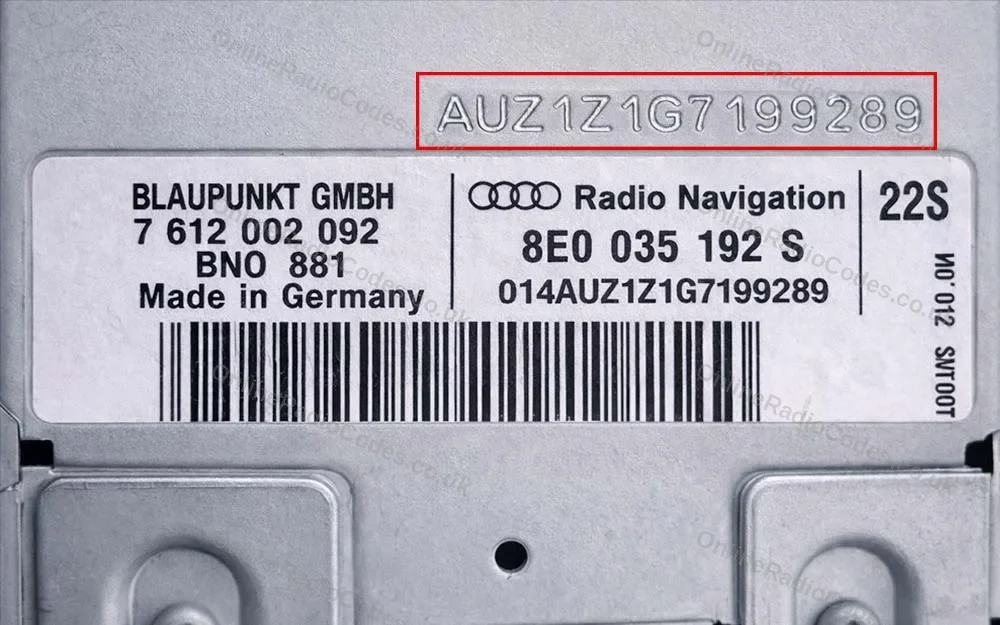
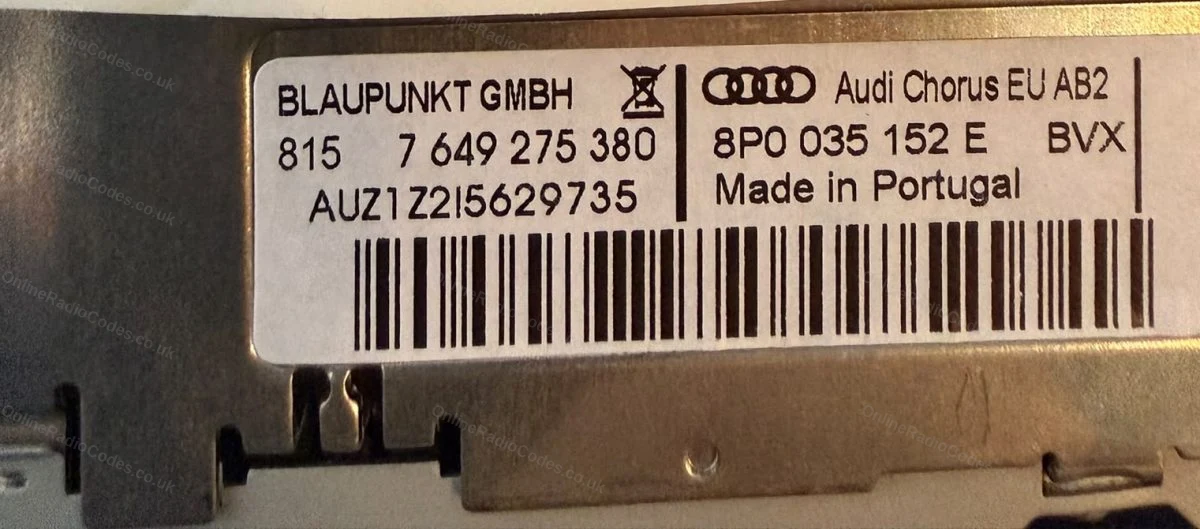
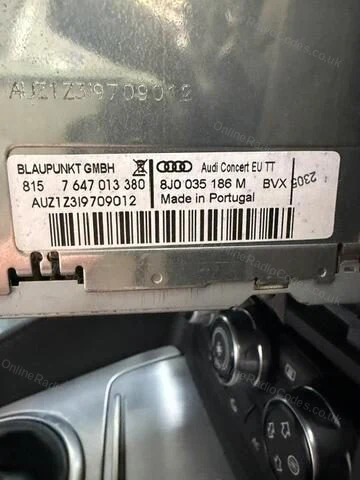
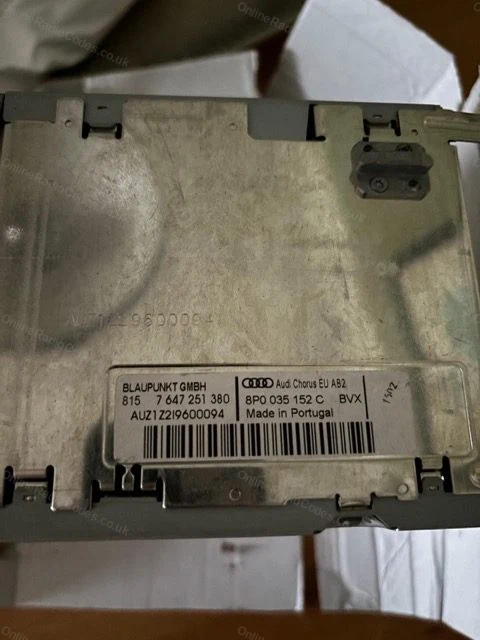
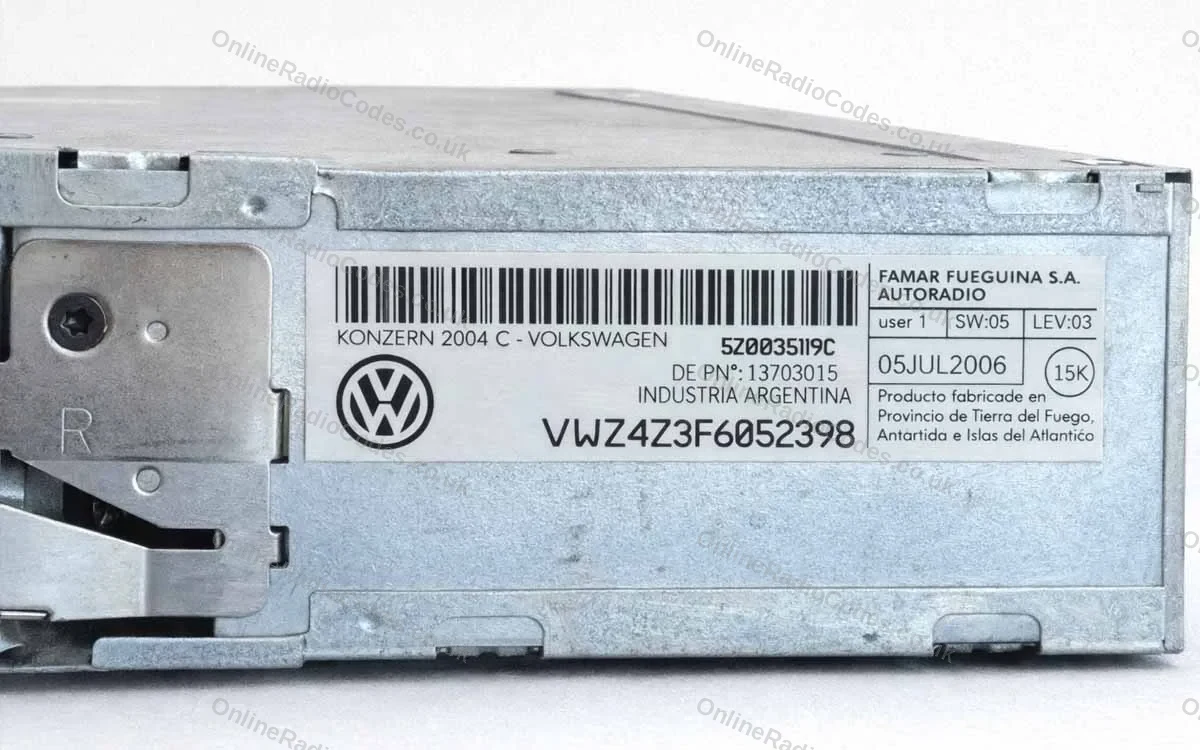
The serial is on the label on the back of the casing, starts with AUZ, 14 characters (for example, AUZ2Z3C1420538).
Remove the radio to find your serial
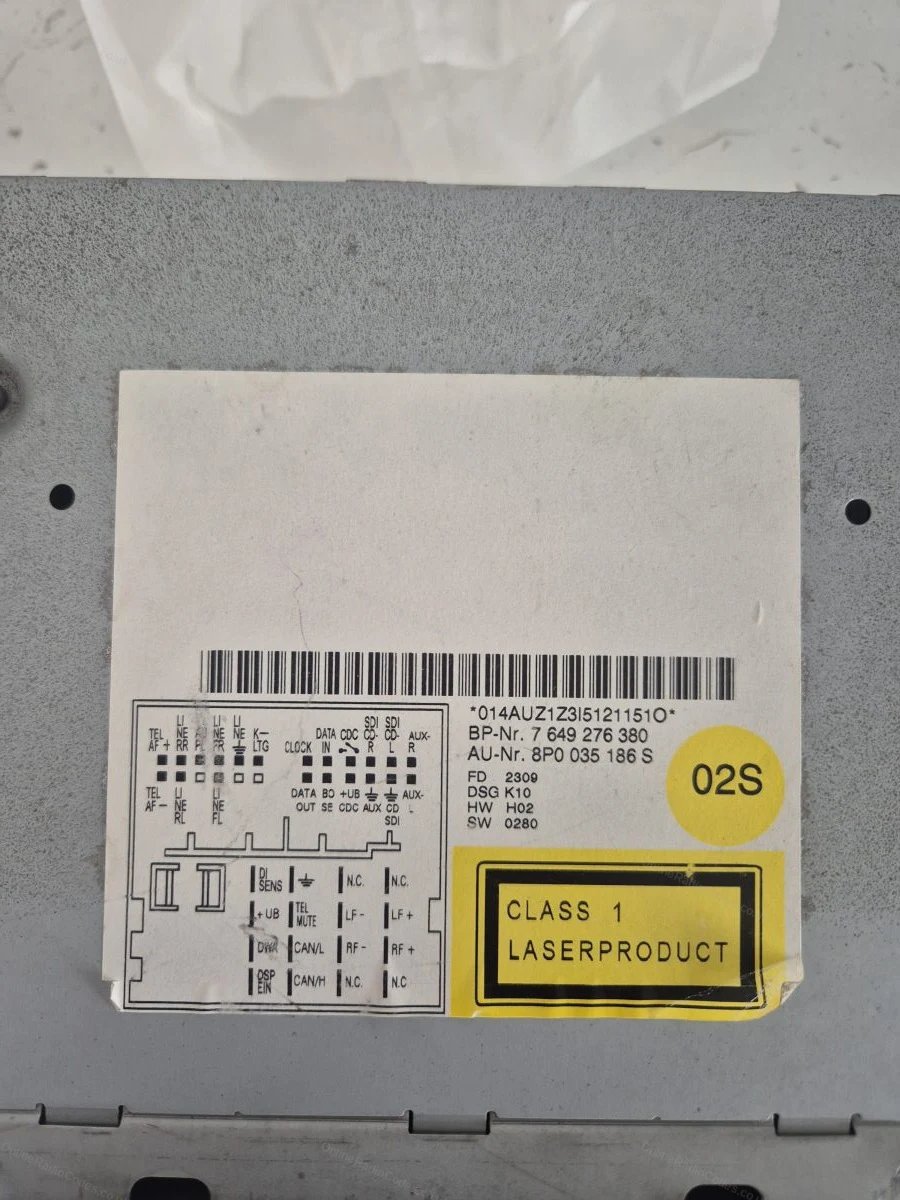
Audi Symphony
Remove the radio to find your serial
Insert the four release keys into the corner holes and slide the unit forward. The serial is on the label on the back of the casing, starts with AUZ, 14 characters (for example, AUZ1Z4H7755256).
Find your serial on screen
Audi RNS-E Navigation
Find your serial on screen
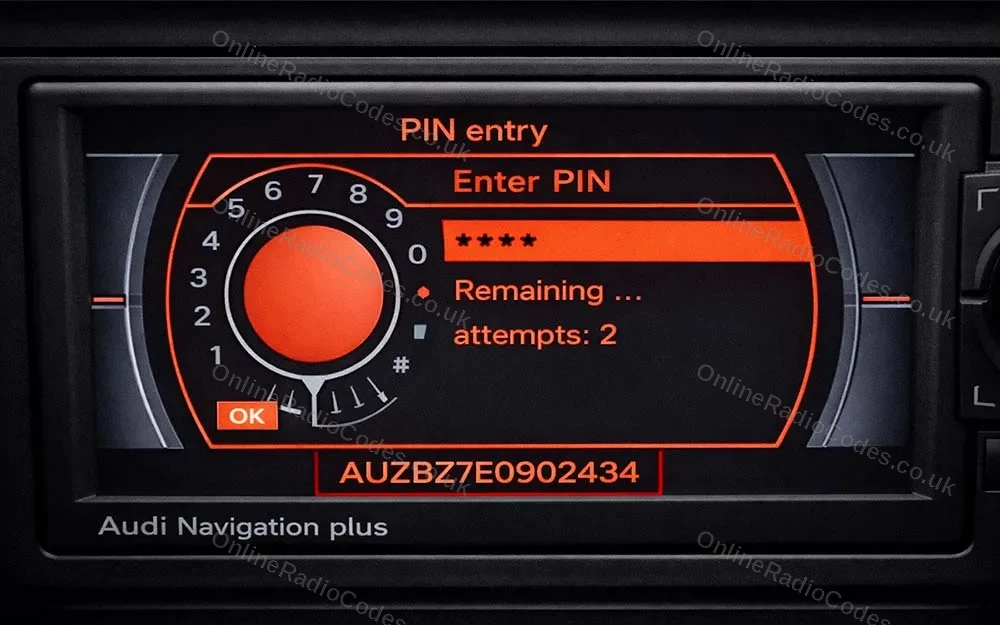
You do not need to remove the unit. Power it on and look at the bottom of the display, the serial number appears along the bottom edge of the screen.

It starts with AUZ, is 14 characters long, and the sixth character is always 7 (for example, AUZBZ7H7145296).
What your Audi serial looks like
AUZ-Series AUZ1Z1F6412082
AUZ-Series AUZBZ7E0902434
Can't find it? Contact us. We'll help you locate your serial before you pay a penny.

Since 2015 · 1 million decodes

The World’s Leading Audi Radio Code Service

A Decade of Decoding
Retrieving car radio codes since 2015, with more than a million codes delivered. Registered UK company No. 09736186. Read our story
Your Code, Fast
Most codes appear on screen the moment payment clears. The rest are handled by our team, usually within the hour in business hours.
Works, or Your Money Back
If your code does not work, we refund you in full. One of the very few radio code services that backs every single order.
Your Code, Kept for Life
Lose your code in five years? We keep it on file and will resend it free of charge, as many times as you need.

Real people, worldwide, around the clock

Meet our radio experts

A small team who have decoded radios for a decade, with Nova, our AI assistant, covering around the clock. Wherever you are in the world, we're here to help.

Live chat and email 24/7. Phones Monday to Friday, UK hours.

  • Gavin Wilson Gavin
  • Emma Keevney Emma
  • Lucy Flynn Lucy
  • Mika Jones Mika
  • Liz Wilson Liz
  • Nova, our AI assistant Nova 24/7

FAQ

Frequently asked questions

Do I need to remove the Symphony to get the serial?
Yes. The Symphony does not show its serial on screen, so slide the unit out with release keys and read the AUZ serial from the label on the casing. Unlike the RNS-E there is no screen route on this unit.
What is the difference between Symphony 1 and Symphony 2?
The Symphony 1 was an early 2000s unit. The Symphony 2 followed later with minor feature improvements. Both use the same removal and code process.
Which Audi models had the Symphony?
The Symphony was fitted to higher specification A4, A6 and A8 models. It sat above the Concert in the Audi audio line-up for its era.

Verified · Trustpilot

Don't just take our word for it

See all reviews on Trustpilot
5 stars
1 hour ago Trustpilot

Quick and easy

Quick and easy to do, code came through in seconds. Definately recommend

customer · GB
5 stars
2 hours ago Trustpilot

great service

quick ,easy to use and good price for the service thanks

ronnie webster · GB
5 stars
2 hours ago Trustpilot

Super schnelle und einfache…

Super schnelle und einfache Hilfe-vielen Dank! Preislich mit 15,99€ grad ok

Jana T · DE
5 stars
5 hours ago Trustpilot

Excellent service and would highly…

Excellent service and would highly recommend. The customer service line was prompt and efficient in addressing the queries I raised. Thank you for helping me…

YA · GB
5 stars
10 hours ago Trustpilot

Best service ever!!

Best service ever, speedy responses on email and really worth it.

WongWay ZA · ZA
5 stars
21 hours ago Trustpilot

This was really quick and easy...

This was really quick and easy....SO pleased to get my radio back!

Michael Sketchley · GB
5 stars
23 hours ago Trustpilot

Third time is a charm

This is the third time i have used them, because of some server issues for audi codes this time it took some weeks, otherwise i always got the code instantly…

Mats Frøysjø · NO · Audi
5 stars
1 day ago Trustpilot

Very professional service

Very professional service, great communication channels and prompt responses. I had typed the wrong serial number and they remained committed to my query thr…

Camocreed · GB
5 stars
1 day ago Trustpilot

Atención personalizada y rapidez.

Atención personalizada y rapidez.

Matias Almada · UY
5 stars
1 day ago Trustpilot

I have a Nissan Juke and locked the…

I have a Nissan Juke and locked the system PIN after changing the battery. The PIN which was provided by OnlineRadioCodes was correct and they saved me 80 Eu…

Miroslav · BG · Nissan
5 stars
2 days ago Trustpilot

A LIFE SAVER LITERALLY

A LIFE SAVER LITERALLY, they will save you dealer fees every single time

Kyran F · US
5 stars
2 days ago Trustpilot

10 out of 10 service!

Don’t need to waste time to go to a dealer ship so a tech can put a 4 digit code for you. Cost 30$ and got the code in not even 2 hour.Fast, time saver and t…

Vincent Grandmont · CA
See our 22,592 reviews on Trustpilot

Ready to unlock your Audi radio?

Enter your serial number above and get your unlock code in seconds.

Get my code now
Online Radio Codes is an independent radio code service and is not affiliated with, authorised by, or connected to Audi AG or any of its subsidiaries or affiliated companies. All manufacturer names, model names and trademarks are the property of their respective owners and are used solely for identification and reference purposes.
Get my radio code