Serie V · Premere 1 + 6
Prendi il numero di serie dalla schermata
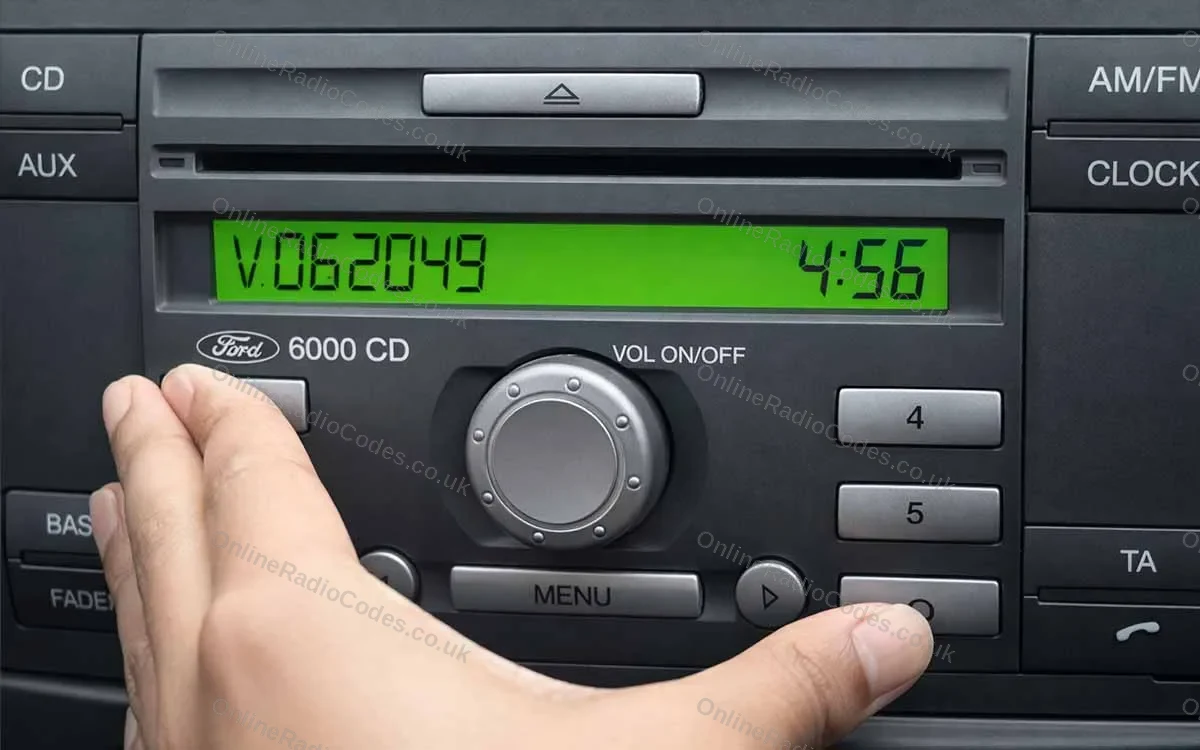
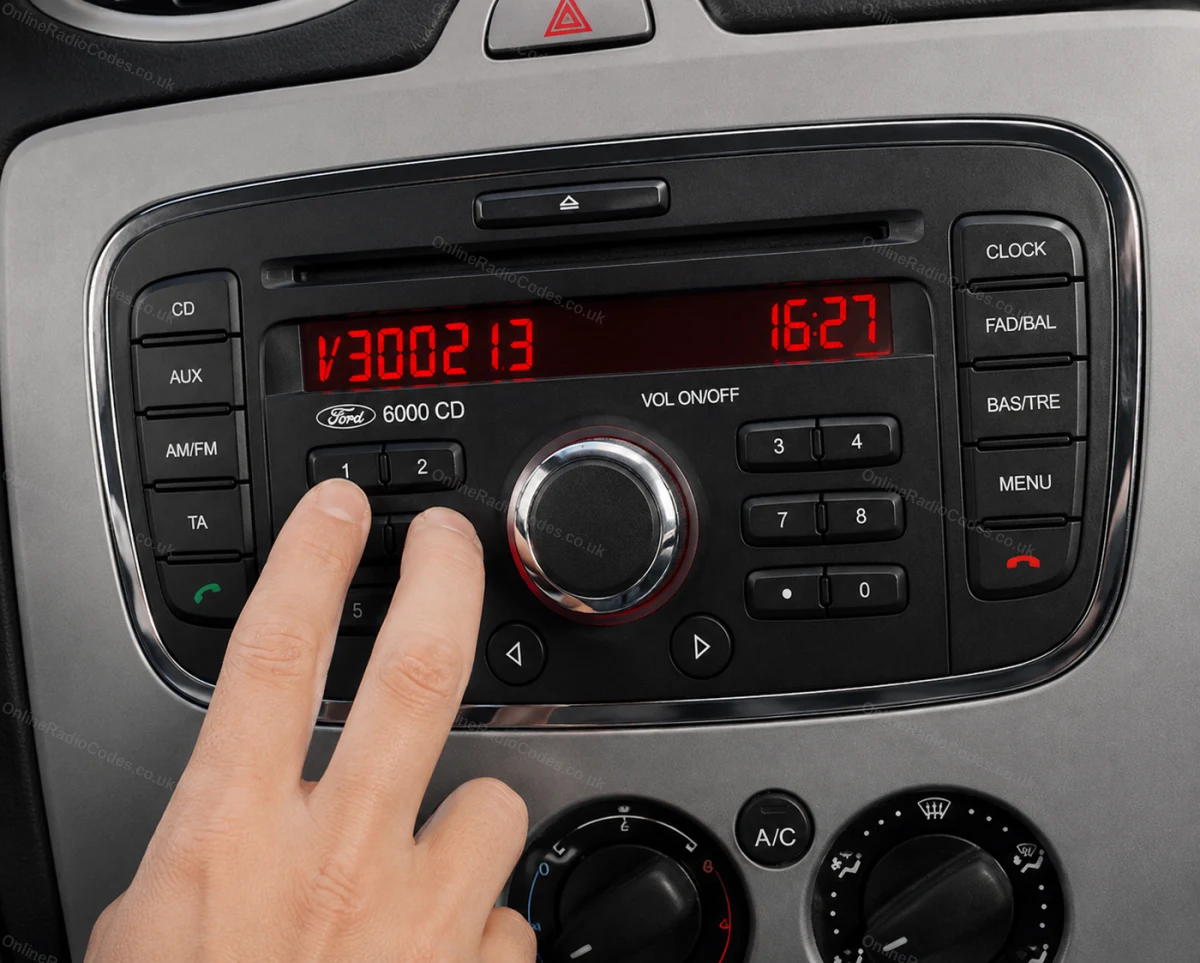
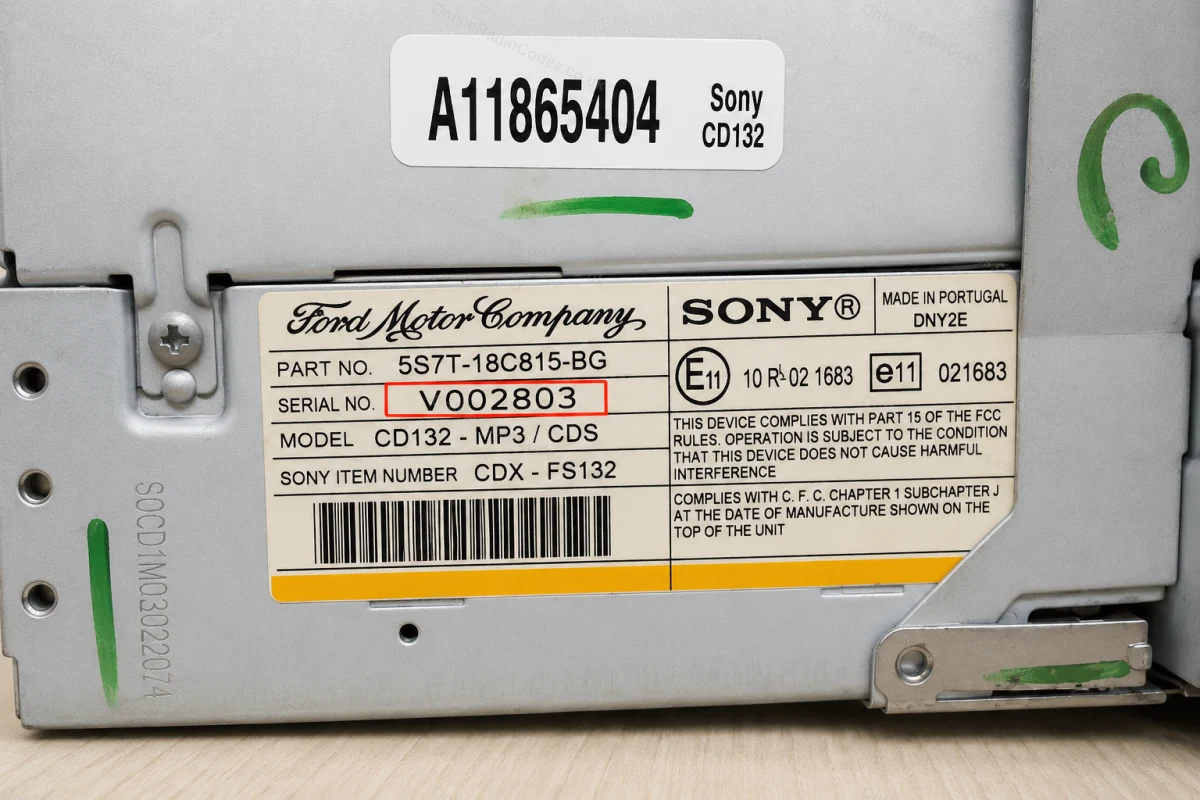
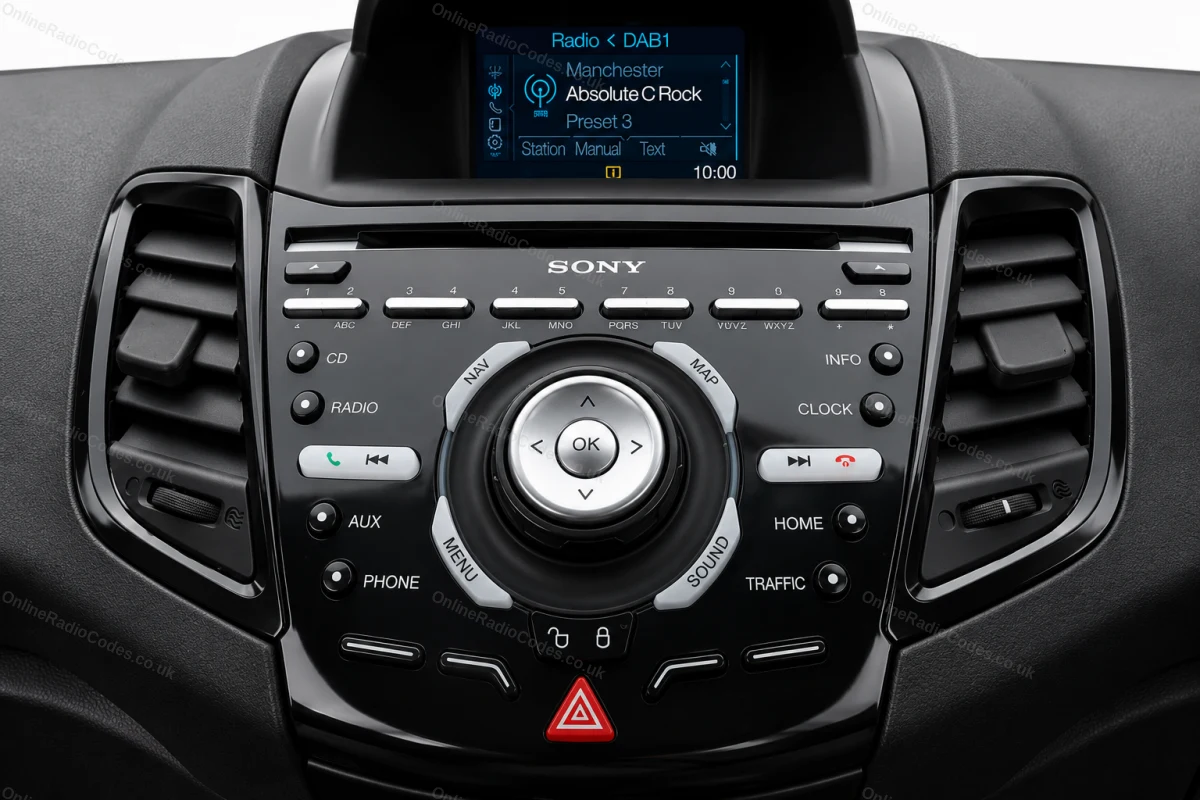
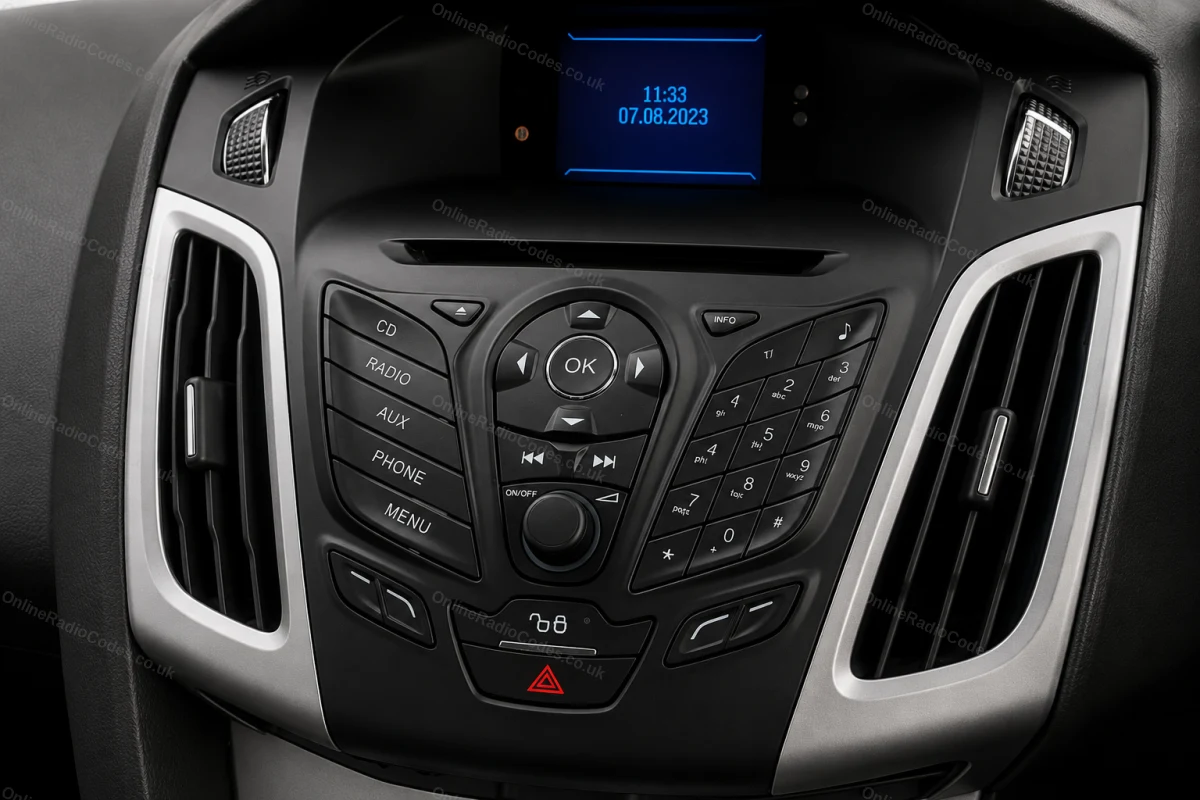
Accendere il motore e la radio. Tenere premuti contemporaneamente i pulsanti 1 e 6 per circa due secondi, finché sullo schermo non compare un codice seriale. Il codice inizia con la lettera V seguita da 6 cifre (ad es. V062049). Annotarlo esattamente. Se dopo due tentativi non compare nulla, provare invece con i pulsanti 2 e 6.
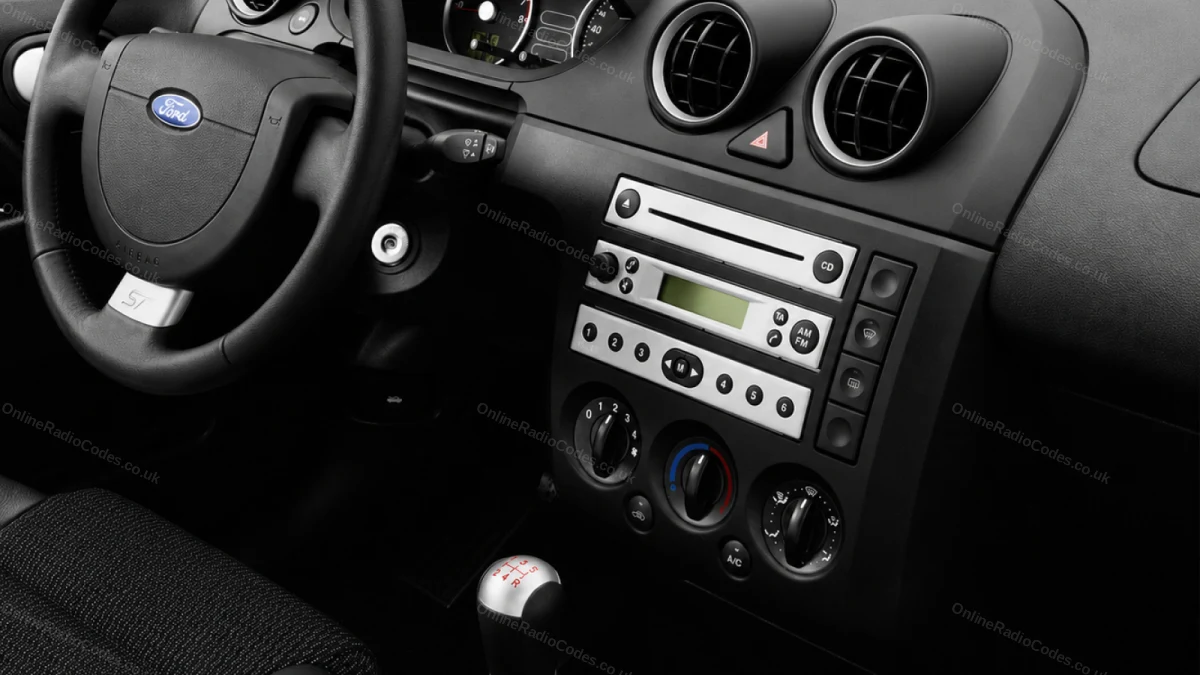
Montato su Fiesta, Focus, Mondeo, Transit, Galaxy e sulla maggior parte dei modelli Ford fino al 2008.
Serie M · Premi 2 + 6
Prendi il numero di serie dalla schermata
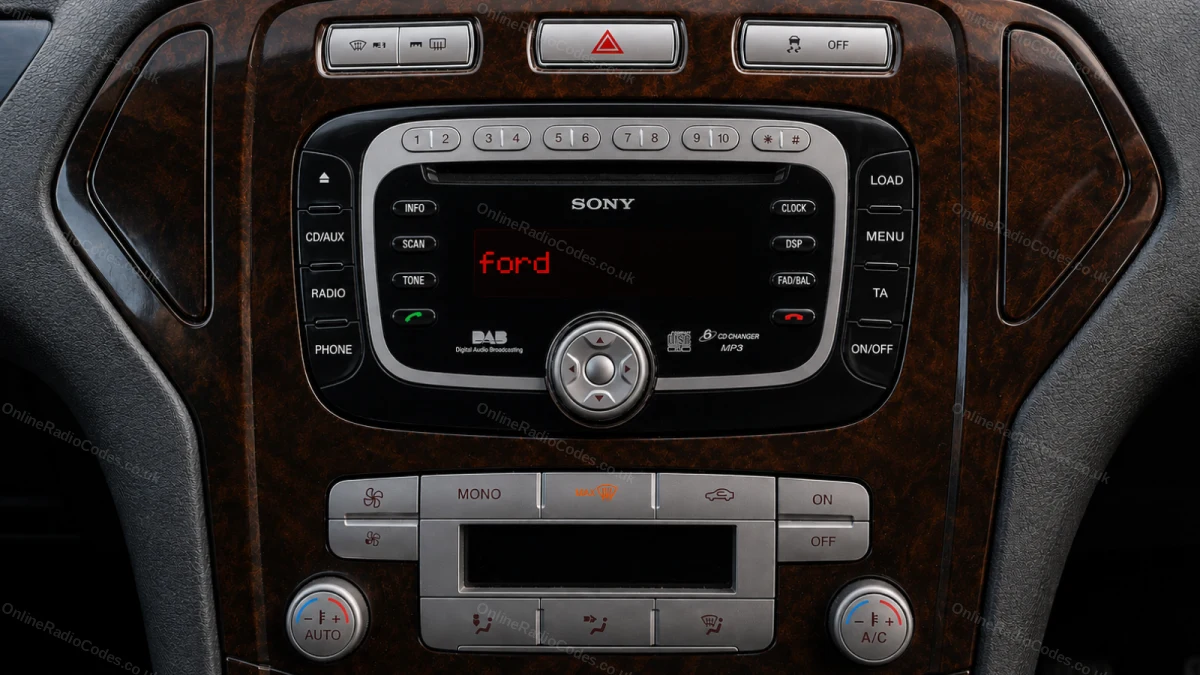
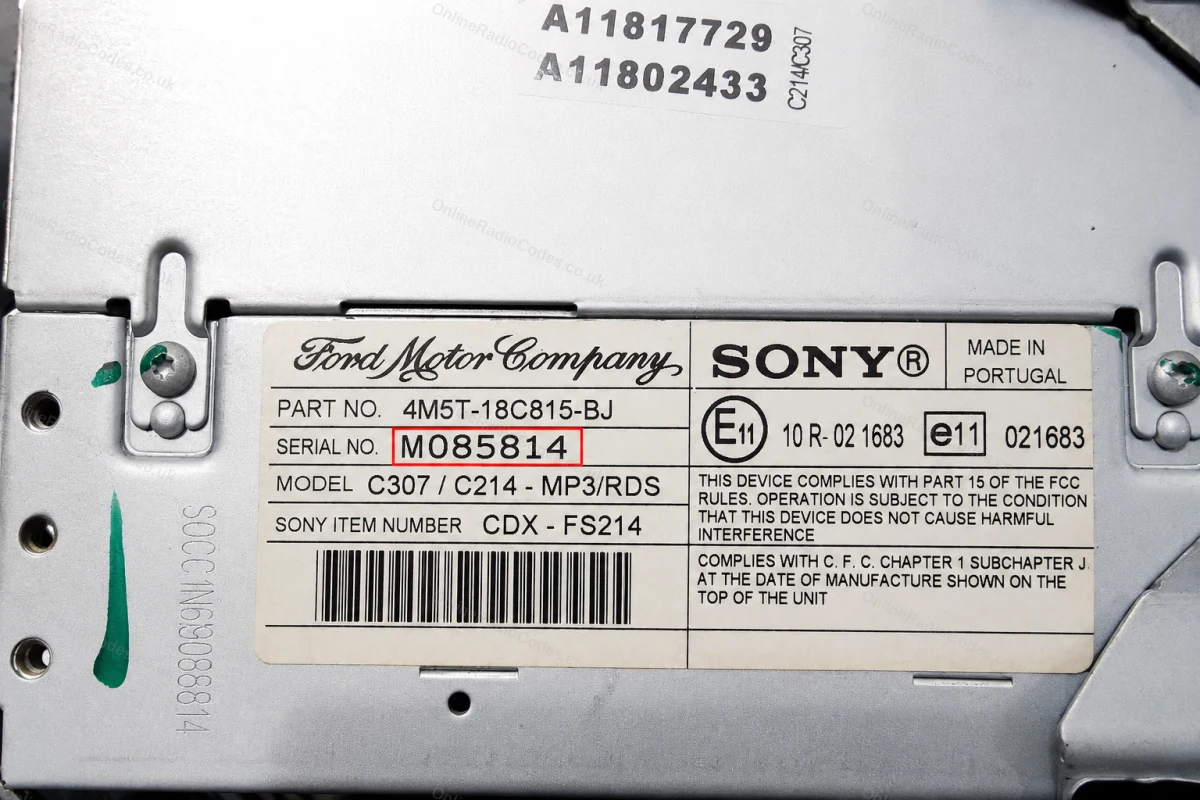
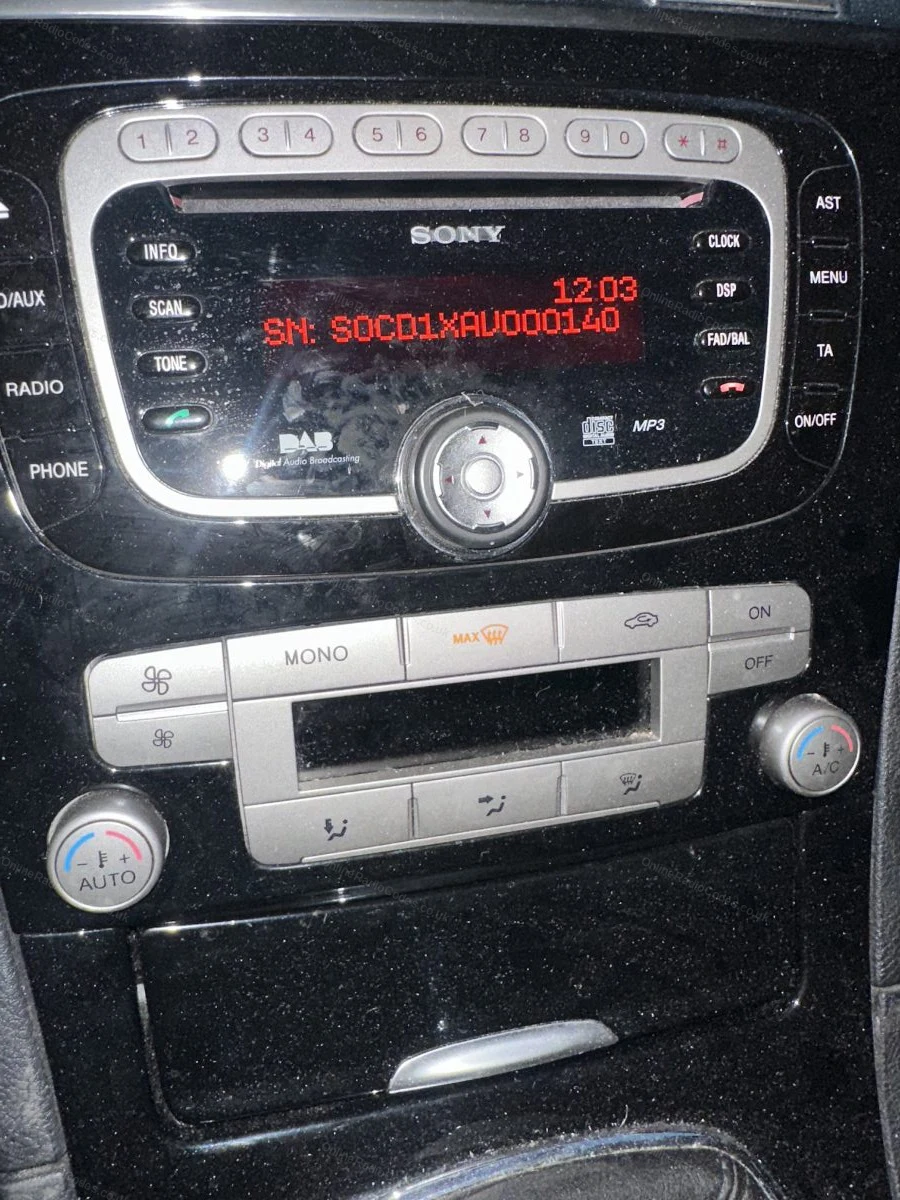
Su alcuni modelli MP3 e RDS di Sony, tenere premuti contemporaneamente i pulsanti 2 e 6 per circa due secondi. Il numero di serie inizia con la lettera M seguita da 6 cifre (ad es. M085814). Se il numero di serie appare diviso in due parti sullo schermo, uniscile in un'unica stringa senza spazi.
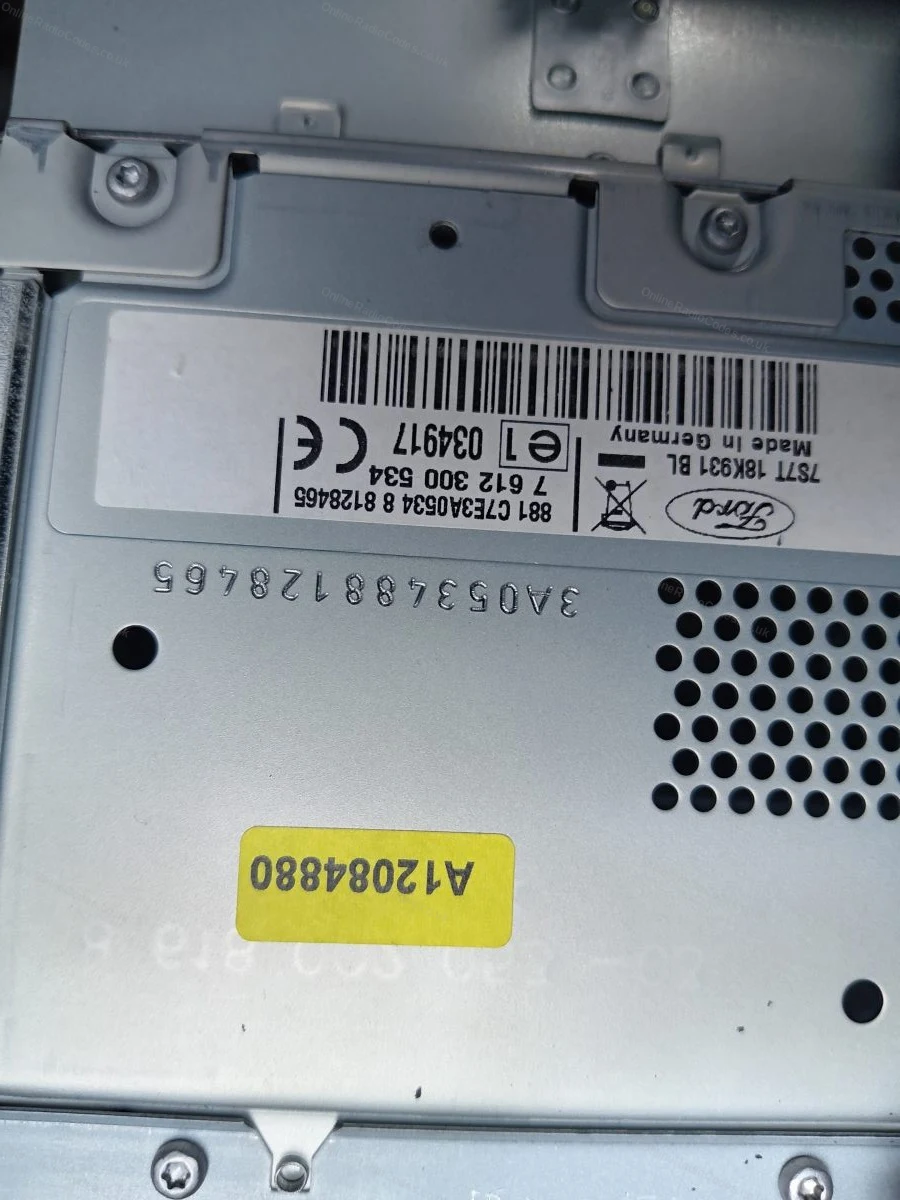
Il numero di serie che inizia con la lettera M è stampato anche sull'etichetta sul retro dell'apparecchio, nel caso dovessi smontarlo.
Rimuovere la radio
Rimuovi la radio per trovare il numero di serie
Inserire le chiavi di sgancio DIN nei quattro fori agli angoli del pannello frontale ed esercitare una leggera pressione verso l'esterno. L'unità scivola in avanti, non è necessario scollegare alcun cavo.
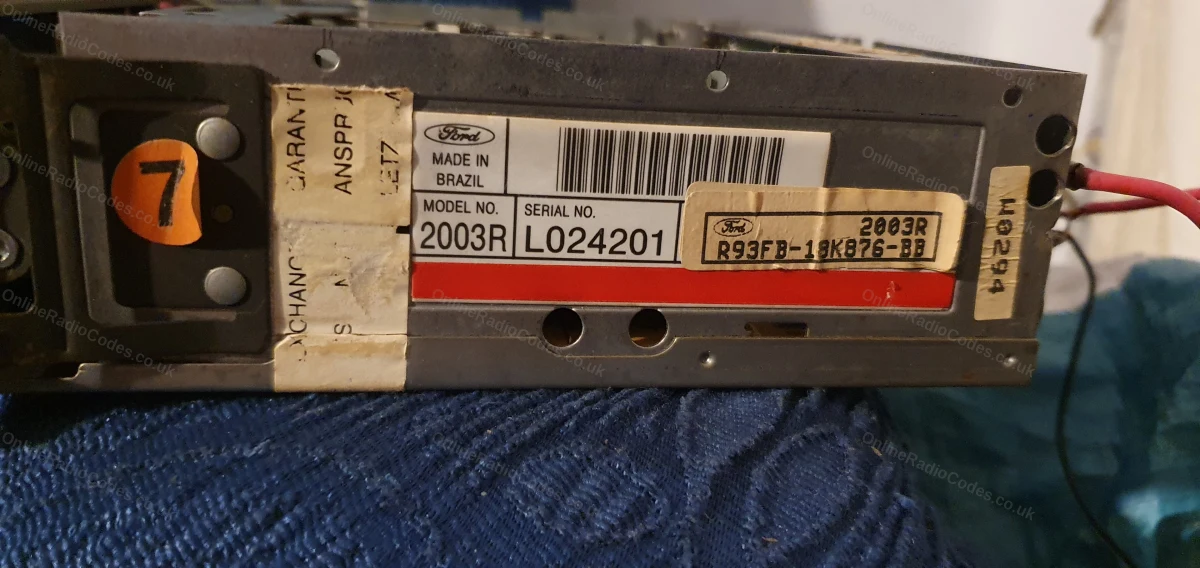
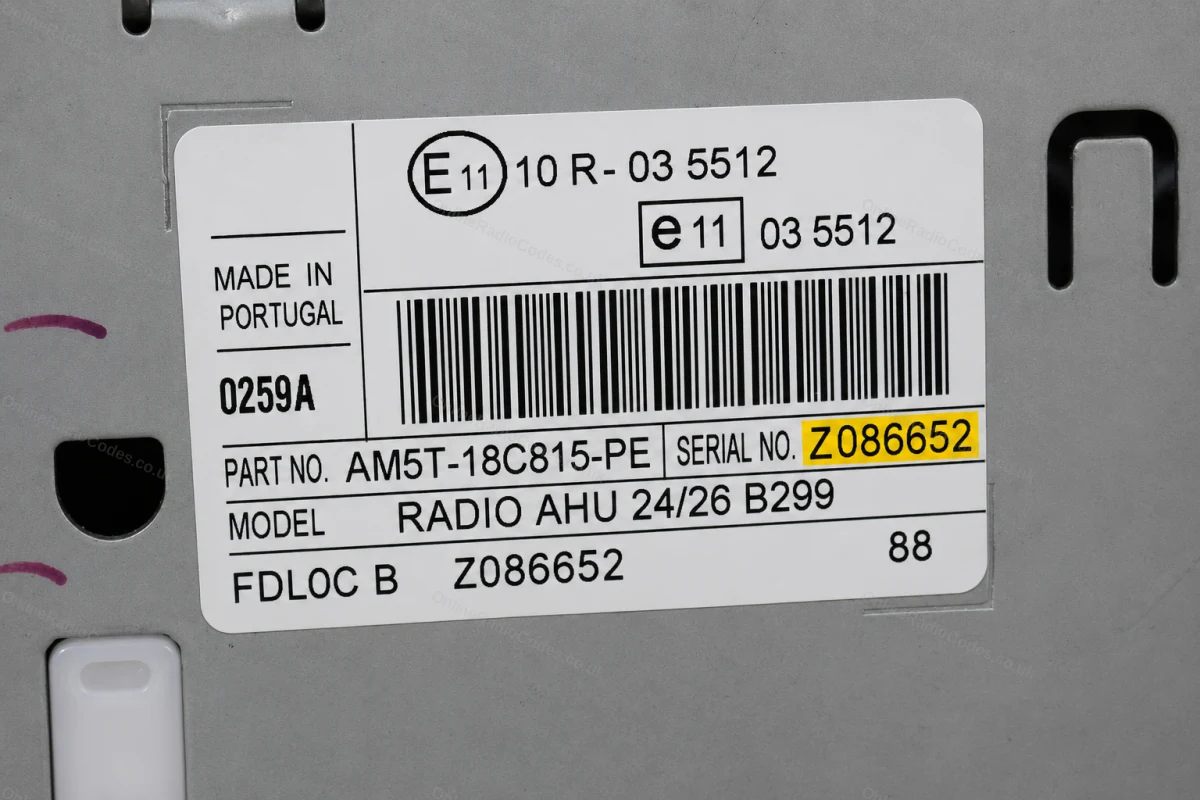
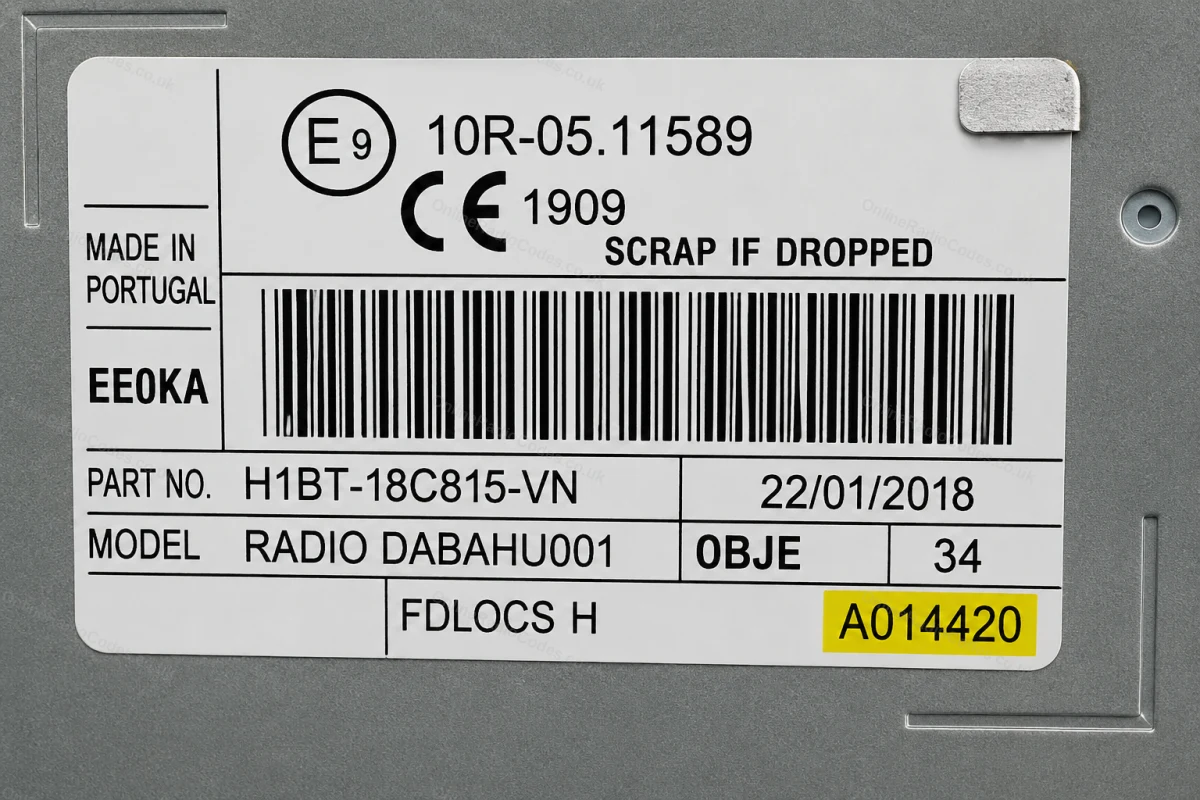
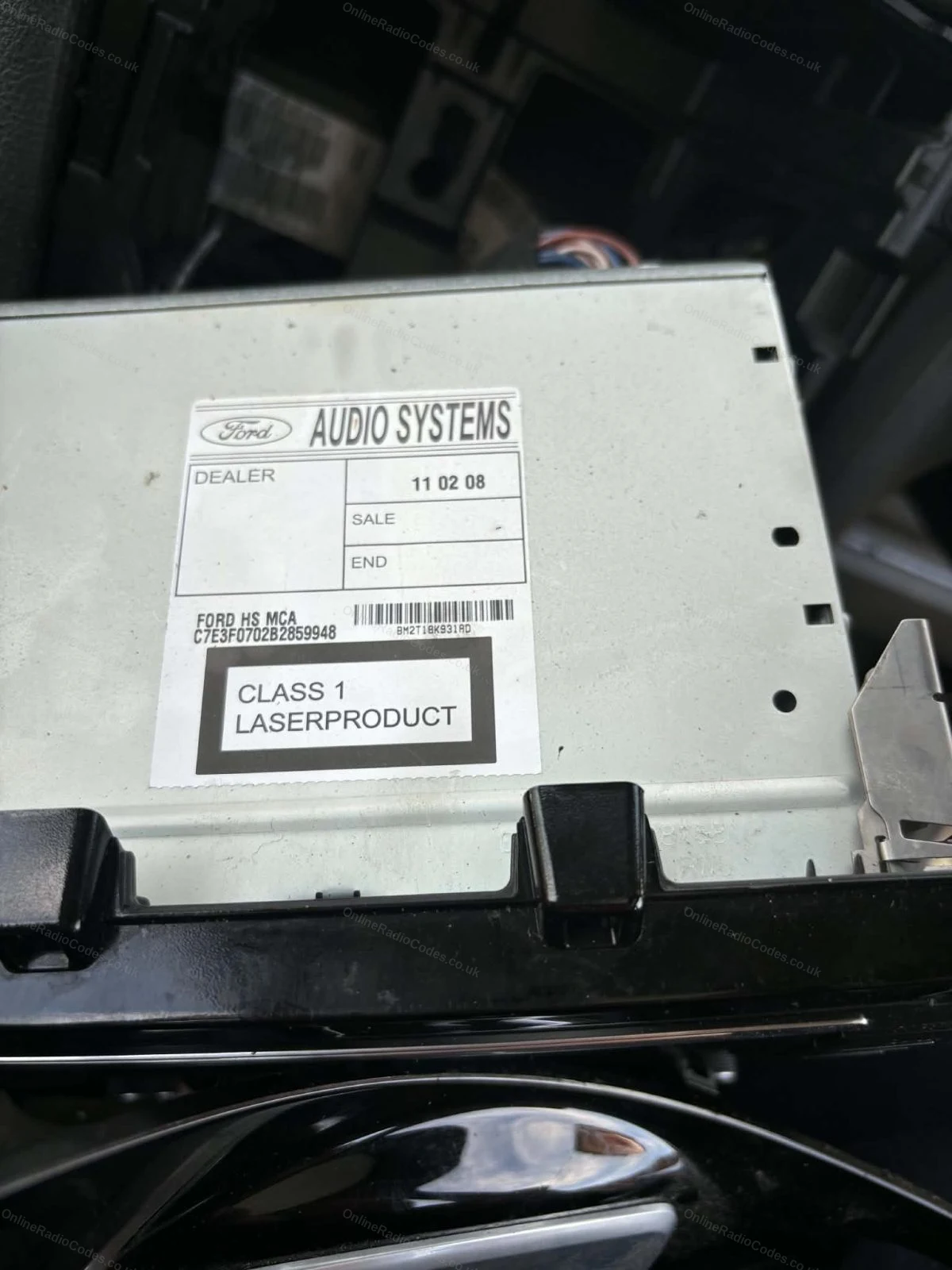
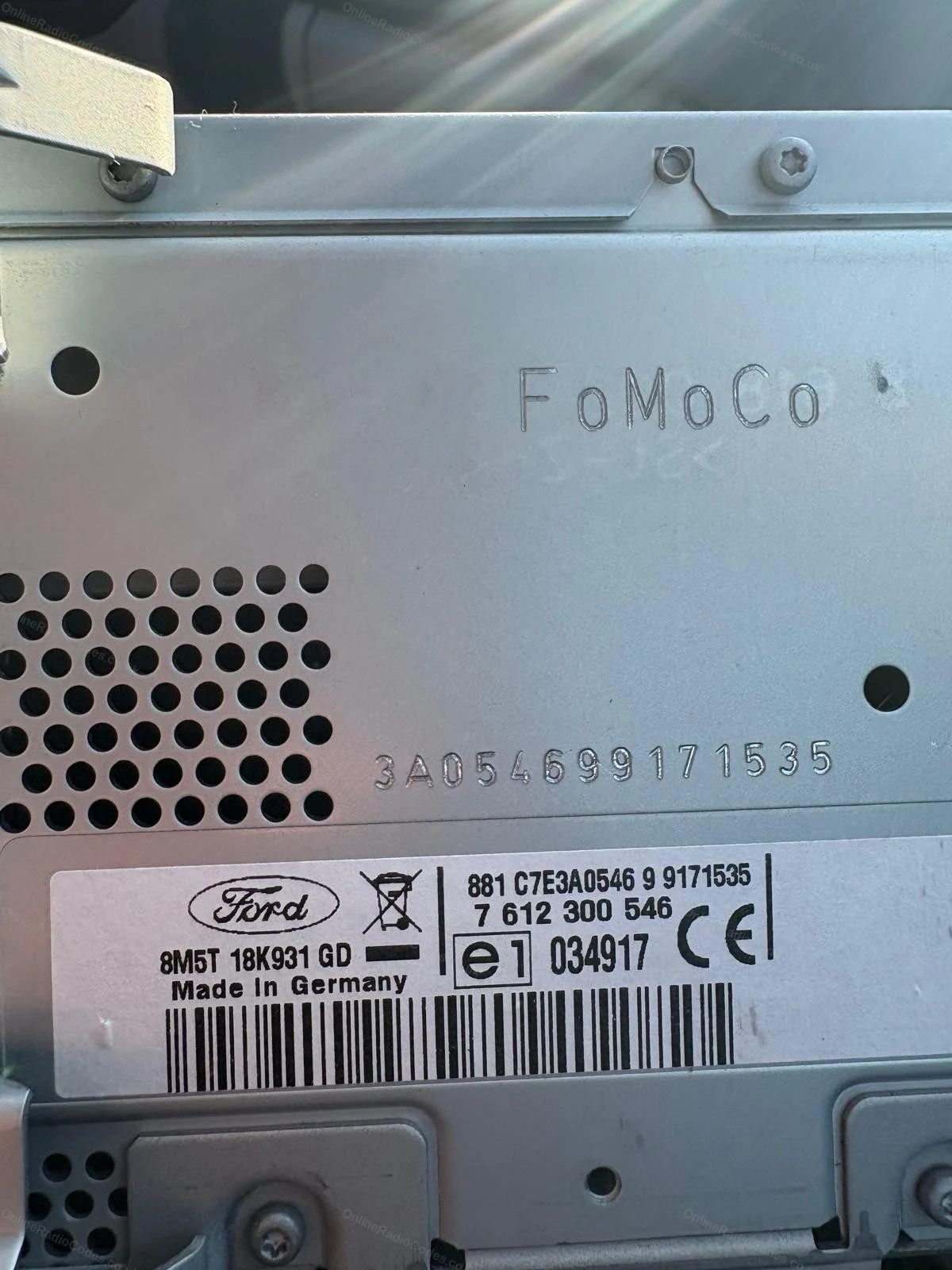
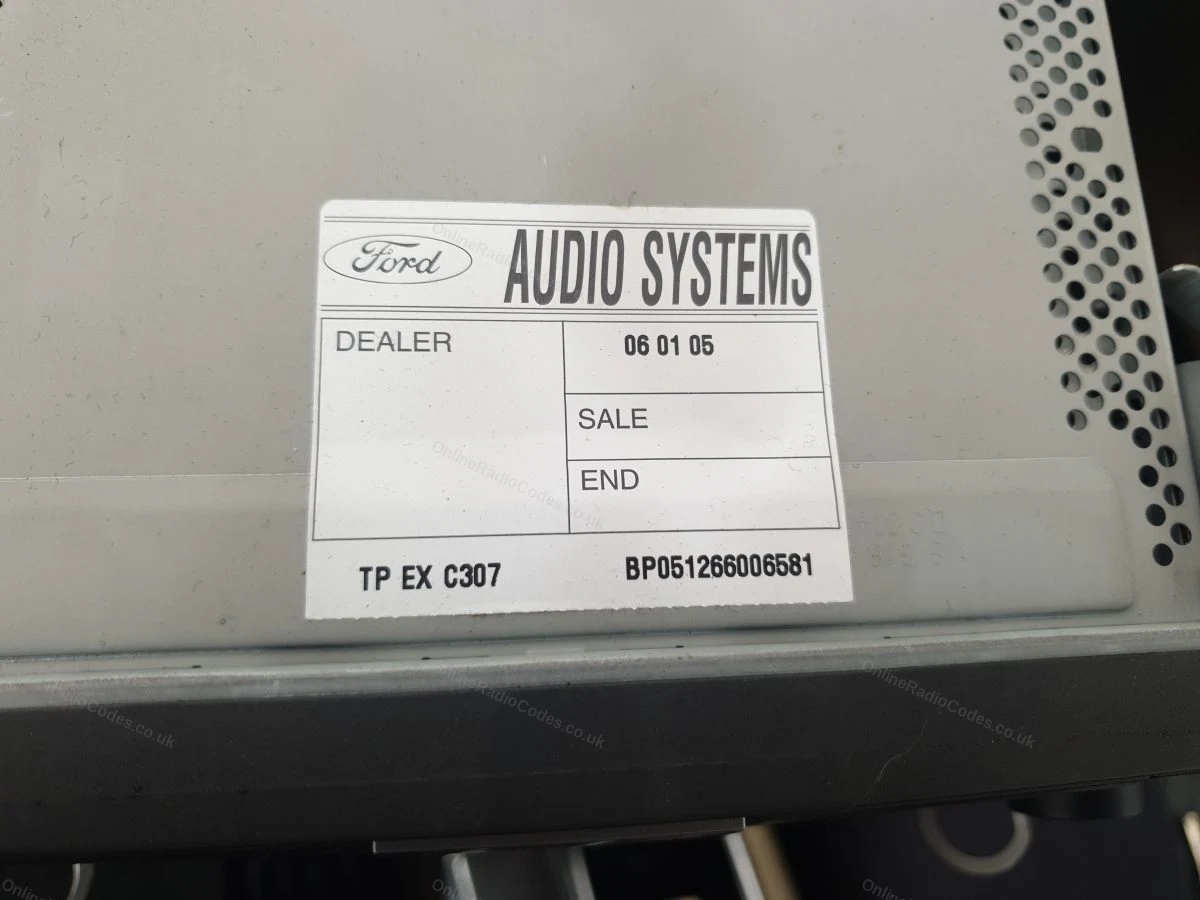
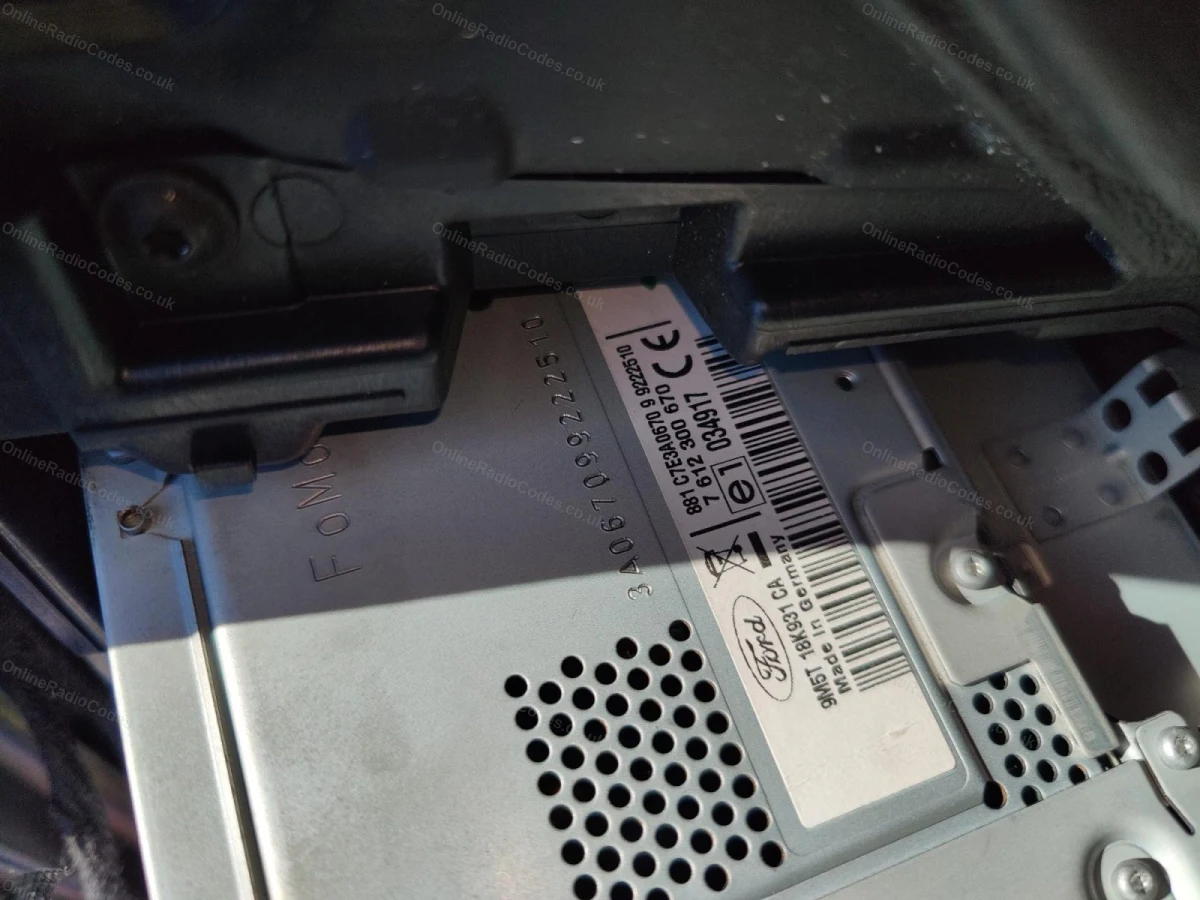
Il numero di serie si trova su un adesivo sul retro o sul lato dell'unità. Può iniziare con V, M, L, C7 o BP a seconda del produttore; inserirlo esattamente come indicato sull'etichetta, inclusa la lettera di prefisso.
MK7 / MK8 · Prefisso Z / A
Prendi il numero di serie dalla schermata
Premere i pulsanti 1 e 6 come indicato sopra. A partire dal 2008, il numero di serie inizia con la lettera Z (dal 2008 al 2017) o A (dal 2018 ad oggi), seguita da 6 cifre. Inserire tutti e 7 i caratteri, compresa la lettera iniziale. I numeri di serie con Z e A vengono decodificati utilizzando lo stesso metodo.
Montato su Fiesta MK7+, Focus MK3+, Mondeo MK4+ e sulla maggior parte dei modelli Ford dal 2008 in poi.
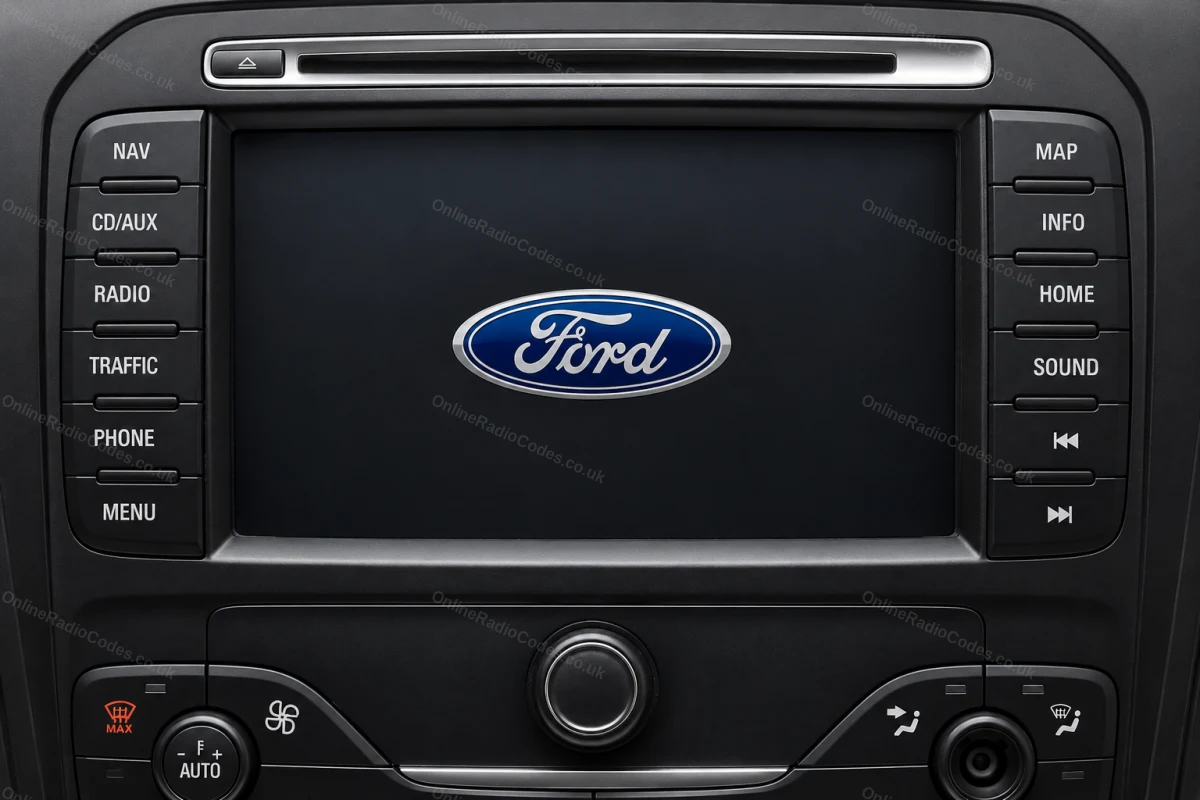
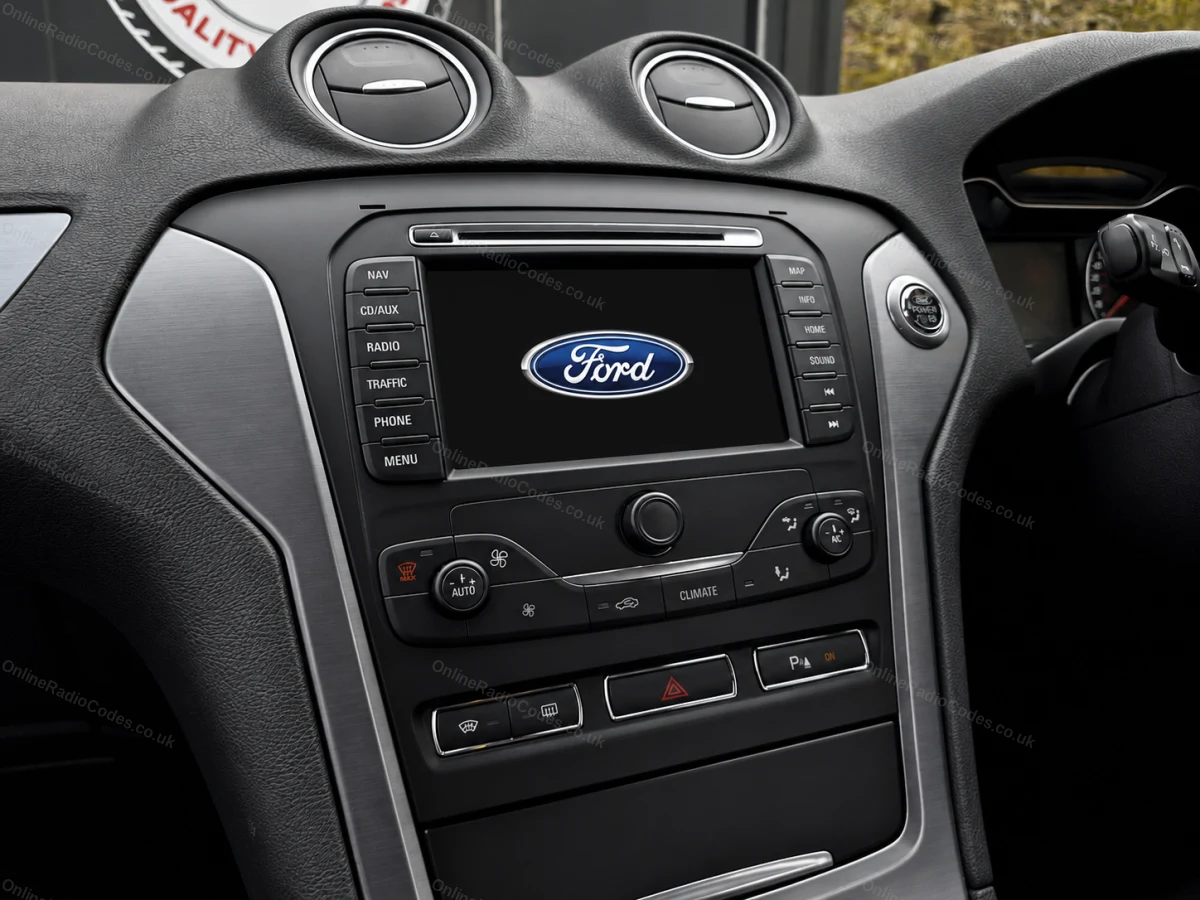
Ford TravelPilot
Rimuovi l'unità per trovare il numero di serie
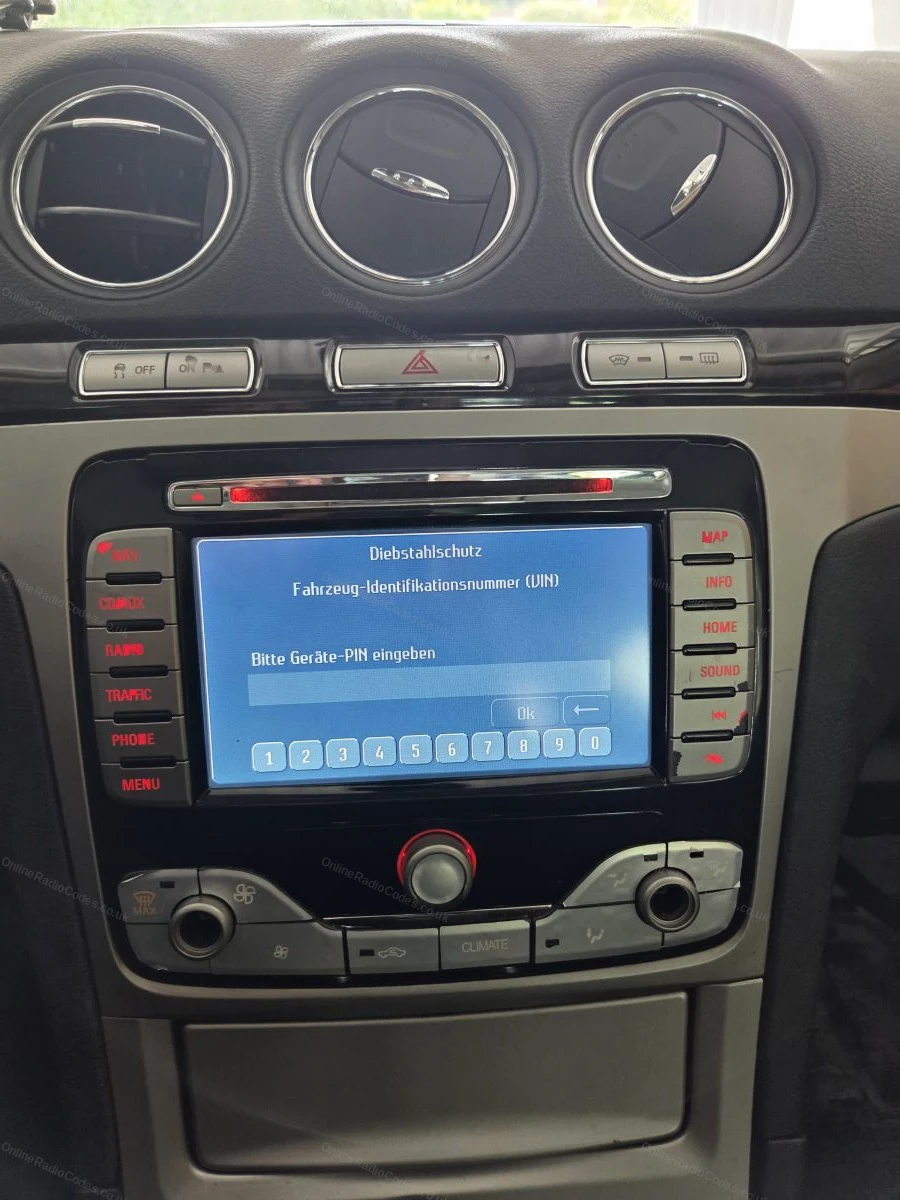
Il Ford TravelPilot è un navigatore con touchscreen integrato. Per individuare il numero di serie, è necessario rimuovere l'unità: inserire le chiavi di sgancio nei fori agli angoli e farla scorrere in avanti.
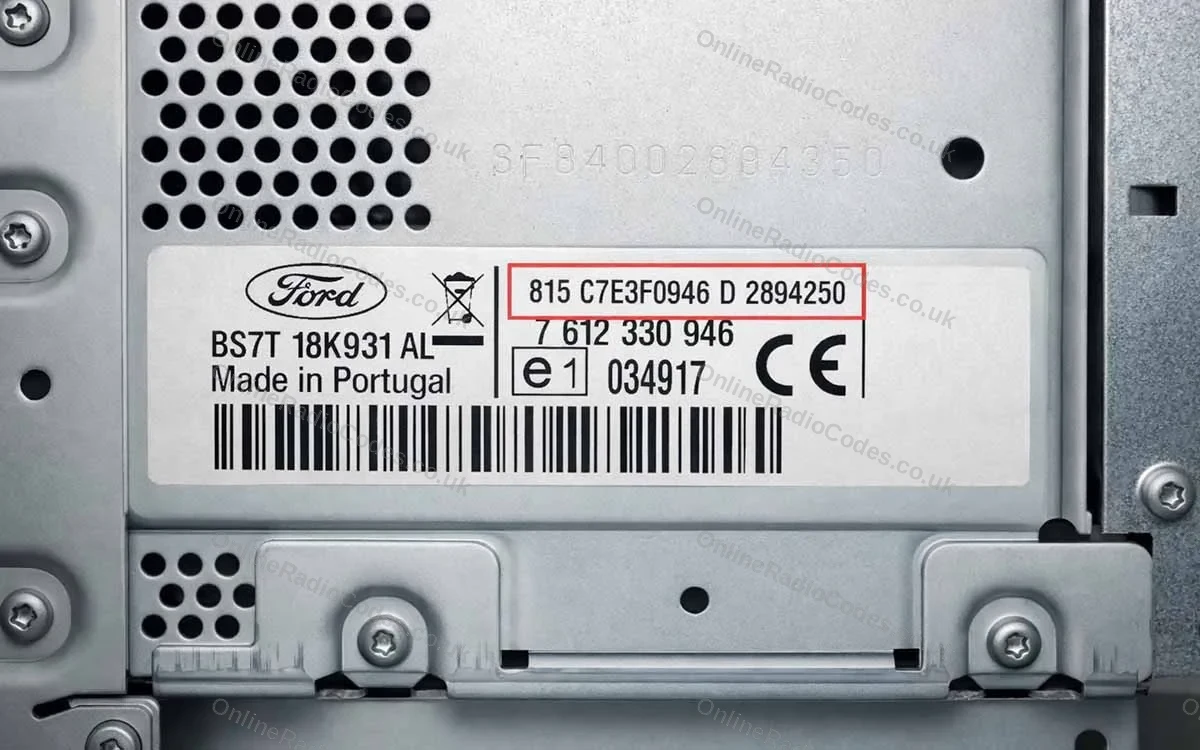
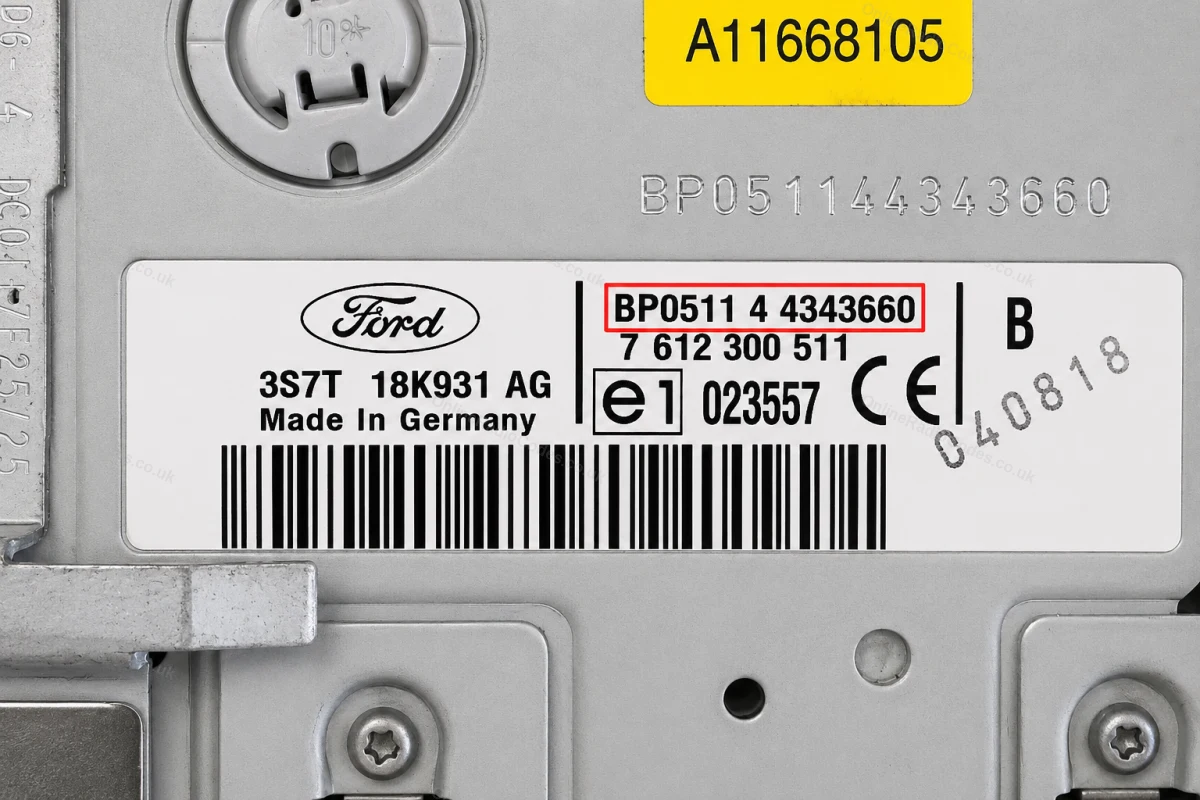
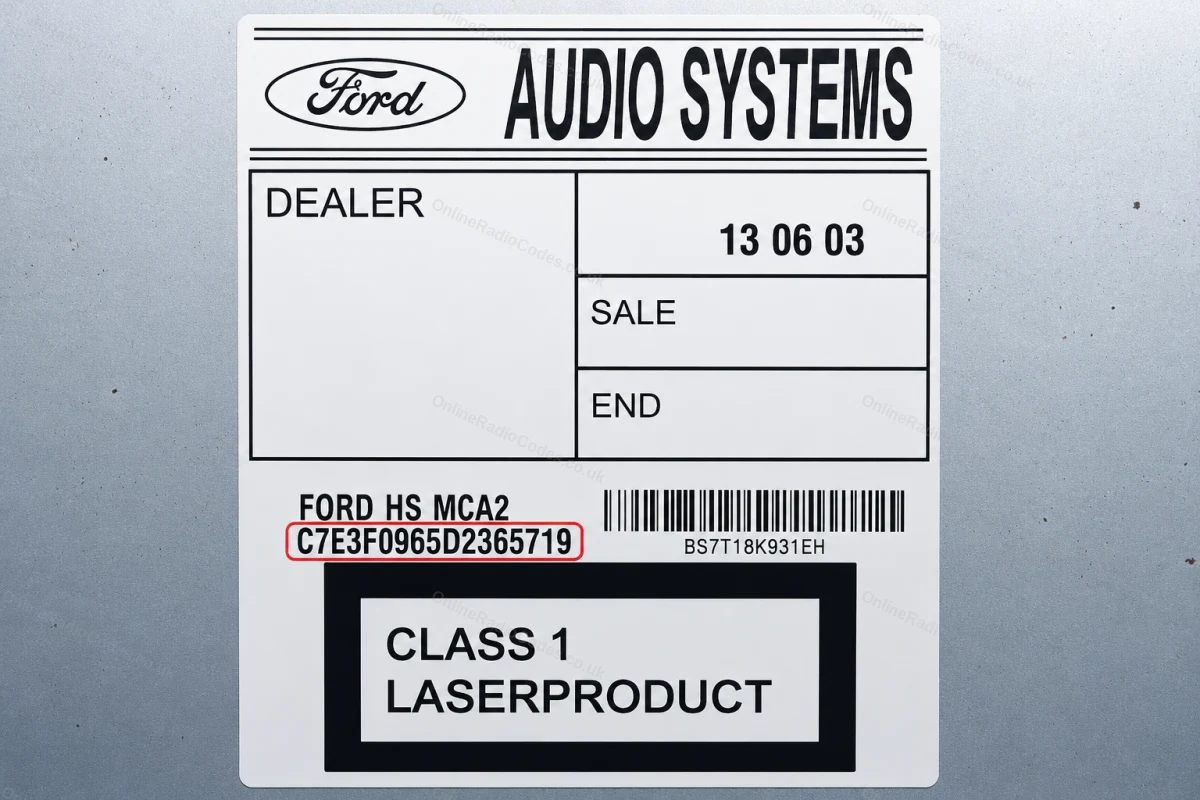
Il numero di serie è riportato su un adesivo sul retro dell'unità. Inizia con BP (2001–2007, ad es. BP0511 4 4343660) o C7 (modelli successivi, ad es. C7E3F0965D2365719). Inserire la stringa completa esattamente come mostrata, compreso il prefisso.
Come si presenta il numero di serie della radio Ford
V-Series
V123456
M-Series
M987456
Z-Series
Z435692
C7-Series
C73F0961C0536857
BP-Series
BP62034596031
Sony (SN/SOCD)
SN SOCD6X7V011473
L-Series
L033843
C-Series
C123456
Figo / Visteon
VC0AKZ13211068
Figo / Visteon (FIB)
FIB123456


















 Ford · Codici radio
 22,634 recensioni su